
1. Introduction
Welcome to the user manual for your OUKITEL C2 Unlocked Cell Phone. This guide provides essential information on setting up, operating, maintaining, and troubleshooting your device to ensure optimal performance and user experience. Please read this manual thoroughly before using your phone.
1.1 Package Contents
Upon opening your OUKITEL C2 package, please verify that all items listed below are present:
- 1 x OUKITEL C2 Phone
- 1 x Charger
- 1 x SIM Card Ejector Pin
- 1 x User Manual (this document)
- 1 x Phone Case

2. Initial Setup
2.1 SIM Card and TF Card Installation
To use cellular services and expand storage, install your Nano-SIM cards and a TF (microSD) card as follows:
- Locate the SIM card tray on the side of your phone.
- Insert the provided SIM ejector pin into the small hole next to the tray and press gently until the tray pops out.
- Place your Nano-SIM card(s) into the designated slots with the gold contacts facing down. If using a TF card, place it in its dedicated slot.
- Carefully push the tray back into the phone until it is flush with the device body.

2.2 Powering On/Off
- To Power On: Press and hold the Power button (usually on the right side) until the OUKITEL logo appears.
- To Power Off: Press and hold the Power button until the power options menu appears, then select 'Power off'.
- To Restart: Press and hold the Power button until the power options menu appears, then select 'Restart'.
2.3 Charging the Device
Before first use, it is recommended to fully charge your OUKITEL C2. Use the provided charger and USB cable.
- Connect the USB cable to the charger and plug it into a power outlet.
- Connect the other end of the USB cable to the charging port on your phone.
- The charging indicator will appear on the screen.
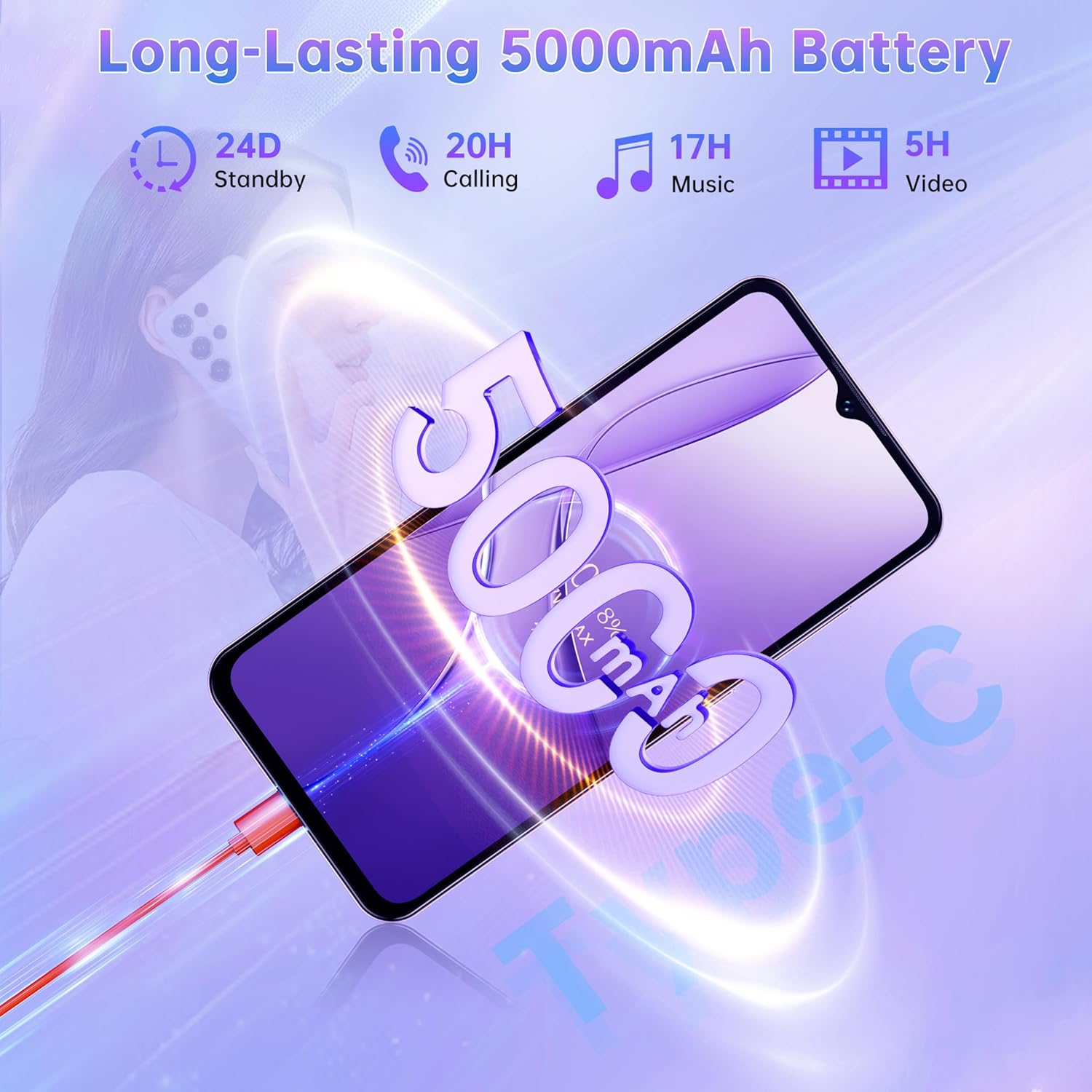
The OUKITEL C2 features a 5000mAh battery, providing extended usage times. It also supports OTG reverse charging, allowing you to use your phone to charge other compatible devices.
3. Operating Your Device
3.1 Display and Visuals
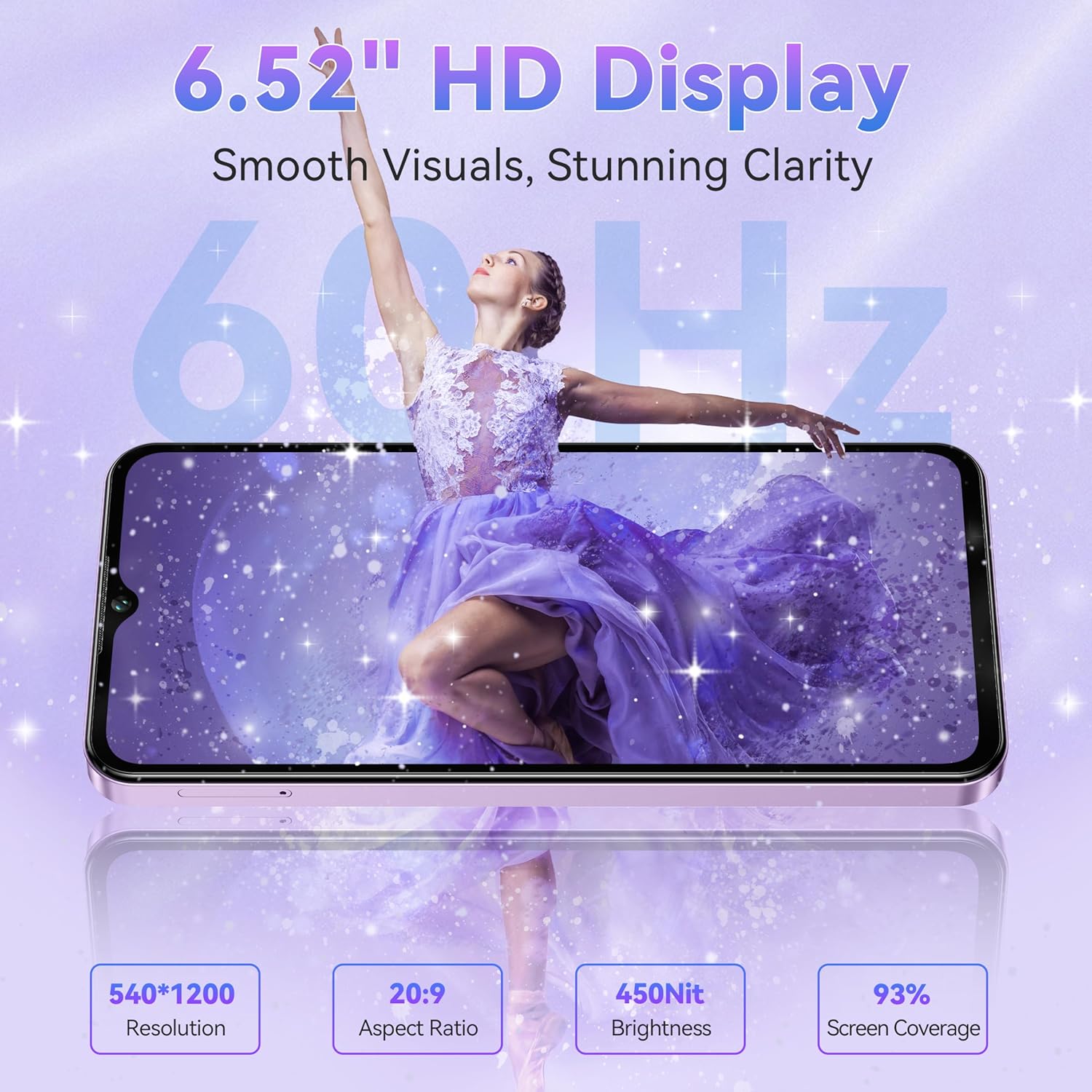
The OUKITEL C2 features a 6.52-inch HD waterdrop display, offering clear and vibrant visuals. Key display specifications include:
- Screen Size: 6.52 inches
- Resolution: HD+ (540x1200 pixels)
- Brightness: 450 nits
- Refresh Rate: 60Hz for smooth scrolling and video playback
3.2 Performance and Storage
The OUKITEL C2 is designed for efficient multitasking and ample storage:
- RAM: 16GB (4GB physical RAM + 12GB virtual expansion) for smooth app switching and performance.
- Internal Storage: 128GB, capable of storing a large number of photos, videos, and applications.
- Expandable Storage: Supports up to 1TB via TF card, providing extensive space for media and files.

3.3 Camera Functions
Capture moments with the OUKITEL C2's integrated cameras:
- Main Camera: 13MP for clear and detailed photos.
- Front Camera: 5MP for selfies and video calls.

3.4 Operating System
The OUKITEL C2 runs on Android 14, offering an enhanced user experience with improved security, smarter AI features, and faster performance.

3.5 Connectivity and Other Features
The OUKITEL C2 includes a range of connectivity options and practical features:
- Bluetooth 5.0: For stable and low-power wireless connections with accessories.
- 4G Dual SIM Dual Standby: Allows use of two SIM cards simultaneously for flexible network management.
- Face Unlock: Secure and convenient biometric authentication.
- GPS: Built-in high-precision GPS module for reliable navigation (supports GPS, GLONASS, Beidou, Galileo).
- 3.5mm Audio Jack: For traditional wired headphones and audio accessories.
- 95dB Speaker: Delivers clear call audio and powerful sound playback.
- Wi-Fi: Supports Wi-Fi 5 (2.4GHz/5GHz) for fast internet access.


4. Maintenance
4.1 Battery Care
To prolong the life and performance of your OUKITEL C2's battery:
- Avoid extreme temperatures, as they can degrade battery performance.
- Do not let the battery completely drain frequently. Charge it before it reaches very low levels.
- Use only the original charger and cable provided with your device.
- If the phone will be stored for an extended period, charge it to about 50% before storing.
4.2 Cleaning Your Device
Keep your OUKITEL C2 clean to maintain its appearance and functionality:
- Use a soft, lint-free cloth to wipe the screen and body.
- For stubborn smudges, slightly dampen the cloth with water or a screen cleaner.
- Avoid using harsh chemicals, abrasive materials, or aerosol sprays.
- Ensure no moisture enters ports or openings.
4.3 Software Updates
Regularly check for and install software updates to ensure your device has the latest features, security patches, and performance improvements. You can usually find update options in the phone's Settings menu under 'System' or 'About phone'.
5. Troubleshooting
If you encounter issues with your OUKITEL C2, try the following solutions before seeking professional assistance:
| Problem | Solution |
|---|---|
| Device does not power on | Ensure the battery is charged. Connect the charger and wait a few minutes before attempting to power on again. If unresponsive, press and hold the Power button for 10-15 seconds to force a restart. |
| Poor battery life | Close unused applications running in the background. Reduce screen brightness. Disable Wi-Fi, Bluetooth, or GPS when not in use. Check battery usage in Settings to identify power-hungry apps. |
| Cannot connect to Wi-Fi/Bluetooth | Toggle Wi-Fi/Bluetooth off and on. Restart your phone. Ensure you are within range of the network/device. Forget the network/device and reconnect. |
| Apps are slow or freezing | Close background apps. Clear app cache (Settings > Apps > [App Name] > Storage > Clear cache). Restart the phone. Ensure sufficient storage space is available. |
| Phone is unresponsive | Press and hold the Power button for approximately 10-15 seconds to force a restart. |
5.1 Factory Reset
If issues persist, a factory reset may resolve them. Warning: A factory reset will erase all data on your phone. Back up important data before proceeding.
- Go to Settings.
- Select System > Reset options.
- Choose Erase all data (factory reset).
- Confirm your decision and enter your PIN/password if prompted.
6. Specifications
Below are the technical specifications for the OUKITEL C2 Unlocked Cell Phone:
| Feature | Detail |
|---|---|
| Model Name | C2 |
| Operating System | Android 14 |
| Screen Size | 6.52 Inches |
| Resolution | 540x1200 (HD+) |
| Refresh Rate | 60 Hz |
| RAM Memory Installed Size | 16 GB (4GB physical + 12GB virtual) |
| Memory Storage Capacity | 128 GB |
| Expandable Memory | Up to 1TB via TF card |
| Battery Power Rating | 5000 mAh |
| Phone Talk Time | 35 Hours |
| Main Camera | 13 MP |
| Front Camera | 5 MP |
| Cellular Technology | 4G |
| Connectivity Technologies | Bluetooth 5.0, Wi-Fi (2.4GHz/5GHz) |
| GPS | True (GPS, GLONASS, Galileo, Beidou) |
| Audio Jack | 3.5 mm |
| Special Features | Built-In GPS, Dual SIM, Expandable Memory, Stereo Speakers, Face Unlock, OTG Reverse Charging |
| Item Weight | 15.2 ounces |
| Package Dimensions | 9.29 x 6.73 x 2.8 inches |
7. Warranty and Support
7.1 Product Warranty
Your OUKITEL C2 device is covered by a standard manufacturer's warranty. Please refer to the warranty card included in your package or visit the official OUKITEL website for detailed terms and conditions regarding warranty coverage, duration, and claims procedures.
7.2 Customer Support
For further assistance, technical support, or inquiries not covered in this manual, please contact OUKITEL customer support through their official website or the contact information provided in your warranty documentation. When contacting support, please have your device model (C2) and purchase details readily available.