
1. Introduction
This manual provides essential information for the safe and efficient operation of your Polocsh 4K Smart Projector. Please read it thoroughly before using the device and retain it for future reference. This projector offers native 1080P resolution with 4K and HDR10+ support, integrated streaming services, intelligent auto-screen adjustment, and advanced connectivity options for a versatile entertainment experience.
2. What's in the Box
- Projector
- HDMI Cable
- Remote Control
- User Manual
Video Description: An unboxing video demonstrating the contents of the Polocsh Mini Projector package, including the projector unit, remote, cables, and user manual.
3. Product Overview
The Polocsh 4K Smart Projector is a compact and versatile device designed for both indoor and outdoor use. It features a native 1080P resolution with support for 4K content and HDR10+, delivering vibrant and clear images. The projector integrates Google TV, providing access to over 10,000 apps and voice control capabilities. Its portable design includes a 360° horizontal and 270° vertical pan/tilt head for flexible projection angles.

Image Description: The Polocsh 4K Smart Projector displaying its Google TV interface with various streaming apps like Netflix, Prime Video, and YouTube, along with auto-focus and voice control icons.
Key Features:
- Native 1080P Resolution: Supports 4K and HDR10+ for enhanced image quality.
- Integrated Google TV: Access to over 10,000 apps and 800+ free live channels.
- Voice Control: Hands-free operation via Google Assistant.
- Intelligent AI Auto Screen Adjustment: Auto Focus, Auto Keystone Correction, Digital Zoom (50%-100%).
- Seamless Connectivity: WiFi 6 and Bluetooth 5.3 for fast streaming and audio connections.
- Portable Design: 360° horizontal and 270° vertical pan/tilt head for flexible projection.
4. Setup
4.1 Initial Power On
- Connect the power cable to the projector and a power outlet.
- Press the power button located on the top of the projector. The projector will initiate its startup sequence.
4.2 Google Quick Setup
Upon first startup, the projector will guide you through the Google Quick Setup process. This typically involves:
- Connecting to your Wi-Fi network.
- Logging in with your Google account (optional, but recommended for full app access).
- Following on-screen prompts to complete the initial setup.
4.3 Image Adjustment
The projector features intelligent AI auto-screen adjustment for optimal viewing.
- Auto Focus: The projector will automatically adjust for a sharp image upon startup or movement.
- Auto Keystone Correction: The image will automatically square itself from various projection angles.
- Digital Zoom: Adjust the screen size from 50% to 100% using the remote control without moving the projector.

Image Description: A visual representation of the projector's AI Full-Scope Visual Calibration, highlighting Auto Focus, Auto Keystone Correction, and Digital Zoom features for quick and clear setup.
Video Description: A video demonstrating the instant setup and streaming hub capabilities of the Polocsh Smart Projector, including its auto-focus feature.
5. Operating Instructions
5.1 Remote Control
The included remote control allows for easy navigation and control of the projector's functions. It features dedicated buttons for popular streaming apps like Netflix, YouTube, and Prime Video, as well as a microphone button for voice commands.
5.2 Accessing Streaming Apps
With Google TV built-in, you can directly access a vast library of streaming applications. Simply navigate to the 'Apps' section on the home screen to browse and download your favorite services. No external streaming stick is required.
5.3 Voice Control
Utilize the integrated voice assistant for hands-free control. Press the microphone button on your remote and speak commands to search for content, adjust settings, or open applications.

Image Description: A user interacting with the Polocsh 4K Smart Projector using voice commands, illustrating the ease of finding content and controlling the device hands-free.
5.4 Screen Mirroring
The projector supports wireless screen mirroring from Android and iOS devices, allowing you to cast content directly from your smartphone or tablet to the large screen.
6. Connectivity
The Polocsh 4K Smart Projector offers multiple connectivity options:
- WiFi 6: Provides ultra-fast and stable wireless internet connection for smooth streaming and gaming.
- Bluetooth 5.3: Connect to external Bluetooth speakers, headphones, or other audio devices for enhanced sound.
- HDMI Port: For connecting external devices such as gaming consoles (PS5/Switch), Blu-ray players, or laptops.
- USB Port: For playing media directly from USB drives.
- 3.5mm Audio Jack: For wired audio output to headphones or external speakers.
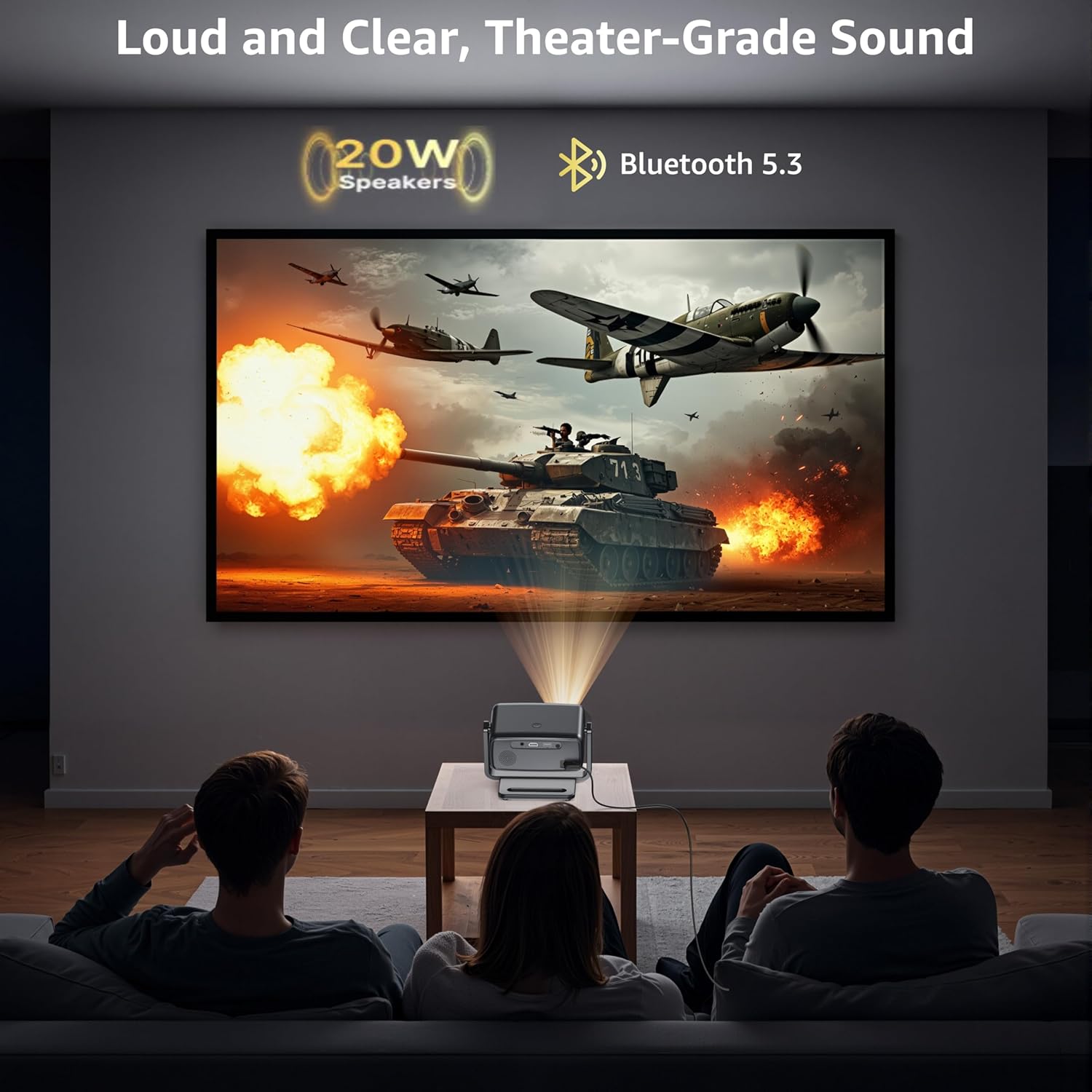
Image Description: A detailed view of the Polocsh 4K Smart Projector's rear panel, highlighting the HDMI, USB, and 3.5mm audio ports for connecting various devices.
Video Description: An instructional video from Polocsh Official demonstrating the steps to connect Bluetooth devices to the projector.
7. Maintenance
- Lens Cleaning: Use a soft, lint-free cloth and lens cleaning solution to gently clean the projector lens. Avoid abrasive materials.
- Ventilation: Ensure the projector's ventilation openings are clear and unobstructed to prevent overheating.
- Storage: When not in use, store the projector in a cool, dry place, away from direct sunlight and extreme temperatures.
8. Troubleshooting
- No Image: Check power connection, ensure the lens cap is removed, and verify input source selection.
- Blurry Image: Allow auto-focus to complete. If still blurry, manually adjust focus via settings if available. Ensure projection surface is flat.
- No Sound: Check volume levels on both the projector and connected devices. Verify audio output settings and Bluetooth connections.
- Connectivity Issues: Ensure Wi-Fi is enabled and correctly configured. For Bluetooth, ensure the device is in pairing mode and within range.
9. Specifications
| Feature | Specification |
|---|---|
| Brand | Polocsh |
| Display Resolution | 1920 x 1080 (Native 1080P, 4K Support) |
| Connectivity Technology | HDMI, USB, Wi-Fi 6, Bluetooth 5.3 |
| Special Features | 10,000+ Apps (Android TV OS), 270° Portable Rotating Stand, Auto Focus/Keystone, HDR10+, Voice Control |
| Recommended Uses | Gaming, Home Cinema, Indoor/Outdoor |
| Item Weight | 2.84 pounds |
| Product Dimensions | 6 x 6 x 3.63 inches |
10. Warranty and Support
For warranty information and technical support, please refer to the documentation included with your product or visit the official Polocsh website. Keep your purchase receipt for warranty claims.


