
1. Product Overview
The Tauboly WH36 is a discreet indoor security camera designed to resemble a smoke detector, providing 1080P HD video surveillance. It features WiFi connectivity for app control, motion detection with instant alerts, and night vision capabilities for 24/7 monitoring. This device is intended for video recording only and does not function as a smoke detector.
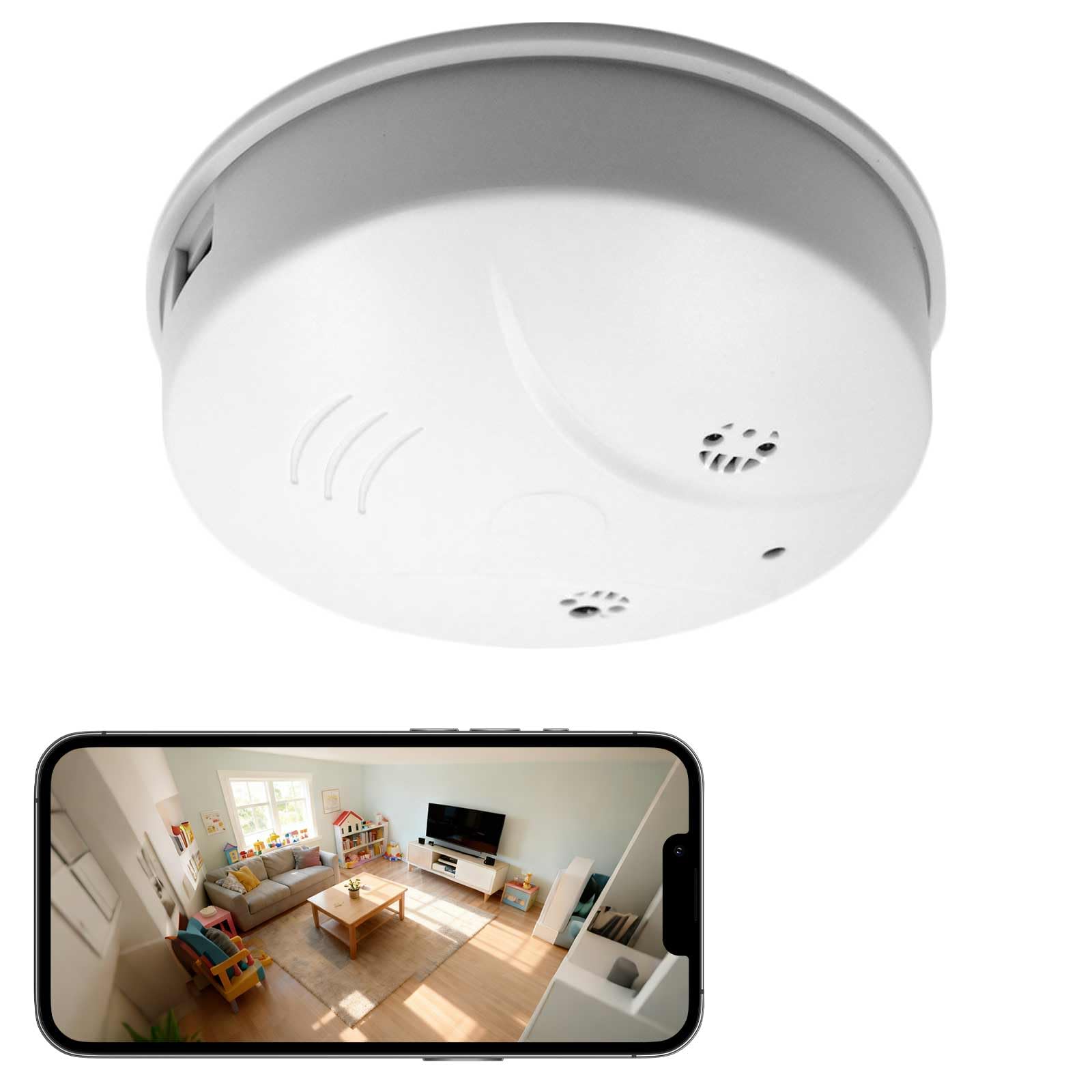
Image 1.1: Tauboly WH36 Smoke Detector Camera with icons illustrating WiFi, App Control, Message Alerts, Motion Detection, Live Viewing, Recording, 1080P HD, and Night Vision features.
2. Package Contents
Please verify that all items are present in your package:
- Tauboly WH36 Smoke Detector Camera
- USB Charging Cable
- Mounting Screws and Anchors
- User Manual
3. Setup Guide
3.1 Charging the Device
Before initial use, fully charge the camera using the provided USB cable and a standard 5V USB power adapter (not included). The camera can also record while charging, ensuring continuous operation.
3.2 Physical Installation
- Choose a suitable indoor location for surveillance. The camera is designed for discreet placement, often on a ceiling or high wall.
- Use the included mounting screws and anchors to securely attach the camera base to the desired surface.
- Attach the camera unit to the mounted base, ensuring it clicks into place.

Image 3.2: The Tauboly WH36 Smoke Detector Camera with dimensions (4.3 inches by 4.3 inches) and a hand demonstrating how to open the device, illustrating its size and design.
3.3 App Download and Connection
- Download the recommended mobile application (e.g., 'Tuya Smart' or 'Smart Life') from your smartphone's app store (iOS or Android).
- Register for an account and log in.
- Power on the camera. Follow the in-app instructions to add a new device. This typically involves scanning a QR code on the camera or selecting the device type manually and connecting to its temporary WiFi hotspot before linking it to your home WiFi network.
- Ensure your smartphone is connected to a 2.4GHz WiFi network during the setup process, as the camera may not support 5GHz networks.
4. Operating Instructions
4.1 Live View and Playback
Once connected, open the app to access the live video feed from your camera. You can also review recorded footage stored on a microSD card (not included) or cloud storage (if subscribed).

Image 4.1: A person viewing live camera footage of a dog on a smartphone, with smaller insets showing the camera monitoring children and an elderly person, demonstrating live view and replay.
4.2 Motion Detection and Alerts
The camera is equipped with motion detection. When movement is detected, the camera will automatically begin recording and send an instant push notification to your smartphone via the app. Sensitivity settings can typically be adjusted within the app.

Image 4.2: A smartphone displaying "TUYA SMART Movement detected" notifications, with a corgi dog highlighted by a motion detection grid in the background, illustrating motion detection alerts.
4.3 Night Vision Function
The camera features infrared (IR) LEDs for night vision, allowing it to capture clear video footage even in low-light or completely dark conditions. This function activates automatically when ambient light levels are insufficient.
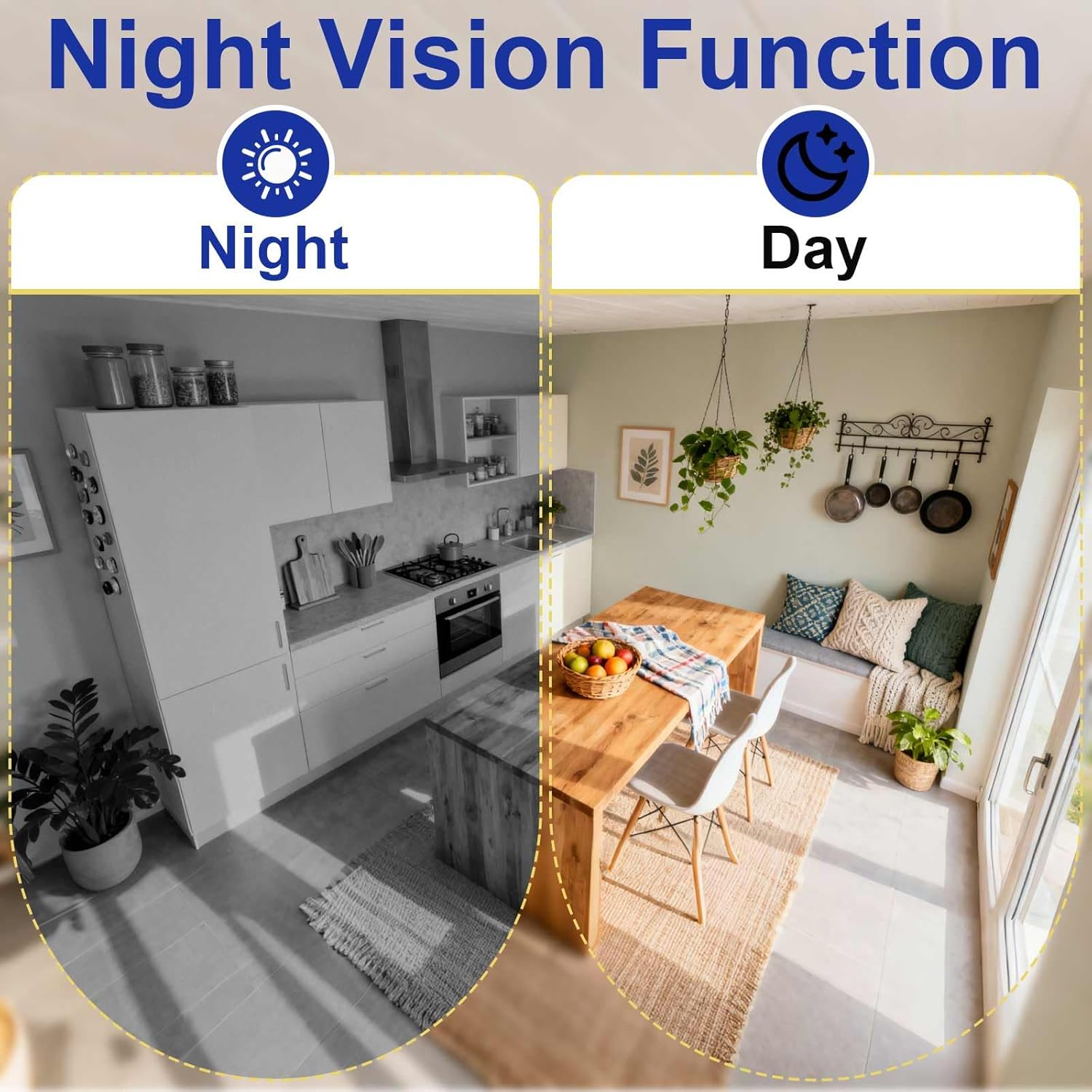
Image 4.3: Split image showing a kitchen scene in grayscale (night vision) and full color (day vision), illustrating the camera's night vision capability.
4.4 Video Quality
The camera records in 1080P HD resolution, providing clear and detailed video. You can often adjust the resolution settings within the app to optimize for storage or network bandwidth.

Image 4.4: A side-by-side comparison of a cat on a couch, showing the difference between 1080P HD and 720P video quality.
4.5 Recording and Storage
The camera supports local storage via a microSD card (up to 32GB, not included). It typically features loop recording, which means older footage is automatically overwritten when the card is full. Ensure the microSD card is inserted correctly before use.
5. Maintenance
- Cleaning: Gently wipe the camera lens and exterior with a soft, dry cloth. Avoid using harsh chemicals or abrasive materials.
- Storage: If storing the camera for an extended period, ensure it is fully charged and stored in a cool, dry place.
- Battery Care: For optimal battery life, avoid extreme temperatures and fully charge the device periodically if not in continuous use.
6. Troubleshooting
- Camera not connecting to WiFi: Ensure your router is broadcasting a 2.4GHz network. Check that the WiFi password is entered correctly. Move the camera closer to the router during setup.
- No video feed: Check if the camera is powered on and connected to WiFi. Restart the camera and the app.
- Motion alerts not received: Verify that motion detection is enabled in the app settings and that app notifications are allowed on your smartphone.
- Short battery life: The camera is primarily designed for continuous power. While it has a built-in battery for portability or temporary use, for 24/7 surveillance, it is recommended to keep it connected to a power source.
- SD card not recording: Ensure the microSD card is inserted correctly, formatted (if necessary, via the app), and not full. Replace the card if it is damaged.
7. Specifications
| Feature | Specification |
|---|---|
| Brand | Tauboly |
| Model Name | WH36 |
| Video Capture Resolution | 1080p |
| Connectivity Technology | Wireless (Wi-Fi) |
| Special Features | HD Resolution, Night Vision, Motion Detection |
| Indoor/Outdoor Usage | Indoor |
| Power Source | Battery Powered (can record while charging) |
| Item Dimensions | 4.5 x 4.5 x 1.2 inches |
| Storage | MicroSD card (up to 32GB, not included) |
8. Warranty and Support
For warranty information or technical support, please refer to the contact details provided with your purchase or visit the official Tauboly website. Keep your purchase receipt for warranty claims.