
Introduction
Thank you for choosing the VASAGLE Custos Nightstand. This modern nightstand set features a convenient charging station, integrated LED lighting, two spacious drawers, and an open shelf. Designed for functionality and style, it provides practical storage and charging solutions for your bedroom, guest room, or office.
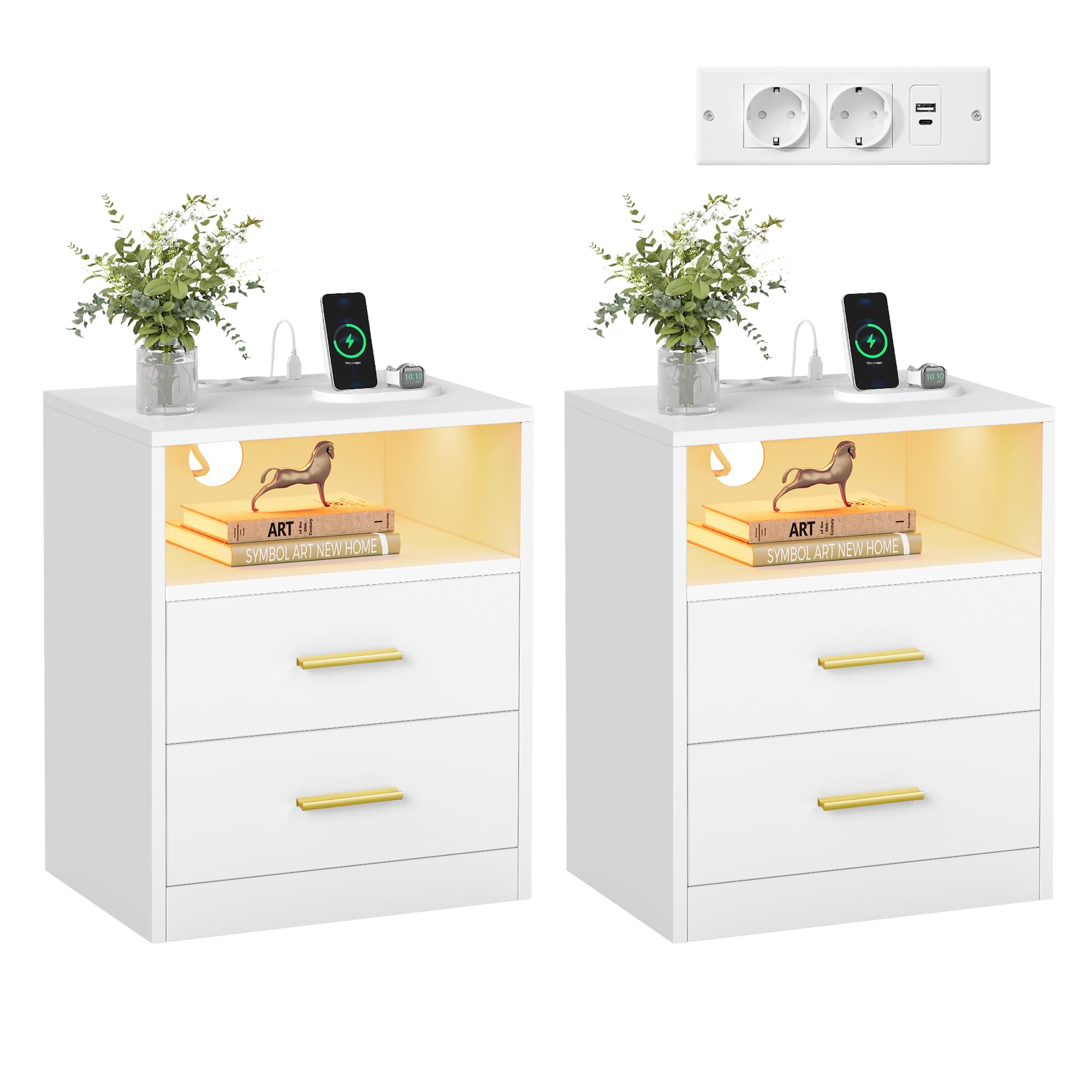
Image: A VASAGLE Custos Nightstand in Cloud White, featuring an illuminated open shelf and two drawers. A lamp and charging phone are visible on top.
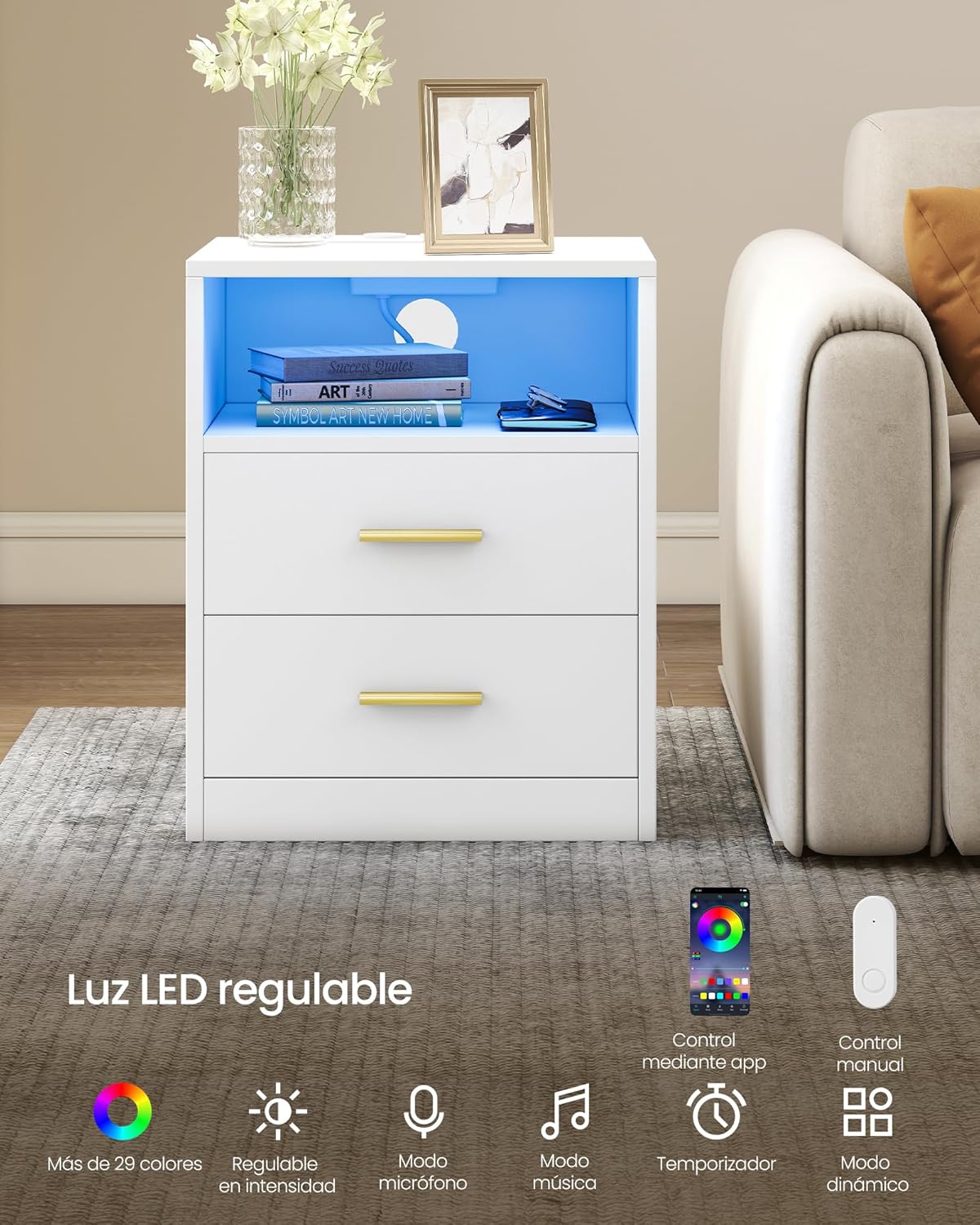
Image: A perspective view of the VASAGLE Custos Nightstand with both its drawers pulled open, showcasing the internal storage capacity. Books are visible in the open shelf above the drawers.
Setup and Assembly
Before beginning assembly, ensure all components are present and undamaged. Refer to the included assembly diagrams and hardware list. It is recommended to assemble the nightstand on a soft, clean surface to prevent scratches.
- Unpack Components: Carefully remove all parts from the packaging and lay them out.
- Identify Hardware: Match all screws, dowels, and other hardware to the provided list.
- Assemble Frame: Follow the step-by-step instructions to connect the main panels and frame using the designated hardware.
- Install Drawers: Assemble the drawer boxes and install the drawer slides onto both the drawers and the nightstand frame.
- Attach Handles: Secure the golden handles to the drawer fronts.
- Integrate Electrical Components: Install the charging station and LED light strip according to the specific instructions provided in the assembly guide. Ensure all cables are properly routed and secured.
- Final Checks: Verify all connections are tight and the nightstand is stable.
Tools required: Typically a screwdriver (Phillips head) and possibly a hammer (for dowels) are needed. These are usually included or commonly available.
Operating Instructions
Charging Station
The integrated charging station provides convenient power access for your electronic devices.
- AC Outlets: Two (2) 230V/16A AC outlets are available for standard electrical devices.
- USB-A Port: One (1) USB-A port (5V/2A) for charging compatible devices.
- USB-C Port: One (1) USB-C port (5V/2A) for charging compatible devices.
To use, simply plug the nightstand's main power cord into a wall outlet. Then, connect your devices to the appropriate ports on the charging station.
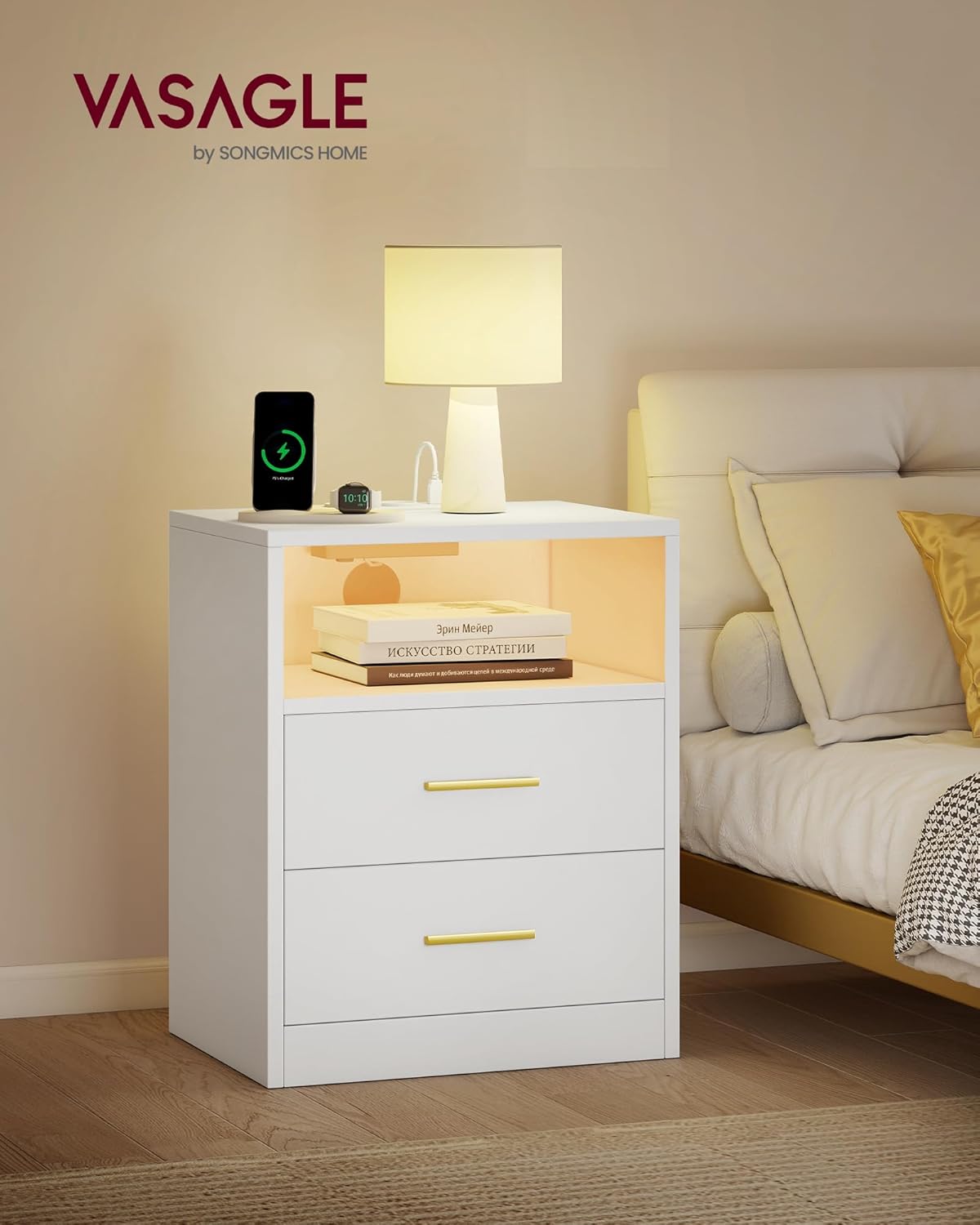
Image: A detailed view of the nightstand's top surface, showing the integrated charging station with two AC power outlets, one USB-A port, and one USB-C port. A smartphone is shown charging wirelessly on the surface.
LED Lighting
The nightstand features adjustable LED lighting to create various ambient effects. The LED light can be controlled via a physical button or a dedicated mobile application.
- Color Adjustment: Choose from over 29 colors to match your mood or decor.
- Brightness Control: Adjust the light intensity to your preference.
- Music Mode: The lights can synchronize and change with the rhythm of music played nearby.
- Microphone Mode: Lights respond to sounds detected by the microphone.
- Timer Function: Set a timer for the lights to turn on or off automatically.
- Dynamic Mode: Pre-programmed light patterns for various effects.
To control via app, download the specified application (refer to the separate LED light manual or packaging for app details) and follow the pairing instructions. The physical button typically cycles through modes and colors with short presses, and adjusts brightness with long presses.

Image: Multiple smartphone screens displaying the mobile application interface for controlling the LED light, including options for color selection, brightness adjustment, music synchronization, microphone response, and scheduling with a timer.
Maintenance
Proper care will ensure the longevity and appearance of your nightstand.
- Cleaning: Wipe surfaces with a soft, damp cloth. Avoid abrasive cleaners, harsh chemicals, or solvents that may damage the finish.
- Spills: Immediately wipe up any spills to prevent staining or water damage.
- Heat and Moisture: Avoid placing hot items directly on the surface. Use coasters for drinks. Keep the nightstand away from excessive moisture or direct sunlight to prevent warping or fading.
- Tighten Fasteners: Periodically check and tighten all screws and fasteners to maintain stability.
- Electrical Components: Ensure the charging station and LED light components are kept dry and free from dust. Do not attempt to repair electrical components yourself.
Troubleshooting
If you encounter issues with your nightstand, refer to the following common solutions:
| Problem | Possible Cause | Solution |
|---|---|---|
| LED Light Not Working |
|
|
| Charging Station Not Working |
|
|
| Drawers Stick or Don't Close Smoothly |
|
|
If problems persist, please contact customer support.
Specifications
| Feature | Detail |
|---|---|
| Model Number | LET829WB01 |
| Brand | VASAGLE |
| Color | Cloud White |
| Material | Wood Legs, MDF (Medium Density Fiberboard), Particleboard |
| Overall Dimensions (L x W x H) | 30 x 40.1 x 50.2 cm (11.8 x 15.8 x 19.8 inches) |
| Product Weight | 17.2 kg (37.9 lbs) |
| Max. Static Load Capacity (Tabletop) | 45 kg (99 lbs) |
| Max. Static Load Capacity (Each Drawer) | 10 kg (22 lbs) |
| AC Outlets | 2 x 230V/16A |
| USB-A Port | 1 x 5V/2A |
| USB-C Port | 1 x 5V/2A |
| LED Light Features | Adjustable colors (>29), brightness, music mode, microphone mode, timer, dynamic mode. App/button control. |

Image: A technical diagram illustrating the dimensions of the nightstand (50.2 cm height, 40.1 cm width, 30 cm depth) and its drawers, along with a total static load capacity of 45 kg.
Warranty and Support
This product is covered by a standard return policy, typically 30 days from the date of purchase. For specific warranty details, please refer to your purchase documentation or contact the retailer.
For technical assistance, missing parts, or any other inquiries, please contact VASAGLE customer support through the retailer's platform or the official VASAGLE website. Please have your model number (LET829WB01) and proof of purchase ready when contacting support.
Online Support: www.vasagle.com/support (Example link, actual link may vary)