
1. Introduction
Welcome to your new GarveeHome 47-inch Farmhouse Console Table. This manual provides essential information for the safe assembly, proper use, and effective maintenance of your furniture. Please read these instructions thoroughly before beginning assembly or using the product to ensure a smooth experience and long-lasting enjoyment.

The console table features a thickened tabletop and sturdy construction, ensuring durability and stability.
2. Safety Information
Your safety is paramount. Please adhere to the following guidelines:
- Read and understand all assembly instructions before starting.
- Keep all small parts and packaging materials away from children and pets to prevent choking hazards.
- Assemble the table on a soft, clean surface (e.g., carpet or blanket) to prevent scratches.
- Ensure all screws and fasteners are securely tightened before using the table. Periodically check and re-tighten as needed.
- Do not exceed the maximum weight capacity of 130 lbs (59 kg) on the tabletop.
- Always use the provided anti-tip device to secure the table to a wall. This is crucial to prevent accidental tipping and potential injury, especially in households with children or pets.
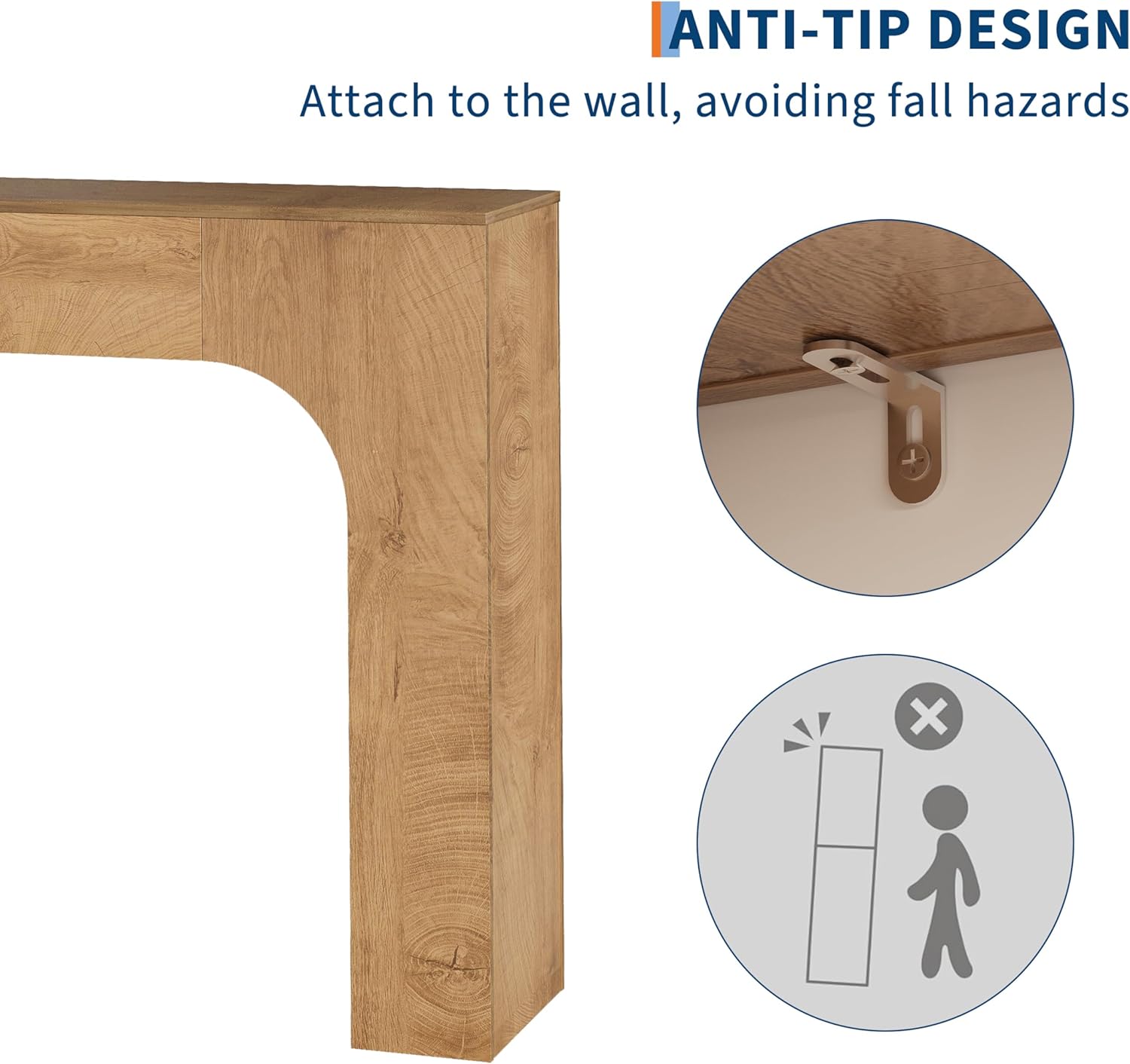
Utilize the anti-tip design to securely attach the console table to a wall, preventing potential fall hazards.
3. Package Contents
Before beginning assembly, please verify that all components listed below are present and undamaged. If any parts are missing or damaged, do not proceed with assembly and contact customer support.
- Tabletop (1)
- Side Panels (2)
- Connecting Hardware (screws, dowels, cam locks, etc.)
- Anti-Tip Kit (1)
- Assembly Guide (1)
4. Assembly Instructions
Follow these steps carefully to assemble your GarveeHome console table.
Tools Required:
- Allen Key (usually included)
- Phillips Head Screwdriver (not included, recommended)
Step-by-Step Assembly:
- Unpack and Identify Parts: Carefully unpack all components from the box. Lay them out on a soft, clean surface to prevent scratches. Refer to the included detailed assembly guide for a visual representation and labeling of each part and hardware piece.
- Attach Side Panels to Tabletop: Align the pre-drilled holes on the top edges of the side panels with the corresponding holes on the underside of the tabletop. Ensure the curved arch of the side panels faces inwards. Insert the connecting hardware (e.g., dowels, screws, cam locks) as per the detailed assembly guide and tighten them securely with the Allen key or screwdriver.
- Secure All Connections: Once the main structure is assembled, double-check and tighten all screws and fasteners. Do not overtighten, as this can damage the engineered wood. The table should feel stable and firm.
- Install Anti-Tip Device: Locate the anti-tip kit. Attach one end of the strap or bracket to the back of the console table using the provided screws. Position the table against the desired wall. Mark the wall where the other end of the strap/bracket will attach. Drill pilot holes if necessary and secure the anti-tip device to a wall stud or use appropriate wall anchors (not always included) for drywall. This step is critical for safety.

Refer to the overall product image for a visual guide during assembly.
5. Usage Guidelines
To ensure optimal performance and longevity of your console table:
- Placement: This console table is designed for indoor use only. Place it on a flat, level surface to prevent wobbling. Avoid placing it in direct sunlight or near heat sources, which can cause fading or warping.
- Weight Capacity: The tabletop has a maximum weight capacity of 130 lbs (59 kg). Do not place items exceeding this weight on the table. Distribute weight evenly.
- Versatile Use: This table is suitable for various spaces such as living rooms, entryways, behind couches, or in bedrooms.

The console table is versatile and can be used in various indoor settings, including living rooms, entryways, behind couches, and bedrooms.
6. Maintenance
Proper care will help maintain the appearance and integrity of your console table:
- Cleaning: Wipe the table surface regularly with a soft, dry, or slightly damp cloth. Avoid using abrasive cleaners, harsh chemicals, or polishes that may damage the finish. Promptly clean up spills to prevent staining.
- Protection: Use coasters under drinks and placemats under hot items to protect the surface from heat and moisture rings.
- Inspection: Periodically check all hardware connections and re-tighten if necessary to ensure stability.

The table surface is designed for easy cleaning; simply wipe away spills with a soft cloth.
7. Troubleshooting
If you encounter any issues with your console table, refer to the following common solutions:
- Table is wobbly: Ensure the table is placed on a completely flat and level surface. Check all assembly screws and fasteners to confirm they are securely tightened. If necessary, slightly loosen and then re-tighten all screws while applying gentle pressure to level the table.
- Parts missing or damaged: Do not attempt to assemble the product if parts are missing or damaged. Contact GarveeHome customer support immediately with your purchase details and a description of the issue.
- Difficulty with assembly: Review the assembly instructions carefully, paying close attention to diagrams and part labels. Ensure you are using the correct hardware for each step. If problems persist, contact customer support for guidance.
8. Specifications
| Attribute | Detail |
|---|---|
| Brand | GarveeHome |
| Model Name | Victor-PHK_34KVEA487LF0W0w |
| Product Dimensions (L x W x H) | 47.24" x 11.61" x 32.87" |
| Color | Deep Oak |
| Material | Engineered Wood |
| Item Weight | 45.4 pounds |
| Maximum Weight Capacity | 130 lbs (59 kg) |
| Indoor/Outdoor Usage | Indoor |
| Assembly Required | Yes |
| UPC | 199641166319 |
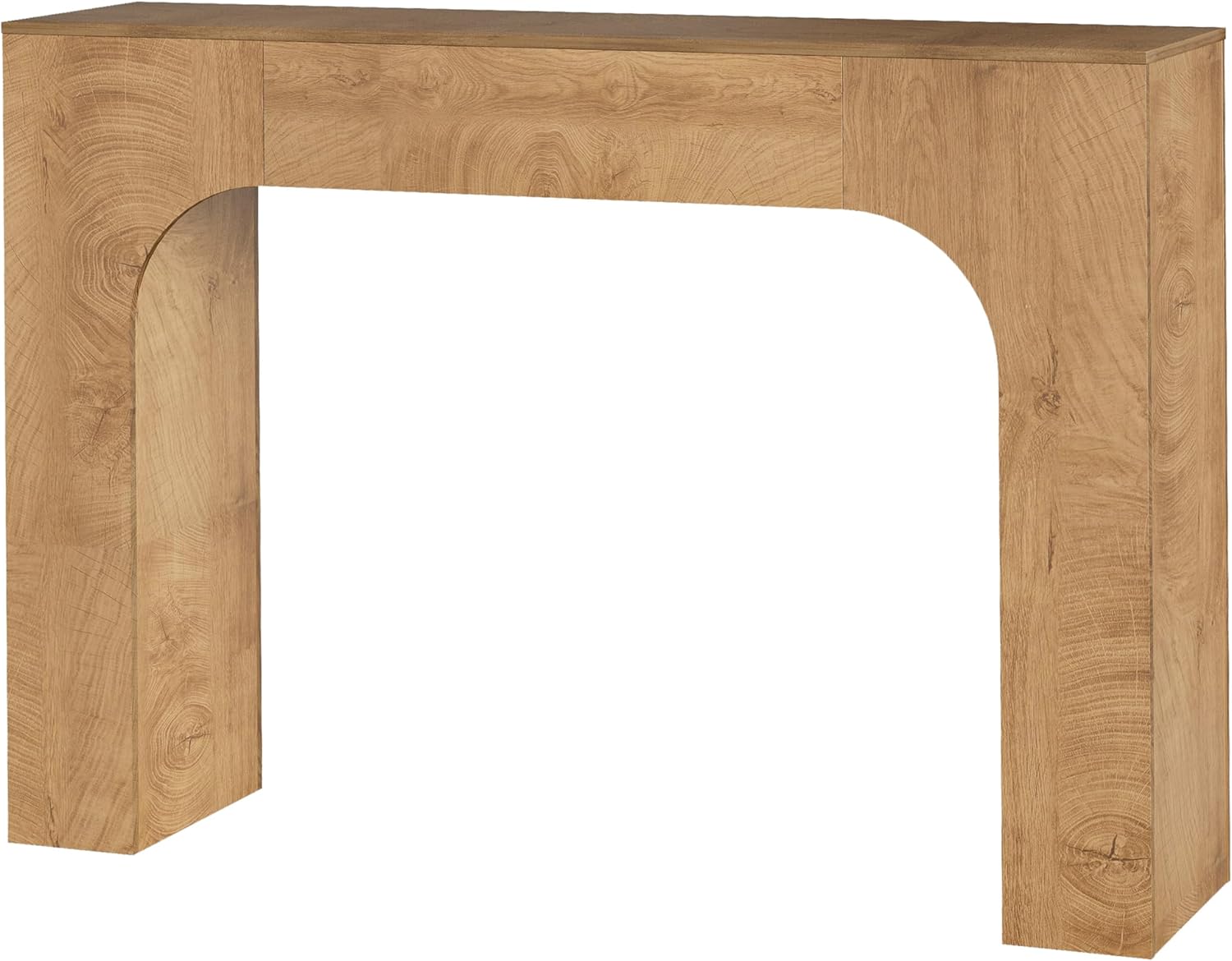
Refer to this diagram for precise product dimensions.
9. Warranty and Support
For warranty information, customer service, or to purchase replacement parts, please refer to the contact information provided with your original purchase documentation. You may also visit the official GarveeHome store for additional support and product information.