
Introduction
This manual provides essential instructions for the Snrigw Universal Replacement Remote Control. This remote is designed to offer seamless control for specific Upreign WELLFIT Walking Pad Treadmill models, ensuring a smooth and responsive user experience. Please read this manual thoroughly before use.
Compatibility
This universal replacement remote control is specifically designed for Upreign WELLFIT Walking Pad Treadmill models N4054, N3825, WP023, and WP028. It ensures effortless control and consistent performance without compatibility issues.

Figure 1: Remote with various treadmill types, illustrating wide compatibility with models like full-folding, marathon, gym, AI smart, home, and walking treadmills.
Setup
1. Battery Installation
The remote requires two AAA batteries (not included). To install:
- Open the battery compartment cover on the back of the remote.
- Insert two AAA batteries, ensuring correct polarity (+/-).
- Close the battery compartment cover securely.

Figure 2: Battery compartment of the remote, showing the need for two AAA batteries.
Video 1: Demonstration of battery insertion and basic button functionality for the remote control.
Video 2: Detailed guide on how to insert batteries and operate the remote control's buttons.
2. Pairing the Remote with Your Treadmill
There are two methods for pairing your remote with the treadmill:
Method 1:
- Insert a suitable battery into the remote.
- Reconnect the treadmill's power, turn on the device, and wait 10 seconds.
- Press and hold the power button or the +/- button on the remote control (this may vary depending on your specific treadmill model; try each one individually).
- The treadmill will emit a long beep, indicating a successful connection.
Method 2:
- Insert batteries into the remote.
- Press and hold the power button or the +/- sign on the remote (this may vary depending on your specific treadmill model; try each one individually).
- Turn on the treadmill's power switch.
- The treadmill will emit a long beep, indicating a successful connection.
Video 3: Step-by-step guide on pairing the remote control with a compatible treadmill.
Operating Instructions
The Snrigw Universal Replacement Remote provides smooth and responsive control for your treadmill. It features advanced signal transmission technology for quick and accurate command execution up to 15 feet.
- Power On/Off: Use the dedicated power button to turn your treadmill on or off.
- Speed Adjustment: Use the '+' and '-' buttons for precise speed adjustments during your workout.
- Mode Selection: The 'M' button (if present on your remote model) allows you to switch between different workout modes or programs on your treadmill.
- Start/Stop/Pause: Use the 'Start/Stop' or 'Play/Pause' button to begin, end, or temporarily halt your workout.

Figure 3: A user demonstrating the ease of use of the remote control with a walking pad treadmill.

Figure 4: Close-up of the remote highlighting its sensitive buttons, comfortable grip, and high-quality, environmentally friendly ABS material.

Figure 5: Illustrates the remote's signal stability and effective operating distance of up to 26 feet.
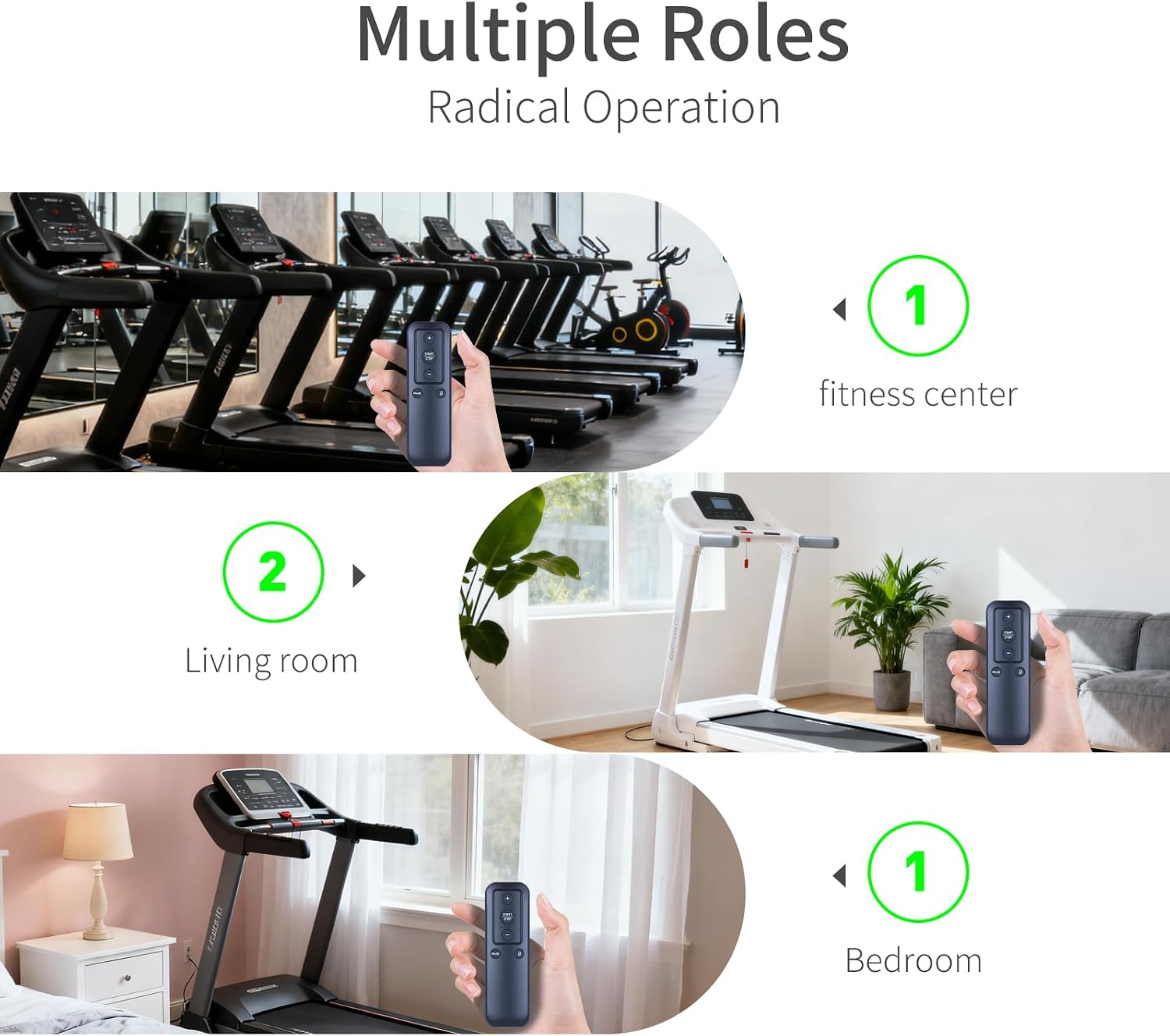
Figure 6: The remote control is suitable for various settings, including fitness centers, living rooms, and bedrooms.
Video 4: A brief overview of the walking pad remote replacement, showcasing its design and buttons.
Maintenance
To ensure the longevity and optimal performance of your remote control, follow these simple maintenance guidelines:
- Keep the remote clean by wiping it with a soft, dry cloth. Avoid using harsh chemicals or abrasive cleaners.
- Protect the remote from extreme temperatures, direct sunlight, and moisture.
- If the remote will not be used for an extended period, remove the batteries to prevent leakage.
Troubleshooting
If you experience issues with your remote control, consider the following:
- Remote not responding: Check if the batteries are correctly installed and have sufficient power. Replace them if necessary.
- Treadmill not responding to remote: Ensure the remote is pointed directly at the treadmill's display and within the effective range (up to 15 feet). Re-attempt the pairing process as described in the 'Setup' section.
- Intermittent connection: Ensure there are no obstructions between the remote and the treadmill. Avoid using the remote in areas with strong electromagnetic interference.
Specifications
| Feature | Detail |
|---|---|
| Product Dimensions | 4.72 x 1.45 x 0.4 inches |
| Item Weight | 0.96 ounces |
| ASIN | B0FP5CGG89 |
| Item Model Number | B0FP5CGG89 |
| Brand | Snrigw |
| Special Feature | Ergonomic |
| Color | Black |
| Max Number of Supported Devices | 1 |
| Compatible Devices | Treadmill |
Warranty and Support
This product is backed by reliable after-sales service. If you have any queries or require assistance, please feel free to contact Snrigw customer support. Refer to your purchase documentation for specific warranty details and contact information.