
1. Introduction
This manual provides essential information for setting up, operating, and maintaining your UJJ U3 Android 14 Tablet. Please read this guide thoroughly to ensure optimal performance and longevity of your device. The UJJ U3 tablet is designed for versatile use, offering a powerful octa-core processor, ample storage, and a vibrant HD IPS display.
2. What's in the Box
Verify that all items are present in the package:
- 10.1-inch Tablet
- Wireless Mouse
- Bluetooth Keyboard
- Protective Case
- US Power Adapter
- Type-C Data Cable
- Protective Film (pre-applied or included)
- User's Manual (this document)

3. Product Overview
Familiarize yourself with the physical components of your UJJ U3 tablet.

- 3.5mm Headphone Jack: For connecting wired headphones or external audio devices.
- Rear Camera: For capturing photos and videos.
- Power Button: Press and hold to power on/off or restart. Short press to wake/sleep the screen.
- Volume Buttons: Adjust the device's volume.
- TF Card Slot: Insert a microSD card for expandable storage.
- Type-C Port: For charging the tablet and data transfer.
- Front Camera: For video calls and selfies.
- Speakers: Dual stereo speakers for audio output.
4. Setup
4.1 Initial Charging
Before first use, fully charge your tablet using the provided US Power Adapter and Type-C Data Cable. The battery indicator on the screen will show charging status.

4.2 Power On/Off
- To Power On: Press and hold the Power Button until the UJJ logo appears.
- To Power Off: Press and hold the Power Button, then select "Power off" from the options.
- To Restart: Press and hold the Power Button, then select "Restart" from the options.
4.3 Initial Configuration
Upon first power-on, follow the on-screen prompts to:
- Select your language.
- Connect to a Wi-Fi network.
- Sign in with your Google account or create a new one.
- Set up screen lock (PIN, pattern, password, or face recognition).
4.4 Attaching the Protective Case
Carefully place your tablet into the protective case. Ensure all ports and buttons are accessible. The case can be folded to act as a stand.

4.5 Connecting Bluetooth Keyboard and Mouse
- Turn on the Bluetooth keyboard and mouse.
- On your tablet, go to Settings > Connected devices > Bluetooth.
- Toggle Bluetooth On.
- Select the keyboard and mouse from the list of available devices to pair.
5. Operating Instructions
5.1 Android 14 Operating System
Your UJJ U3 tablet runs on the Android 14 operating system, offering enhanced security, privacy features, and improved performance. Navigate through the interface using touch gestures or the connected mouse.

5.2 Display and Media
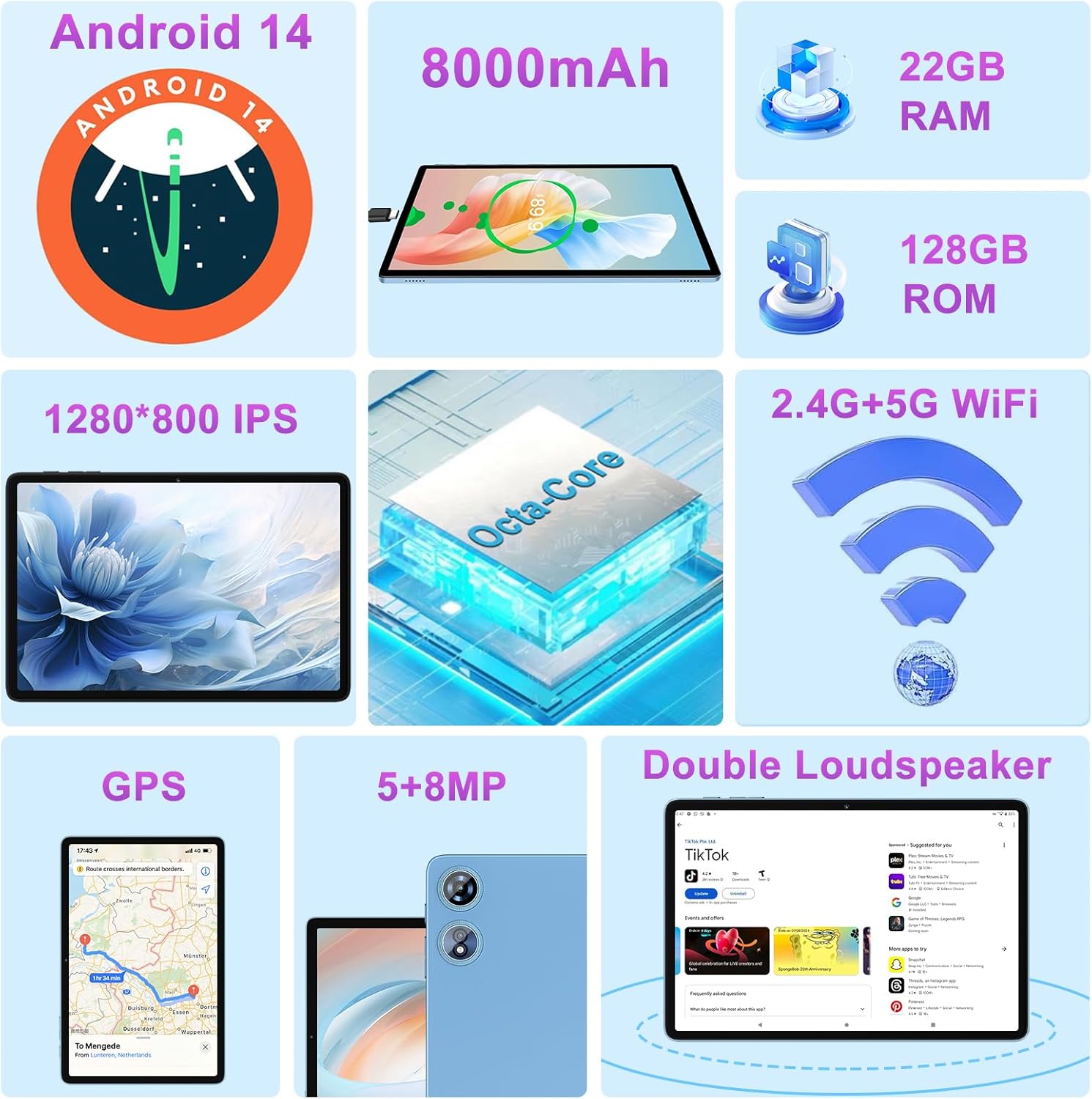
The 10.1-inch HD IPS display (1280x800 pixels) provides clear and vibrant visuals. With Widevine L1 certification, you can stream high-definition content from services like Amazon Prime Video, YouTube, and Netflix.

5.3 Performance and Storage
Equipped with a 2.0GHz octa-core Unisoc T606 processor, the tablet ensures smooth multitasking. It features 22GB RAM (6GB physical + 16GB virtual) and 128GB internal storage, expandable up to 1TB via a TF card.


5.4 Connectivity
The tablet supports dual-band 2.4G and 5G Wi-Fi for stable and fast internet connections. Bluetooth 5.0 allows for efficient pairing with accessories like headphones, keyboards, and mice.

5.5 Camera Features
Capture moments with the 5MP front camera for video calls and selfies, and the 8MP rear camera for higher-resolution photos and videos.

5.6 Special Features
- GPS: Integrated GPS for navigation and location-based services.
- Split Screen: Use two applications simultaneously for enhanced productivity.
- Face Recognition: Securely unlock your device using facial recognition.
- Parental Control: Manage screen time and content access for children.
- Screen Projection: Mirror your tablet's display to a larger screen.
- Screen Recording: Record your screen activity for tutorials or sharing.
6. Battery Management
The UJJ U3 tablet is equipped with an 8000mAh battery. To maximize battery life:
- Adjust screen brightness.
- Close unused applications.
- Disable Wi-Fi or Bluetooth when not in use.
- Use power-saving modes.
7. Maintenance
- Cleaning: Use a soft, lint-free cloth to clean the screen and body. Avoid harsh chemicals.
- Software Updates: Regularly check for and install system updates to ensure optimal performance and security. Go to Settings > System > System update.
- Storage Management: Periodically clear cache and unnecessary files to free up storage space.
8. Troubleshooting
| Issue | Possible Solution |
|---|---|
| Tablet does not power on. | Ensure the battery is charged. Connect to the charger for at least 30 minutes before attempting to power on again. |
| Slow performance. | Close unused apps, clear cache, or restart the tablet. Check for system updates. |
| Wi-Fi connection issues. | Restart your router and tablet. Ensure you are within range of the Wi-Fi signal. Re-enter Wi-Fi password. |
| Bluetooth device not pairing. | Ensure the Bluetooth device is in pairing mode and within range. Toggle tablet's Bluetooth off and on. |
| Screen is unresponsive. | Restart the tablet by holding the power button. If unresponsive, force restart (refer to device support for specific instructions if standard restart fails). |
9. Specifications
| Feature | Detail |
|---|---|
| Model | U3 |
| Operating System | Android 14 |
| Processor | Octa-Core, 2.0 GHz (Unisoc T606) |
| RAM | 22GB (6GB original + 16GB virtual) |
| Internal Storage (ROM) | 128GB |
| Expandable Storage | Up to 1TB via TF Card |
| Screen Size | 10.1 Inches |
| Screen Resolution | 1280 x 800 IPS HD |
| Front Camera | 5MP |
| Rear Camera | 8MP |
| Battery Capacity | 8000mAh |
| Wi-Fi | 2.4G & 5G Dual Band (802.11a/b/g/n/ac) |
| Bluetooth | Bluetooth 5.0 |
| GPS | Supported |
| Dimensions (LxWxH) | 9.6 x 5.96 x 0.3 inches |
| Item Weight | 2.92 pounds |
10. Warranty and Support
For warranty information and technical support, please refer to the contact details provided with your purchase or visit the official UJJ website. Keep your purchase receipt as proof of purchase for warranty claims.