
1. Safety Instructions
- This water dispenser is designed for indoor use only.
- Avoid placing the device in direct sunlight or near heat sources.
- Children should use this product under adult supervision.
- Never immerse the main unit in water or other liquids. Wipe it with a damp cloth instead.
- Ensure the device is powered off before cleaning or maintenance.
- Do not move the dispenser while filled with water. Always empty the water tank before relocating the unit.
2. Package Contents
Verify that all items are included in your package:
- 1 x Wireless Cat Water Fountain (Main Unit, Fresh Water Tank, Waste Water Tank, Water Bowl)
- 1 x Cleaning Brush
- 1 x Power Cord (Type-C USB)
- 1 x USB Wall Adapter
- 1 x User Manual

Image: All components included in the Invengo MeowFlow E100 package.
3. Product Overview
The Invengo MeowFlow E100 features a dual-tank system for fresh and wastewater separation, ensuring your pet always has access to clean water. It operates wirelessly with a long-lasting battery and includes smart alerts for convenience.

Image: The Invengo MeowFlow E100 Wireless Pet Water Fountain.
Key Components:
- Main Unit: Houses the control panel, pump mechanism, and battery.
- Fresh Water Tank: Holds 3.5 liters of clean water.
- Waste Water Tank: Collects used water, preventing recirculation.
- Water Bowl: Stainless steel bowl for pets to drink from.
- Control Panel: Digital display for time, feed plan, and alerts.
- Power Button & Charging Port: Located on the side for easy access.

Image: Detailed view of the control panel, robotic arm, and power/charging port.
4. Setup Guide
Follow these steps to assemble your Invengo MeowFlow E100:
- Remove all components from the packaging.
- Place the main unit on a stable, flat surface.
- Insert the fresh water tank into the designated slot on the main unit.
- Insert the waste water tank into its designated slot on the main unit.
- Place the stainless steel water bowl into the white holder, then attach the holder to the main unit until it clicks securely.
- Fill the fresh water tank with clean water. Do not overfill.
- Connect the power cord to the charging port if needed, or ensure the internal battery is charged.
- Slide the power button to the 'ON' position.

Image: Visual guide for assembling the water fountain components.
Setup Video Tutorial:
Video: A step-by-step tutorial on how to get started and assemble your MeowFlow E100 water fountain.
5. Operating Instructions
Power On/Off:
- To power on, slide the switch on the side of the main unit to 'ON'. The display will light up.
- To power off, slide the switch to 'OFF'.
Setting Water Dispensing Schedule:
The control panel allows you to customize the water dispensing schedule and volume.
- Unlock: Touch and hold the 'OK' button for 5 seconds to unlock the control panel.
- Set Current Time: Tap 'TIME SET', then use the arrow keys to adjust hours and minutes. Press 'OK' to confirm.
- Set Feed Plan: Tap 'FEED PLAN', then use the arrow keys to select up to 6 meal times. For each meal, set the desired time and water output level (1-3, indicating 90ml, 120ml, or 150ml). Press 'OK' to save.
- The system will automatically dispense fresh water according to your set schedule.

Image: The digital control panel for setting time and dispensing schedules.
Smart Alerts:
- Low Battery: The smart panel will display a low battery indicator when the battery level is at 30%. Recharge the device using the provided Type-C USB cable and adapter.
- Full Wastewater Tank: An alert will notify you when the wastewater tank is full and needs to be emptied.
- Low Clean Water: Operation pauses if the clean water tank runs too low, preventing the pump from running dry.
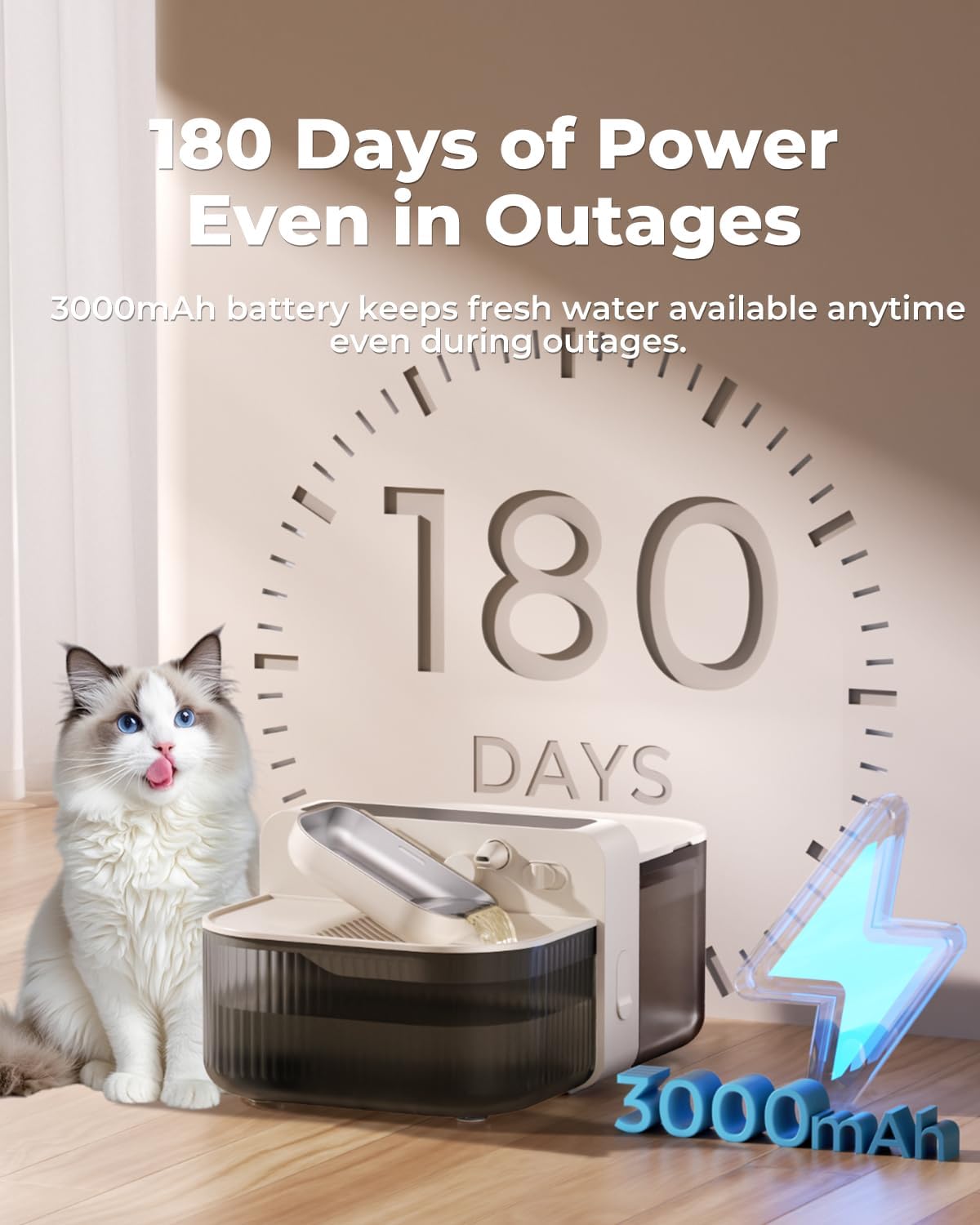
Image: The water fountain highlighting its 180-day battery life on a single charge.
Wireless Operation:
The built-in 3000mAh lithium battery provides up to 180 days of cordless operation, allowing flexible placement without needing a constant power outlet.
Video: An official Invengo video demonstrating the wireless operation and benefits of the water fountain.
6. Maintenance and Cleaning
The Invengo MeowFlow E100 is designed for easy maintenance with no filters required. Regular cleaning ensures optimal hygiene for your pet.
Cleaning Steps:
- Ensure the device is powered off.
- Remove the water bowl by pushing the release switch and lifting it.
- Carefully remove the fresh water tank and waste water tank from the main unit.
- Empty both tanks and the water bowl.
- Wash the fresh water tank, waste water tank, and stainless steel water bowl with mild soap and water. Use the provided cleaning brush for hard-to-reach areas.
- Important: Do not rinse or immerse the main unit in water. Wipe it with a damp cloth instead.
- Allow all components to air dry completely before reassembling.
- Reassemble the device by reversing the setup steps.

Image: Visual instructions for disassembling and cleaning the water fountain.
Wastewater Separation:
The innovative wastewater separation system ensures that fresh water is never recycled. This eliminates the need for filters, reducing ongoing costs and maintenance.

Image: Illustration of the wastewater separation technology, ensuring only fresh water is provided.
7. Troubleshooting
| Problem | Possible Cause | Solution |
|---|---|---|
| Device does not turn on | Low battery or no power. | Charge the device using the provided power cord and adapter. Ensure the power switch is in the 'ON' position. |
| Water not dispensing | Clean water tank is empty; wastewater tank is full; dispensing schedule not set. | Refill the fresh water tank; empty the wastewater tank; check and set the dispensing schedule on the control panel. |
| Alert indicator flashing | Low battery (30%); wastewater tank full. | Recharge the device; empty the wastewater tank. |
| Unusual noise during operation | Components not properly assembled; foreign object in pump. | Disassemble and reassemble all components securely; clean the pump area for any obstructions. |
8. Specifications
| Feature | Detail |
|---|---|
| Model | MeowFlow E100 (PTM-673) |
| Dimensions (LxWxH) | 10.08 x 7.64 x 9.41 inches |
| Weight | 3.45 pounds (1.57 Kilograms) |
| Capacity | 3.5 Liters (118 oz) |
| Materials | ABS + 304 Stainless Steel |
| Battery | 3000mAh rechargeable lithium battery (up to 180 days operation) |
| Input | 5V = 1A |
| Adapter | Type-C USB |
| Noise Level | 0dB (standby), <30dB (refill) |
9. Warranty and Support
Warranty Information:
The Invengo MeowFlow E100 comes with a 1-Year Warranty from the date of original purchase. This warranty covers manufacturing defects and malfunctions under normal use. Please retain your proof of purchase for warranty claims.
Customer Support:
For any questions, troubleshooting assistance, or warranty claims, please contact Invengo customer support:
- Email: service@invengo.com
- Online: Visit the official Invengo website for FAQs and additional support resources.