
Introduction
Thank you for choosing the Invengo MeowFlow E100 Wireless Cat Water Fountain. This manual provides essential information for the safe and efficient operation, maintenance, and troubleshooting of your new pet water dispenser. Please read this manual thoroughly before use and retain it for future reference.
The MeowFlow E100 is designed to provide your pets with fresh, clean water through an innovative wastewater separation system, eliminating the need for traditional filters. Its wireless design and long-lasting battery offer flexible placement options, ensuring your pet stays hydrated anywhere in your home.
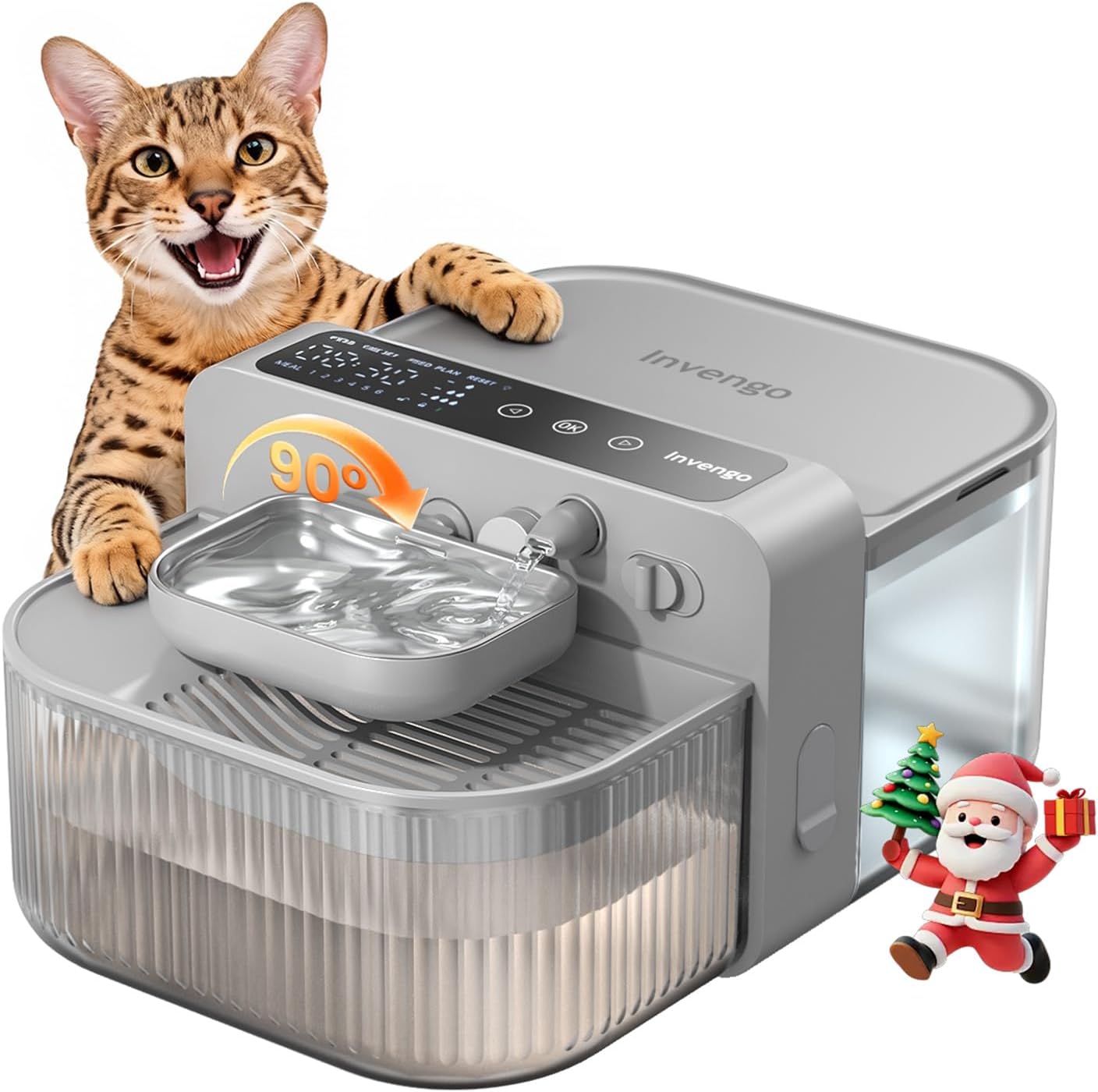
The Invengo MeowFlow E100 Wireless Cat Water Fountain, designed for optimal pet hydration.
Product Overview and Key Features
The Invengo MeowFlow E100 offers several advanced features to ensure your pet's hydration needs are met with convenience and hygiene.
- Fresh & Hygienic Hydration: Features an innovative wastewater separation system, ensuring fresh water is always available for cats and dogs.
- No Filters Needed: Eliminates the need for expensive filter replacements, offering cost-saving and easy maintenance. Simple rinsing keeps the dispenser clean.
- Wireless Freedom & Long Battery Life: Powered by a 3000mAh rechargeable battery, providing up to 180 days of cordless operation for flexible placement.
- Safe & Durable Materials: Constructed with rust-resistant 304 stainless steel for the water bowl and food-grade ABS for the tank, ensuring pet safety and durability.
- Ultra-Quiet Operation: Operates with minimal noise (0dB standby, <30dB refill noise), ensuring a peaceful environment for pets and owners.
- 3.5L Large Capacity & Smart Alerts: A 3.5L/118oz tank with 3 adjustable water levels and auto-refill. Smart panel alerts notify of low battery or full wastewater tank, and operation pauses if clean water runs low.

Innovative wastewater separation ensures only fresh water is consumed.

No filters required, reducing ongoing costs and maintenance.

Enjoy up to 180 days of cordless operation on a single charge.
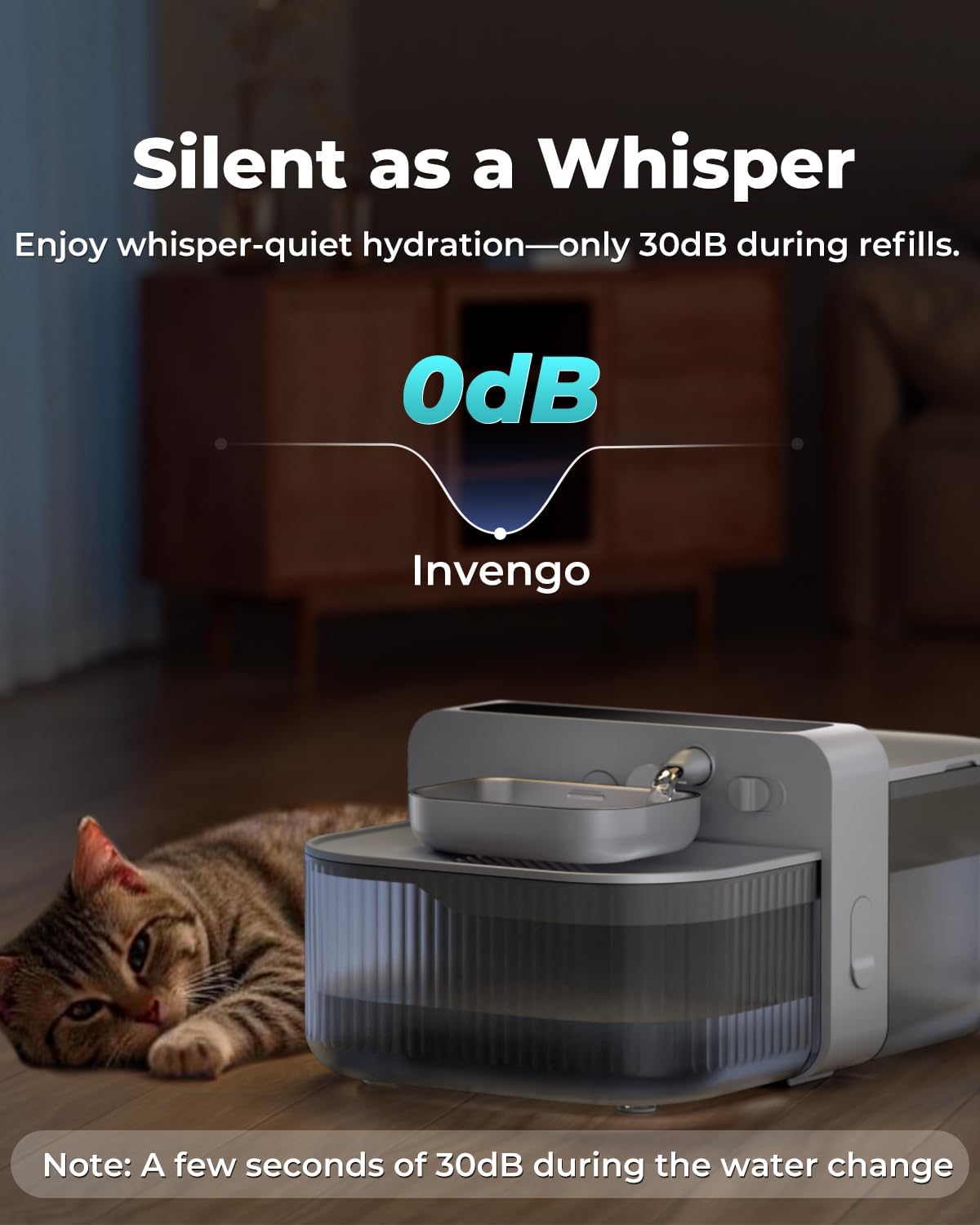
Ultra-quiet design ensures minimal disturbance.
Package Contents
Upon unpacking, please ensure all items listed below are present and in good condition:
- Wireless Cat Water Fountain (Main Unit)
- User Manual
- Power Cord (USB Type-C)
- Adapter
- Cleaning Brush

All components included in the package.
Setup
Follow these steps to assemble your Invengo MeowFlow E100 water fountain:
- Remove all components from the packaging.
- Align the fresh water tank with the main unit and push it into position until it clicks securely.
- Install the fresh water tank cover onto the opening of the fresh water tank.
- Insert the waste water tank into the designated slot on the main unit.
- Place the stainless steel water bowl into the holder on the main unit.
- Attach the water outlet nozzle to the main unit.
- Fill the fresh water tank with clean water. Do not overfill.
- Ensure the power button on the side is in the 'ON' position.
Video: Step-by-step guide to setting up your MeowFlow E100 water fountain.
Operating Instructions
The MeowFlow E100 features an intuitive control panel for easy operation.
Control Panel Functions:
- FEED: Manually dispense water.
- TIME SET: Set the current time.
- FEED PLAN: Program dispensing times and water levels.
- RESET: Reset settings to factory defaults.
- Arrow Buttons (< >): Navigate menus and adjust values.
- OK Button: Confirm selections.
- Child Lock: Touch and hold the "OK" button for 5 seconds to lock/unlock the panel.
Setting Water Dispensing Schedule:
- Unlock the panel by holding the "OK" button for 5 seconds.
- Press the "FEED PLAN" button to enter the scheduling interface.
- Use the arrow buttons to select the desired meal (1-6) and press "OK".
- Set the dispensing time and water level (small, medium, large) for each meal using the arrow buttons and "OK" to confirm.
- After all meals are set, press and hold "OK" for 3 seconds to save and exit.
Video: Demonstrating the automatic water dispensing and wastewater separation.
Video: Overview of the automatic cat water dispenser's features and operation.
Maintenance and Cleaning
Regular cleaning is crucial for your pet's health and the longevity of the water fountain. The MeowFlow E100 is designed for easy disassembly and cleaning.
- Ensure the device is powered off before cleaning.
- Remove both the fresh water tank and the waste water tank. Empty any remaining water.
- Remove the stainless steel water bowl and the water outlet nozzle.
- Clean the fresh water tank, waste water tank, and water bowl with mild soap and water. Use the provided cleaning brush for hard-to-reach areas.
- IMPORTANT: Do not soak or rinse the main unit. Wipe it with a damp cloth instead. The main unit is not washable.
- Reassemble all parts once dry.
Video: Demonstrating the ease of cleaning and the no-filter design.

Quick-clean design for easy maintenance.
Troubleshooting
If you encounter any issues with your Invengo MeowFlow E100, please refer to the following common solutions:
- No Water Dispensing: Check if the fresh water tank is empty. Refill if necessary. Ensure the power button is 'ON' and the device is charged.
- Water Level Not Changing: Verify that the water outlet nozzle is correctly installed and not blocked.
- Smart Alerts (Low Battery/Full Wastewater): The control panel will display alerts for low battery (at 30%) and when the wastewater tank is full. Charge the device or empty the wastewater tank accordingly.
- Panel Unresponsive: Ensure the child lock is not activated. Hold the 'OK' button for 5 seconds to unlock.
- Unusual Noise: Check if all components are correctly assembled and seated. Ensure the water tanks are properly aligned.
If the problem persists, please contact customer support.
Specifications
| Feature | Detail |
|---|---|
| Model Name | MeowFlow E100 |
| Item Model Number | PTM-673 |
| Brand | Invengo |
| Capacity | 3.5 Liters (118oz) |
| Material | Acrylonitrile Butadiene Styrene (ABS), Stainless Steel |
| Battery | 3000mAh Nonstandard Battery (included) |
| Item Dimensions (LxWxH) | 9.41 x 7.64 x 10.08 inches |
| Item Weight | 3.45 pounds (1.57 Kilograms) |
| Specific Uses | Indoor |
| Target Audience | Cats, Dogs, Small Animals |
Warranty and Support
Invengo provides the following warranty for your MeowFlow E100 Wireless Cat Water Fountain:
- Main Unit: 1 Year Warranty
- Water Pump: 2 Year Warranty
For any questions, technical support, or warranty claims, please contact our customer service team:
Email: service@invengo.com

Warranty information is included with your product.