1. Introduction

Image: An overview of the QDD 42V 5A Li-ion Battery Charger, showcasing its design and main components.
This manual provides essential information for the safe and efficient operation of your QDD 42V 5A Li-ion Battery Charger, Model QD400-4205DC. Please read these instructions carefully before use and retain them for future reference. This charger is designed for 36V Lithium Battery Packs and features a DC5.5×2.1mm (compatible with 5.5×2.5mm) connector.
2. Safety Information
Your QDD battery charger incorporates multiple protection features to ensure safe operation. Always follow these guidelines to prevent damage to the charger, battery, or personal injury.
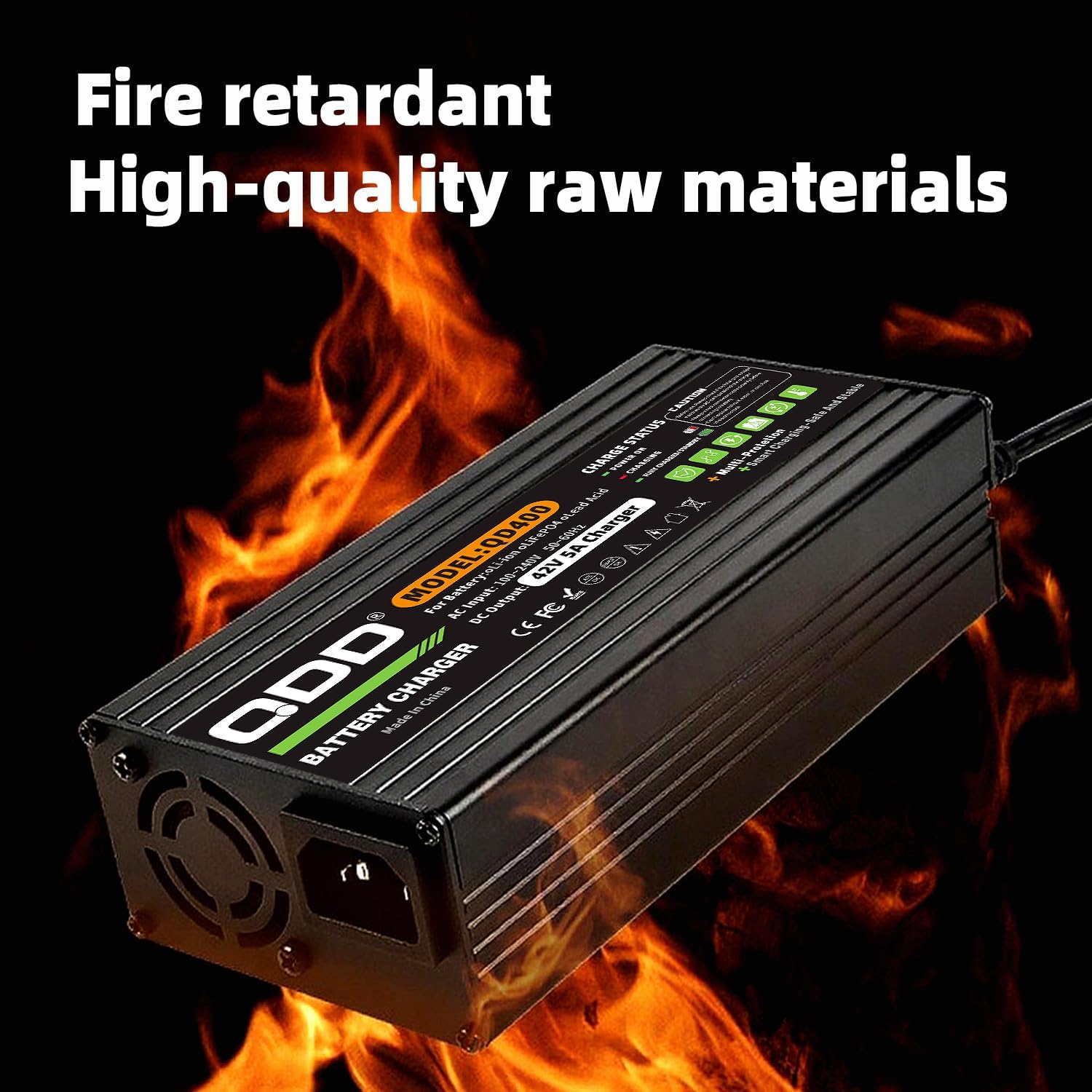
Image: Diagram illustrating the various safety protection features of the QDD battery charger, including overcurrent, overpower, overvoltage, over-discharge, overheating, short-circuit, and overcharge protection.
- Over-charging Protection: Prevents the battery from being charged beyond its capacity.
- Over-current Protection: Safeguards against excessive current flow.
- Over-voltage Protection: Protects against voltage surges.
- Overheating Protection: Monitors and prevents the charger from reaching unsafe temperatures.
- Short-circuit Protection: Automatically shuts off power in case of a short circuit.
- Ensure the charger is used in a well-ventilated area.
- Do not expose the charger to water or excessive moisture.
- Do not attempt to open or modify the charger.
- Keep out of reach of children.
3. Product Features
- Input Voltage: AC 100-240V, 50/60Hz, suitable for international use.
- Output: DC 42V, Max 5A (400W).
- DC Connector: Standard DC 5.5*2.1mm (compatible with 5.5*2.5mm) with inner positive (+) and outer negative (-) polarity.
- Intelligent Protection System: Comprehensive protection against over-charging, over-current, over-voltage, overheating, and short circuits.
- Durable Construction: Aluminum metal casing with anodizing treatment for enhanced strength and safety.
- LED Indicator: Clearly displays charging status (Red for charging, Green for full).
- Automatic Shut-off: Charger automatically stops charging when the battery is full.
- Portability: Light, compact design for easy transport.
- Efficient Cooling: Built-in cooling fan for effective heat dissipation, extending product lifespan.
4. Setup and Compatibility
Before connecting the charger, ensure compatibility with your battery pack.
4.1 Compatibility Check
- Verify that your electronic device or battery pack requires a 42V charger. This charger is specifically designed for 36V Lithium Battery Packs.
- Confirm the DC jack size on your device matches the charger's connector: DC 5.5mm x 2.1mm (also compatible with 5.5mm x 2.5mm).
- Ensure the required charging current does not exceed 5 Amps.
4.2 Connector Details

Image: Diagram showing the dimensions of DC 5.5x2.1mm and DC 5.5x2.5mm plugs, along with their positive and negative polarity configurations. Also shows the output and input plugs of the charger.
The DC connector plug size is 5.5mm x 2.1mm, which is also compatible with 5.5mm x 2.5mm jacks. The plug polarity is Inner positive (+) Outer negative (-). Always ensure the correct polarity to prevent damage.
5. Operating Instructions
Follow these steps for safe and effective charging:
- Connect DC Terminal: Before connecting to AC power, plug the DC output terminal of the charger into your battery pack's charging port.
- Connect AC Terminal: Once the DC terminal is securely connected, plug the AC power cord into a standard 100-240V wall outlet.
- Monitor LED Indicator:
- A red light indicates that the battery is currently charging.
- A green light indicates that the battery is fully charged.
- Automatic Shut-off: The charger will automatically stop charging when the battery reaches full capacity, indicated by the green LED.
- Disconnect AC Terminal: After charging is complete (green light), first unplug the AC power cord from the wall outlet.
- Disconnect DC Terminal: Then, unplug the DC terminal from your battery pack.
- Storage: When not in use, ensure both the DC and AC terminals are unplugged from the battery and power source.
6. Maintenance
To ensure the longevity and optimal performance of your QDD charger:
- Keep the charger clean and free from dust and debris. Use a soft, dry cloth for cleaning.
- Store the charger in a cool, dry place when not in use.
- Do not block the ventilation openings, especially the built-in cooling fan, to ensure proper heat dissipation.
- Avoid dropping or subjecting the charger to strong impacts.
- Regularly inspect the power cords and connectors for any signs of damage. Do not use if damaged.
7. Troubleshooting
If you encounter issues with your charger, consider the following:
- No LED Indicator Light:
- Ensure the AC power cord is securely plugged into a live outlet.
- Verify the DC connector is firmly seated in the battery pack's charging port.
- Check if the wall outlet is functioning correctly by plugging in another device.
- LED Remains Red (Not Turning Green):
- The battery may not be fully charged yet. Allow more time for charging.
- Ensure the battery pack is not faulty.
- Charger Feels Hot:
- Some warmth during charging is normal. However, if it's excessively hot, ensure proper ventilation and that the cooling fan is not obstructed.
- If overheating persists, discontinue use and contact support.
- Charger Not Charging:
- Recheck all connections (AC and DC).
- Confirm battery compatibility (voltage, connector type, current).
- The battery might be deeply discharged or faulty.
If issues persist after following these steps, please refer to the warranty and support section.
8. Specifications

Image: The QDD battery charger with its dimensions (174mm length, 85mm width, 48mm height) and weight (0.75KG) labeled.
| Specification | Detail |
|---|---|
| Model Number | QD400-4205DC |
| Battery Type | Li-ion battery (for 36V packs) |
| Input Voltage | AC 100-240V, 50/60Hz |
| Output Voltage | DC 42V |
| Output Current | 5A (Max) |
| Output Power | 400W |
| DC Connector Size | 5.5mm x 2.1mm (compatible with 5.5mm x 2.5mm) |
| DC Connector Polarity | Inner positive (+), Outer negative (-) |
| Product Dimensions (L x W x H) | 174mm x 85mm x 48mm (6.89"D x 3.35"W x 1.88"H) |
| Item Weight | 0.75 KG (1.65 Pounds) |
| Case Material | Aluminum metal (anodized) |
| Protection Features | Over-charging, Over-current, Over-voltage, Overheating, Short-circuit |

Image: A collage of detailed views of the QDD battery charger, showing its external casing, cooling fan, input/output ports, and internal circuit board components, highlighting its robust construction.
9. Package Contents
The package for your QDD 42V 5A Li-ion Battery Charger includes:
- 1 x QDD 42V 5A Battery Charger (Model QD400-4205DC)
- 1 x US Standard AC Power Cable
10. Warranty and Support
This QDD battery charger comes with a 1-Year Manufacturer Warranty from the date of purchase. This warranty covers defects in materials and workmanship under normal use.
For warranty claims, technical support, or any questions regarding the product, please contact QDD customer service. Please have your model number (QD400-4205DC) and purchase information ready when contacting support.
For more information, you may visit the QDD Store on Amazon.


