
Introduction
This manual provides comprehensive instructions for setting up, operating, maintaining, and troubleshooting your Samsung Galaxy A17 5G smartphone. The Samsung Galaxy A17 5G features a vibrant 6.7-inch Super AMOLED display with a 90Hz refresh rate, a powerful Exynos 1330 octa-core processor, 8GB RAM, and 256GB internal storage, expandable via microSDXC. It boasts a versatile triple-camera system (50MP main) and runs on Android 15 with 6 years of security updates.
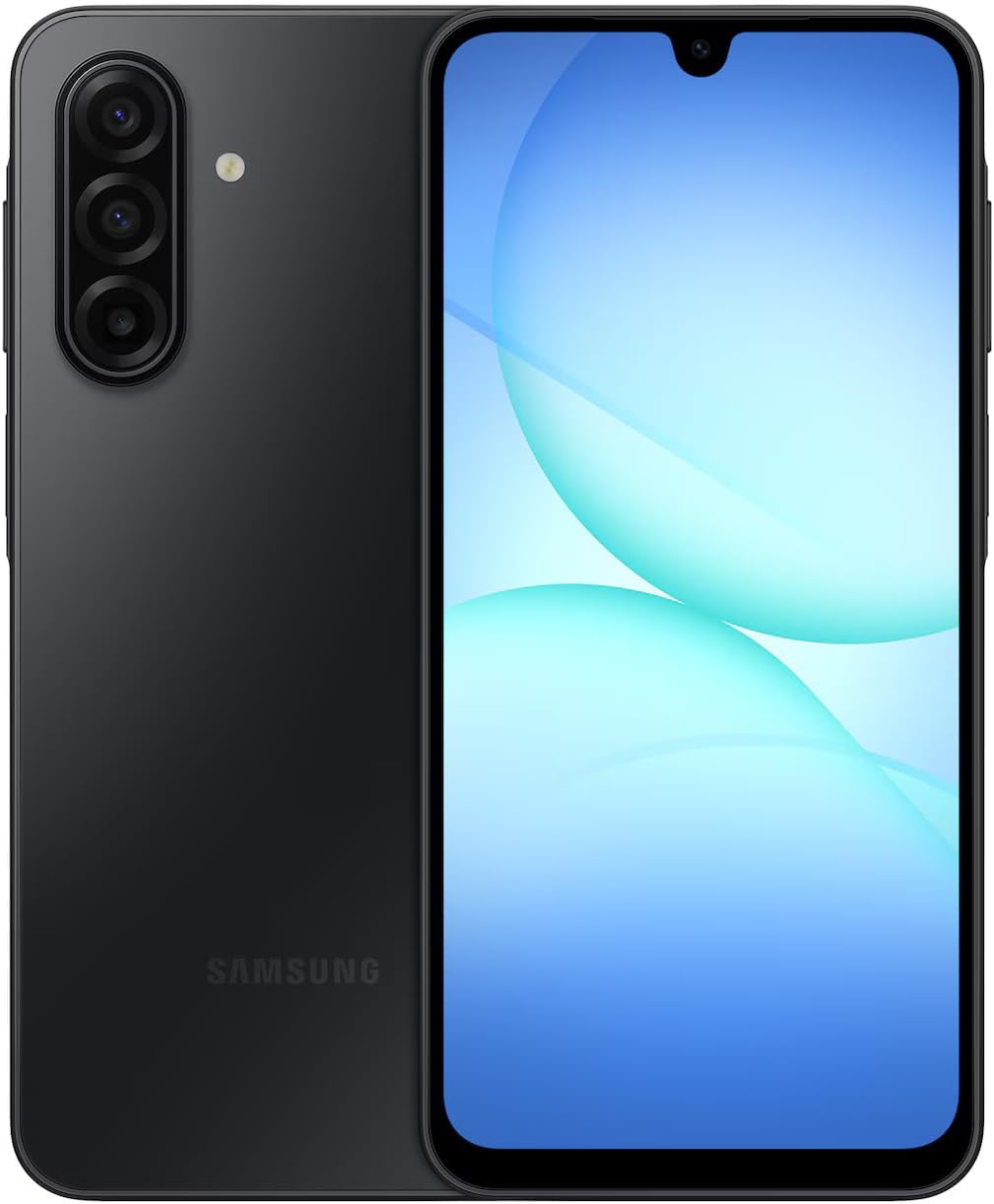
Image: Front and back view of the Samsung Galaxy A17 5G smartphone.
What's in the Box
Upon opening your Samsung Galaxy A17 5G package, you should find the following items:
- Samsung Galaxy A17 5G Device
- USB-C to USB-C Charging Cable
- SIM Ejection Pin
- Quick Start Guide and Warranty Information
Note: The charger is sold separately and is not included in the box.
Setup
1. Inserting SIM Card and MicroSD Card
The Samsung Galaxy A17 5G supports Dual SIM functionality and a microSDXC card for expandable storage. The microSD card uses a shared SIM slot.
- Locate the SIM tray on the side of your device.
- Insert the SIM ejection pin into the small hole next to the tray to open it.
- Place your Nano-SIM card(s) and/or microSD card into the designated slots on the tray. Ensure they are correctly oriented.
- Carefully push the tray back into the slot until it is flush with the device.
Note: This device is not compatible with eSIM.
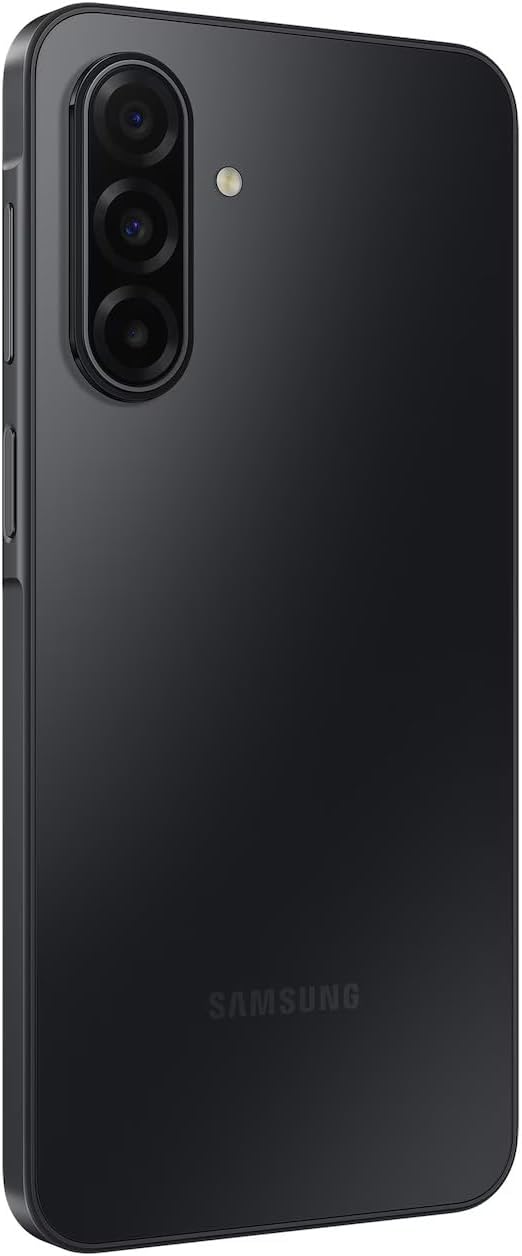
Image: Side view of the Samsung Galaxy A17 5G, highlighting the location of the SIM card tray.
2. Initial Power On and Basic Configuration
To power on your device, press and hold the Power button located on the side until the Samsung logo appears. Follow the on-screen prompts to complete the initial setup.
- Language and Region: Select your preferred language and region.
- Wi-Fi Connection: Connect to a Wi-Fi network to download necessary updates and complete setup.
- Data & Privacy: Review and accept the terms and conditions.
- Security Setup: Configure your preferred screen lock method. Options include:
- Face Recognition
- Fingerprints (side-mounted sensor)
- Pattern
- PIN
- Password
- Google Account: Sign in with your Google account or create a new one.
- Samsung Account: Sign in with your Samsung account for additional features and services.
- Display Mode: Choose between Light and Dark display modes during setup or later in settings.
Operating Your Device
1. Display and Navigation
The Galaxy A17 5G features a 6.7-inch Super AMOLED display with a 1080 x 2340 resolution and a 90Hz refresh rate for smooth visuals. You can customize your navigation experience:
- Navigation Bar: Choose between traditional navigation buttons or swipe gestures in the display settings.
- Motion Smoothness: Adjust the screen refresh rate between 90Hz (High) for smoother animations or 60Hz (Standard) to conserve battery life.
- Edge Panels: Access frequently used apps and contacts quickly by enabling Edge panels in display settings.

Image: Front view of the Samsung Galaxy A17 5G, showcasing its display.
2. Performance and Storage
Powered by the Exynos 1330 (5nm) octa-core processor and 8GB of RAM, the device is designed for efficient multitasking and smooth operation. It comes with 256GB of internal storage, with approximately 26GB used by the system software. Storage can be expanded using a microSDXC card in the shared SIM slot.
3. Camera Features
The Galaxy A17 5G is equipped with a versatile camera system:
- Rear Cameras:
- 50MP Wide (f/1.8)
- 5MP Ultrawide (f/2.2)
- 2MP Macro (f/2.4)
- Front Camera: 13MP (f/2.0)
- Features: LED flash, panorama, HDR, Pro mode, Portrait, Food mode, Night mode, Slow Motion, Hyperlapse.

Image: Back view of the Samsung Galaxy A17 5G, highlighting the triple camera array.
4. Connectivity
The device supports ultra-fast 5G and 4G LTE connectivity. As an unlocked device, it is compatible with various carriers. It features Dual SIM capability (SIM + SIM/Memory Card) for managing two numbers or expanding storage.
5. Battery Management
The Galaxy A17 5G is powered by a 5000mAh battery, providing extended usage. It supports up to 25W fast charging. To optimize battery life, consider adjusting the screen refresh rate to 60Hz and managing background app usage.
Maintenance
1. Software Updates
Samsung provides 6 generations of OS upgrades and 6 years of security updates for the Galaxy A17 5G. Regularly check for and install software updates to ensure optimal performance, security, and access to the latest features. You can typically find updates in Settings > Software update.
2. Cleaning Your Device
To clean your device, power it off and gently wipe the screen and back with a soft, lint-free cloth. For stubborn smudges, slightly dampen the cloth with distilled water or a screen cleaner. Avoid using harsh chemicals or abrasive materials.
Troubleshooting
If you encounter issues with your device, try the following basic troubleshooting steps:
- Restart Device: A simple restart can resolve many minor software glitches.
- Check for Updates: Ensure your device's software is up to date.
- Clear Cache: For app-specific issues, try clearing the app's cache (Settings > Apps > [App Name] > Storage > Clear cache).
- Factory Reset: As a last resort, if issues persist, you may need to perform a factory reset (Settings > General management > Reset > Factory data reset). Back up your data before proceeding.
- Contact Support: If problems continue, refer to the warranty information or contact Samsung customer support.
Specifications
| Feature | Detail |
|---|---|
| Model Number | SM-A176B/DS |
| Display | 6.7-inch Super AMOLED FHD+, 1080 x 2340 resolution, 90Hz Refresh Rate, 385 ppi, 800 nits (HBM) |
| Operating System | Android 15, One UI 7 |
| Processor | Exynos 1330 (5nm), Octa-Core (2.4 GHz) |
| RAM | 8GB |
| Internal Storage | 256GB |
| Expandable Storage | microSDXC (uses shared SIM slot) |
| Rear Camera | 50MP (wide, f/1.8) + 5MP (ultrawide, f/2.2) + 2MP (macro, f/2.4) |
| Front Camera | 13MP (f/2.0) |
| Battery | 5000mAh |
| Charging | Up to 25W Fast Charging (charger sold separately) |
| Connectivity | 5G, 4G LTE, Wi-Fi, Bluetooth, GPS, Dual SIM |
| Durability | IP54 Splash Protection, Corning Gorilla Glass Victus |
| Dimensions | 6 x 4 x 2 inches |
| Weight | 9.1 ounces |
| Audio Jack | 3.5 mm |
Warranty and Support
For detailed warranty information, please refer to the warranty card included in your product packaging or visit the official Samsung support website. Samsung offers 6 years of security support and 6 generations of OS upgrades for this device.
For customer support, visit the Samsung Store on Amazon or their official website.