
1. Introduction
Thank you for purchasing the Generic 1:64 Scale R/C Speed-Regulating Alloy Model Car. This manual provides essential information for the safe and efficient operation, setup, and maintenance of your new remote control car. Please read this manual thoroughly before use and retain it for future reference.
Safety Information
WARNING: Not suitable for children under 3 years due to small parts. Adult supervision is recommended for all users.
- Keep the product away from water and moisture.
- Do not operate near heat sources or open flames.
- Ensure batteries are inserted with correct polarity.
- Do not mix old and new batteries, or different types of batteries.
- Always turn off the car and remote control when not in use.
2. Package Contents
Please check the package to ensure all items are present:
- 1 x 1:64 Scale R/C Alloy Model Car
- 1 x Remote Control (or instructions for app control)
- 1 x USB Charging Cable
- 1 x Product Manual (this document)
3. Product Features
- Scale and Construction: This is a 1:64 scale mini RC car, featuring an alloy model construction for enhanced durability and realistic feel.
- Control System: Equipped with a 2.4GHz control system, allowing for responsive handling and minimizing interference when multiple RC cars are in use.
- Speed Regulation: Features adjustable speed settings, enabling users to control the car's pace according to their preference and skill level.
- Lighting: Integrated lighting system for enhanced realism and visibility during operation.
- App Control: Supports control via a dedicated mobile application, offering an alternative and potentially more intuitive control method.
4. Setup
4.1 Charging the Car Battery
- Locate the charging port on the underside or rear of the R/C car.
- Connect the small end of the USB charging cable to the car's charging port.
- Connect the larger end of the USB charging cable to a standard USB power adapter (not included) or a computer USB port.
- The indicator light on the cable or car will illuminate during charging and turn off or change color when fully charged. Charging typically takes 30-60 minutes.
- Disconnect the charging cable once charging is complete.
4.2 Remote Control Setup (if applicable)
If your model includes a physical remote control, follow these steps:
- Open the battery compartment on the back of the remote control.
- Insert 2 x AAA batteries (not included), ensuring correct polarity (+/-).
- Close the battery compartment securely.
4.3 App Control Setup
- Scan the QR code provided in the packaging or search for the 'TRASPED' app in your device's app store (iOS/Android).
- Download and install the application.
- Ensure your mobile device's Bluetooth is enabled.
- Turn on the R/C car.
- Open the 'TRASPED' app and follow the on-screen instructions to connect to your R/C car. The app will typically detect nearby cars automatically.
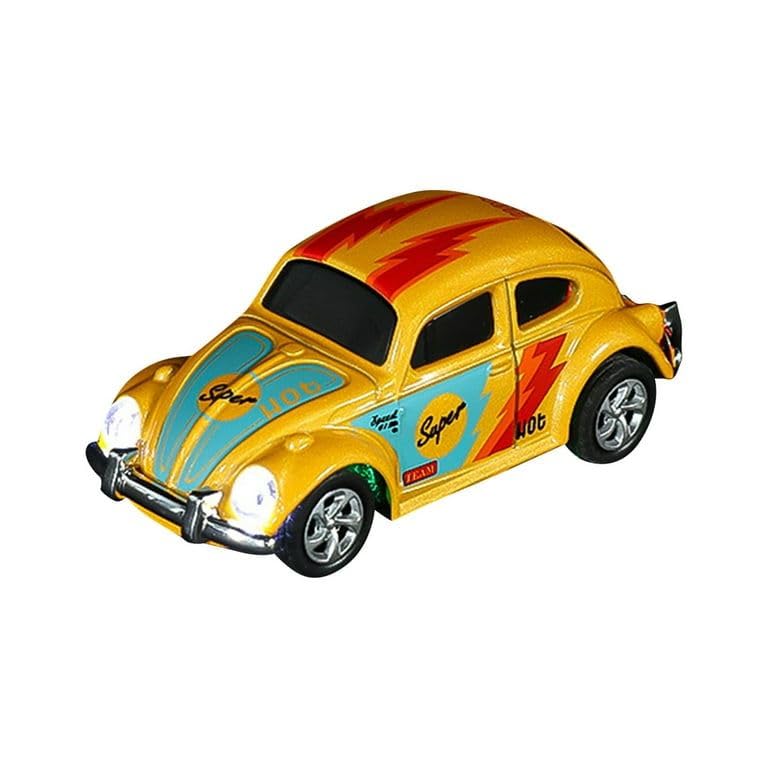
Image 1: The 1:64 scale R/C alloy model car, ready for operation.
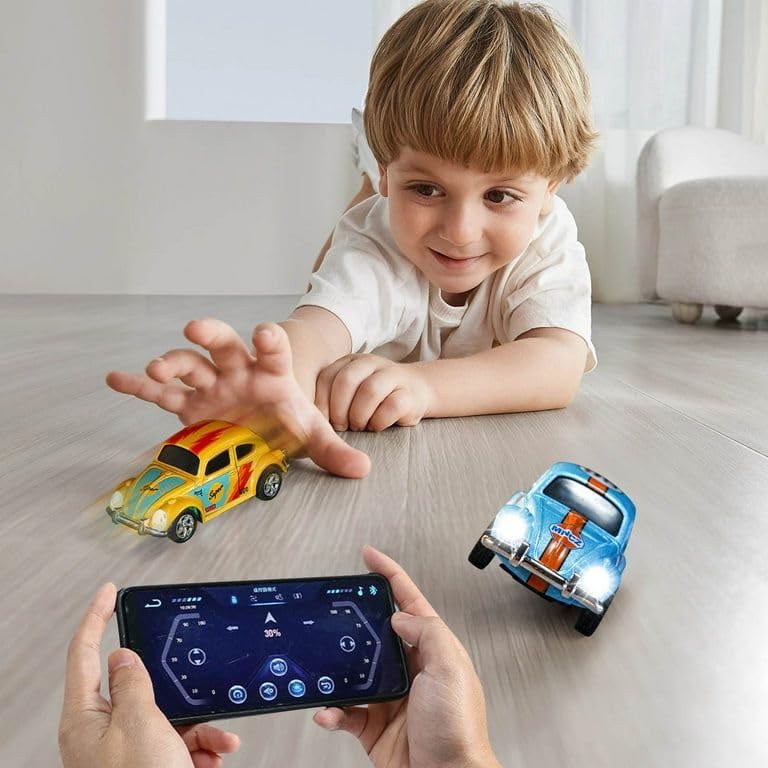
Image 2: A child interacting with the R/C cars, demonstrating app control.
5. Operating Instructions
5.1 Basic Controls (App Interface)
Once connected via the app, the control interface will appear on your smartphone screen. The typical controls include:
- Forward: Press and hold the 'Forward' button or push the joystick up to move the car forward.
- Retreat (Backward): Press and hold the 'Retreat' button or pull the joystick down to move the car backward.
- Turn Left: Press the 'Turn Left' button or move the joystick left to steer the car left.
- Turn Right: Press the 'Turn Right' button or move the joystick right to steer the car right.
- Pilot Lamp: Activates or deactivates the car's headlights.
- Three Speed Regulation: Allows you to cycle through different speed settings (e.g., low, medium, high) for varied driving experiences.
- Automatic Exercise: Initiates a pre-programmed driving sequence for demonstration or automated play.
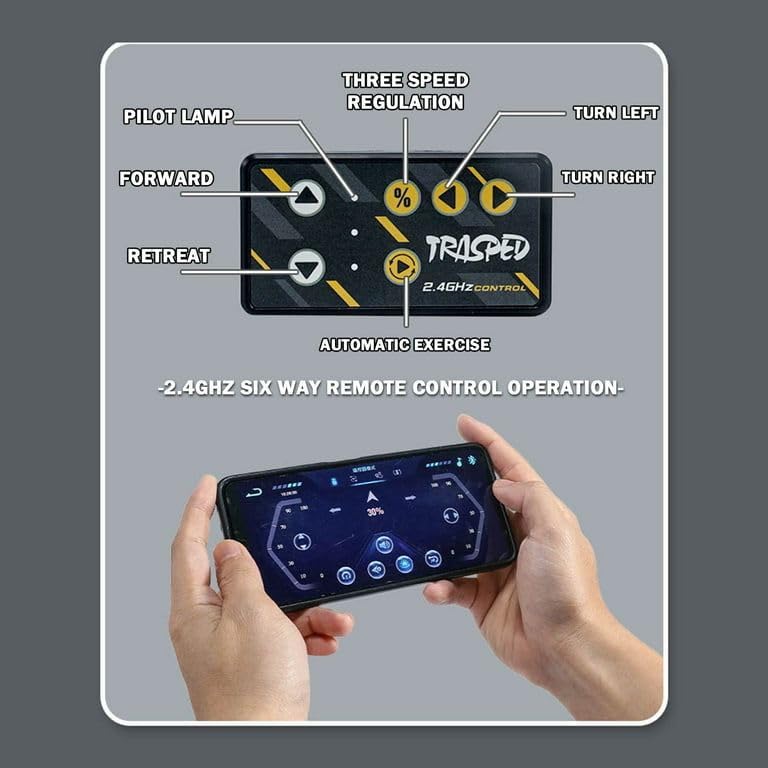
Image 3: Detailed layout of the TRASPED 2.4GHz app control interface.
5.2 Driving Tips
- Start with the lowest speed setting to familiarize yourself with the controls.
- Operate the car on smooth, flat surfaces for optimal performance.
- Avoid driving on rough terrain, sand, or water to prevent damage.
- Practice steering and speed control in an open area.
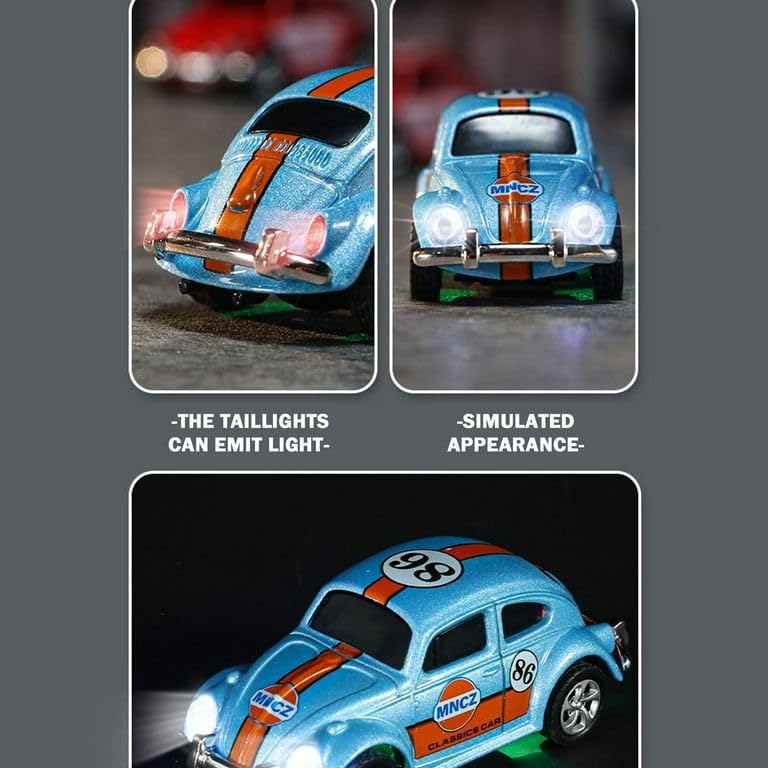
Image 4: Close-up view of the R/C car's illuminated headlights and detailed simulated appearance.
6. Maintenance
6.1 Cleaning
- Turn off the car and disconnect from any power source before cleaning.
- Wipe the car with a soft, dry cloth to remove dust and dirt.
- Do not use water or chemical cleaners, as they may damage electronic components.
6.2 Storage
- Store the car and remote control in a cool, dry place away from direct sunlight.
- Remove batteries from the remote control if storing for extended periods to prevent leakage.
6.3 Battery Care
- Do not overcharge the car's battery.
- If the car will not be used for a long time, charge the battery partially (around 50%) before storage.
- Dispose of depleted batteries responsibly according to local regulations.
7. Troubleshooting
| Problem | Possible Cause | Solution |
|---|---|---|
| Car does not respond to controls. | Car or remote/app is off. Low battery in car or remote. Not paired correctly. | Ensure both are powered on. Charge car battery; replace remote batteries. Re-pair the car with the app/remote. |
| Car moves slowly or erratically. | Low car battery. Interference. Obstruction in wheels. | Recharge car battery. Move to an area with less interference. Check and clear any debris from wheels. |
| App fails to connect to car. | Bluetooth off. Car not powered on. App issue. | Ensure Bluetooth is enabled on your device. Turn on the R/C car. Restart the app or your mobile device. |
| Lights are not working. | Pilot lamp function off. Low car battery. | Activate pilot lamp via app/remote. Recharge car battery. |
8. Specifications
| Feature | Detail |
|---|---|
| Brand | Generic |
| Model Number | 01 |
| Item Type Name | R/C MINI CAR |
| Scale | 1:64 |
| Material | Metal (Alloy) |
| Control System | 2.4GHz, App Control |
| Item Dimensions (L x W x H) | 8 x 2.5 x 3 Centimeters |
| Item Weight | 350 Grams |
| Colour | METALLIC YELLOW |
| Minimum Recommended Age | 36 Months (3 years) |
9. Warranty and Support
This product is manufactured by wowmart. For any support inquiries, troubleshooting assistance beyond this manual, or warranty information, please contact your retailer or the manufacturer directly. Please retain your proof of purchase for any warranty claims.