
1. Product Overview
The AOSRAU H69 Wireless Earbuds offer a high-fidelity audio experience with advanced features for daily use. Designed for comfort and durability, these earbuds integrate Bluetooth 5.4 technology for stable connectivity, Environmental Noise Cancellation (ENC) for clear calls, and an IP7 waterproof rating for various activities.

Image 1.1: The AOSRAU H69 Wireless Earbuds shown with their charging case. The case features an LED display indicating battery levels for both the case and individual earbuds.
Package Contents:
- H69 Wireless Earbuds (L & R) x 1 pair
- Portable Charging Case x 1
- Silicone Earplugs (S / M / L) x 3 pairs
- USB-C Charging Cable x 1
- User Manual x 1

Image 1.2: Visual representation of the items included in the product package: earbuds, charging case, ear tips, USB-C cable, and user manual.
2. Setup
2.1 Initial Charging
Before first use, fully charge the earbuds and the charging case. Connect the provided USB-C cable to the charging case and a compatible USB power source. The LED display on the case will show the charging progress.
- Charging Time: Approximately 1.5 hours for a full charge.
- Battery Life: Up to 9 hours on a single charge for earbuds; up to 36 hours total with the charging case.

Image 2.1: Diagram illustrating the charging process and battery life, showing 1.5 hours for full charge and up to 45 hours total playtime with the charging case.
2.2 Pairing with a Device
- Power On: Open the charging case. The earbuds will automatically power on and enter pairing mode. The indicator lights on the earbuds will flash.
- Activate Bluetooth: On your smartphone, tablet, or other Bluetooth-enabled device, go to the Bluetooth settings and turn Bluetooth on.
- Select Device: Look for "H69" in the list of available devices and select it to connect.
- Confirmation: Once connected, the earbud indicator lights will stop flashing, and you will hear an audible confirmation.
After the initial pairing, the earbuds will automatically reconnect to the last paired device when the charging case is opened, provided Bluetooth is enabled on your device.
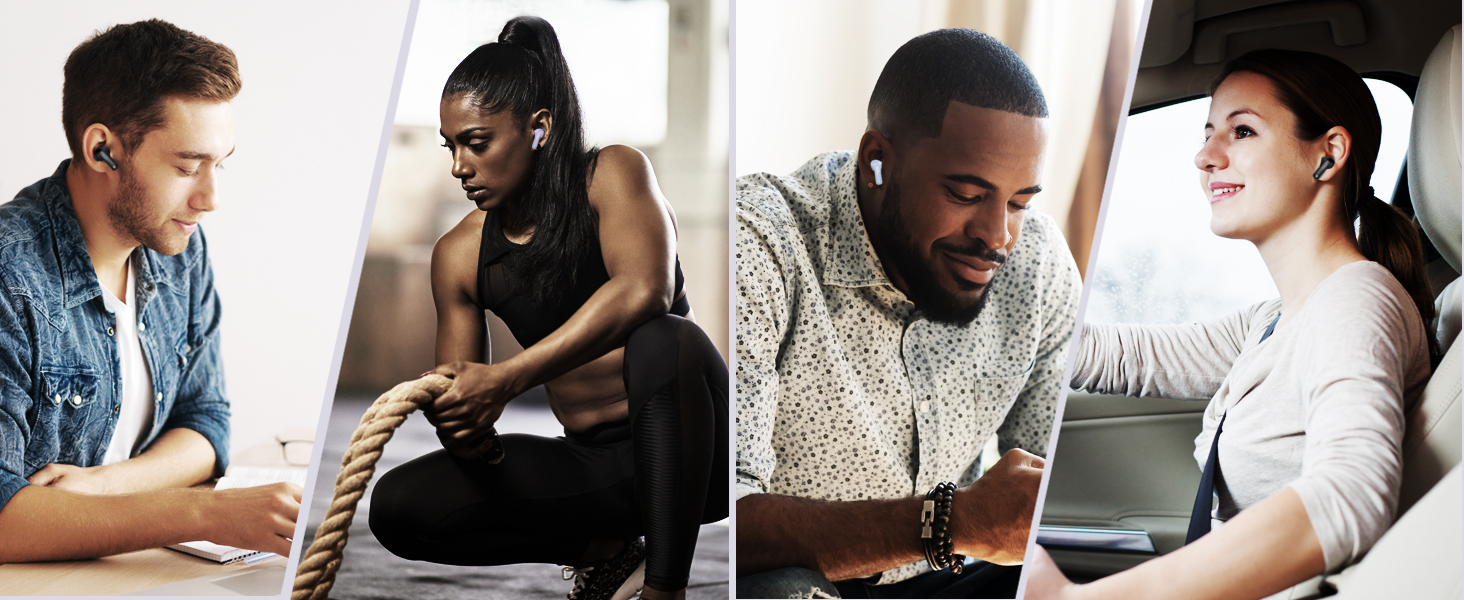
Image 2.2: Illustration demonstrating the one-tap pairing technology, showing the earbuds connecting seamlessly to a laptop and a smartphone.
2.3 Wearing the Earbuds
Choose the silicone earplugs (S/M/L) that provide the most comfortable and secure fit for your ears. Insert the earbuds into your ear canals and gently twist them to ensure a snug fit. A proper fit enhances sound quality and noise isolation.

Image 2.3: Diagram showing the different sizes of silicone ear tips (S, M, L) included for optimal fit and comfort.
3. Operating Instructions
3.1 Touch Controls
The AOSRAU H69 earbuds feature smart touch controls on each earbud for easy management of music, calls, and voice assistant functions.
| Action | Function |
|---|---|
| Tap L/R once | Play/Pause Music, Answer Call |
| Tap L/R twice | Next Song (Right earbud), Previous Song (Left earbud) |
| Tap L/R three times | Activate Voice Assistant (Siri, Google Assistant, etc.) |
| Press and hold L/R (2 seconds) | Reject Call, Power On/Off |
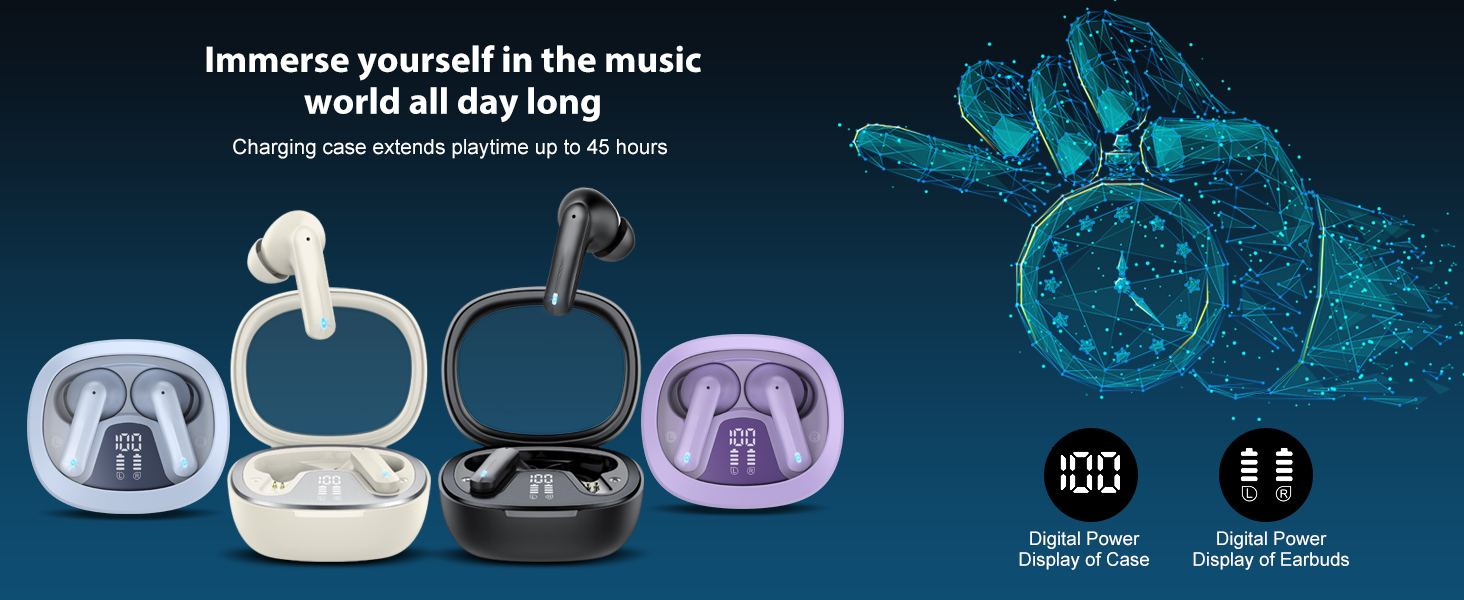
Image 3.1: Visual guide to the smart touch controls for music playback, call management, and voice assistant activation.
3.2 Power On/Off
- Power On: Open the charging case, and the earbuds will automatically power on. Alternatively, press and hold the touch area on both earbuds for 2 seconds.
- Power Off: Place the earbuds back into the charging case and close the lid. They will automatically power off and begin charging. Alternatively, press and hold the touch area on both earbuds for 2 seconds until the indicator light turns off.
3.3 Environmental Noise Cancellation (ENC)
The H69 earbuds are equipped with 4 ENC noise-cancelling microphones to reduce background noise during calls, ensuring clear communication in noisy environments.

Image 3.2: A user enjoying clear audio with the ENC feature, demonstrating its effectiveness in reducing ambient noise.
4. Maintenance
4.1 Cleaning
- Regularly clean the earbuds and charging case with a soft, dry, lint-free cloth.
- Remove ear tips and clean them with mild soap and water if necessary. Ensure they are completely dry before reattaching.
- Do not use abrasive cleaners or solvents.
4.2 Storage
When not in use, store the earbuds in their charging case to protect them and ensure they remain charged. Store in a cool, dry place away from extreme temperatures.
4.3 Water Resistance (IP7)
The earbuds have an IP7 waterproof rating, meaning they are protected against immersion in water up to 1 meter for 30 minutes. They are resistant to sweat and rain, making them suitable for workouts and outdoor activities. However, the charging case is not waterproof. Do not submerge the earbuds or charging case in water for extended periods or expose them to high-pressure water jets.

Image 4.1: Illustration depicting the IP7 waterproof capabilities, showing resistance to splashes, sweat, and light rain.
5. Troubleshooting
| Problem | Possible Cause | Solution |
|---|---|---|
| Earbuds not pairing | Earbuds not in pairing mode, Bluetooth off on device, previously paired device interfering. | Ensure earbuds are out of the case and flashing. Turn Bluetooth on your device. Forget "H69" from your device's Bluetooth list and re-pair. |
| Only one earbud working | Low battery, earbud not properly connected, left/right channel issue. | Place both earbuds back in the charging case, close the lid, then open again. Ensure both are charged. Re-pair if necessary. |
| Poor sound quality | Improper fit, low battery, interference, dirty ear tips. | Adjust earbud fit and try different ear tip sizes. Charge earbuds. Move closer to your device. Clean ear tips. |
| Earbuds not charging | Charging cable issue, dirty charging contacts, case battery empty. | Check USB-C cable and power source. Clean charging contacts on earbuds and case. Charge the charging case. |
| Touch controls unresponsive | Earbuds not powered on, temporary software glitch. | Ensure earbuds are powered on. Place earbuds back in the case, close, then open again to reset. |
6. Specifications
| Feature | Detail |
|---|---|
| Model Name | H69 |
| Brand | AOSRAU |
| Connectivity Technology | Wireless (Bluetooth 5.4) |
| Bluetooth Range | Up to 15 meters |
| Audio Driver Type | Dynamic Driver |
| Audio Driver Size | 14.2 mm |
| Noise Control | Environmental Noise Cancellation (ENC) with 4 Mics |
| Earbud Battery Life | Up to 9 hours |
| Total Playtime (with case) | Up to 45 hours |
| Charging Time | Approximately 1.5 hours |
| Water Resistance | IP7 (earbuds only) |
| Control Method | Touch |
| Earbud Weight | 3.1 grams (each) |
| Compatible Devices | Cellphones, Tablets (Android/iOS) |
7. Warranty and Support
AOSRAU provides a 2-year warranty for the H69 Wireless Earbuds, covering manufacturing defects from the date of purchase. For any product-related inquiries, technical assistance, or warranty claims, please contact our customer support team.
Customer Service:
Our dedicated customer service team is available 24/7 to assist you. Please refer to the contact information provided on the product packaging or the official AOSRAU website for support.
Image 7.1: Information regarding AOSRAU's 24/7 customer service and 2-year product warranty.


