
Introduction
This manual provides detailed instructions for the setup, operation, and maintenance of your Swiitech CH-211 Wireless TV Headphones. Designed for a private listening experience, these headphones offer clear audio with ultra-low latency, ensuring audio and video synchronization. Please read this manual thoroughly to ensure proper use and to maximize your product's performance.

Figure 1: Swiitech CH-211 Wireless TV Headphones and Charging Base.
What's in the Box
Verify that all items are present in the package:
- Swiitech CH-211 Wireless Headphones
- Transmitter/Charging Base
- Optical Audio Cable
- 3.5mm AUX Audio Cable
- RCA Audio Cable
- USB-C Charging Cable
- USB Power Adapter
Product Overview
Headphones
- Comfortable Design: Lightweight materials and soft over-ear cushions for extended listening.
- Adjustable Headband: The headband is adjustable to fit various head sizes.
- Controls: Integrated buttons for power, volume adjustment, and mode selection.
- Battery Life: Up to 24 hours of use on a single charge.
Transmitter/Charging Base
- Multiple Connection Options: Supports Optical, AUX (3.5mm), and RCA audio inputs for broad TV compatibility.
- Charging Function: Serves as a convenient charging dock for the headphones.
- Auto-Pairing: Headphones auto-pair with the transmitter when removed from the base.
- Wireless Range: Provides a stable wireless signal up to 30 meters (100 feet).
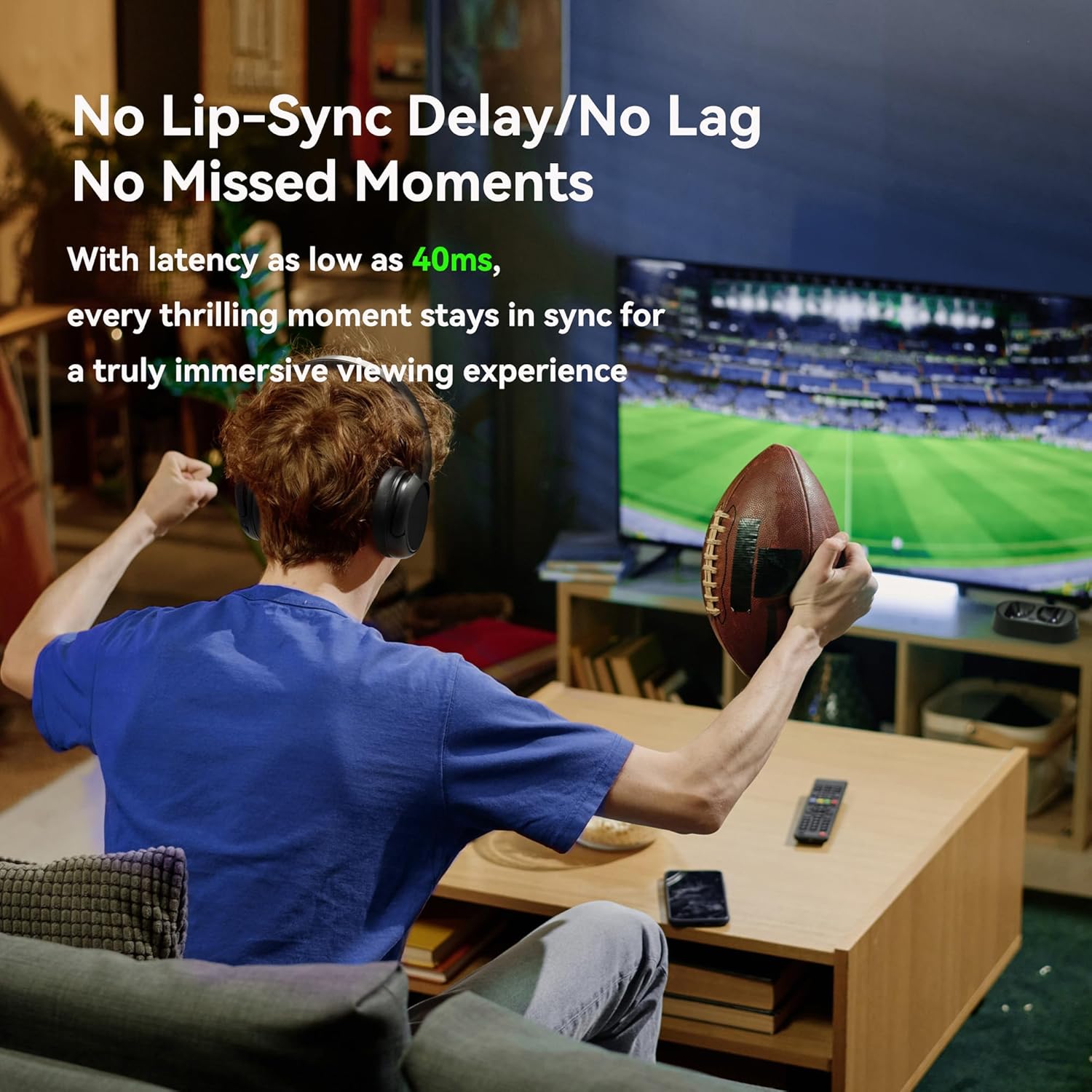
Figure 2: Transmitter/Charging Base with Headphones.
Setup Instructions
Follow these steps to connect your Swiitech CH-211 Wireless TV Headphones:
- Power the Transmitter: Connect the USB-C charging cable to the transmitter base and plug the USB power adapter into a wall outlet. Slide the ON/OFF switch on the transmitter to the 'ON' position.
- Connect to TV (Wired Options):
- Optical: Use the Optical Audio Cable to connect your TV's optical audio output to the transmitter's optical input.
- AUX (3.5mm): Use the 3.5mm AUX Audio Cable to connect your TV's 3.5mm audio output to the transmitter's AUX input.
- RCA: Use the RCA Audio Cable to connect your TV's RCA audio outputs (red/white) to the transmitter's RCA inputs.
Note: Only one wired audio input can be used at a time. Ensure your TV's audio output settings are configured correctly for the chosen connection type (e.g., PCM for optical).
- Power On Headphones: Slide the ON/OFF switch on the headphones to the 'ON' position. The headphones will automatically pair with the powered transmitter base.
- Bluetooth Connection (Optional): If your TV supports Bluetooth, you can connect the headphones directly via Bluetooth. Turn off the transmitter base. Remove the headphones from the base; they will enter pairing mode automatically. On your phone or tablet, turn on Bluetooth and select "CH-211" from the available devices.
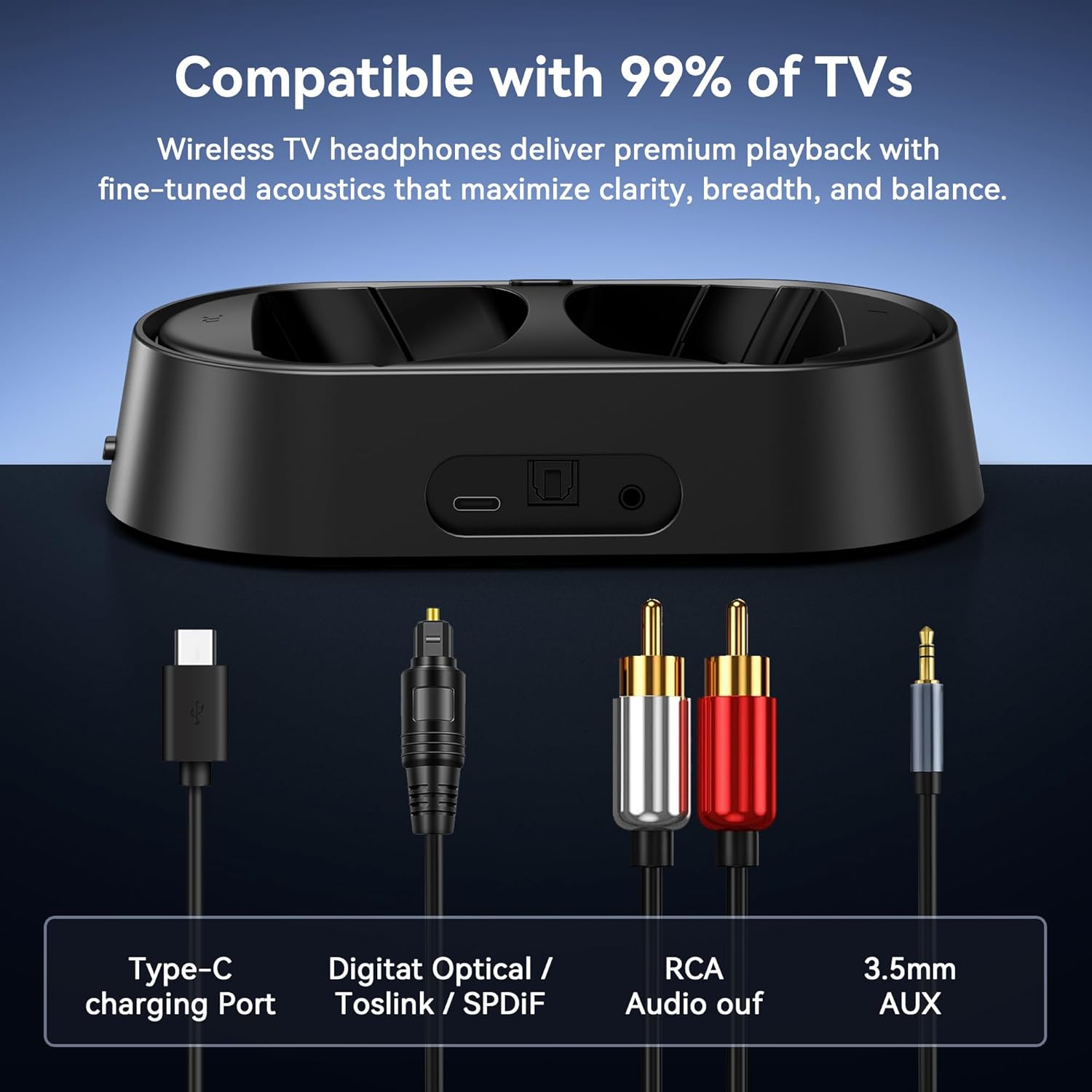
Figure 3: Visual guide for connecting the headphones to your TV.
Video Guide: Pairing Instructions
Video 1: Detailed instructions on how to use and pair your Swiitech CH-211 Wireless TV Headphones.
Operating Instructions
- Wearing the Headphones: Adjust the headband for a comfortable and secure fit over your ears. The soft cushions are designed for extended wear.
- Power On/Off: Use the dedicated ON/OFF switch on the headphone earcup to power the device.
- Volume Control: Adjust the volume using the +/- buttons located on the earcup.
- Charging: When the battery is low, simply place the headphones on the transmitter/charging base. A clear indicator light will show the charging status. The headphones will auto-pair once removed from the base after charging.
Maintenance
- Cleaning: Use a soft, dry cloth to clean the headphones and transmitter base. Avoid using harsh chemicals or abrasive materials.
- Storage: Store the headphones on their charging base in a cool, dry place when not in use.
- Battery Care: To prolong battery life, avoid fully discharging the headphones frequently. Charge them regularly.
Troubleshooting
| Issue | Possible Solution |
|---|---|
| No Sound | Ensure the transmitter is powered on and correctly connected to the TV. Check TV audio output settings (e.g., set to PCM for optical). Verify headphone power and volume. |
| Headphones Not Pairing | Ensure both headphones and transmitter are powered on. If using Bluetooth, ensure the transmitter is OFF and headphones are in pairing mode. Move closer to the transmitter. |
| Poor Audio Quality | Check cable connections for looseness. Ensure no interference from other wireless devices. Adjust TV audio settings. |
| Short Battery Life | Ensure headphones are properly seated on the charging base. Verify the charging indicator. Avoid extreme temperatures. |
Specifications
| Feature | Detail |
|---|---|
| Model Name | CH-211 |
| Connectivity Technology | Wireless, Bluetooth V5.3 |
| Wireless Communication Technology | Bluetooth V5.3 |
| Bluetooth Range | 30 Meters |
| Input Device Interface | Optical, AUX, RCA, Bluetooth |
| Battery Life | 24 Hours |
| Charging Time | 2 Hours |
| Noise Control | Sound Isolation |
| Frequency Response | 20000 Hz |
| Sensitivity | 114 dB |
| Impedance | 32 Ohms |
| Item Weight | 419 Grams (14.8 ounces) |
| Material | Plastic |
| Special Feature | Noise Isolation, Bluetooth V5.3, Ultra-Low Latency, Detachable Cable, Rechargeable Battery, Lightweight, Plug & Play |
Warranty and Support
Swiitech is committed to providing reliable after-sales service. For any questions, technical assistance, or warranty claims, please contact our support team. Refer to the product packaging or the official Swiitech website for the most up-to-date contact information.
Please retain your proof of purchase for warranty purposes.


