
AURISOM A50
AURISOM Motorcycle Helmet Bluetooth Headset A50 User Manual
Model: A50 | Brand: AURISOM
Introduction
This manual provides detailed instructions for the installation, operation, and maintenance of your AURISOM Motorcycle Helmet Bluetooth Headset A50. Please read this manual thoroughly before use to ensure proper function and safety. The A50 headset features immersive 3D sound, active noise cancellation, Bluetooth 5.3 connectivity, a 1200mAh battery, IP67 waterproof and dustproof rating, and multi-color LED ambient lighting.
What's in the Box
Carefully unpack all components and check against the list below:
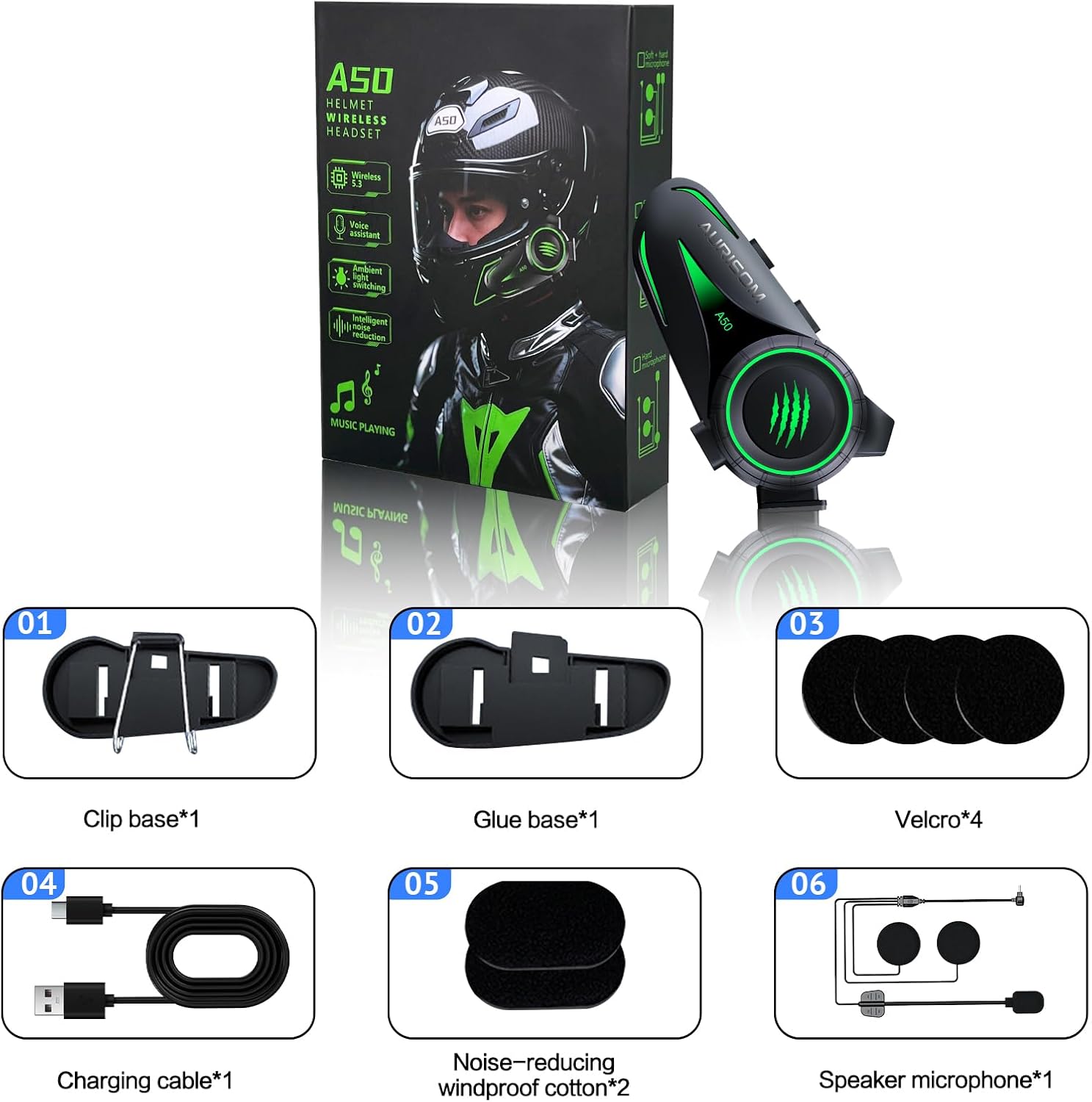
- Motorcycle Bluetooth Headset A50 (1 unit)
- Clip-on Base (1 unit)
- Adhesive Glue Base (1 unit)
- Charging Cable (1 unit)
- Velcro (4 pieces)
- Noise-reducing Windproof Cotton (2 pieces)
- Speaker Microphone (1 unit)
- User Manual (1 unit)
Setup and Installation
Follow these steps to properly install the AURISOM A50 headset on your helmet:
- Choose Mounting Method: Select either the clip-on base or the adhesive glue base. The clip-on base is suitable for helmets with an edge where it can securely attach. The adhesive base is for helmets without a suitable edge or for a more permanent fixture.
- Attach Main Unit Base: Secure the chosen base to the left side of your helmet. Ensure the surface is clean and dry before applying the adhesive base. For the clip-on base, slide it onto the helmet edge until it is firm.
- Install Speakers: Place the speakers inside the helmet's ear pockets. Use the provided Velcro pads to secure them. Ensure the speakers are positioned directly over your ears for optimal sound quality.
- Position Microphone: Attach the microphone to the inside of the helmet, positioning it in front of your mouth. Use the Velcro pads to secure it. For full-face helmets, use the boom microphone. For open-face helmets, the soft wire microphone may be more suitable.
- Connect Components: Plug the speaker-microphone assembly into the Type-C headphone port on the main A50 unit.
- Mount Main Unit: Slide the A50 main unit onto the installed base until it clicks securely into place.


Operating Instructions
Power On/Off
- Power On: Press and hold the 'Turn on and off key' (Button 3 as per Figure 4) for approximately 3 seconds until the LED indicator lights up.
- Power Off: Press and hold the 'Turn on and off key' (Button 3) for approximately 3 seconds until the LED indicator turns off.
Bluetooth Pairing
The A50 headset features advanced Bluetooth 5.3 for stable connections and multi-point pairing.
- Ensure the headset is powered off.
- Press and hold the 'Turn on and off key' (Button 3) for about 5-7 seconds until the LED indicator flashes red and blue alternately, indicating pairing mode.
- On your mobile device, enable Bluetooth and search for 'AURISOM A50'.
- Select 'AURISOM A50' to connect. Once paired, the LED indicator will flash blue slowly.

Call Control
- Answer Call: Press the 'Turn on and off key' (Button 3) once.
- End Call: Press the 'Turn on and off key' (Button 3) once during a call.
- Reject Call: Press and hold the 'Turn on and off key' (Button 3) for 2 seconds.
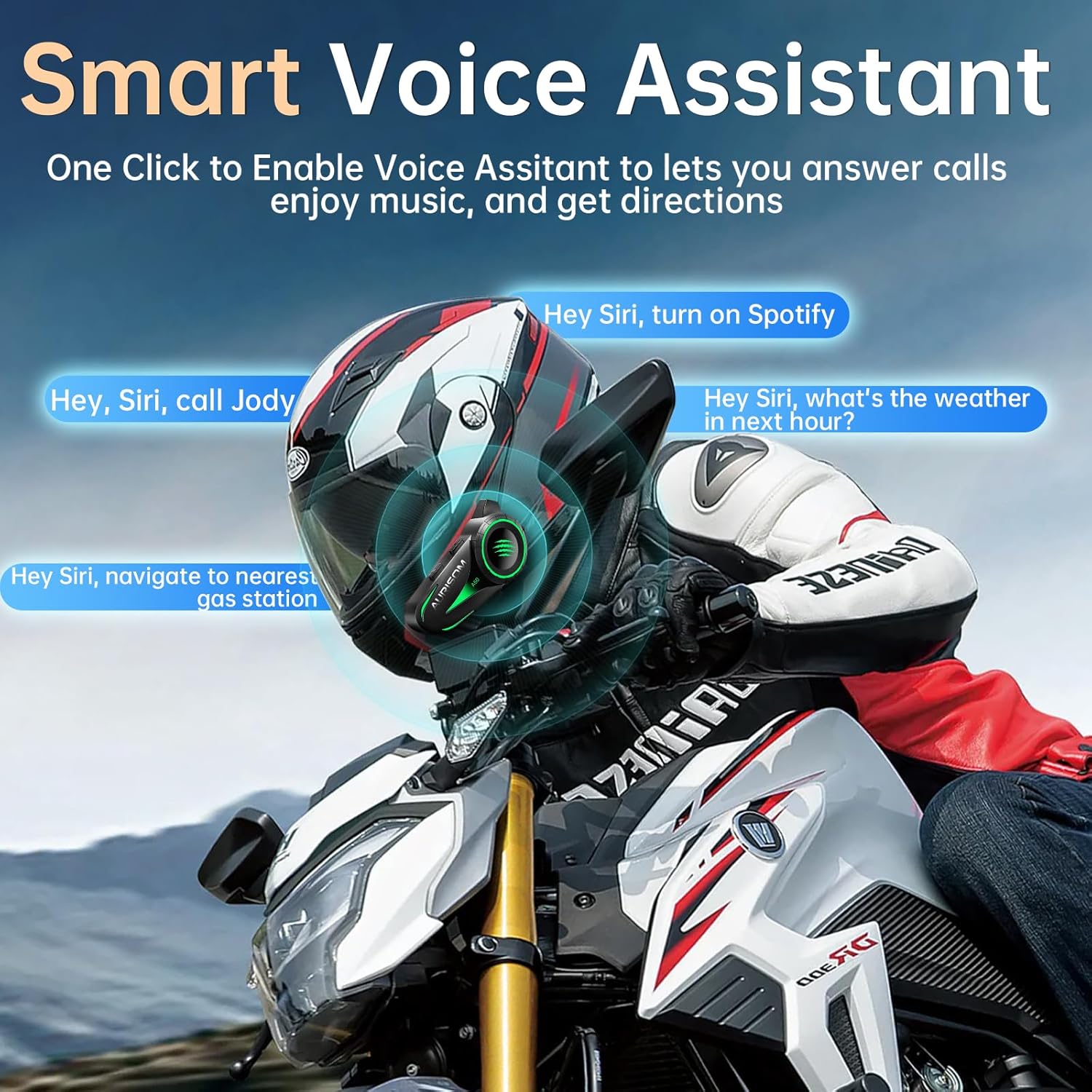
- Voice Assistant: Double-press the 'Turn on and off key' (Button 3) to activate your device's voice assistant (Siri, Google Assistant).
Music Control
- Play/Pause: Press the 'Turn on and off key' (Button 3) once.
- Volume Up: Press the 'Volume+ / Next Song' button (Button 2).
- Volume Down: Press the 'Volume- / Previous Song' button (Button 1).
- Next Song: Press and hold the 'Volume+ / Next Song' button (Button 2) for 2 seconds.
- Previous Song: Press and hold the 'Volume- / Previous Song' button (Button 1) for 2 seconds.
LED Ambient Lighting
The A50 headset features customizable LED lights with multiple modes:
- Change Mode/Color: Press the dedicated LED light button (refer to product diagram for exact location, typically a small button on the main unit) to cycle through breathing, flowing, and static modes, and different colors.
- Turn Off Lights: Press and hold the LED light button for 2 seconds.

Charging
The A50 headset is equipped with a 1200mAh battery and a Type-C charging port.
- Connect the provided Type-C charging cable to the charging port (Button 4 as per Figure 4) on the A50 unit and to a USB power source.
- A full charge takes approximately 1 hour.
- The battery provides up to 40 hours of talk/music time and 500 hours of standby time.
- You can monitor the battery level directly from your connected phone.


Maintenance
To ensure the longevity and optimal performance of your AURISOM A50 headset, follow these maintenance guidelines:
- Cleaning: Wipe the headset unit and speakers with a soft, damp cloth. Do not use harsh chemicals or abrasive cleaners.
- Waterproof Protection: The A50 is IP67 waterproof and dustproof. While it can withstand heavy rain and dust, avoid prolonged submersion in water. Ensure the Type-C port cover is securely closed when not charging.
- Storage: Store the headset in a cool, dry place away from direct sunlight and extreme temperatures when not in use.
- Battery Care: For long-term storage, charge the battery to about 50% every three months to prevent deep discharge.
Troubleshooting
If you encounter issues with your AURISOM A50 headset, refer to the following common solutions:
- No Power: Ensure the battery is charged. Connect the headset to a power source using the Type-C cable and allow it to charge for at least 15 minutes before attempting to power on again.
- Cannot Pair: Make sure the headset is in pairing mode (LED flashing red and blue). Ensure Bluetooth is enabled on your device and it is within range. Try restarting both the headset and your device.
- No Sound/Low Volume: Check the volume levels on both the headset and your connected device. Ensure the speakers are correctly plugged into the headset unit and positioned properly in your helmet.
- Poor Call Quality/Noise: Ensure the microphone is positioned correctly in front of your mouth. Verify that the noise-reducing windproof cotton is installed on the microphone. High speeds or strong winds can still affect call clarity despite noise cancellation.
- Intermittent Connection: Ensure there are no obstructions between the headset and your paired device. Move closer to your device. Avoid environments with strong electromagnetic interference.
Specifications
| Feature | Detail |
|---|---|
| Model Name | Motorcycle Bluetooth Headset A50 |
| Connectivity Technology | Bluetooth 5.3 |
| Noise Control | Active Noise Cancellation |
| Battery Capacity | 1200mAh |
| Battery Life (Talk/Music) | Up to 40 Hours |
| Charging Time | Approx. 1 Hour |
| Charging Port | Type-C |
| Water Resistance Level | IP67 Waterproof |
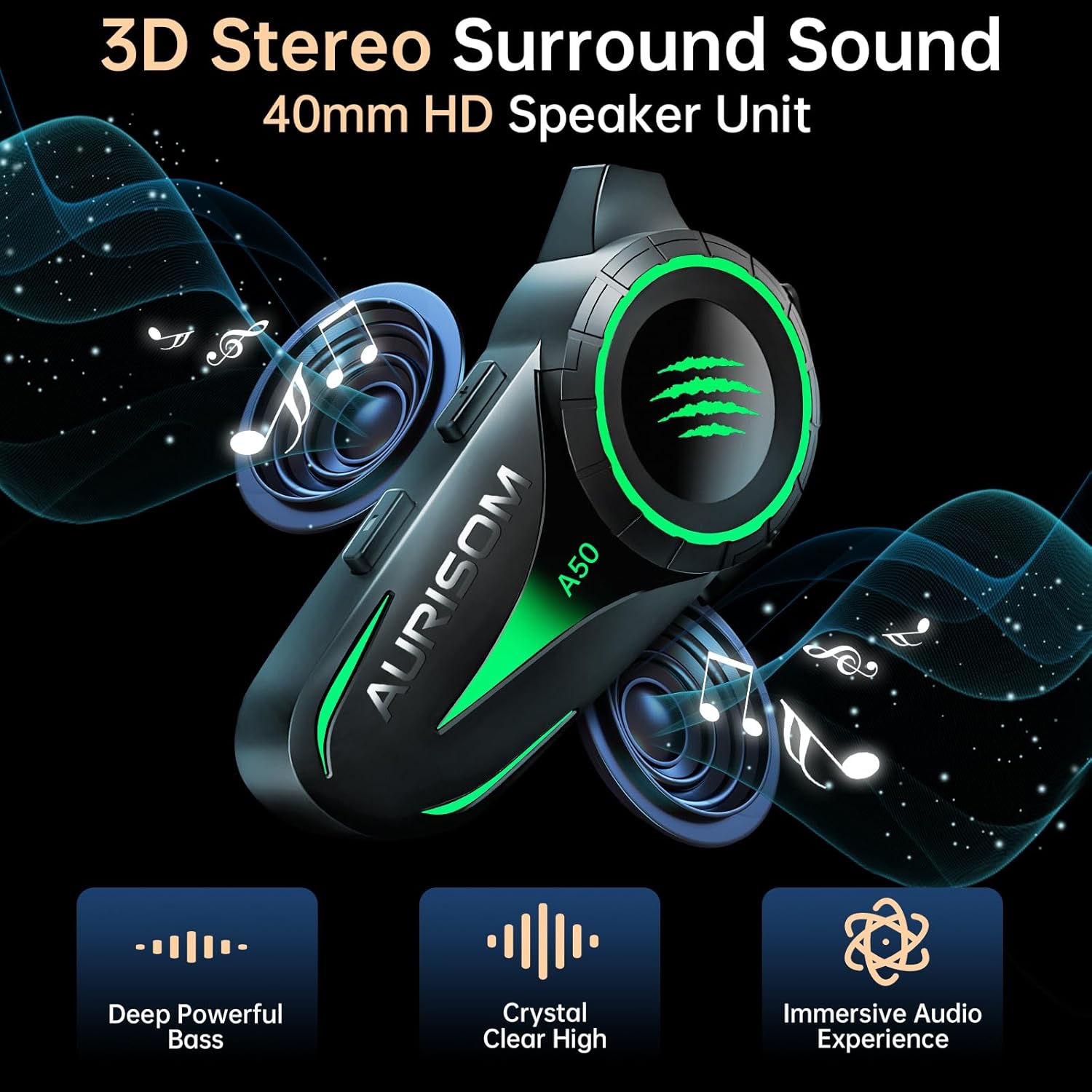
| Speaker Size | 40mm Large-Aperture |
| Frequency Response | 100 Hz |
| Sensitivity | 110 dB |
| Impedance | 16 Ohm |
| Control Type | Voice Control, Call Control, Volume Control, Siri, Google Assistant |
| Material | Plastic |
| Item Weight | 5.3 ounces |
Warranty and Support
For warranty information, technical support, or customer service inquiries, please refer to the contact details provided on the product packaging or visit the official AURISOM website. Keep your purchase receipt as proof of purchase for warranty claims.
Ask a question about this manual
Ask about setup, troubleshooting, compatibility, parts, safety, or missing instructions. Manuals+ will review the question and use this page’s manual context to help answer it.