
Lioncho 8KW Portable Diesel Heater
Lioncho 8KW Portable Diesel Heater Instruction Manual
Model: 8KW Portable Diesel Heater
1. Introduction
The Lioncho 8KW Portable Diesel Heater is an all-in-one parking heater designed for rapid and efficient heating in various environments. It features remote control and an LCD screen for convenient operation. This manual provides essential information for safe and effective use, including setup, operation, maintenance, and troubleshooting.
This diesel heater is equipped with a sandblasted aluminum heat exchanger, delivering 4,700 to 27,000 BTU of heat. It can warm an area of 215 - 269 square feet (20 - 25 square meters) within 10 minutes. Designed for energy efficiency, it consumes approximately 1 gallon of fuel per night (0.23 - 0.51 liters per hour) under typical usage.
Its compact and lightweight design ensures portability, making it suitable for RVs, trailers, trucks, boats, and other temporary heating needs. Multiple safety protection functions, including constant temperature control at ≥ 270°C (518°F), ensure reliable operation.
2. Safety Information
- Ventilation is Critical: Always ensure adequate ventilation when operating the diesel heater to prevent carbon monoxide buildup. This heater is not intended for long-term indoor use in unventilated spaces.
- Exhaust Placement: Position the exhaust pipe away from flammable materials and ensure it does not come into contact with surfaces that could melt or ignite. The exhaust should always be directed outside and away from fresh air intakes to prevent re-circulation of harmful fumes.
- Fuel Handling: Use only diesel fuel. Do not overfill the fuel tank. Handle fuel in a well-ventilated area away from ignition sources.
- Power Supply: Connect the heater to the correct voltage (12V, 24V, or 110-240V AC adapter). Do not exceed specified voltage limits.
- Heat Protection: Utilize the provided heat wrap for exhaust pipes to prevent accidental burns or damage to surrounding materials.
- Children and Pets: Keep children and pets away from the operating heater.
- Emergency Shut-off: Familiarize yourself with the emergency shut-off procedures.
3. Package Contents
Your Lioncho 8KW Portable Diesel Heater package includes the following items:
- Diesel Heater Unit
- Black Power Adapter (for 110-240V AC)
- Power Cables (for 12V/24V DC connection)
- Exhaust Pipe Heat Insulation Tape
- Air Outlet Pipe
- Plastic Zip Ties
- Air Filter
- Drill Bit (for installation)
- Remote Control
- Intake Pipe
- Silver Metal Silencer (Muffler)
- Multiple Small Screws
- Exhaust Pipe
- Air Outlet Vent
- Big Metal Hose Clamps
- Metal Clamp with Handle
- Cross Screw Locking Clamp
- Discarded Pipe Fixing Ring
- Silencer Bracket

Image: All components of the Lioncho 8KW Portable Diesel Heater package, including the main unit, various pipes, clamps, remote control, and power adapters.
4. Setup & Installation
Proper setup and installation are crucial for the safe and efficient operation of your diesel heater. Refer to the included instruction manual for detailed diagrams and specific vehicle installation guidelines.
4.1 Connecting Intake and Exhaust Pipes
- Locate the "Inlet" and "Outlet" ports on the bottom of the heater unit.
- Attach the intake pipe (with air filter) to the "Inlet" port using the provided clamps. Ensure the air filter is positioned to draw clean air.
- Connect the exhaust pipe to the "Outlet" port. Secure the metal silencer (muffler) to the end of the exhaust pipe. Use heat wrap around the exhaust pipe to prevent heat damage to surrounding materials.
- Ensure the intake and exhaust pipes are positioned far enough apart to prevent exhaust fumes from being drawn back into the intake.
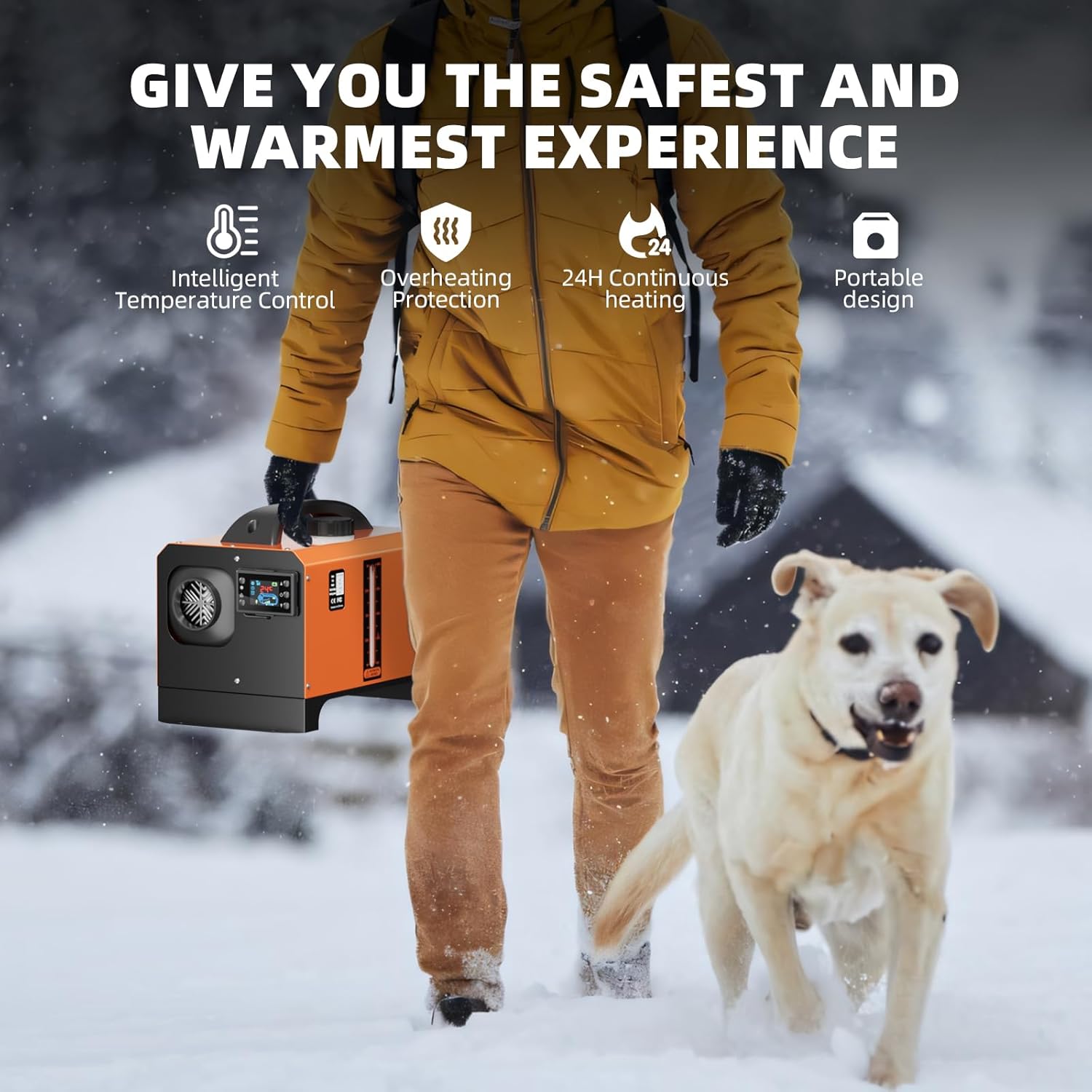
Image: Underside of the heater unit, clearly labeled with "Inlet" and "Outlet" ports for connecting air intake and exhaust systems.
4.2 Power Connection
- For 12V/24V DC operation (e.g., directly to a vehicle battery), connect the provided power cables to the corresponding terminals on the heater.
- For 110-240V AC operation (e.g., in a workshop or garage), use the black power adapter.
- Always ensure the power source matches the heater's requirements.
4.3 Fueling the Heater
- Unscrew the fuel cap on top of the unit.
- Carefully pour diesel fuel into the integrated 7L tank. Monitor the fuel level indicator on the side of the unit.
- Do not overfill. Securely replace the fuel cap after fueling.

Image: Side panel of the diesel heater with a clear fuel level indicator, showing the current diesel volume in the tank.
5. Operating Instructions
The Lioncho diesel heater offers intelligent control via its LCD screen and remote control.
5.1 Starting the Heater
- Ensure all connections (power, intake, exhaust) are secure and the fuel tank is adequately filled.
- Press the power button on the LCD control panel or the "ON" button on the remote control.
- The heater will initiate a startup sequence, which may involve a brief pre-heating phase.
5.2 Adjusting Temperature and Settings
- Use the up/down arrows on the LCD panel or the remote control to adjust the desired temperature.
- The LCD screen displays current temperature, operating mode, and other relevant information.
- The remote control allows convenient adjustment from a distance, enabling you to pre-heat your space without direct interaction with the unit.

Image: The diesel heater's LCD control panel and remote control, illustrating the dual control options for temperature and operation settings.
5.3 Shutting Down the Heater
- Press the power button on the LCD control panel or the "OFF" button on the remote control.
- The heater will enter a cool-down cycle to safely reduce the furnace temperature before completely shutting off. Do not disconnect power during this cycle.
6. Maintenance
Regular maintenance ensures the longevity and safe operation of your diesel heater.
- Clean Air Filter: Periodically inspect and clean the air filter to ensure optimal airflow and prevent dust buildup.
- Fuel Quality: Use clean, high-quality diesel fuel to prevent clogs and ensure efficient combustion.
- Exhaust System Check: Regularly check the exhaust pipes and muffler for any blockages, damage, or leaks. Ensure all clamps are tight.
- General Cleaning: Keep the exterior of the heater clean and free from debris.
7. Troubleshooting
- Heater Not Starting: Check power connections, fuel level, and ensure all pipes are correctly installed and free of blockages.
- Ticking Noise: A ticking noise is normal during operation and indicates the fuel pump is actively supplying fuel to the burner.
- Excessive Smoke/Odor: Immediately shut off the heater. Check for proper ventilation, exhaust blockages, or fuel quality issues. Ensure exhaust is not re-entering the intake.
- Error Codes on LCD: Refer to the detailed instruction manual for a list of error codes and their corresponding troubleshooting steps.
8. Specifications
| Brand | Lioncho |
| Special Feature | Adjustable Temperature, Digital Display, Energy Efficient, Overheat Protection |
| Color | Orange |
| Form Factor | Pedestal |
| Indoor/Outdoor Usage | Indoor |
| Heating Coverage | 215 - 269 sq ft |
| Fuel Type | Diesel |
| Max Temperature Setting | 270 Degrees Celsius (518°F) |
| Item Weight | 21.5 pounds |
| Package Dimensions | 18 x 14.25 x 12.25 inches |
9. Warranty & Support
For warranty information, technical support, or any inquiries regarding your Lioncho 8KW Portable Diesel Heater, please refer to the contact details provided in the product packaging or visit the official Lioncho website. Keep your purchase receipt for warranty claims.
10. Product Overview Video
Video: An official product introduction video from the seller, POUWALT, showcasing the features and functionality of the Diesel Heater.
Ask a question about this manual
Ask about setup, troubleshooting, compatibility, parts, safety, or missing instructions. Manuals+ will review the question and use this page’s manual context to help answer it.