
Introduction
Thank you for choosing the HOMCOM Velvet Executive Office Chair. This manual provides essential information for the safe assembly, operation, and maintenance of your new chair. Please read these instructions carefully before use and retain them for future reference.
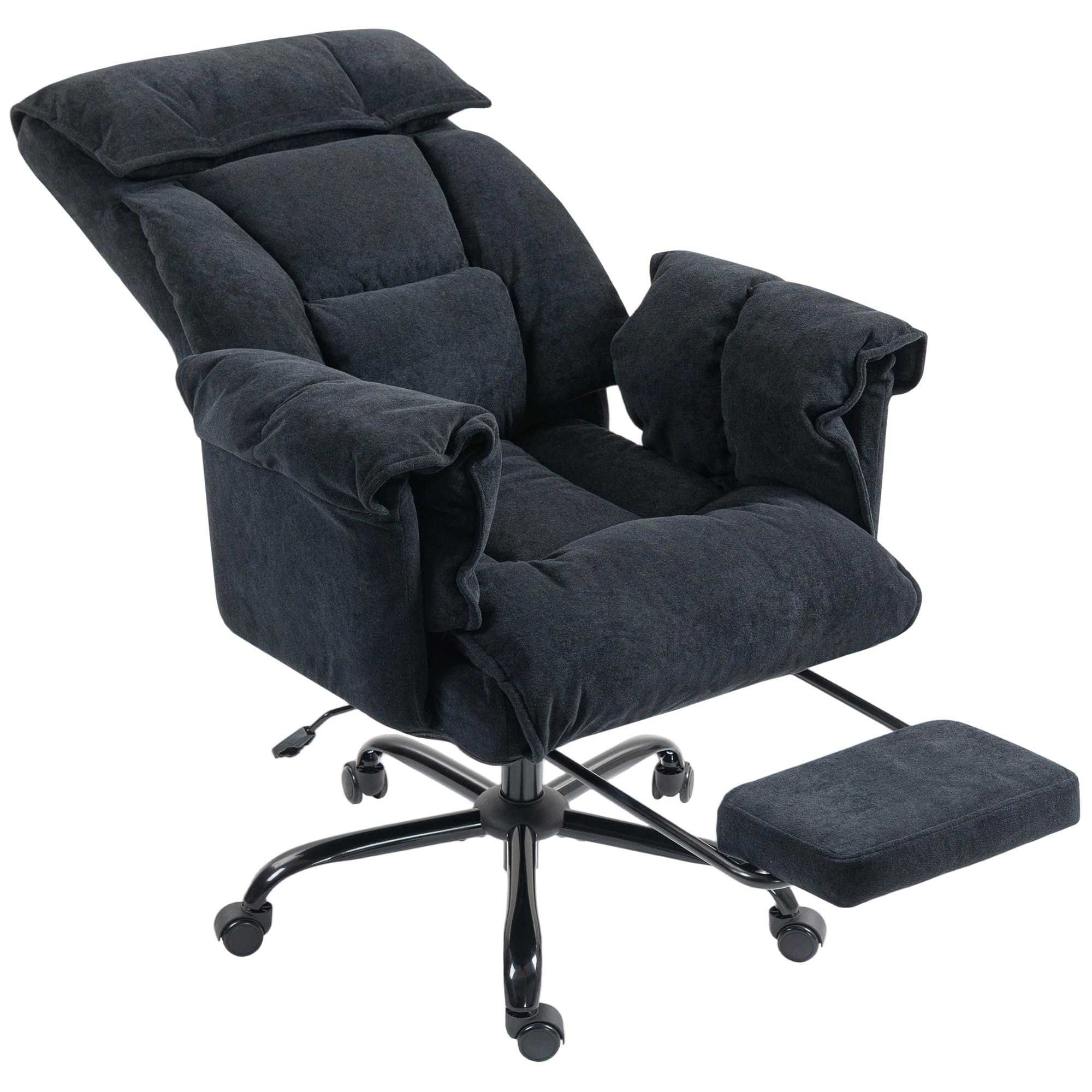
Image: The HOMCOM Velvet Executive Office Chair, featuring its plush velvet upholstery and retractable footrest, positioned in a contemporary office environment.
Safety Information
WARNING: Failure to follow these safety instructions may result in injury or damage to the product.
- Do not exceed the maximum weight capacity of 120 kg (265 lbs).
- Assemble the chair correctly according to the provided instructions. Ensure all components are securely fastened before use.
- Use the reclining functions and castors with caution to prevent accidents.
- This chair is designed for indoor use only. Use on hard, level floors is recommended.
- Keep children and pets away from the chair during assembly.
Setup and Assembly
The HOMCOM Executive Office Chair requires assembly. All necessary parts and detailed instructions are included in the packaging. Assembly is designed to be straightforward and typically takes approximately 20 minutes.
- Unpack all components and verify against the parts list in the included assembly guide.
- Follow the step-by-step diagrams and instructions provided to assemble the base, gas lift, seat, backrest, armrests, and footrest.
- Ensure all screws and bolts are tightened securely. Do not overtighten.
- Test the chair's stability and functions before first use.

Image: A diagram illustrating the key dimensions of the chair, including height, width, depth, seat height, and armrest height.
Operating Instructions
This executive office chair offers multiple adjustments for personalized comfort:
- Height Adjustment: Use the lever located under the seat on the right side to adjust the chair's height. Pull the lever up while seated to lower, or pull up while standing to raise. Release the lever to lock the height.
- Reclining Function: The backrest can be reclined to three fixed positions: 105° (working), 120° (watching), and 135° (relaxing). Use the lever on the left side of the seat to adjust the recline angle.
- Retractable Footrest: Pull out the footrest from under the seat when desired, and push it back in when not in use.
- 360° Swivel: The chair features a full 360-degree swivel for easy movement and access to your workspace.
- Padded Armrests: The fixed padded armrests provide comfortable support for your arms.
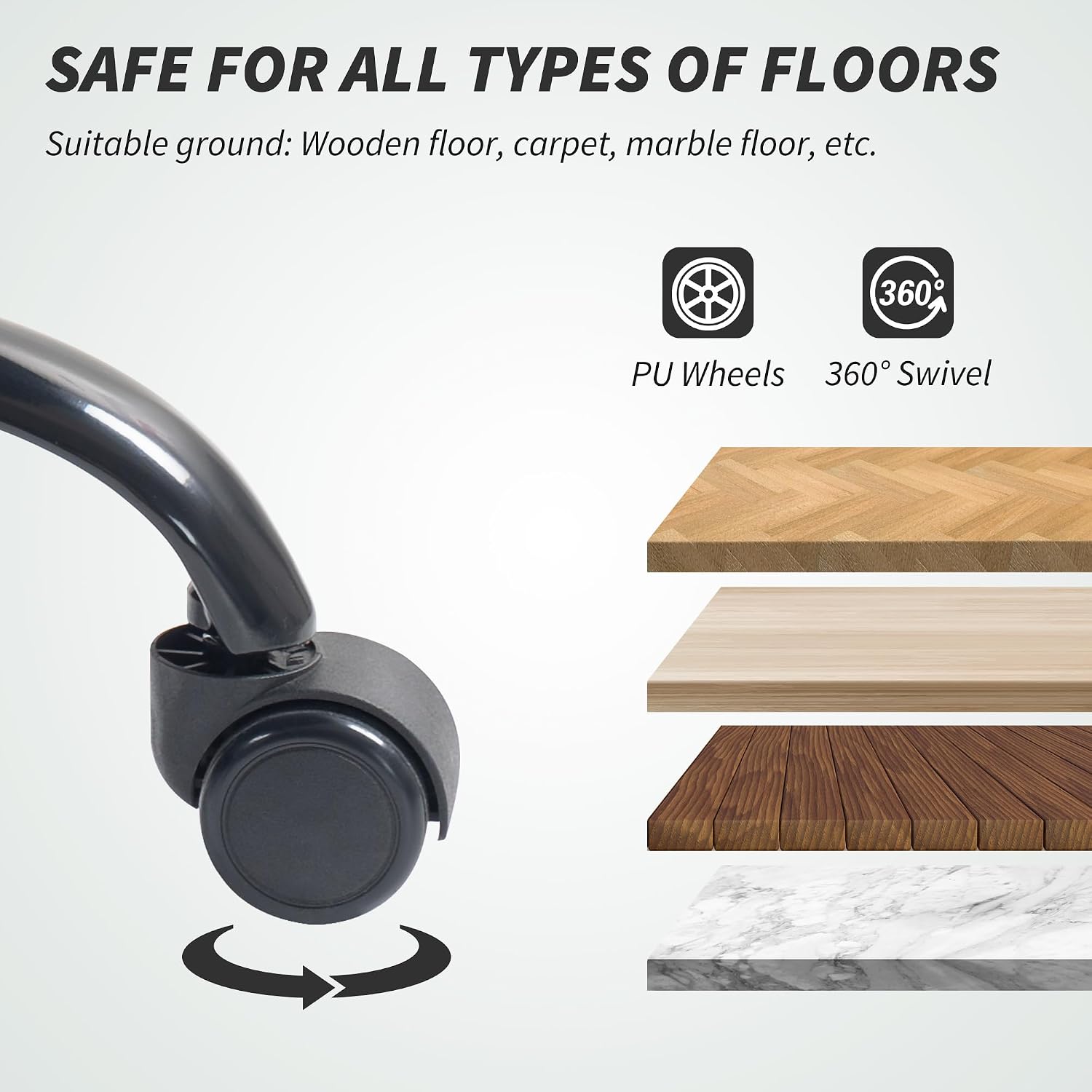
Image: A visual representation of the chair's reclining function, showing the 105-degree working, 120-degree watching, and 135-degree relaxing positions.

Image: An illustration detailing the ergonomic support provided by the chair, including neck, back, lumbar, and hip support for a healthy spine position.

Image: Close-up of the PU wheels and a graphic indicating the chair is safe for various floor types, including wooden, carpet, and marble.
Maintenance
To ensure the longevity and appearance of your HOMCOM Executive Office Chair, follow these maintenance guidelines:
- Cleaning: Wipe the velvet fabric with a soft, damp cloth. For stubborn stains, use a mild fabric cleaner and test on an inconspicuous area first. Do not use harsh chemicals or abrasive cleaners.
- Regular Inspection: Periodically check all bolts and screws to ensure they remain tight. Retighten if necessary.
- Wheel Care: Keep the castors clean from hair and debris to ensure smooth movement.
- Avoid Direct Sunlight: Prolonged exposure to direct sunlight can cause the fabric to fade.

Image: A detailed view of the chair's velvet-feel fabric, highlighting its soft texture.
Troubleshooting
If you encounter any issues with your chair, please refer to the following common solutions:
- Chair Sinks or Does Not Adjust Height: Ensure the height adjustment lever is fully engaged. If the issue persists, the gas lift may need replacement. Contact customer support.
- Chair Wobbles: Check that all assembly bolts and screws are securely tightened. Ensure the chair is on a flat, even surface.
- Recline Mechanism Not Holding Position: Verify that the recline lever is fully engaged in one of the three locking positions. If the mechanism feels loose or does not lock, inspect for any obstructions or damage.
- Wheels Not Rolling Smoothly: Clean any debris (hair, dust) from the castor wheels. Lubricate if necessary with a silicone-based spray.
For issues not resolved by these steps, please contact HOMCOM customer support.
Specifications
| Feature | Specification |
|---|---|
| Brand | HOMCOM |
| Model Number | 921-880V00BK |
| Color | Black |
| Material | Velvet (Snowflake Velvet), 100% Polyester Fabric, High-Resilience Foam, Alloy Steel Frame |
| Product Dimensions (D x W x H) | 75P x 77l x 118H cm (29.5 x 30.3 x 46.5 inches) |
| Seat Height | 51 cm (20.1 inches) |
| Seat Depth | 54 cm (21.3 inches) |
| Backrest Width | 55 cm (21.7 inches) |
| Arm Height | 21 cm (8.3 inches) |
| Item Weight | 17 Kilograms (37.5 lbs) |
| Maximum Load Capacity | 120 Kilograms (265 lbs) |
| Reclining Positions | 3 (105°, 120°, 135°) |
| Special Features | Adjustable Height, Reclining Backrest, Retractable Footrest, Padded Armrests, 360° Swivel, Castors |
| Assembly Required | Yes |
| Recommended Use | Office, Relaxation, Reading |

Image: A close-up view of the chair's extra thickened cushion, highlighting the skin-friendly fabric, high-resilience native foam, and thick padding.
Warranty and Support
For warranty information or technical support, please refer to the documentation included with your purchase or contact the retailer/manufacturer directly. Ensure you have your model number (921-880V00BK) and proof of purchase available when seeking support.


