
Introduction
This manual provides instructions for the ANTSIR RC Forklift Toy Mini Remote Control Forklift, Model B0FMY3QDX3. This 1/64 scale desktop alloy engineering vehicle offers dual control modes (remote control and app control) and can function as both a forklift and a crane with included accessories. It is designed for users aged 6 years and above.

Image: The ANTSIR RC Forklift Toy, showcasing the main vehicle, its remote control, a charging cable, and two miniature traffic cones. The forklift is green and grey, and the remote is yellow and black.
Safety Information
- Avoid moisture and water exposure to prevent damage to electronic components.
- This product contains small parts and is not suitable for children under 3 years old due to choking hazards.
- Ensure adult supervision during operation, especially for younger children.
- Do not attempt to modify or disassemble the product, as this may cause damage or injury.
Package Contents
The package for your ANTSIR RC Forklift Toy includes the following items:
- 1/64 RC Forklift Vehicle
- Remote Control
- Charging Cable (Type-C)
- Sport Training Cones (miniature)
- Additional accessories (e.g., hook attachment, miniature pallets)

Image: A detailed view of the ANTSIR RC Forklift's accessories. This includes a removable multi-stand, miniature traffic cones, and small pallets, highlighting the modularity and play options.
Setup
1. Battery Installation and Charging
The RC Forklift requires 1 Nonstandard Battery, which is included. Ensure the battery is properly installed before first use. The vehicle is powered via Type-C charging.
- Locate the battery compartment on the RC Forklift.
- Insert the included battery, observing correct polarity.
- Close the battery compartment securely.
- Connect the Type-C charging cable to the charging port on the forklift and to a suitable USB power source.
- Allow the battery to fully charge before initial operation.
2. Remote Control Pairing
The remote control operates on a 2.4GHz frequency for precise control.
- Ensure the RC Forklift is powered on.
- Turn on the remote control.
- The remote control and forklift should automatically pair. If not, refer to the remote control's specific pairing instructions (usually involves holding a button on the remote while powering on the vehicle).
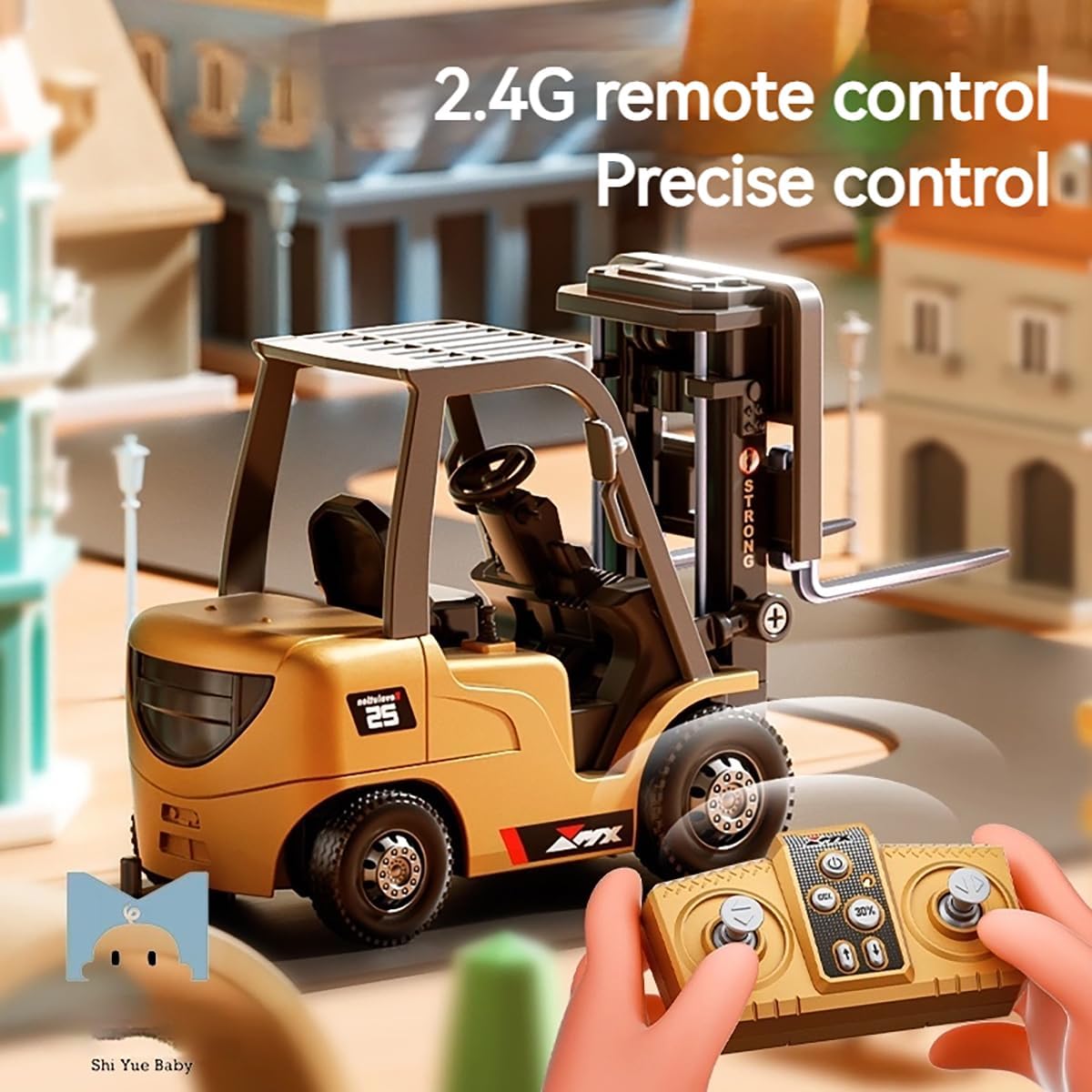
Image: The ANTSIR RC Forklift Toy positioned on a miniature road, with the remote control held in hands in the foreground, emphasizing the 2.4G remote control for precise operation.
3. App Download and Connection
For an alternative control method, you can download a dedicated app to control the forklift with your smartphone.
- Scan the QR code (if provided on packaging or in a separate leaflet) or search for the "TRASPED" app in your device's app store.
- Download and install the app.
- Ensure the RC Forklift is powered on and your smartphone's Bluetooth or Wi-Fi is enabled (depending on app connection method).
- Open the app and follow the on-screen instructions to connect to your RC Forklift.
Operating Instructions
1. Basic Controls (Remote Control)
The remote control allows for comprehensive movement and function control. Refer to the diagram below for button functions.

Image: A detailed diagram illustrating the layout and functions of the ANTSIR RC Forklift's remote control. It shows buttons for moving the forklift forward, backward, left, and right, controlling acceleration, turning lights on/off, activating sound effects, and operating the forklift's lifting mechanism.
- Move Forward/Backward: Use the designated joystick or buttons to move the forklift.
- Turn Left/Right: Use the designated joystick or buttons to steer the forklift. (Requires cooperation with forward or backward movement).
- Raise/Lower Forklift: Use the "Move up front bar" and "Down front bar" buttons to control the lifting mechanism.
- Acceleration Gear: Adjust the speed of the forklift.
- Light On/Off: Toggle the forklift's lights.
- Sound: Activate sound effects.
2. Forklift Mode Operation
In forklift mode, the vehicle can lift and transport small items using its forks. Use the included miniature pallets for handling cargo.
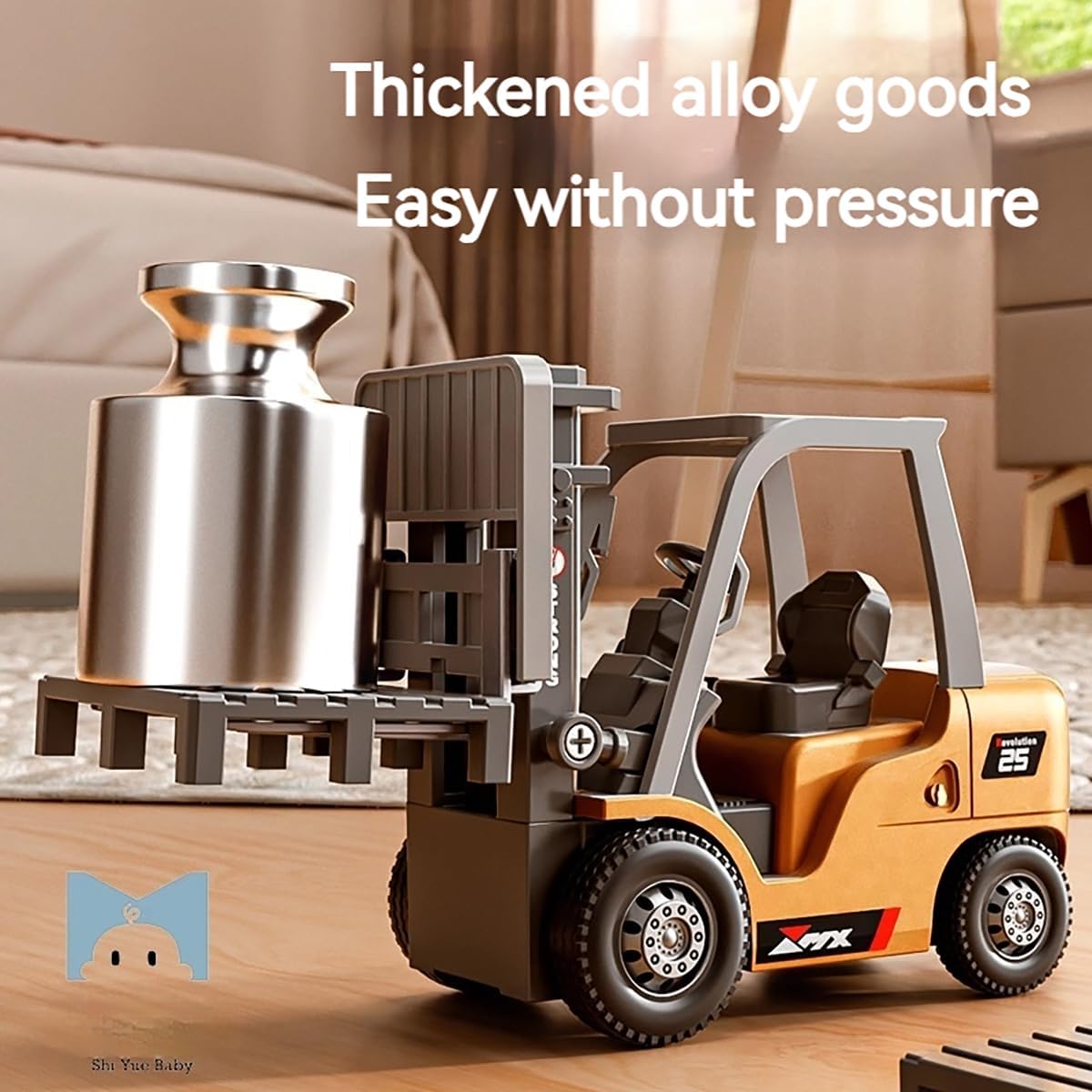
Image: The ANTSIR RC Forklift Toy actively lifting a silver cylindrical object, showcasing its functional lifting mechanism and ability to carry loads.

Image: The ANTSIR RC Forklift Toy lifting a small brown box, illustrating its "Real simulation lifting" capability to carry and support items.
3. Crane Mode Operation
The RC Forklift can be transformed into an RC truck crane toy by attaching the hook accessory. This allows for lifting and moving items using the crane mechanism.

Image: The ANTSIR RC Forklift Toy equipped with a hook attachment, actively lifting a blue container, showcasing its multi-function remote control play as a crane.
4. App Control
When using the dedicated app, the interface will provide virtual controls mirroring the remote control's functions. Follow the app's on-screen guide for specific gestures or button layouts.
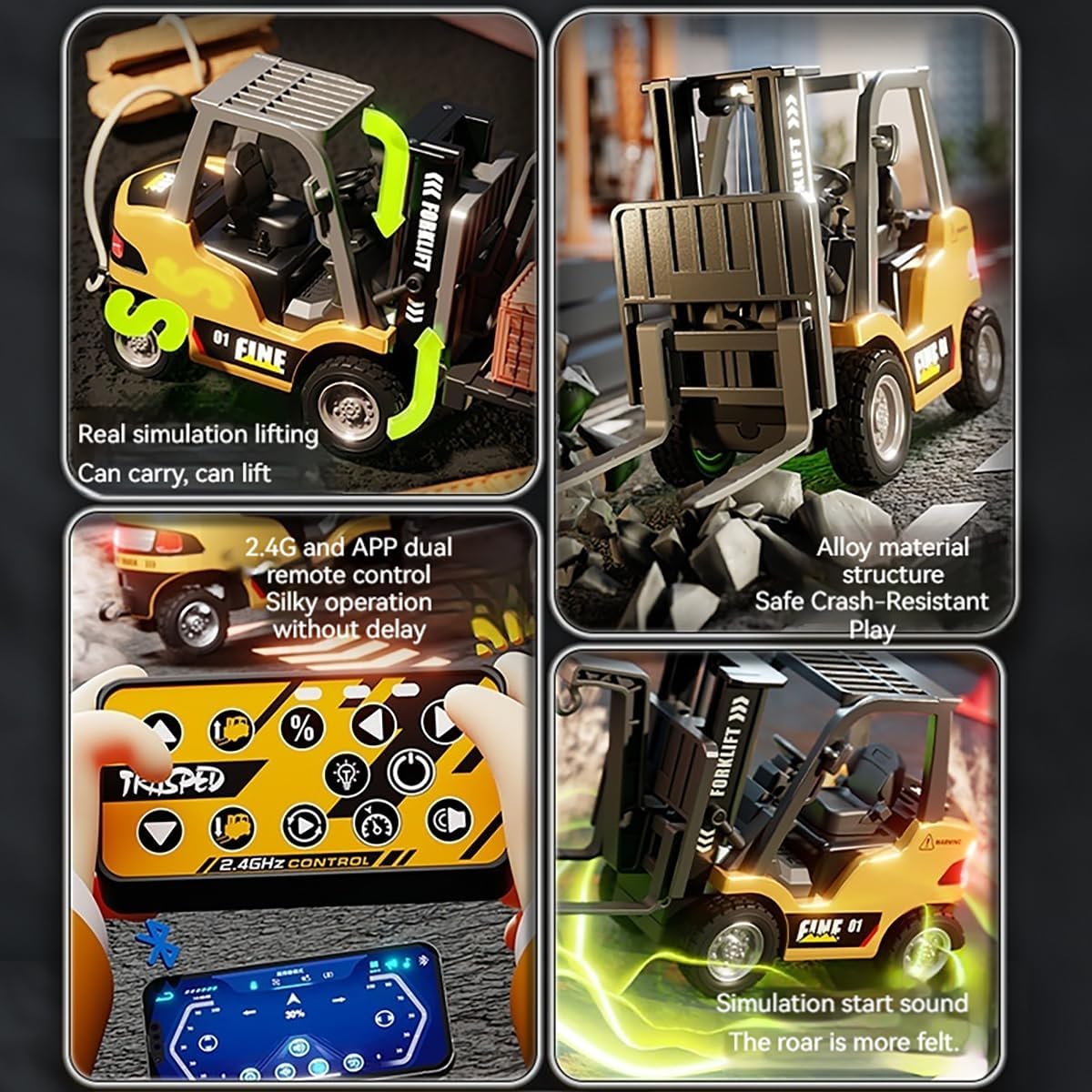
Image: A composite image highlighting key features: top-left shows the forklift lifting, top-right shows its alloy structure, bottom-left displays both the physical remote and a smartphone app interface for dual control, and bottom-right illustrates the simulation start sound.
Maintenance
- Cleaning: Wipe the forklift and remote control with a dry, soft cloth. Do not use water or chemical cleaners.
- Storage: Store the toy in a cool, dry place away from direct sunlight and moisture when not in use.
- Battery Care: If storing for an extended period, remove the battery from the forklift and remote control to prevent leakage.
- Inspection: Periodically check for any loose parts or damage. Do not operate if damaged.
Troubleshooting
| Problem | Possible Cause | Solution |
|---|---|---|
| Forklift does not respond to remote control. |
|
|
| Forklift moves slowly or erratically. |
|
|
| App connection issues. |
|
|
Specifications
| Feature | Detail |
|---|---|
| Product Dimensions | 2.75 x 4.72 x 1.57 inches (approximately 7 x 12 x 4 cm) |
| Item Weight | 8 ounces |
| Model Number (ASIN) | B0FMY3QDX3 |
| Manufacturer Recommended Age | 6 years and up |
| Batteries | 1 Nonstandard Battery (included) |
| Power Supply Method | Type-C charging |
| Material | ABS material, Electronic components, Alloy material |
| Brand | ANTSIR |
Warranty and Support
Specific warranty details and direct support contact information are not provided in the product description. For warranty inquiries or technical support, please refer to the seller's information on the purchase platform or contact ANTSIR customer service if contact details are available on the product packaging.