1. Introduction
This manual provides detailed instructions for the setup, operation, and maintenance of your YHNNH K-1028E Universal Air Conditioner Remote Control. This remote is designed to control a wide range of air conditioning units, offering convenient and efficient temperature management.

Figure 1: Front view of the K-1028E Universal A/C Remote Control, showing the display and various control buttons.
The K-1028E features soft keys for comfortable use, quick response times for immediate command execution, and a strong signal for reliable communication with your air conditioner. Its design prioritizes simple operation with clear font on the display and is constructed from durable ABS material.
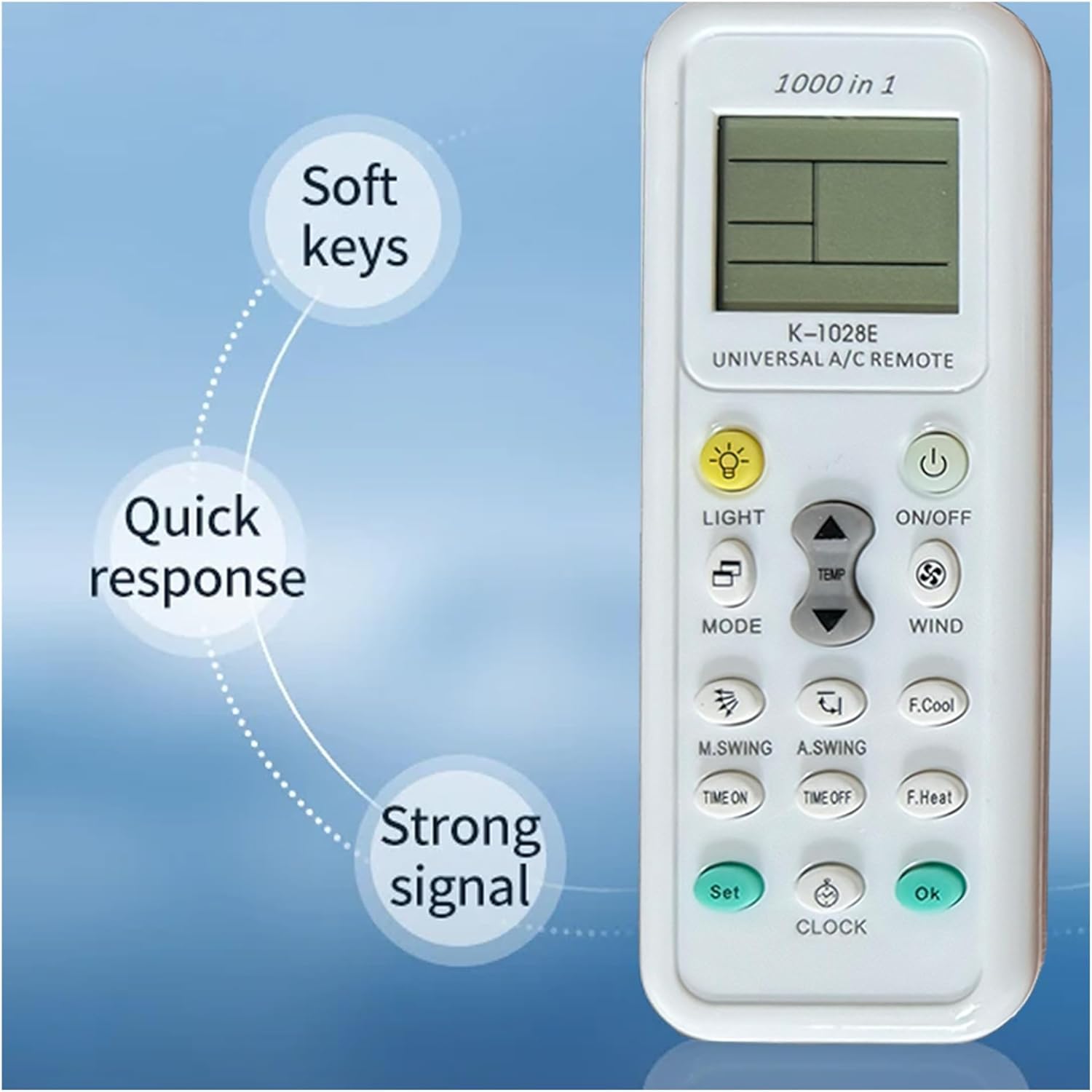
Figure 2: Key features of the K-1028E remote, including soft keys, quick response, and strong signal transmission.

Figure 3: Design aspects of the K-1028E remote, emphasizing simple operation, clear display font, and durable ABS material construction.
2. Setup
The YHNNH K-1028E Universal Air Conditioner Remote Control is designed for immediate use without complex programming. Simply install batteries to begin operation.
2.1 Battery Installation
- Open the battery compartment cover located on the back of the remote control.
- Insert two AAA batteries, ensuring correct polarity (+ and -). Batteries are not included with the product and must be purchased separately.
- Close the battery compartment cover securely.

Figure 4: Rear view of the K-1028E remote with the battery compartment open, illustrating where to insert two AAA batteries.
Once batteries are installed, the remote is ready for use with most air conditioners without requiring any additional setup or code input.
3. Operating Instructions
The K-1028E remote control provides comprehensive functionality for managing your air conditioner. Familiarize yourself with the buttons and their functions:
3.1 Button Functions
- ON/OFF: Powers the air conditioner on or off.
- MODE: Cycles through operating modes (e.g., Cool, Heat, Fan, Dry, Auto).
- TEMP ▲/▼: Adjusts the temperature setting up or down.
- WIND: Adjusts fan speed or airflow intensity.
- LIGHT: Controls the display light on the remote or the air conditioner unit (if supported).
- M.SWING: Activates or adjusts manual swing of the air conditioner's louvers.
- A.SWING: Activates or adjusts automatic swing of the air conditioner's louvers.
- TIME ON: Sets a timer for the air conditioner to turn on automatically.
- TIME OFF: Sets a timer for the air conditioner to turn off automatically.
- F.Cool: Activates a fast cooling function (if supported by the A/C unit).
- F.Heat: Activates a fast heating function (if supported by the A/C unit).
- SET: Used for entering or confirming settings, often in conjunction with other buttons for advanced functions.
- CLOCK: Sets the current time on the remote's display.
- OK: Confirms selections or settings.
3.2 Basic Operation
- Power On/Off: Press the ON/OFF button to turn your air conditioner on or off.
- Adjusting Temperature: Use the TEMP ▲ or TEMP ▼ buttons to increase or decrease the desired temperature.
- Changing Mode: Press the MODE button repeatedly to cycle through available operating modes (e.g., Cool, Heat, Fan).
- Setting Fan Speed: Press the WIND button to adjust the fan speed.
3.3 Timer Functions
The remote allows you to set timers for automatic operation, contributing to energy saving management.
- TIME ON: To set a turn-on timer, press TIME ON, then use TEMP ▲/▼ to adjust the desired time, and press OK to confirm.
- TIME OFF: To set a turn-off timer, press TIME OFF, then use TEMP ▲/▼ to adjust the desired time, and press OK to confirm.
4. Compatibility
The YHNNH K-1028E is a universal remote control designed to be compatible with most air conditioners available on the market. It supports various types of units, including:
- Cabinet type air conditioners
- Cylindrical air conditioners
- Wall-mounted air conditioners
- Single cold (cooling-only) units
- Ceiling type air conditioners
- Window type air conditioners

Figure 5: Visual representation of different air conditioner types compatible with the K-1028E universal remote.
This remote offers direct use with most models, requiring no complex setting procedures after battery installation.
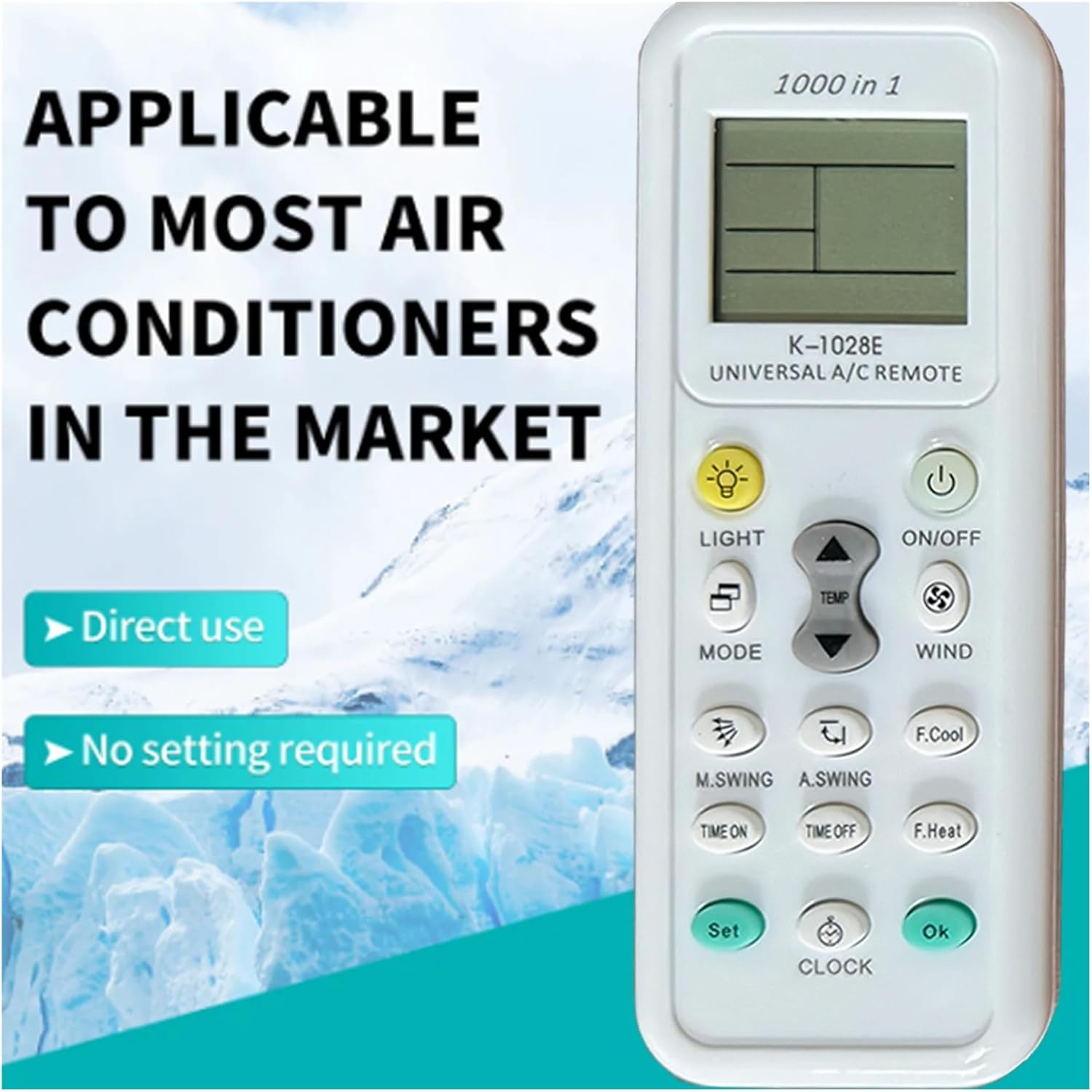
Figure 6: The K-1028E remote emphasizing its direct usability and lack of required setup for broad compatibility.
5. Maintenance
5.1 Battery Replacement
When the remote control's display becomes dim or its response slows, it is time to replace the batteries. Follow the battery installation steps in Section 2.1.
- Always replace both AAA batteries at the same time.
- Do not mix old and new batteries, or different types of batteries.
- Remove batteries if the remote will not be used for an extended period to prevent leakage.
5.2 Cleaning
To clean the remote control, gently wipe its surface with a soft, dry cloth. Do not use liquid cleaners, abrasive pads, or chemical solvents, as these may damage the remote's finish or internal components.
6. Troubleshooting
- Remote not responding:
- Check if the batteries are correctly inserted with the right polarity.
- Replace old batteries with new AAA batteries.
- Ensure there are no obstructions between the remote and the air conditioner's receiver.
- Confirm the remote is pointed directly at the air conditioner.
- Air conditioner not responding to specific functions:
- Some advanced functions (e.g., F.Cool, F.Heat, specific swing modes) may not be supported by all air conditioner models. Refer to your air conditioner's manual for its specific features.
- Display is dim or blank:
- Replace the batteries.
7. Specifications
| Feature | Specification |
|---|---|
| Model | K-1028E |
| Brand | YHNNH |
| Wireless Communication | IR (Infrared) |
| Use | Air Conditioner |
| Power Source | 2 x AAA Batteries (not included) |
| Item Weight | 1.76 ounces |
| Package Dimensions | 0.39 x 0.39 x 0.39 inches (approximate) |
| Material | ABS |
8. Warranty and Support
For warranty information or technical support, please refer to the documentation provided with your purchase or contact the seller directly. The manufacturer, YHNNH, can be reached through their official channels for product-specific inquiries.
You can visit the YHNNH Store for more information: YHNNH Store on Amazon.


