
Introduction
The HidrateSpark PRO 2 is an advanced smart hydration bottle designed to help you maintain optimal hydration levels. It features clinically accurate SipSense technology to track your water intake, provides personalized hydration goals, and offers timely reminders through glows, sounds, and app notifications. This manual provides essential information for setting up, operating, maintaining, and troubleshooting your HidrateSpark PRO 2 bottle.
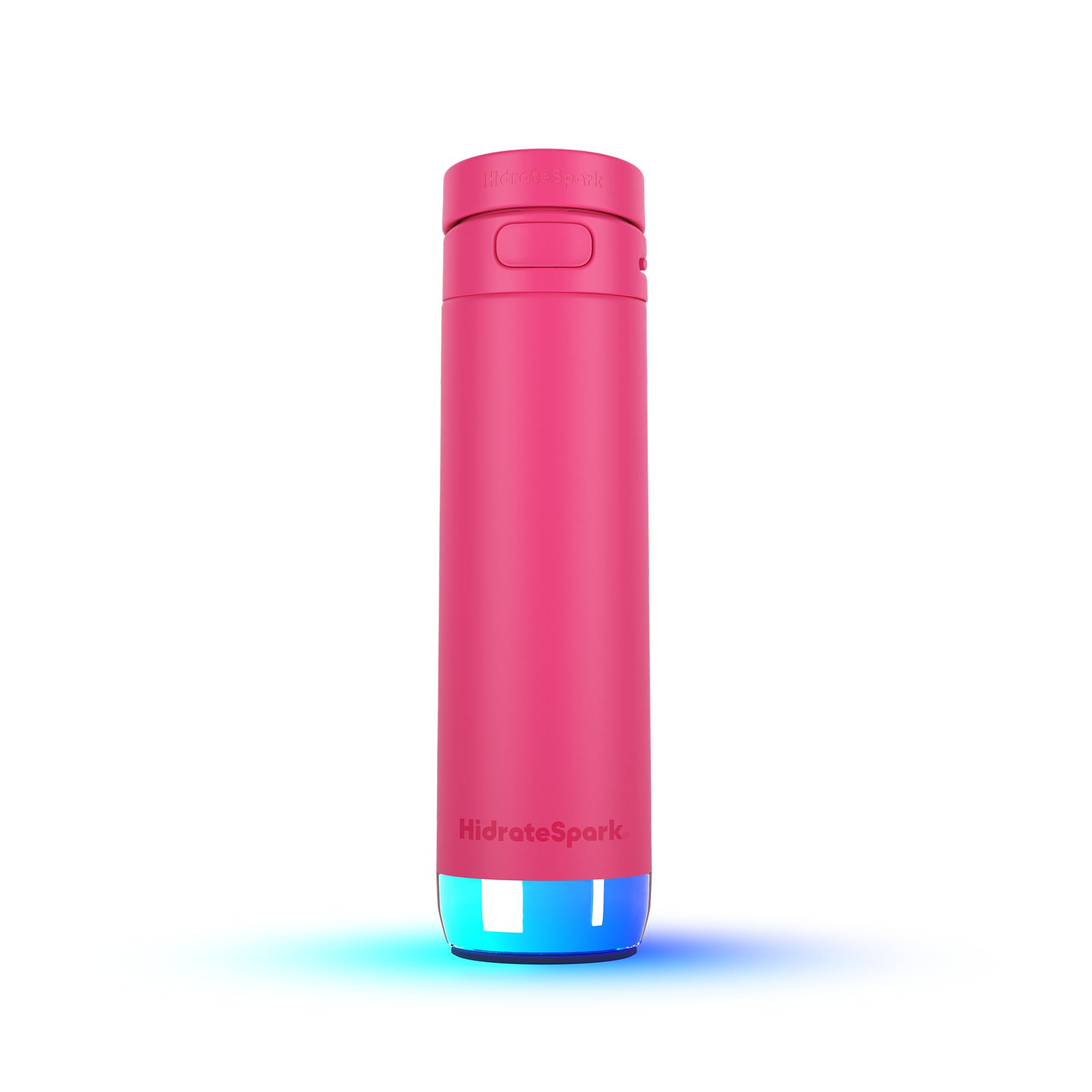
Image: The HidrateSpark PRO 2 Smart Hydration Bottle in Flamingo color, showcasing its sleek design.
Setup
1. Unboxing and Components
Carefully remove all components from the packaging. Your HidrateSpark PRO 2 bundle includes:
- HidrateSpark PRO 2 Bottle
- Sensor Puck
- Standard Lid
- Straw Lid
- USB-C Charger Cable
2. Initial Charging
Before first use, fully charge the sensor puck using the provided USB-C cable. The sensor is located at the bottom of the bottle. A full charge provides up to 21 days of battery life.

Image: A detailed view of the HidrateSpark PRO 2 sensor puck, highlighting its USB-C charging port and internal components.
3. App Download and Pairing
- Download the free HidrateSpark App from your device's app store.
- Create an account and follow the on-screen instructions to pair your HidrateSpark PRO 2 bottle via Bluetooth.
- The app will guide you through setting up your personalized hydration goals, which adapt based on your body, activity, and local weather conditions.
- Connect the app with Apple Health, Fitbit, smart rings, and watches for comprehensive health tracking integration.

Image: The HidrateSpark app displaying how personalized hydration goals are calculated using user data and environmental factors.
Operating Instructions
1. Tracking Hydration
The HidrateSpark PRO 2 utilizes SipSense technology to automatically track every sip of water you drink. Ensure the sensor puck is correctly installed at the bottom of the bottle and the bottle is upright for accurate readings. Your water intake will be recorded in the HidrateSpark App.

Image: A visual representation of the HidrateSpark PRO 2 tracking water intake, with an app notification confirming a recorded sip.
2. Drink Reminders
Your HidrateSpark PRO 2 provides reminders to drink water throughout the day. These reminders include:
- 360-Degree Sensor Glow: The sensor puck will emit a customizable glow.
- Sounds: Gentle chimes from the bottle.
- App Alerts: Notifications sent to your smartphone and connected smart devices.
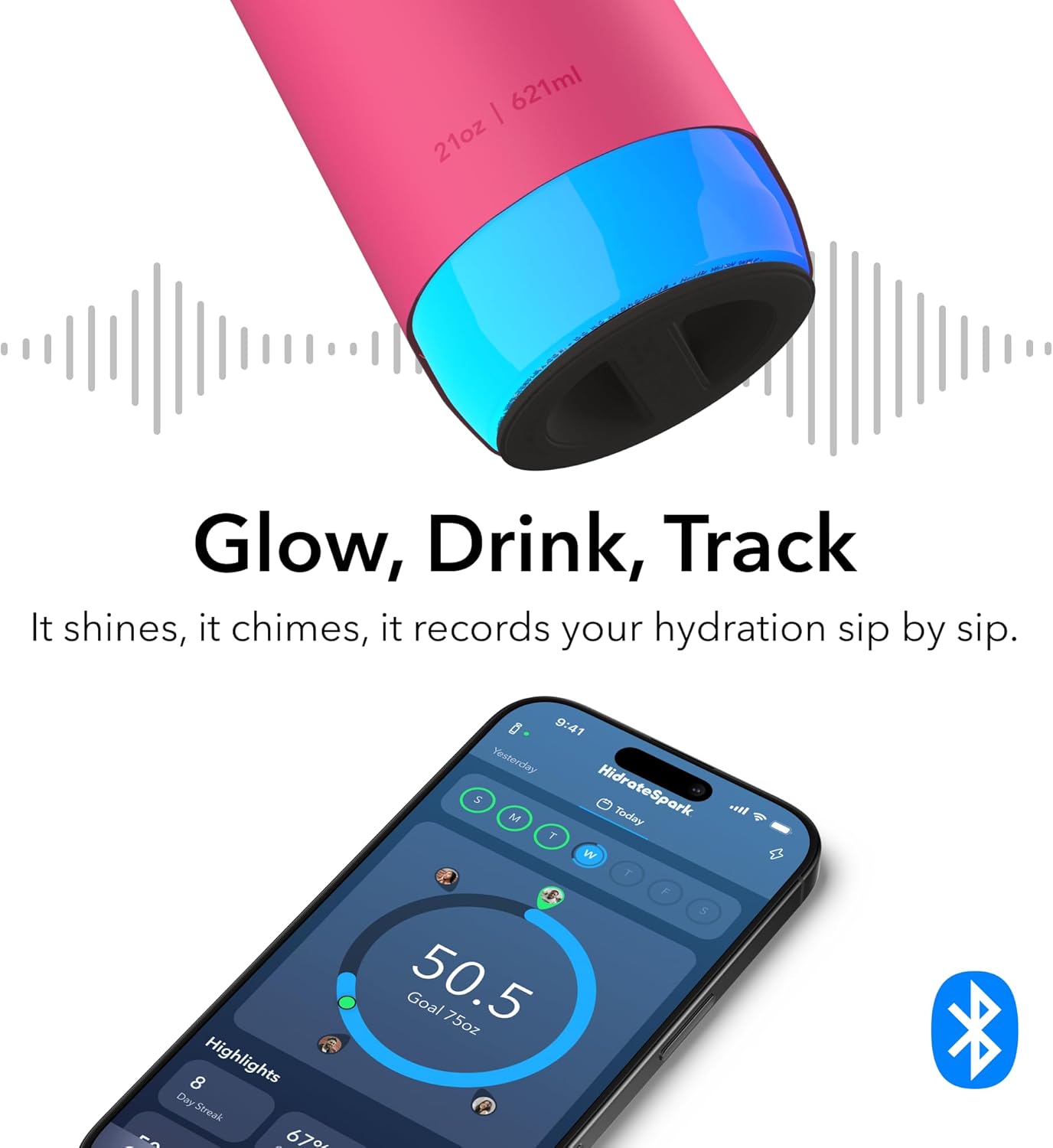
Image: The HidrateSpark PRO 2 bottle illuminating with a glow, accompanied by the app interface demonstrating its tracking and reminder features.
3. Apple Find My Integration
The HidrateSpark PRO 2 has built-in Apple Find My capability. If you misplace your bottle, you can use the Apple Find My app on your iOS device to locate it quickly. This feature helps prevent loss and ensures you always know where your bottle is.

Image: A smartphone screen displaying the Apple Find My app, pinpointing the location of the HidrateSpark PRO 2 bottle on a map.
4. Interchangeable Lids
Your HidrateSpark PRO 2 comes with both a standard lid and a straw lid, allowing you to choose your preferred drinking method. Both lids are designed for leak-proof performance.

Image: Three HidrateSpark PRO 2 bottles illustrating the straw lid, chug lid, and a fully closed lid option.
Maintenance
1. Cleaning Instructions
To ensure the longevity and hygiene of your HidrateSpark PRO 2 bottle, follow these cleaning guidelines:
- Bottle Body and Lids: Hand wash only. Use warm, soapy water and a bottle brush to clean the interior. Rinse thoroughly.
- Sensor Puck: The sensor puck is water-resistant but should not be submerged for extended periods. Wipe it clean with a damp cloth. Do not put the sensor puck in a dishwasher.
- Ensure all components are completely dry before reassembling.
2. Battery Care
The sensor puck's rechargeable battery provides up to 21 days of use. Charge the sensor using the provided USB-C cable when the battery indicator in the app shows low power. Avoid extreme temperatures to prolong battery life.
Troubleshooting
- Issue: Bottle not tracking water intake.
- Solution: Ensure the sensor puck is securely seated at the bottom of the bottle. Verify that the bottle is upright when drinking. Check the HidrateSpark App to confirm Bluetooth connection. If issues persist, try restarting the app and re-pairing the bottle.
- Issue: Reminders (glows, sounds, app alerts) are not working.
- Solution: Check the app settings to ensure reminders are enabled. Confirm that your phone's Bluetooth is on and the bottle is connected. Ensure the sensor puck has sufficient battery charge. For app alerts, check your phone's notification settings for the HidrateSpark App.
- Issue: Cannot locate the bottle using Apple Find My.
- Solution: Ensure the bottle's sensor has battery power and is within Bluetooth range of an Apple device that can relay its location. Verify that Apple Find My is enabled for your HidrateSpark PRO 2 in the Find My app.
- Issue: Bottle not charging.
- Solution: Ensure the USB-C cable is properly connected to both the sensor puck and a working power source. Try a different USB-C cable or power adapter. Clean the charging port on the sensor puck if there is any debris.
Specifications
| Brand | Hidrate Spark |
| Model Name | HidrateSpark PRO 2 |
| Capacity | 21 Ounces (621 Milliliters) |
| Color | Flamingo |
| Material | Recycled Stainless Steel |
| Dimensions (W x H) | 3"W x 11"H |
| Item Weight | 0.68 Kilograms |
| Battery Life | Up to 21 days |
| Charging | USB-C |
| Special Features | Apple Find My Capability, Bluetooth Syncing to Free App, Hydration Reminders (Glow, Sound, App notifications), Water Tracker |
| Included Components | Charger, Lid, Sensor, Straw Lid |
| Care Instructions | Hand Wash Only |
| UPC | 810099251630 |
| ASIN | B0FMKR379J |

Image: An exploded diagram of the HidrateSpark PRO 2 bottle, detailing its various parts and key features.
Warranty and Support
For detailed warranty information, please refer to the documentation included with your product or visit the official Hidrate Spark website. For customer support, technical assistance, or further inquiries, please contact Hidrate Spark directly through their official support channels.
No official seller videos were found for this product in the provided data.


