
Introduction
Thank you for choosing the Oraolo BS15 Portable Bluetooth Speaker. This manual provides essential information for setting up, operating, and maintaining your speaker. Please read it thoroughly before use to ensure optimal performance and safety.
Package Contents
Verify that all items are present in your package:
- Oraolo BS15 Bluetooth Speaker × 1
- Type-C Charging Cable × 1
- User Manual × 1

Image: Contents of the Oraolo BS15 package, including the speaker, charging cable, and user manual.
Product Overview
Controls and Ports

Image: Detailed view of the Oraolo BS15 speaker, highlighting the button functions and physical dimensions.
- Power On/Off Button: Press and hold to power the speaker on or off.
- Volume + / Next Song Button: Short press to increase volume, long press to skip to the next track.
- Volume - / Previous Song Button: Short press to decrease volume, long press to go to the previous track.
- Light Mode Switch: Press to cycle through different RGB light modes.
- Type-C Charging Port: Located under a protective flap for charging.
Key Features
- 15W Immersive Sound: Delivers clear audio with deep bass.
- Dynamic RGB Lights: Features 8 radiant hues and 4 pulsing modes that sync with music.
- IPX7 Waterproof: Designed to withstand immersion in water up to 1 meter for 30 minutes.
- Bluetooth 6.0: Provides stable and fast wireless connection up to 100ft.
- 10-Hour Playtime: Extended battery life for continuous audio playback.
- Hands-Free Calling: Built-in noise-cancelling microphone for clear calls.
- Portable Lanyard Design: Integrated lanyard for easy carrying and attachment.

Image: Illustration of the speaker's internal driver, emphasizing its 15W sound capability.

Image: The Oraolo BS15 speaker in a shower environment, illustrating its IPX7 waterproof feature.

Image: The Oraolo BS15 speaker on rough ground, highlighting its anti-impact and shockproof construction.
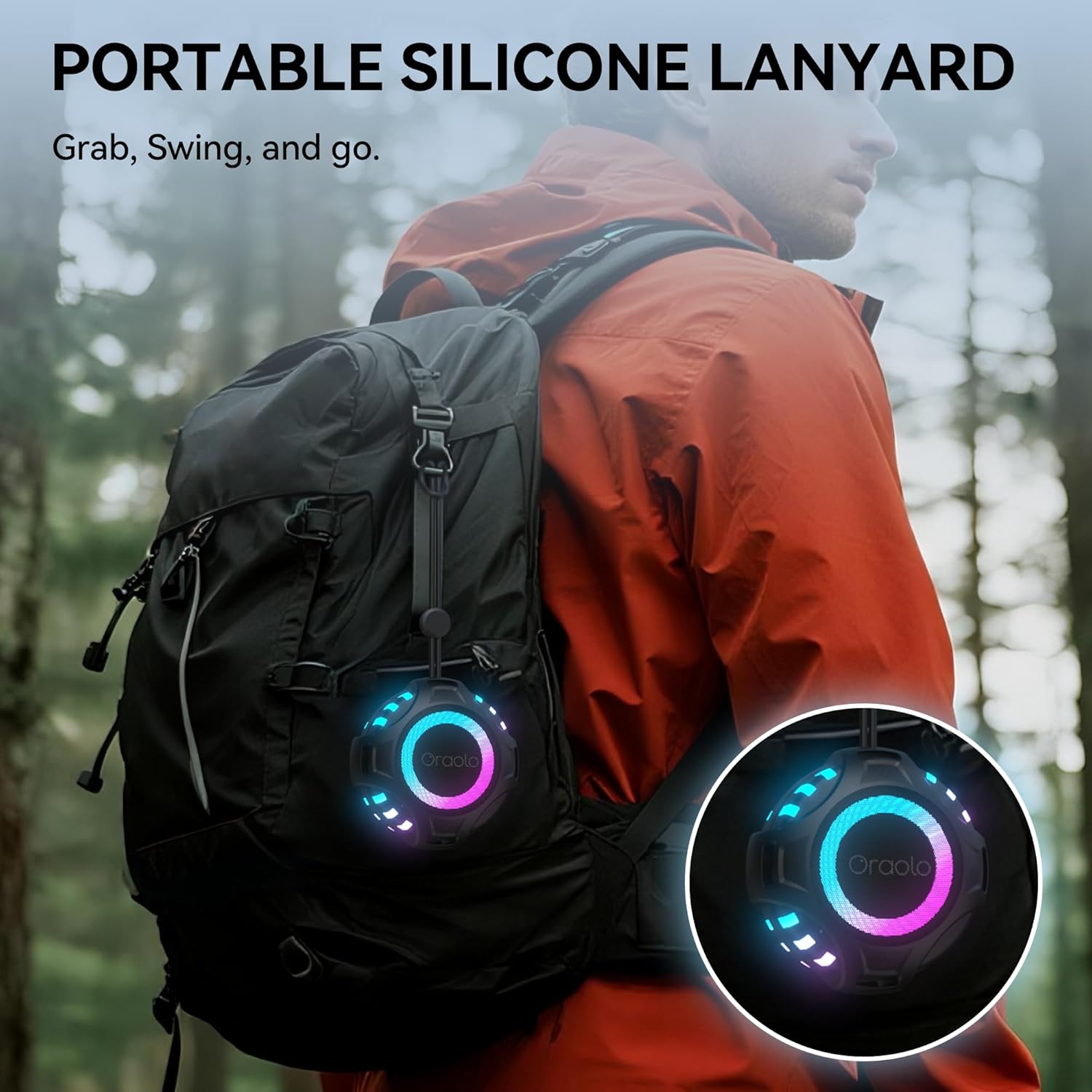
Image: The Oraolo BS15 speaker attached to a backpack via its silicone lanyard, emphasizing its portable design.
Setup
1. Charging the Speaker
Before first use, fully charge the speaker. Connect the provided Type-C charging cable to the speaker's charging port (located under the protective flap) and the other end to a USB power adapter (not included) or a computer's USB port.
- The charging indicator light will illuminate during charging.
- The light will turn off or change color when fully charged.

Image: The Type-C charging port of the Oraolo BS15 speaker, shown with its protective cover open.
2. Powering On/Off
Press and hold the Power On/Off button for approximately 3 seconds until you hear an audible prompt and the indicator lights illuminate.
To power off, press and hold the Power On/Off button again for 3 seconds.
3. Bluetooth Pairing
The speaker will automatically enter pairing mode when powered on for the first time or if no device is connected. The indicator light will flash, indicating it's ready to pair.
- Ensure your device's Bluetooth is enabled.
- Search for "Oraolo BS15" in your device's Bluetooth settings.
- Select "Oraolo BS15" to connect. A confirmation sound will indicate successful pairing.
- The speaker will automatically reconnect to the last paired device when powered on, if available.

Image: A smartphone screen showing the Bluetooth pairing process, with the Oraolo BS15 speaker visible and ready for connection.
Operating Instructions
Music Playback
- Play/Pause: Short press the Power On/Off button.
- Volume Up: Short press the Volume + button.
- Volume Down: Short press the Volume - button.
- Next Track: Long press the Volume + button.
- Previous Track: Long press the Volume - button.
Hands-Free Calling
When connected to your smartphone via Bluetooth, you can manage calls directly from the speaker.
- Answer Call: Short press the Power On/Off button.
- End Call: Short press the Power On/Off button during a call.
- Reject Call: Long press the Power On/Off button.

Image: The Oraolo BS15 speaker facilitating a hands-free call while a user is in a bath, demonstrating its convenience.
RGB Light Modes
The speaker features dynamic RGB lights. Press the Light Mode Switch button to cycle through the available light effects:
- 8 radiant hues
- 4 pulsing modes

Image: The Oraolo BS15 speaker illuminated with a spectrum of colors, demonstrating its customizable RGB light modes.
True Wireless Stereo (TWS) Pairing
You can pair two Oraolo BS15 speakers together for a stereo sound experience.
- Ensure both speakers are powered on and not connected to any other Bluetooth device.
- On one speaker (this will be the primary speaker), double-press the Power On/Off button. It will enter TWS pairing mode.
- The primary speaker will automatically search for and connect to the secondary speaker.
- Once connected, you will hear a confirmation sound. The primary speaker's indicator light will flash, and the secondary speaker's light will be solid.
- Connect your device to the primary speaker via Bluetooth as described in the "Bluetooth Pairing" section.
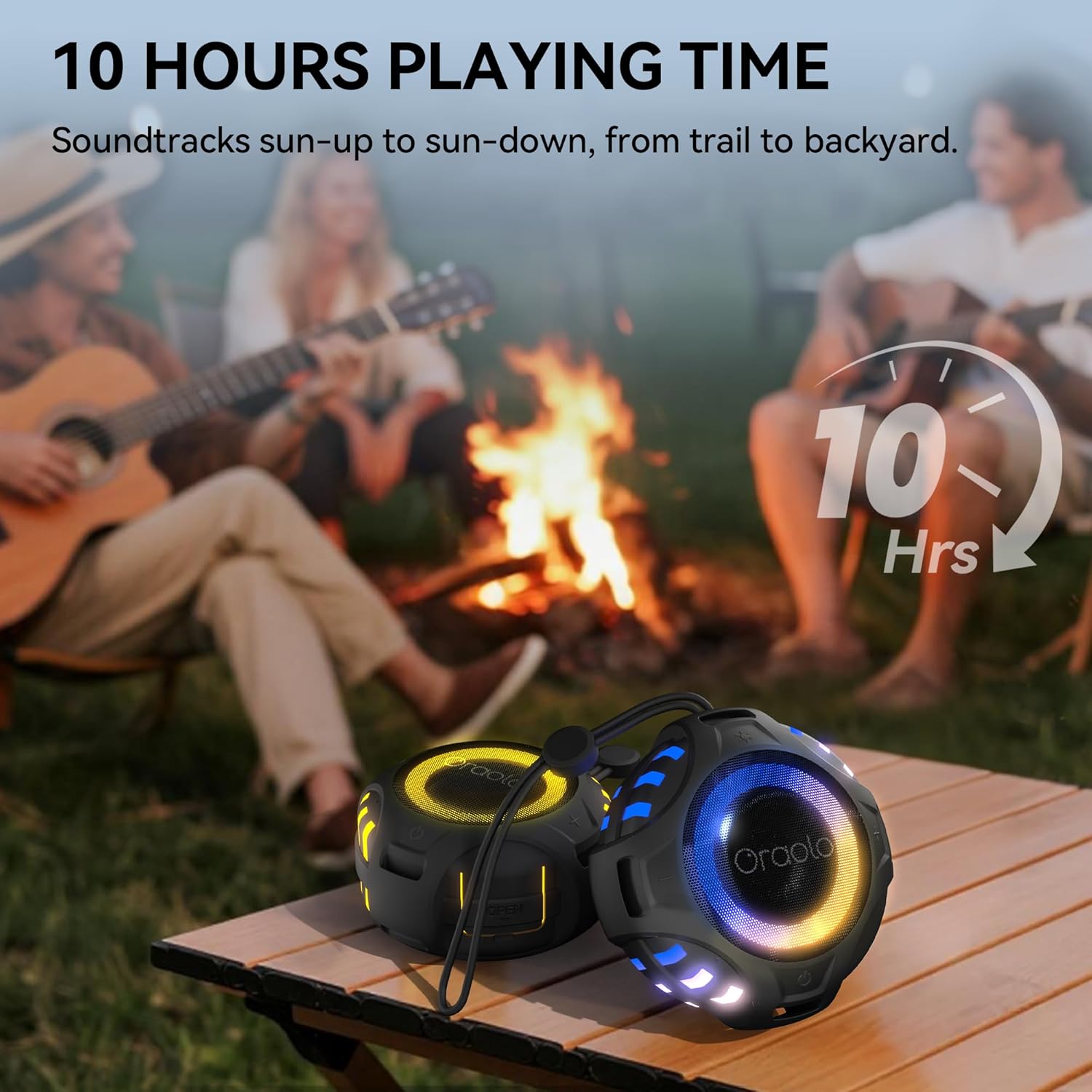
Image: Two Oraolo BS15 speakers set up outdoors, demonstrating their ability to be paired for a stereo audio experience.
Maintenance
Cleaning
- Wipe the speaker with a soft, damp cloth. Do not use abrasive cleaners or solvents.
- Ensure the Type-C charging port's protective flap is securely closed before cleaning or exposing to water.
Storage
- Store the speaker in a cool, dry place away from direct sunlight and extreme temperatures.
- If storing for an extended period, charge the speaker to about 50% every few months to preserve battery life.
Troubleshooting
| Problem | Possible Cause | Solution |
|---|---|---|
| Speaker does not power on. | Low battery. | Charge the speaker using the provided Type-C cable. |
| No sound. | Volume too low; device not connected; incorrect audio source. | Increase speaker and device volume; ensure Bluetooth is connected; check audio output settings on your device. |
| Bluetooth pairing fails. | Speaker too far from device; interference; speaker already connected to another device. | Move speaker closer to device; turn off other Bluetooth devices; disconnect from other devices and try pairing again. |
| Poor sound quality. | Low battery; device too far; interference. | Charge the speaker; move device closer; reduce interference from other wireless devices. |
| TWS pairing fails. | Speakers already connected to other devices; incorrect pairing procedure. | Ensure both speakers are disconnected from all devices before initiating TWS pairing. Follow TWS pairing steps carefully. |
Specifications
| Feature | Detail |
|---|---|
| Model Name | BS15 |
| Speaker Type | Portable Speaker |
| Speaker Maximum Output Power | 15 Watts |
| Bluetooth Version | 6.0 |
| Maximum Range | 30 Meters (100 feet) |
| Water Resistance Level | IPX7 (Waterproof) |
| Playtime | Up to 10 hours |
| Charging Port | Type-C |
| Product Dimensions | 4"D x 4"W x 2.3"H (10.2 cm x 10.2 cm x 5.9 cm) |
| Item Weight | 300 Grams (10.6 ounces) |
| Material | Plastic |
| Batteries | 1 AA batteries required (internal rechargeable) |
Warranty and Support
Oraolo products are designed and manufactured to the highest quality standards. For warranty information or technical support, please refer to the warranty card included in your package or contact Oraolo customer service through the retailer where you purchased the product.
You can also visit the official Oraolo website for further assistance and contact information.
Safety Information
- Do not disassemble, repair, or modify the speaker. This may cause electric shock, malfunction, or fire.
- Do not expose the speaker to extreme temperatures (hot or cold) or direct sunlight for prolonged periods.
- Keep the speaker away from heat sources, such as radiators, stoves, or other heat-producing appliances.
- Ensure the charging port's protective flap is securely closed when the speaker is near water to maintain its IPX7 rating.
- Do not use the speaker at excessively high volumes for extended periods, as this may cause hearing damage.
- Dispose of the speaker and its battery responsibly according to local regulations.


