
1. Introduction
This manual provides comprehensive instructions for the WDZP Treadmill Remote Control, designed as a replacement for various treadmill models. This remote offers convenient and wireless control over your treadmill's functions, enhancing your workout experience.
Compatibility: This remote control is compatible with Upreign N4054, N3825, WELLFIT WP009, WP021BB-02, and WFWP011 treadmills, including 10% Incline Walking Pad Treadmills for Home.
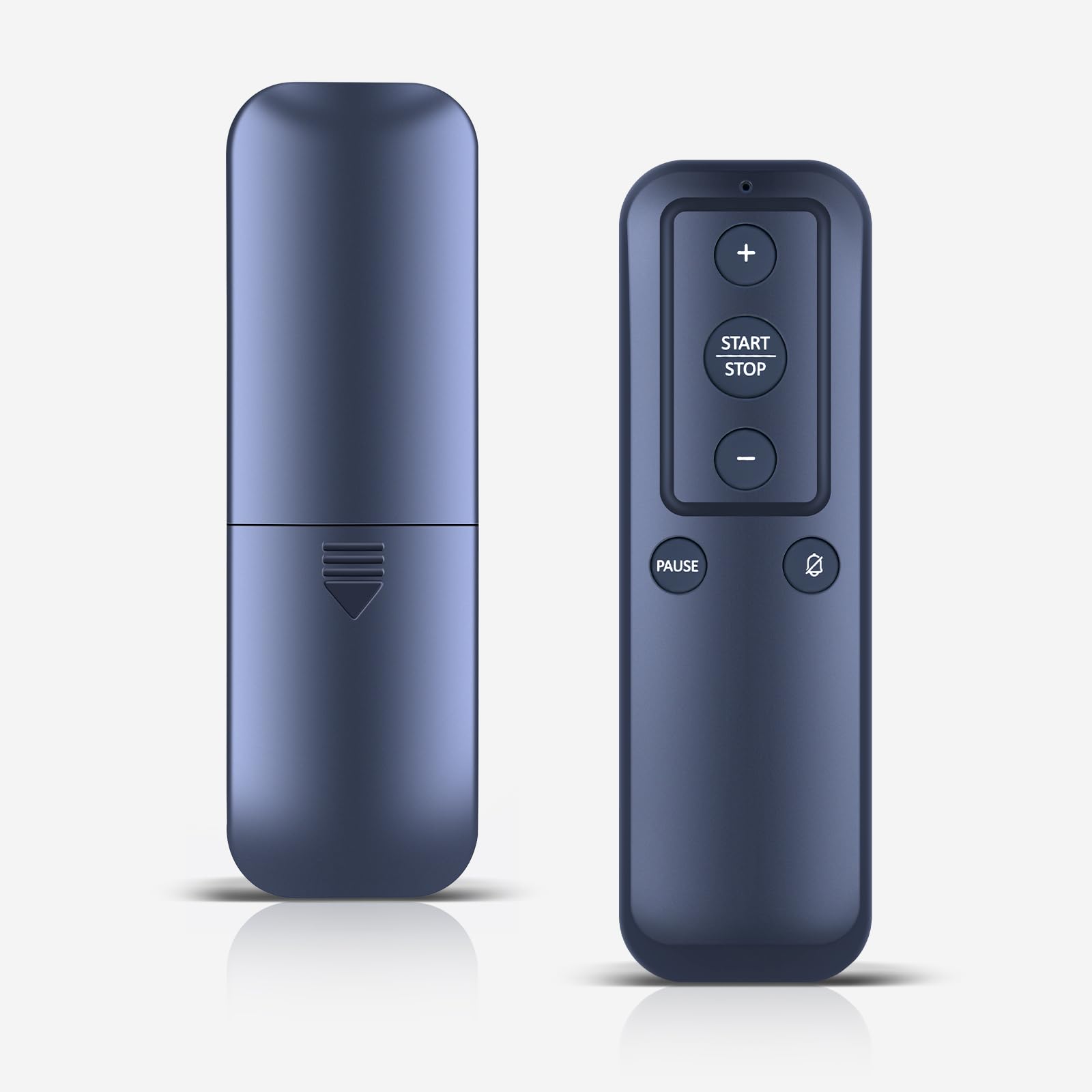
Image 1.1: The WDZP Treadmill Remote Control positioned on a treadmill, illustrating its intended use.
2. Setup
The WDZP Treadmill Remote Control is designed for quick and easy setup, requiring no complex pairing or app installation. Simply install the batteries, and it's ready for use.
2.1 Battery Installation
- Unpack the remote control from its packaging.
- Locate the battery compartment on the back of the remote.
- Insert the required batteries (batteries NOT included), ensuring correct polarity (+/-).
- Close the battery compartment securely.
- Press any button on the remote to confirm functionality.

Image 2.1: Visual guide for installing batteries into the remote control. Batteries are not included.
3. Operating Instructions
The remote control features an intuitive button layout for easy operation of your treadmill. Its wireless design allows for flexible use during your workout.

Image 3.1: A clear view of the remote control's buttons and layout.
3.1 Button Functions
- + (Plus Button): Increases the treadmill's speed or incline.
- - (Minus Button): Decreases the treadmill's speed or incline.
- START/STOP Button: Initiates or halts the treadmill's operation.
- PAUSE Button: Temporarily pauses the treadmill's operation.
- Mute/Power Button (Speaker Icon): May control sound or power depending on treadmill model.
For specific functions related to incline or other advanced settings, refer to your treadmill's original instruction manual.
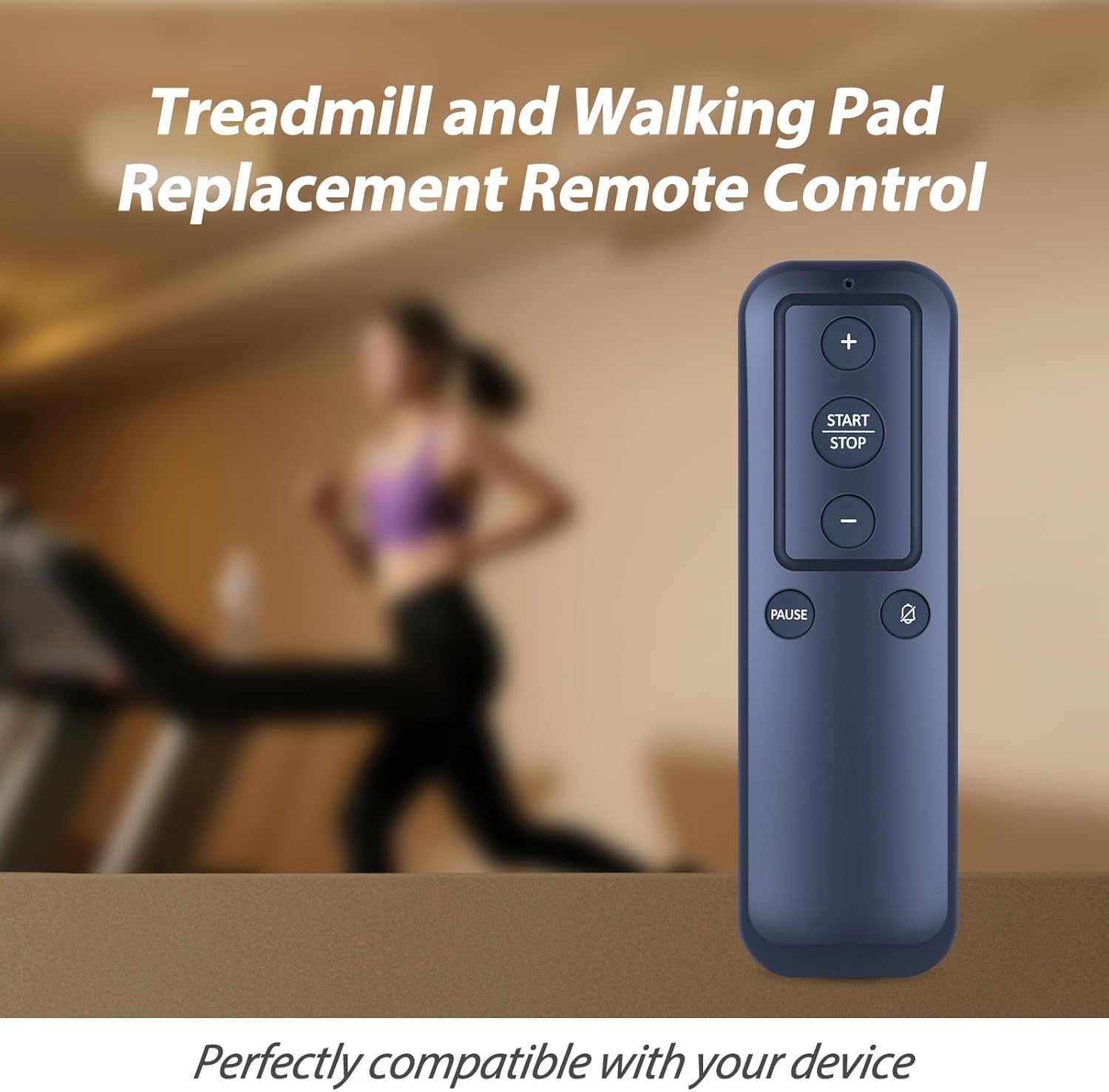
Image 3.2: Demonstrates the remote control being used during a treadmill workout for convenient adjustments.
4. Features and Benefits
This remote control is designed with user convenience and durability in mind, offering several advantages over alternative control methods.
- User-Friendly Design: Features easy-to-press buttons and a compact form factor for convenient control without distractions.
- Wireless Operation: Adjust settings from a distance, providing flexibility and ease during workouts without cords or cables.
- Durable Construction: Made from high-quality ABS material, ensuring wear-resistance and long-lasting durability.
- Lightweight and Portable: Weighing approximately 0.10kg (0.22lb), it is easy to hold and carry.

Image 4.1: A comparative illustration detailing the advantages of using a dedicated treadmill remote control.
5. Maintenance
To ensure the longevity and optimal performance of your WDZP Treadmill Remote Control, follow these simple maintenance guidelines:
- Cleaning: Wipe the remote control periodically with a soft, dry cloth. Avoid using abrasive cleaners or solvents.
- Battery Replacement: Replace batteries when the remote's response becomes sluggish or stops working. Always use new batteries of the specified type.
- Storage: Store the remote in a cool, dry place away from direct sunlight and extreme temperatures when not in use for extended periods.
- Avoid Drops: While durable, avoid dropping the remote control to prevent internal damage.
6. Troubleshooting
If you encounter issues with your remote control, please refer to the following common troubleshooting steps:
- Remote Not Responding:
- Check if the batteries are correctly installed and have sufficient charge. Replace them if necessary.
- Ensure there are no obstructions between the remote and the treadmill's receiver.
- Verify that the remote is within the effective operating range of your treadmill.
- Incorrect Functionality:
- Confirm that your treadmill model is listed as compatible with this remote control.
- Some treadmill models may have specific pairing procedures; consult your treadmill's original manual if basic operation does not work.
If problems persist after attempting these steps, please contact customer support.
7. Specifications
| Brand | WDZP |
| Model Number | B0FM8B53Z2 |
| Compatible Devices | Upreign N4054, N3825, WELLFIT WP009, WP021BB-02, WFWP011 Treadmills |
| Max Number of Supported Devices | 1 |
| Color | Black |
| Special Feature | Ergonomic |
| Item Weight | 0.705 ounces (approx. 0.02 kg) |
| Package Dimensions | 1.5 x 1 x 0.55 inches |
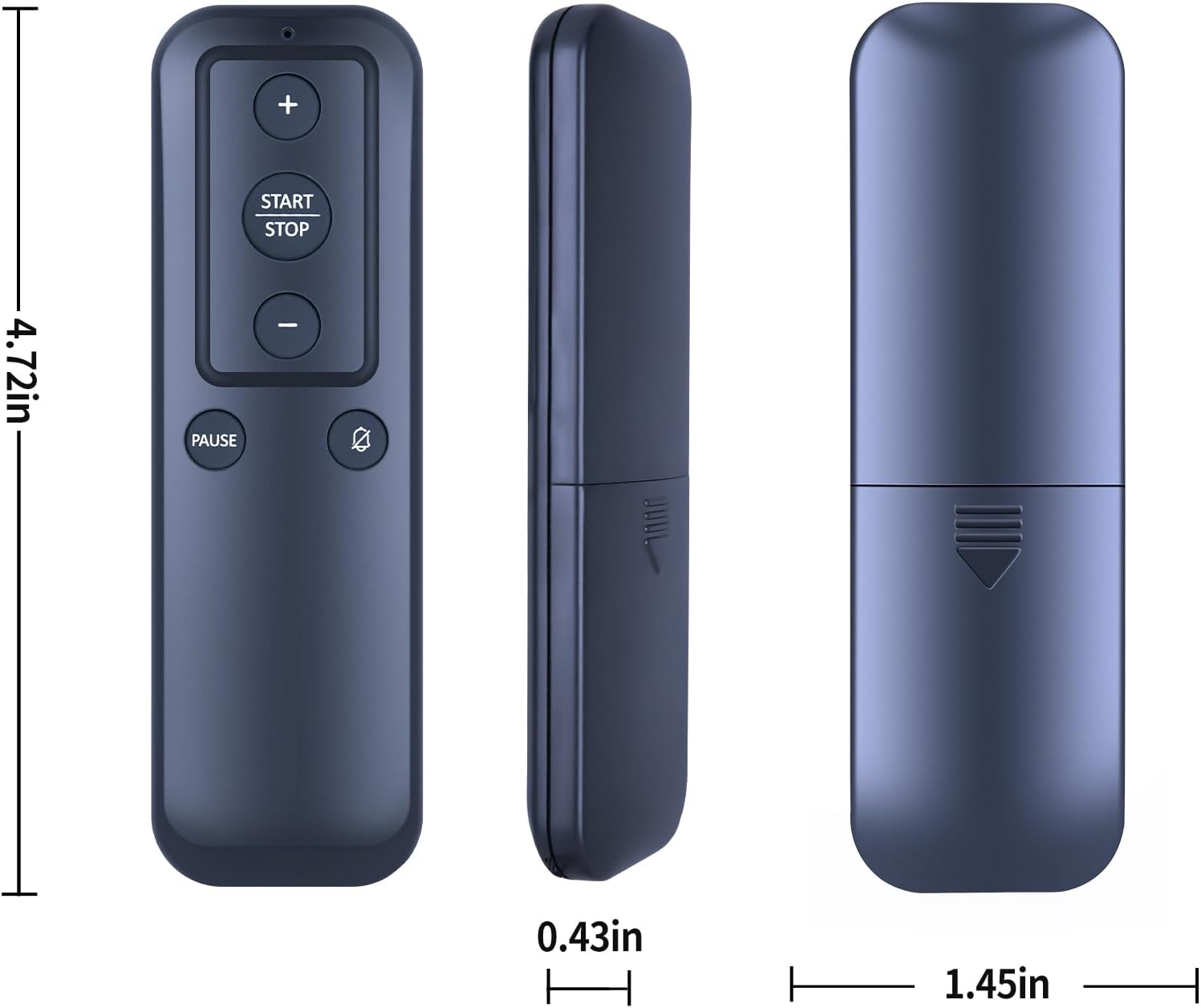
Image 7.1: Detailed dimensions of the remote control for reference.
8. Warranty and Support
WDZP stands behind the quality of its products. This remote control comes with a warranty to ensure your satisfaction.
- Warranty Period: A 6-MONTH warranty is offered for this product.
- Coverage: The warranty covers manufacturing defects and quality problems.
- Resolution: In case of a covered issue, WDZP offers free exchange or refund.
For warranty claims, product inquiries, or technical assistance, please contact WDZP customer support through the retailer where the product was purchased or visit the official WDZP store page on Amazon: WDZP Store.