
Introduction
This manual provides detailed instructions for the MONSGEEK FUN68 Rapid Trigger Gaming Keyboard. Designed for high-performance gaming, this 65% layout keyboard features advanced Flash Magnetic Switches, Tri-Mode connectivity, and customizable settings to enhance your gaming and typing experience.
Setup
Package Contents
Upon unboxing your MONSGEEK FUN68 keyboard, verify that all components are present:
- MONSGEEK FUN68 Rapid Trigger Gaming Keyboard
- USB-C to USB-A Cable
- Keycap/Switch Puller Tool
- 2.4GHz Wireless Dongle
- User Manual
Connectivity Options
The FUN68 keyboard offers versatile connectivity modes:
- Wired Mode: Connect the keyboard directly to your device using the provided USB-C to USB-A cable.
- 2.4GHz Wireless Mode: Insert the 2.4GHz wireless dongle into a USB port on your device. The keyboard will automatically connect.
- Bluetooth Mode: Activate Bluetooth on your device and put the keyboard into Bluetooth pairing mode (refer to specific key combinations in the manual for your model). Select 'MONSGEEK FUN68' from your device's Bluetooth list to pair.

Driver Installation
To unlock the full potential of your FUN68 keyboard, install the MonsGeek Driver software from the official MONSGEEK website. The software allows for customization of key functions, lighting, and performance settings. Ensure you select the correct driver version for your specific keyboard model and operating system. The driver may default to Chinese on startup; adjust the language setting to English as needed.

Operating Instructions
Key Layout
The MONSGEEK FUN68 features a compact 68-key layout, integrating essential keys and arrow keys for both gaming and general use.
Rapid Trigger Functionality
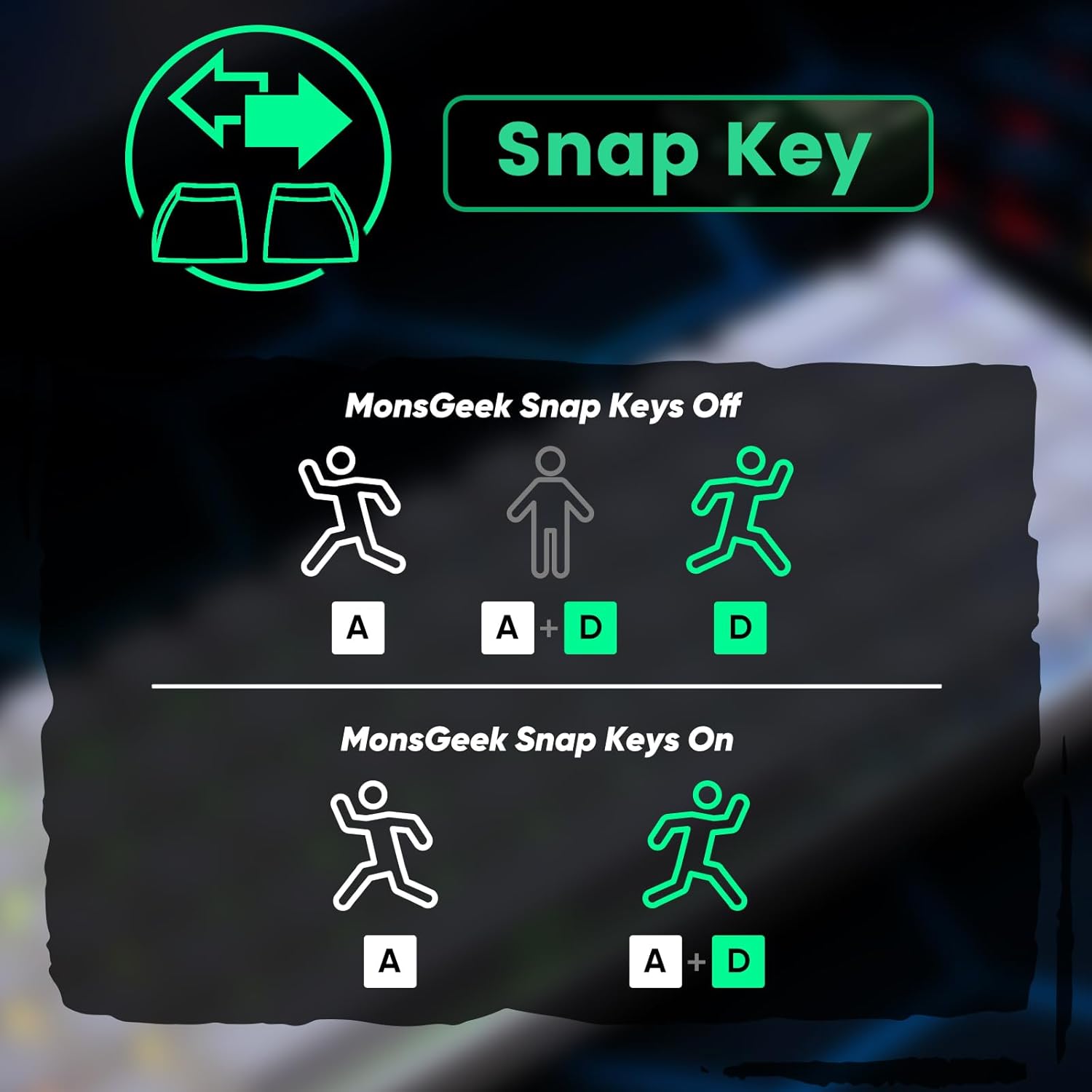
The FUN68 keyboard offers an ultra-precise rapid trigger system with actuation distance adjustable in 0.005mm steps. This allows for faster response times and enhanced precision, crucial for competitive gaming. Utilize the MonsGeek Driver to fine-tune trigger points and customize functions like DKS (Dynamic Key Stroke), Toggle Key, and Mod-Tap for personalized control.

Switch Compatibility
The FUN68 Series Rapid Trigger Keyboard is cross-compatible with 6 third-party magnetic switches. You can select the corresponding switch type from the list in the MonsGeek Driver and calibrate the keyboard after replacement. This allows for mixing and matching different switches across various keys simultaneously.

16K Scan Rate & 8K Polling Rate
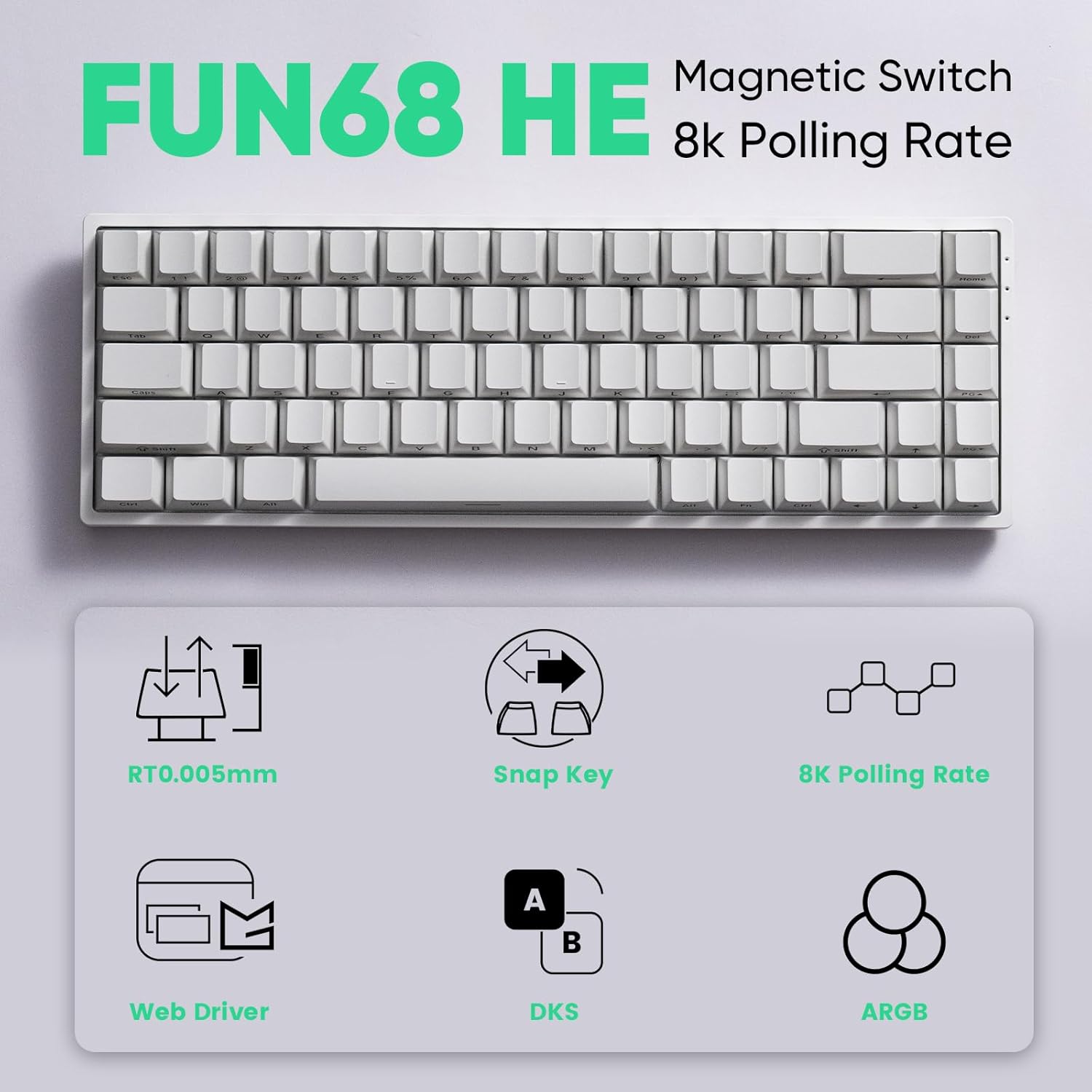
The FUN68 magnetic switch keyboard features a 16K universal scan rate, which fully supports 8K polling rate performance. This ensures ultra-fast response times and smoother, more precise inputs, ideal for gaming and high-performance tasks.
ARGB Lighting
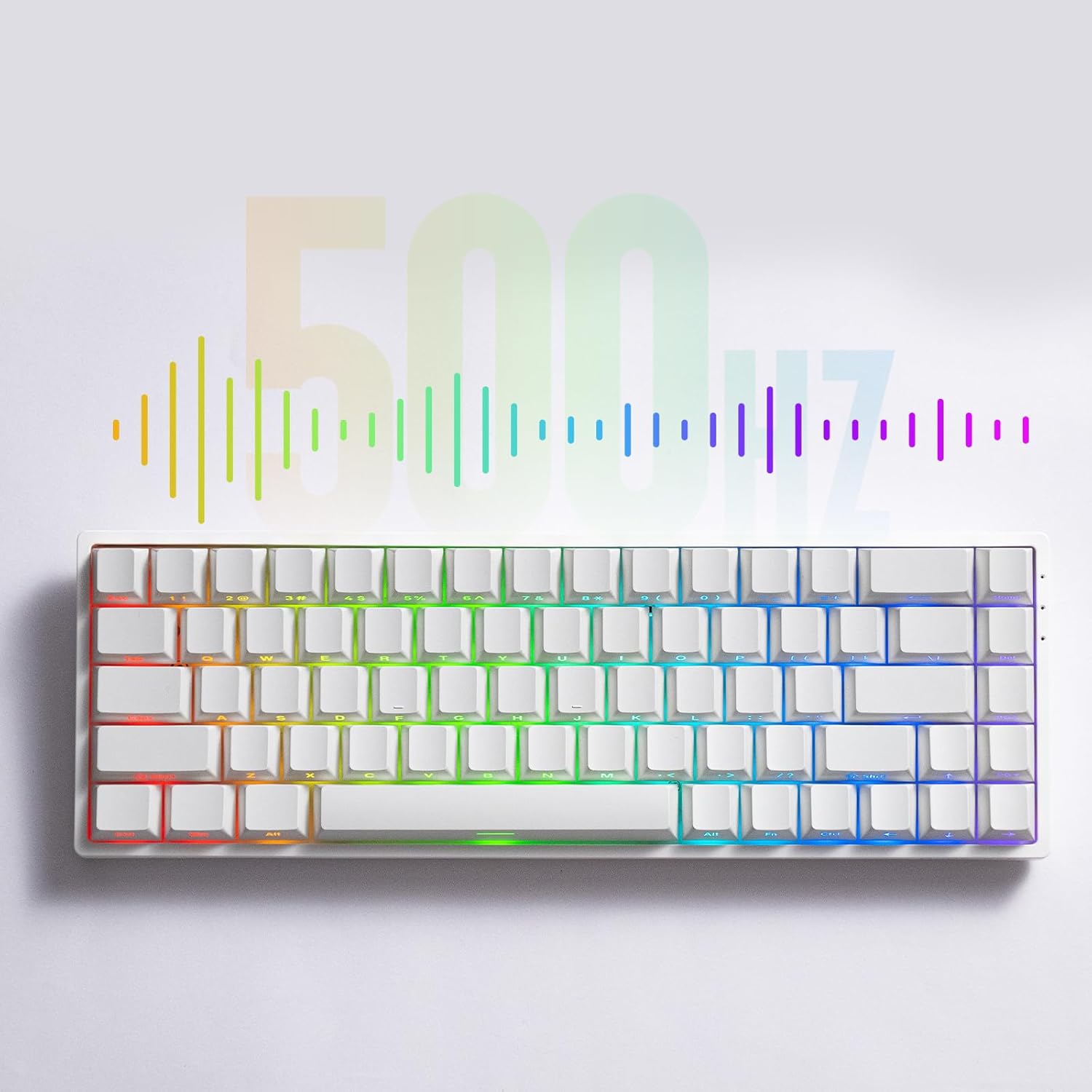
The FUN68 series features Addressable RGB (ARGB) lighting with individually controlled LEDs. A key advantage is its flicker-free lighting, which eliminates the flickering common in conventional RGB. Combined with Alpha channel integration and a 500Hz refresh rate, it offers richer dynamic effects and reduces visual fatigue, perfect for gaming and aesthetic builds.
Battery Life
The keyboard is equipped with a 3000mAh battery, providing long-lasting power for wireless operation.
Maintenance
Cleaning
Regularly clean your keyboard to maintain optimal performance and appearance. Use a soft, dry cloth to wipe down the keycaps and chassis. For deeper cleaning, you may remove keycaps using the provided keycap puller tool.
Keycap and Switch Replacement
The FUN68 keyboard features hot-swappable switches, allowing for easy replacement without soldering. Use the provided switch puller tool to carefully remove switches. When inserting new switches, ensure they are aligned correctly with the PCB pins to avoid damage.

Troubleshooting
Driver Software Issues
If you encounter difficulties with the MonsGeek Driver software, such as it defaulting to Chinese or not recognizing the keyboard, ensure you have downloaded the correct version from the official website. Restarting the software or your computer can often resolve minor glitches. If issues persist, consult the online support resources or contact customer service.
Specifications
- Package Dimensions: 13.98 x 7.68 x 2.17 inches
- Item Weight: 1.98 pounds
- Manufacturer: MONSGEEK
- ASIN: B0FM6SNGZ1
- Brand: MONSGEEK
- Compatible Devices: Gaming Console
- Connectivity Technology: USB-A (Wired), 2.4GHz Wireless, Bluetooth
- Keyboard Description: 68-key Layout, Flash Magnetic Switch
- Recommended Uses For Product: Gaming
- Special Feature: Rapid Trigger, Tri-Mode, 8K Hz Polling Rate, ARGB Lighting
- Color: White
- Material: Plastic
- Power Source: USB power
- Switch Type: Mechanical (Magnetic)
Warranty & Support
For warranty information and customer support, please refer to the official MONSGEEK website or contact your retailer. Protection plans may be available for extended coverage.


