
1. Introduction
This manual provides instructions for the proper installation, use, and maintenance of your USTIYA Clear TPU Case, designed specifically for the Infinix Hot 60 Pro and Infinix Hot 60 Pro Plus models. This case offers robust protection while maintaining the original aesthetic of your device.
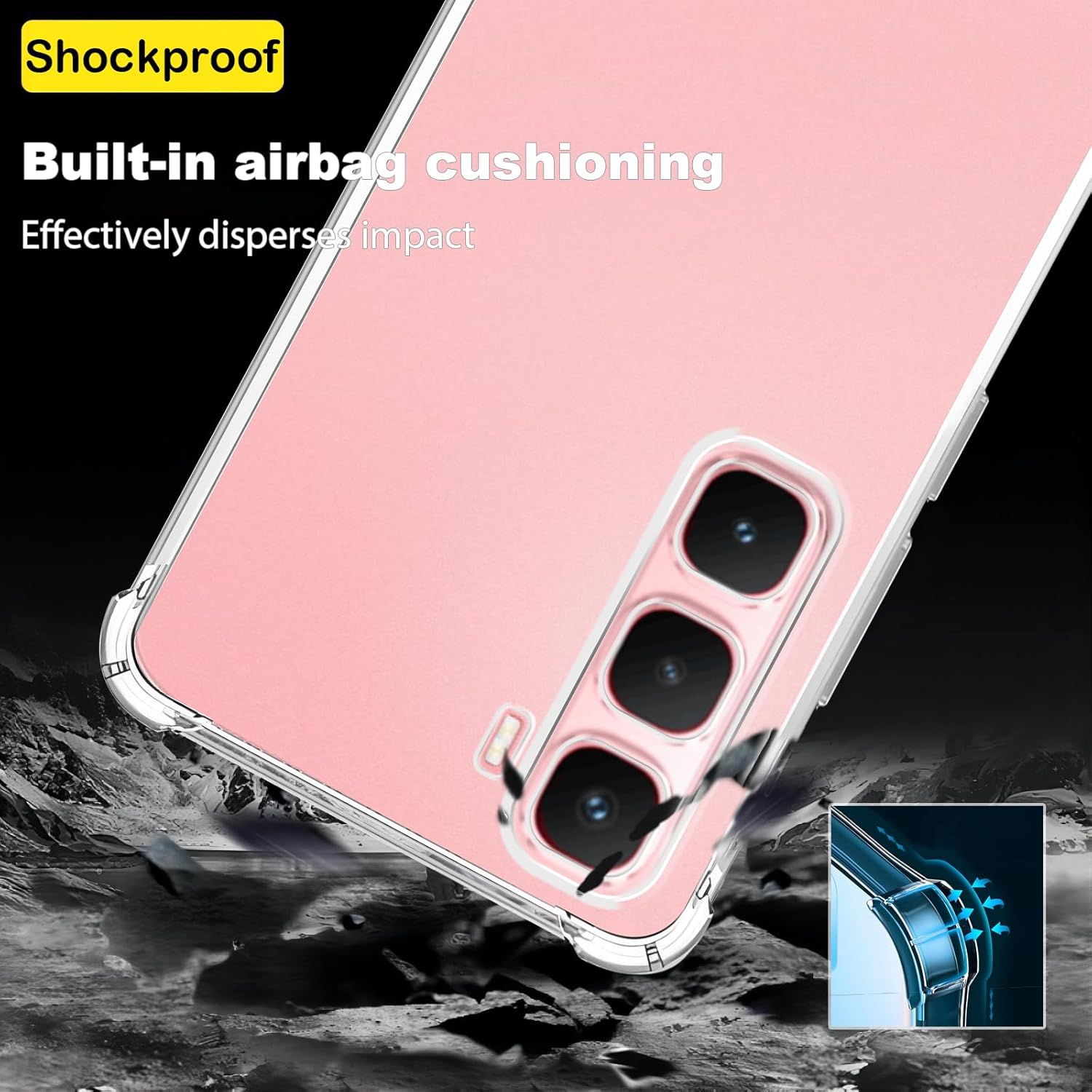
Figure 1.1: Overview of the USTIYA Clear TPU Case, showcasing its transparent design.
2. Product Features
The USTIYA Clear TPU Case is engineered with several key features to protect your device:
- High-Quality Material: Constructed from durable and flexible Thermoplastic Polyurethane (TPU), which is non-toxic and environmentally friendly.
- Transparent Design: Allows the original color and design of your Infinix Hot 60 Pro / Hot 60 Pro Plus to be visible.
- Military-Grade Protection: Features four-corner airbag cushioning to effectively disperse impact and provide shockproof defense against drops.
- Enhanced Screen and Camera Protection: Raised edges (1.5mm for screen, 1.2mm for camera) prevent direct contact with surfaces, guarding against scratches.
- Anti-Smudge Micro-Dot Pattern: An internal micro-dot design prevents the common "wet" or smudged appearance often seen with clear cases, while also aiding in heat dissipation.
- Improved Grip: Matte side strips on the edges increase stability and prevent the phone from slipping, also resisting hand sweat corrosion.
- Precise Fit and Functionality: Designed with 1:1 real machine modeling, ensuring precise cutouts for all ports, speakers, and responsive button covers for full functionality.
- Wireless Charging Compatible: The case supports wireless charging without the need for removal.
- DIY Customization: The transparent material allows for personalization by placing photos or patterns inside the case.
3. Setup: Case Installation
Follow these steps to correctly install the USTIYA Clear TPU Case on your Infinix Hot 60 Pro or Hot 60 Pro Plus:
- Prepare Your Device: Ensure your Infinix Hot 60 Pro or Hot 60 Pro Plus is clean and free of any dust, fingerprints, or debris. A clean surface helps prevent trapped particles and ensures optimal clarity.
- Align the Case: Hold the case with the back facing up. Gently insert one side of your phone into the case, carefully aligning the volume and power buttons with their respective covers on the case.
- Secure the Phone: Apply gentle pressure to the remaining edges of the phone, pushing it into the case until it is fully seated. Ensure all four corners of your phone are securely covered by the case. The flexible TPU material allows for easy installation and removal.
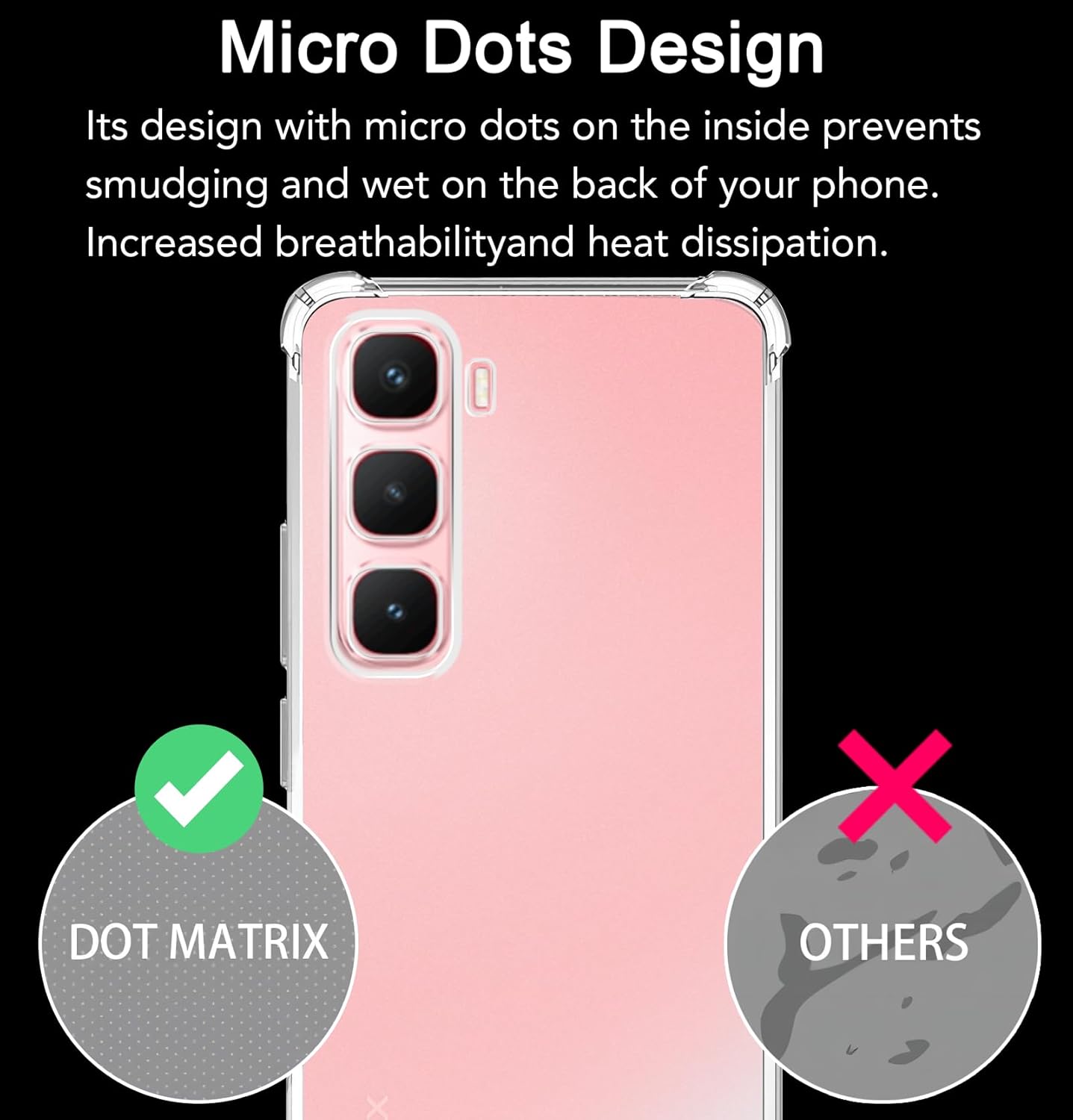
Figure 3.1: The case is designed with 1:1 real machine modeling for precise hole positions, ensuring a perfect fit without interfering with phone functions.
4. Operating Your Device with the Case
The USTIYA Clear TPU Case is designed to allow full and unhindered operation of your Infinix Hot 60 Pro / Hot 60 Pro Plus:
- Responsive Buttons: The case features integrated button covers that provide tactile feedback, allowing for easy and accurate pressing of the volume and power buttons.
- Unrestricted Port Access: Precision cutouts ensure that all charging ports, speaker grilles, and other essential ports are fully accessible without needing to remove the case.
- Wireless Charging Compatibility: The case's design and material thickness are optimized to support wireless charging, allowing you to charge your device conveniently without removal.
- Lanyard Attachment: A dedicated lanyard hole is integrated into the case design, providing an option to attach various lanyards for enhanced security and portability.

Figure 4.1: The case provides button protection with responsive covers and includes a mobile lanyard hole for versatile use.

Figure 4.2: The soft TPU frame allows for easy installation and removal of the case without damaging your device.
5. Maintenance and Care
To maintain the clarity, protective qualities, and aesthetic appeal of your USTIYA Clear TPU Case, please follow these care guidelines:
- Regular Cleaning: To remove dust, fingerprints, and light smudges, gently wipe the case with a soft, damp cloth. For more stubborn dirt, a mild soap solution can be used, followed by rinsing and thorough drying.
- Avoid Harsh Chemicals: Do not use abrasive cleaners, solvents, or strong chemical agents, as these can damage the TPU material and affect its transparency.
- Storage: When the case is not in use, store it in a cool, dry place away from direct sunlight and extreme temperatures to prevent material degradation or yellowing.
- Prevent Discoloration: While made from high-quality, anti-yellowing materials, prolonged exposure to strong UV light or certain dyes (e.g., from denim) may still cause slight discoloration over time.

Figure 5.1: The micro-dots design on the interior surface prevents smudging and a "wet" appearance, while also promoting breathability and heat dissipation.
6. Troubleshooting
If you encounter any issues with your USTIYA Clear TPU Case, please refer to the following common solutions:
- Case appears wet or smudged on the back: This is often caused by trapped moisture or air. Ensure both your phone and the inside of the case are completely clean and dry before installation. The case's micro-dot design is specifically engineered to minimize this effect.
- Buttons are difficult to press: Verify that the case is correctly aligned and fully seated around your phone. Remove and re-install the case, ensuring all edges snap into place. The button covers are designed to be responsive and should not require excessive force.
- Wireless charging is not working: First, confirm that your Infinix Hot 60 Pro / Hot 60 Pro Plus supports wireless charging and that your wireless charging pad is functioning correctly. Ensure there are no foreign objects between the phone and the case, or between the case and the charging pad. The USTIYA case is designed to be compatible with wireless charging.
- Case does not fit correctly: Double-check that you have the correct case model for your Infinix Hot 60 Pro or Hot 60 Pro Plus. If the model is correct, try re-installing the case, ensuring proper alignment.
7. Specifications
Detailed specifications for the USTIYA Clear TPU Case:
| Brand | USTIYA |
| Compatible Phone Models | Infinix Hot 60 Pro + Pro Plus |
| Material | Thermoplastic Polyurethane (TPU) |
| Color | Clear |
| Special Features | Shock-Absorbent, Raised Edges for Screen & Camera, Micro-Dot Design, Anti-slip Grip, Wireless Charging Compatible, Lanyard Hole |
| Product Dimensions | 6.4 x 2.99 x 0.41 inches |
| Item Weight | 1.06 ounces |
| Manufacturer | Shenzhen Jinyi Technology Co., Ltd. |

Figure 7.1: The case features built-in airbag cushioning in the corners to effectively disperse impact and provide comprehensive shockproof protection.
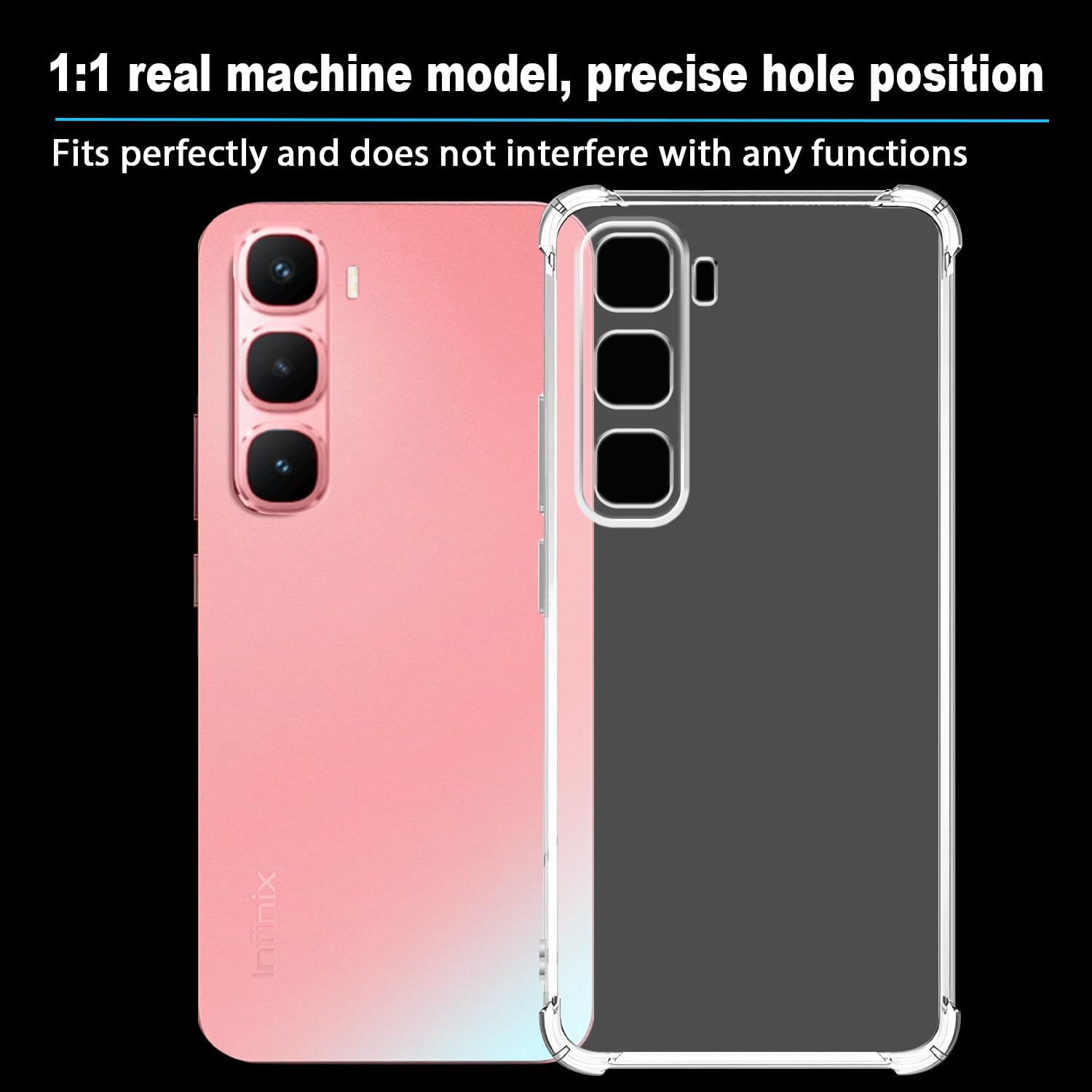
Figure 7.2: The raised screen edge (1.5mm) and Camera Guard lens frame (1.2mm) offer enhanced scratch protection for the most vulnerable parts of your phone.
8. Warranty Information
USTIYA provides a SIX MONTH WARRANTY for this Clear TPU Case, effective from the original date of purchase. This warranty specifically covers manufacturing defects and ensures the product meets our quality standards.
To make a warranty claim, please retain your proof of purchase and contact our customer support team. This warranty does not cover damage resulting from misuse, accidental drops, normal wear and tear, unauthorized modifications, or improper installation.
9. Customer Support
For any inquiries, technical assistance, or concerns regarding your USTIYA Clear TPU Case, our dedicated customer support team is available to help. We strive to provide prompt and effective solutions.
Please refer to the contact information provided on your purchase platform or visit the official USTIYA store for the most current support details.
Thank you for choosing USTIYA for your device protection needs.