
Introduction
This manual provides essential instructions for the proper setup, operation, and maintenance of your Tommy Hilfiger Men's Multifunction Quartz Watch, Model 1792222. Please read this guide thoroughly to ensure optimal performance and longevity of your timepiece.
Product Overview
The Tommy Hilfiger Multifunction Quartz Watch features a 37x39mm tank case, a sunray dial, and CD texture sub-eyes. It incorporates Japanese multifunction movement, displaying day, date, and 24-hour time. The watch is available with a stainless steel case and link bracelet, or a calfskin strap, depending on the specific variant.
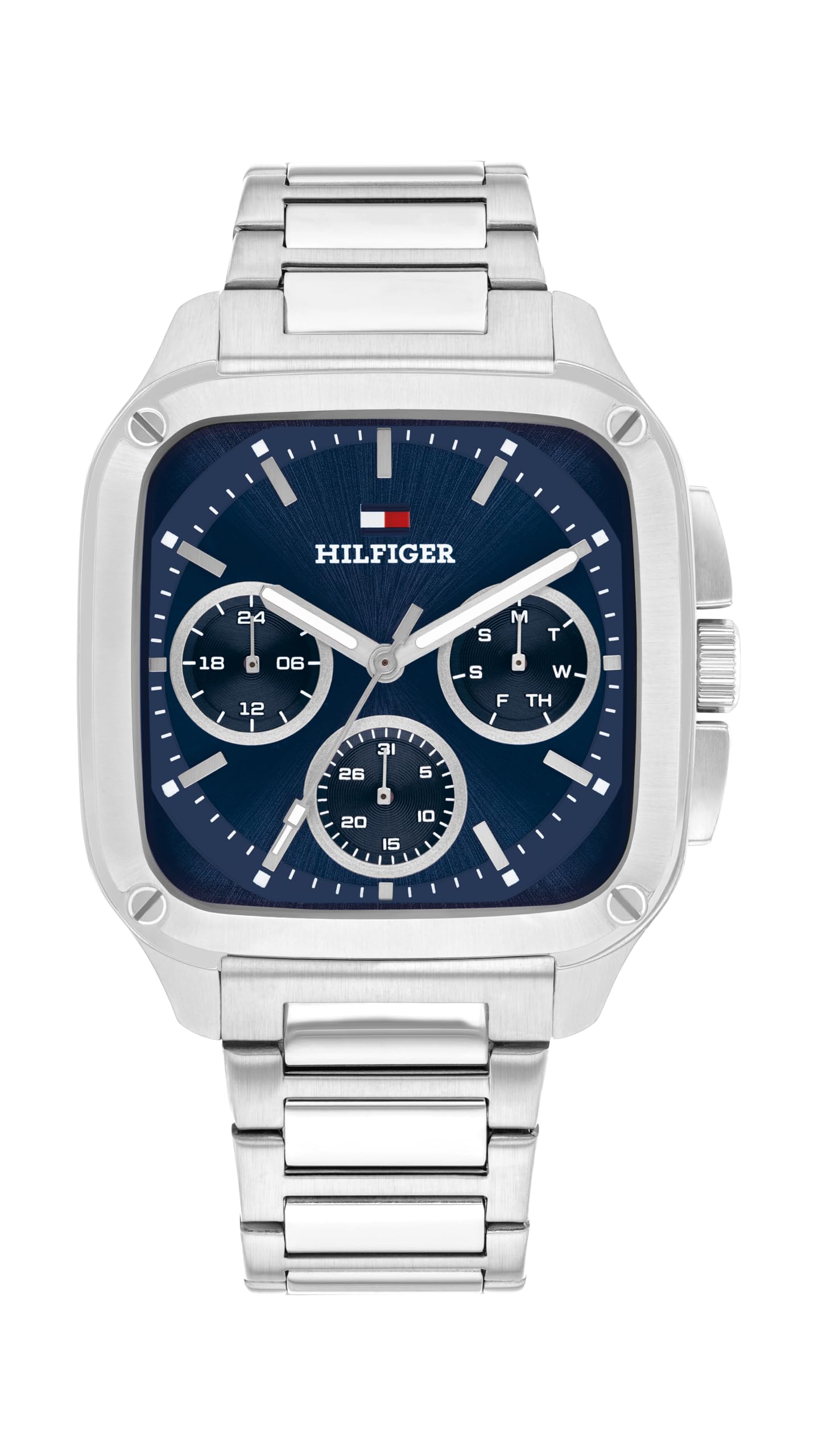
Front view of the Tommy Hilfiger Men's Multifunction Quartz Watch, showcasing the dial, sub-dials, and case design.
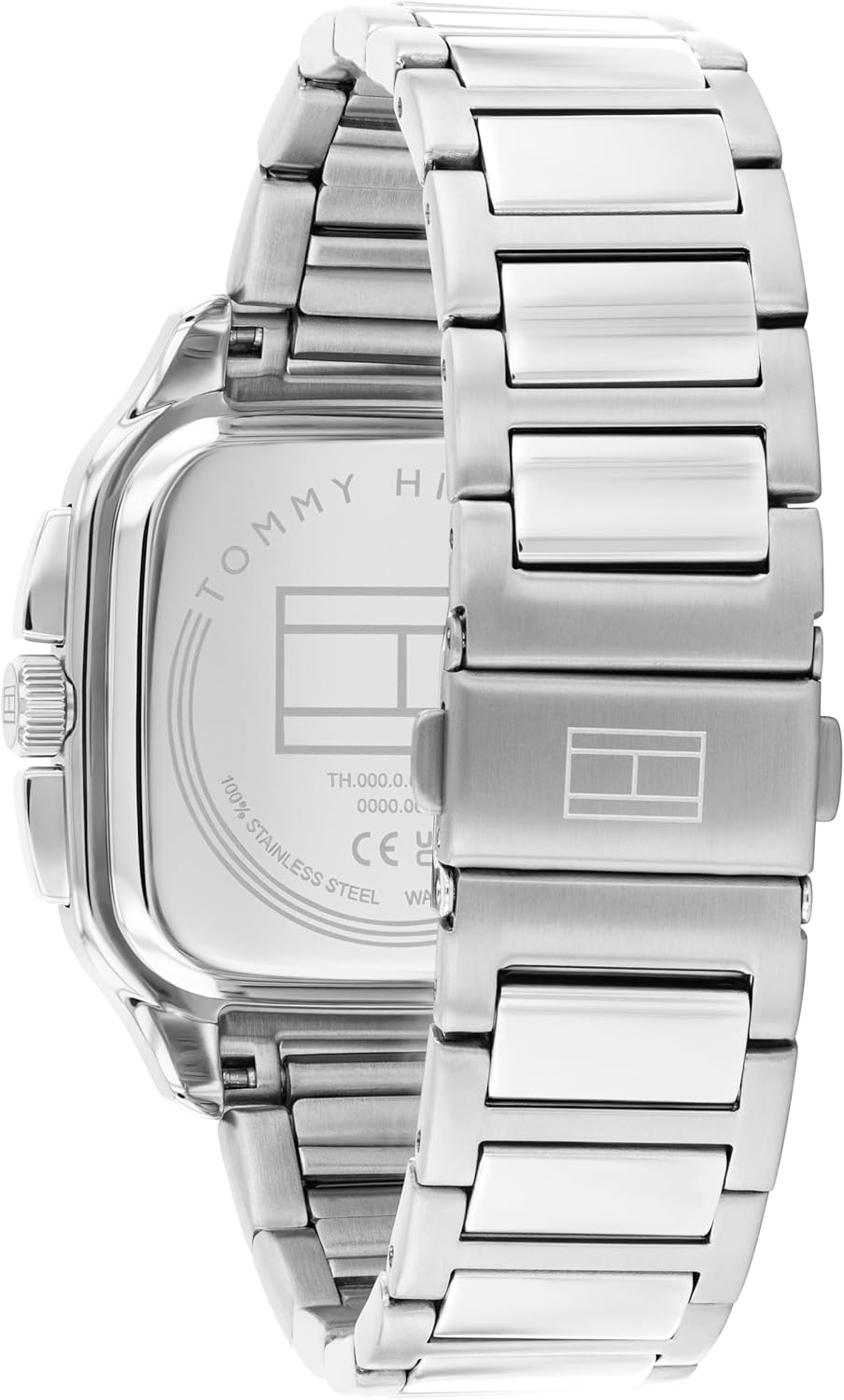
Back view of the watch, showing the stainless steel case back with engraved branding.
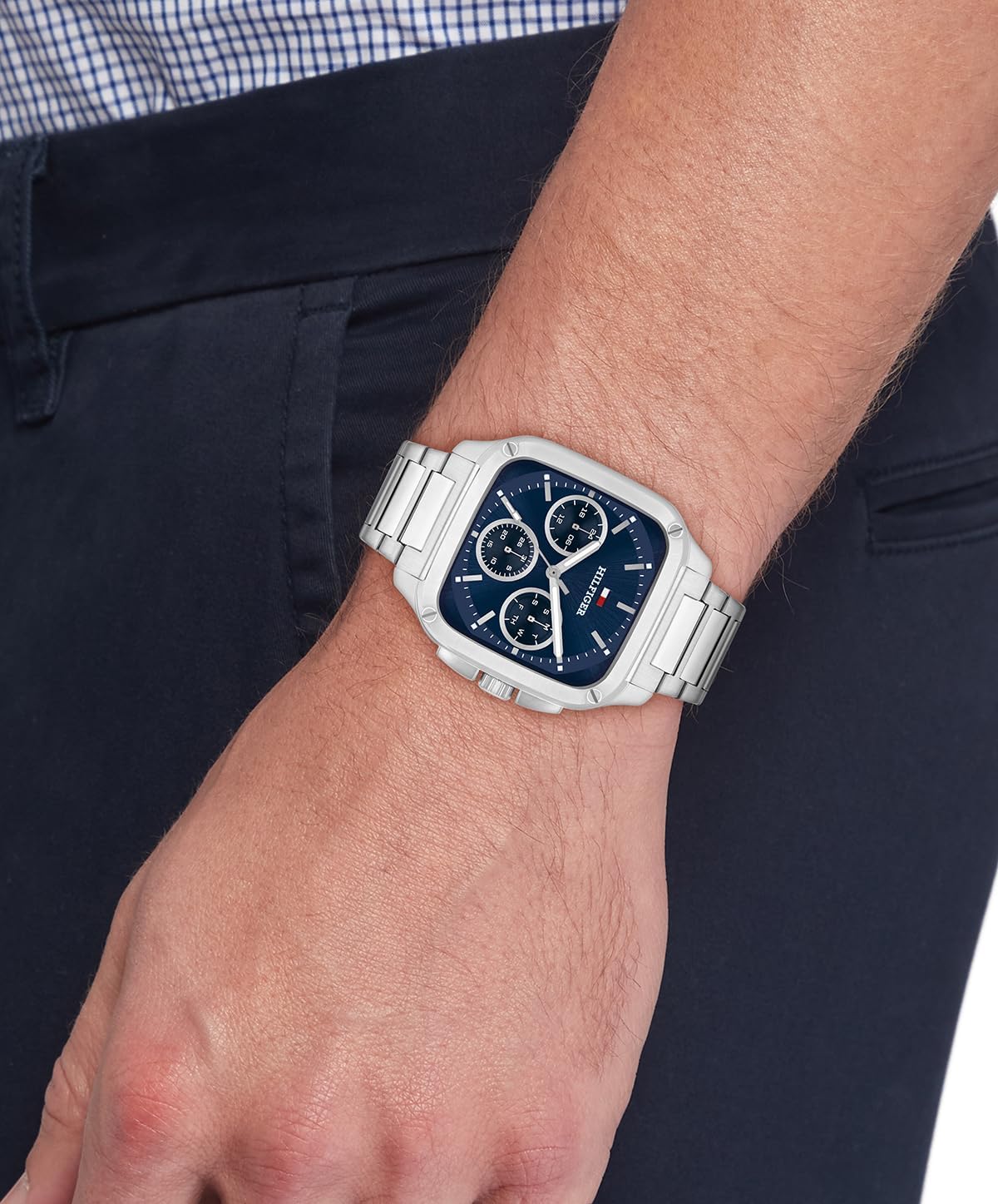
The Tommy Hilfiger Multifunction Quartz Watch worn on a wrist, demonstrating its size and fit.
Setup
Setting the Time and Date
- Pull out the crown: Gently pull the crown (located on the side of the watch case) to position 2. This is typically the outermost position.
- Set the time: Rotate the crown to move the hour and minute hands clockwise until the desired time is displayed. Ensure to account for AM/PM if setting the date.
- Set the date: Push the crown back to position 1 (middle position). Rotate the crown to adjust the date sub-dial. If your watch has a quick-set date function, this will allow you to change the date without rotating the hour hand through 24 hours.
- Set the day of the week: The day of the week sub-dial is often synchronized with the 24-hour hand. Continue rotating the crown in position 2 (if applicable) or use a dedicated pusher (if present) to advance the day.
- Push in the crown: Once the time, date, and day are set, push the crown back into position 0 (normal operating position) to start the watch and ensure water resistance.
Note: For specific instructions on adjusting the day and 24-hour sub-dials, refer to the detailed movement guide provided with your watch, as procedures may vary slightly.
Adjusting the Bracelet/Strap
For models with a metal link bracelet, adjustment typically requires the removal or addition of links. This procedure should ideally be performed by a professional jeweler or watch technician to prevent damage. For leather straps, adjust the buckle to fit your wrist comfortably.

A visual guide illustrating typical watch sizes on 6-inch (women's) and 7-inch (men's) wrists, comparing various watch diameters.
Operating the Multifunction Display
Your watch features a quartz multifunction movement with three sub-dials:
- Day of the Week: Indicates the current day (e.g., Mon, Tue, Wed).
- Date of the Month: Displays the numerical date (e.g., 01, 15, 31).
- 24-Hour Time: Shows the time in a 24-hour format, useful for distinguishing AM/PM.
These sub-dials operate in conjunction with the main timekeeping hands. Once set, they will advance automatically. Minor adjustments for months with fewer than 31 days may be required manually at the beginning of the new month.
Maintenance
Water Resistance
This watch is water resistant up to 50 meters (165 feet), or 5 ATM. This rating means it is suitable for short periods of recreational swimming and showering. It is not suitable for diving, snorkeling, or prolonged water immersion. Always ensure the crown is fully pushed in to maintain water resistance.
Avoid operating the crown or pushers while the watch is wet or submerged, as this can compromise the water seal.
Battery Replacement and Servicing
Your quartz watch is powered by a battery. The battery typically lasts for several years. When the watch stops or the second hand begins to skip, it indicates a low battery. It is recommended to:
- Service your Tommy Hilfiger watch every 3–5 years.
- Replace the battery as needed by a qualified watch technician.
- Never attempt to open the watch yourself, as this can damage the movement, compromise water resistance, and void the warranty.
Cleaning and Care
- Wipe the watch case and bracelet/strap regularly with a soft, dry cloth to remove dust and moisture.
- For metal bracelets, a slightly damp cloth can be used, followed by immediate drying.
- Avoid exposing the watch to extreme temperatures, direct sunlight for prolonged periods, or strong magnetic fields.
- Keep the watch away from harsh chemicals, solvents, and detergents, which can damage the case, strap, or seals.
Troubleshooting
| Problem | Possible Cause | Solution |
|---|---|---|
| Watch is not running. | Battery is depleted. Crown is pulled out. | Push the crown fully in. If it still doesn't run, the battery may need replacement by a professional. |
| Time or date is incorrect. | Time/date was not set correctly. Watch was exposed to shock. | Refer to the "Setting the Time and Date" section to reset. |
| Condensation inside the watch. | Water resistance compromised. Sudden temperature change. | Immediately take the watch to a professional for inspection and repair to prevent internal damage. |
If you encounter issues not listed here or if the suggested solutions do not resolve the problem, please contact Tommy Hilfiger customer support or an authorized service center.
Specifications
- Model Number: 1792222
- Movement: Quartz Multifunction (Japanese)
- Case Dimensions: 37x39mm
- Case Material: Stainless Steel
- Dial: Sunray dial with CD texture sub-eyes
- Strap Material: Stainless Steel Link Bracelet or Calfskin (variant dependent)
- Water Resistance: 5 ATM (50 meters / 165 feet)
- Functions: Hour, Minute, Second, Day, Date, 24-Hour Time
- Package Dimensions: Approximately 4 x 4 x 3.4 inches
- Item Weight: Approximately 4.34 ounces
Warranty and Support
Your Tommy Hilfiger watch is covered by a manufacturer's warranty against defects in materials and workmanship. For detailed warranty terms and conditions, please refer to the warranty card included with your purchase or visit the official Tommy Hilfiger website.
For customer support, service inquiries, or to locate an authorized service center, please visit the Tommy Hilfiger Customer Service page or contact their support directly.