
Introduction
Thank you for choosing the RPNB Deluxe Biometric Fireproof Safe Box. This manual provides essential information for the proper setup, operation, and maintenance of your safe. Please read it thoroughly before use to ensure optimal security and functionality.
This safe is designed to protect your valuables with advanced security features, including a biometric fingerprint sensor, a touchscreen keypad, and a robust construction that complies with UL 72 Standard for fire resistance.
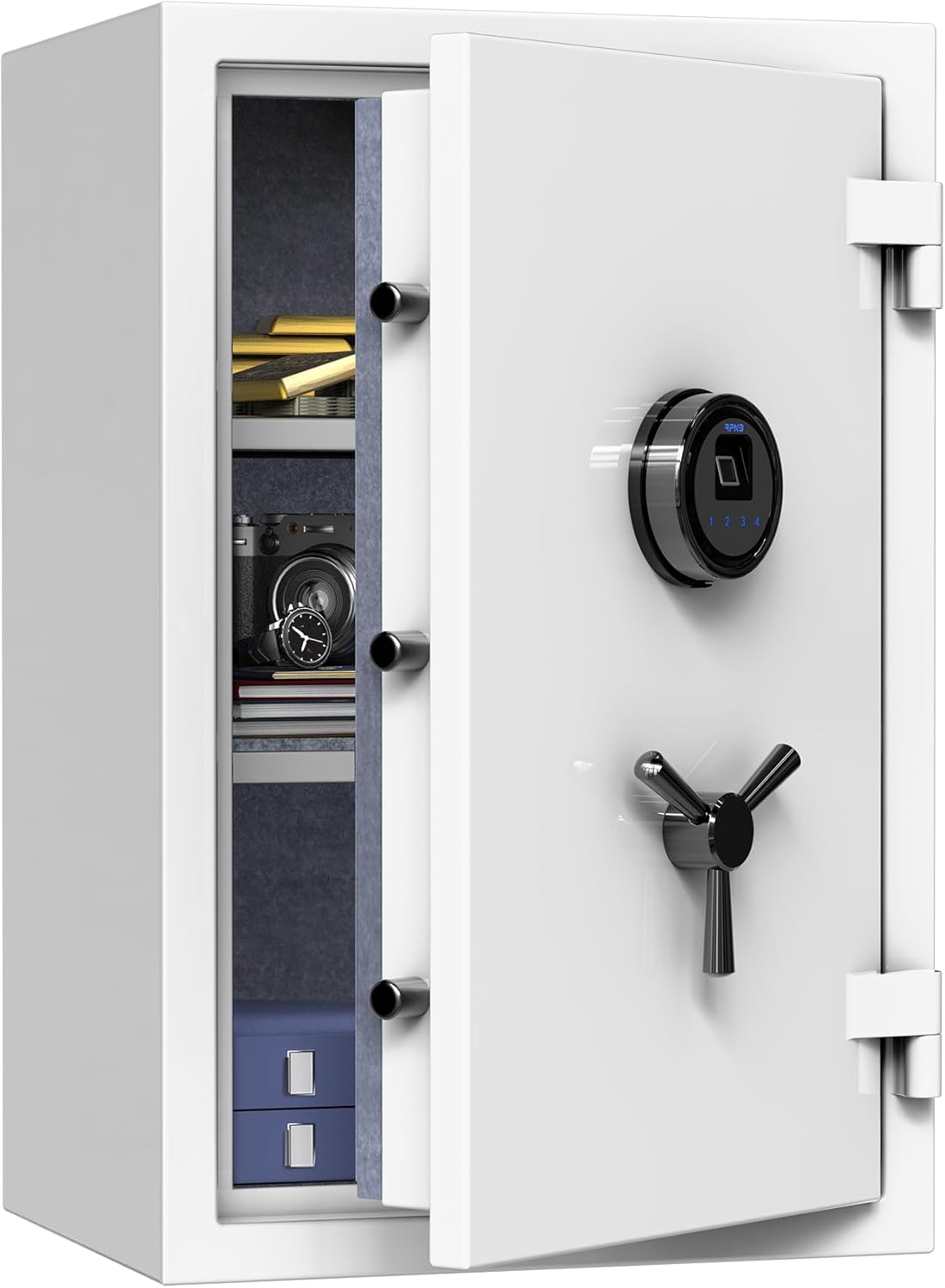
Image: The RPNB Deluxe Biometric Fireproof Safe Box, showcasing its sleek design and security features.
Safety Precautions
- Always keep backup keys in a secure location away from the safe.
- Do not store backup keys inside the safe.
- Ensure the safe is securely mounted to prevent unauthorized removal.
- Use only 9V alkaline batteries for reliable operation.
Setup
1. Handle Installation
- Locate the three handle spokes included in the packaging.
- Insert each spoke into the handle hub on the safe door.
- Ensure they are securely fastened.
2. Battery Installation
- Press the tab on the left side of the lock cover to remove it.
- Connect a 9V alkaline battery to the battery connector.
- Carefully place the battery inside the compartment and reattach the lock cover.
3. Mounting the Safe
The safe is designed for floor mounting to enhance security. Refer to the detailed instructions in the included manual for proper installation using the provided hardware.
Operating the Safe
Entry Methods
The RPNB safe offers multiple ways to access your valuables:
- Biometric Fingerprint: Use your registered fingerprint for quick access.
- Touchscreen Keypad: Enter your 4-digit master passcode.
- Backup Keys: In case of emergency or battery failure, use the physical backup keys.
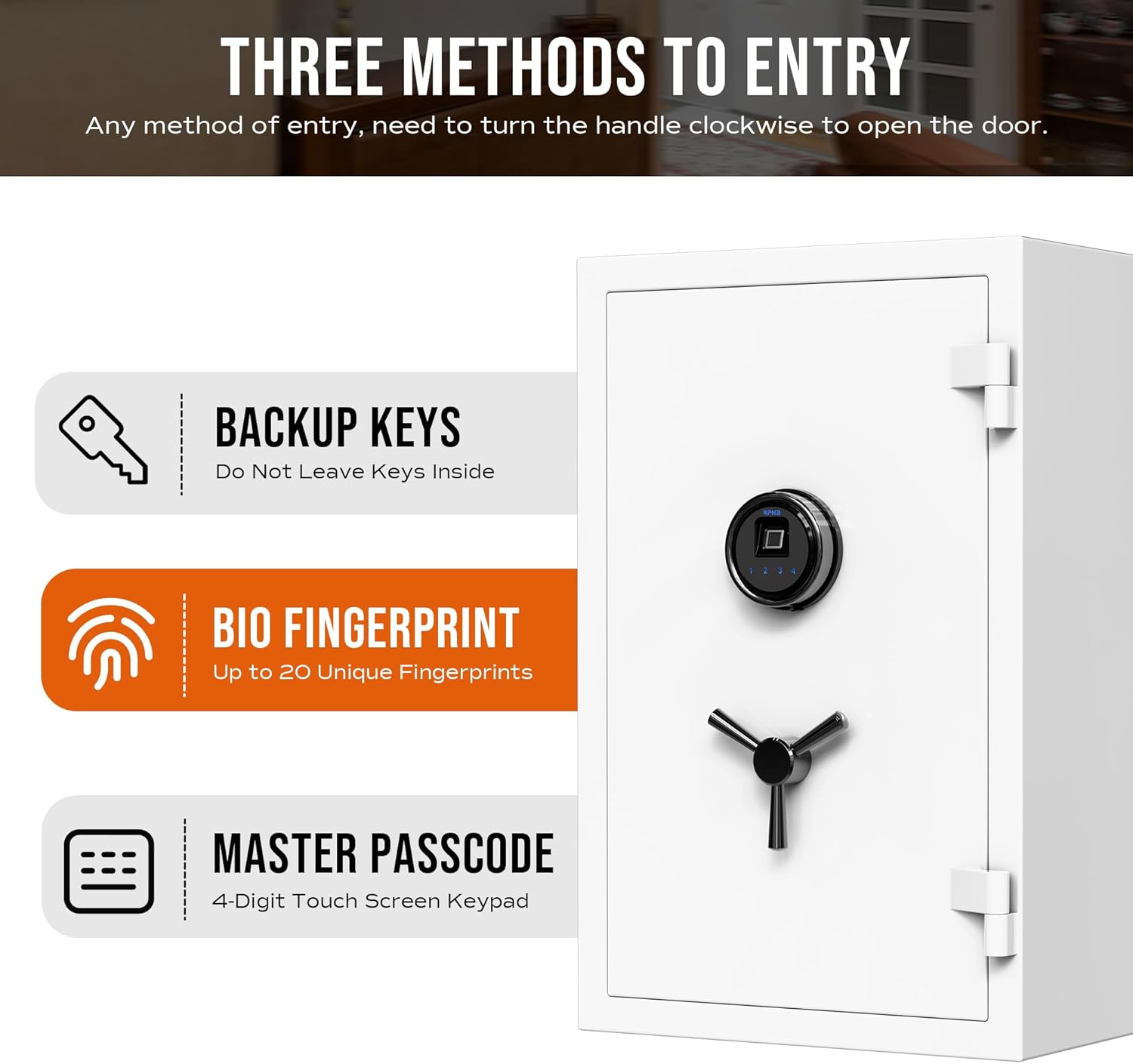
Image: Visual representation of the three entry methods: biometric fingerprint, 4-digit touchscreen keypad, and backup keys.
1. Master Code Programming
To set your personal master code:
- Open the safe door.
- Press the red program button located inside the safe door once.
- Within 10 seconds, enter your new 4-digit passcode on the touchscreen keypad.
- Press the red program button again to confirm the new code.
Watch this video for a visual guide on programming your safe:
Video: Instructions on how to program the RPNB FS Series Touchscreen Fireproof Safe, including setting the master code and registering fingerprints.
2. Fingerprint Registration
To register your fingerprints:
- Open the safe door.
- Press the red program button located inside the safe door once.
- Place your finger on the fingerprint sensor for four scans, lifting your finger slightly between each scan.
- The safe will confirm successful registration.
3. Silence Mode Setting
To enable or disable silence mode:
- Wake up the touchscreen panel.
- Press and hold the number '1' on the keypad for 3 seconds until the indicator light flashes blue twice.
- The safe is now in silence mode (no audible feedback). Repeat the steps to disable silence mode.
4. Vibration Alarm Setting
The safe features a vibration alarm system:
- If the safe is shaken violently, an alarm will be triggered.
- During the alarm, the keypad and fingerprint sensor will be temporarily disabled.
- To set or adjust the vibration sensitivity, refer to the detailed instructions in the full manual.

Image: Illustration of the Emergency Alert System, showing how a violent shake triggers a 1-minute beep alarm and disables the keypad/fingerprint sensor.
Maintenance
Battery Replacement
The safe is designed with an external battery compartment for convenient battery replacement. When the battery is low, the indicator light will signal. Replace the 9V alkaline battery promptly to ensure continuous operation.
Interior Care
The interior of the safe is fully covered with thick felt to protect your valuables from scratches or damage. Regularly inspect the interior for any debris and clean with a soft, dry cloth if necessary.
Adjustable Shelves
The safe includes two fully adjustable shelves with 16 levels of liftable height. These can be moved up and down to customize the storage space according to your needs.
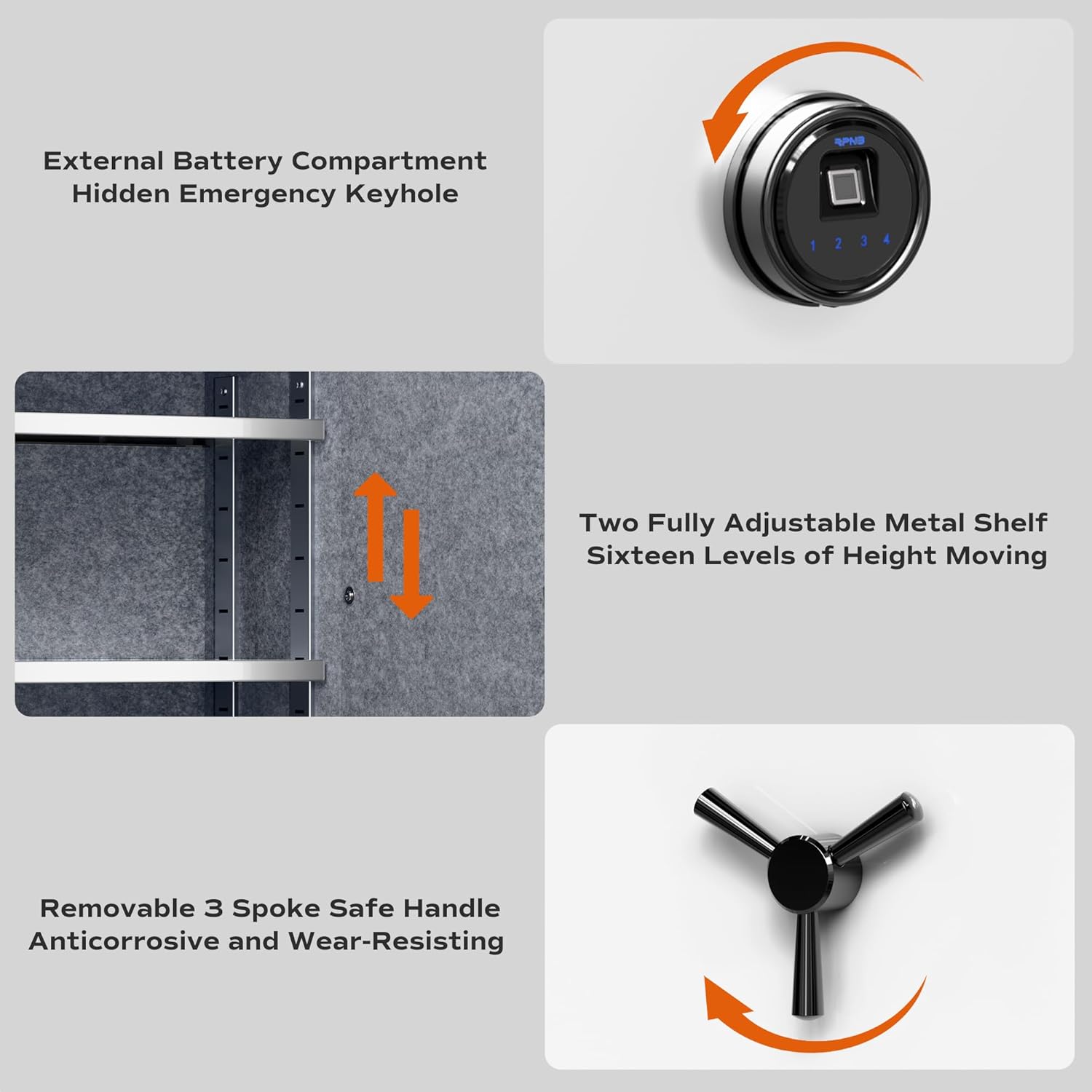
Image: Detailed view of the safe's features, including the external battery compartment, hidden emergency keyhole, adjustable shelves, and the durable 3-spoke handle.
Troubleshooting
Safe Not Opening
- Incorrect Code/Fingerprint: Ensure you are entering the correct master code or using a registered fingerprint.
- Low Battery: If the battery is low, the safe may not respond. Replace the 9V battery in the external compartment.
- Emergency Key: If electronic access fails, use the backup keys to open the safe.
- System Malfunction: In rare cases of unexpected system failure, such as the safe randomly stopping operation and locking you out, please contact customer support immediately for assistance.
Specifications
| Feature | Detail |
|---|---|
| Brand | RPNB |
| Model Number | RPFS66W |
| Product Dimensions (D x W x H) | 13.78" x 16.93" x 25.98" |
| Interior Dimensions (D x W x H) | 9.84" x 15.35" x 24.21" |
| Capacity | 2.12 Cubic Feet |
| Lock Type | Biometric, Electronic Combination Lock, Key |
| Material | Alloy Steel |
| Special Features | Alarm System, Anti-Theft, Biometric Fingerprint, Fire Resistant, Fireproof |
| Fire Resistance Standard | UL 72 Standard (30 minutes at 1200 ℉) |
| Mounting Type | Floor Mount |
| Item Weight | 95 Pounds |
| Water Resistance Level | Water Resistant |

Image: Detailed dimensions of the RPNB safe, including exterior and interior measurements, and item weight.

Image: The RPNB safe highlighting its compliance with UL 72 Standard for fire resistance, protecting contents for 30 minutes up to 1200℉.
Warranty and Support
RPNB is committed to providing high-quality products and excellent customer service. If you require assistance with your safe, encounter any issues, or have questions regarding its operation, please do not hesitate to contact our customer support team.
For more setup tips and detailed information, please refer to the complete instruction manual included with your product or visit the official RPNB website.