1. Introduction
Thank you for choosing LC-dolida Bluetooth Headphones. This manual provides essential information for setting up, operating, and maintaining your device. Please read it carefully to ensure optimal performance and longevity of your headphones.
These wireless headphones are designed for comfort and extended use, featuring a long battery life and Bluetooth 5.4 connectivity for stable audio transmission.
2. Package Contents
- LC-dolida Bluetooth Headphones
- USB Charging Cable
- User Manual
3. Product Overview
Familiarize yourself with the components of your LC-dolida Bluetooth Headphones.

Figure 3.1: LC-dolida Bluetooth Headphones in use, showcasing the comfortable headband and integrated audio components.

Figure 3.2: Design features for comfort, including dispersed pressure and a secure wrap around the head.
The headphones feature a soft, breathable headband with integrated speakers. Control buttons are typically located on the side of the headband for easy access to power, volume, and playback functions. A charging port is also integrated for convenient power replenishment.
4. Setup
4.1 Charging the Headphones
Before first use, fully charge your headphones. Connect the provided USB charging cable to the charging port on the headphones and to a USB power source (e.g., computer, wall adapter).
- A full charge takes approximately 2 hours.
- A 3-minute quick charge provides up to 1.5 hours of listening time.
- The LED indicator will show charging status (e.g., red for charging, blue for fully charged).
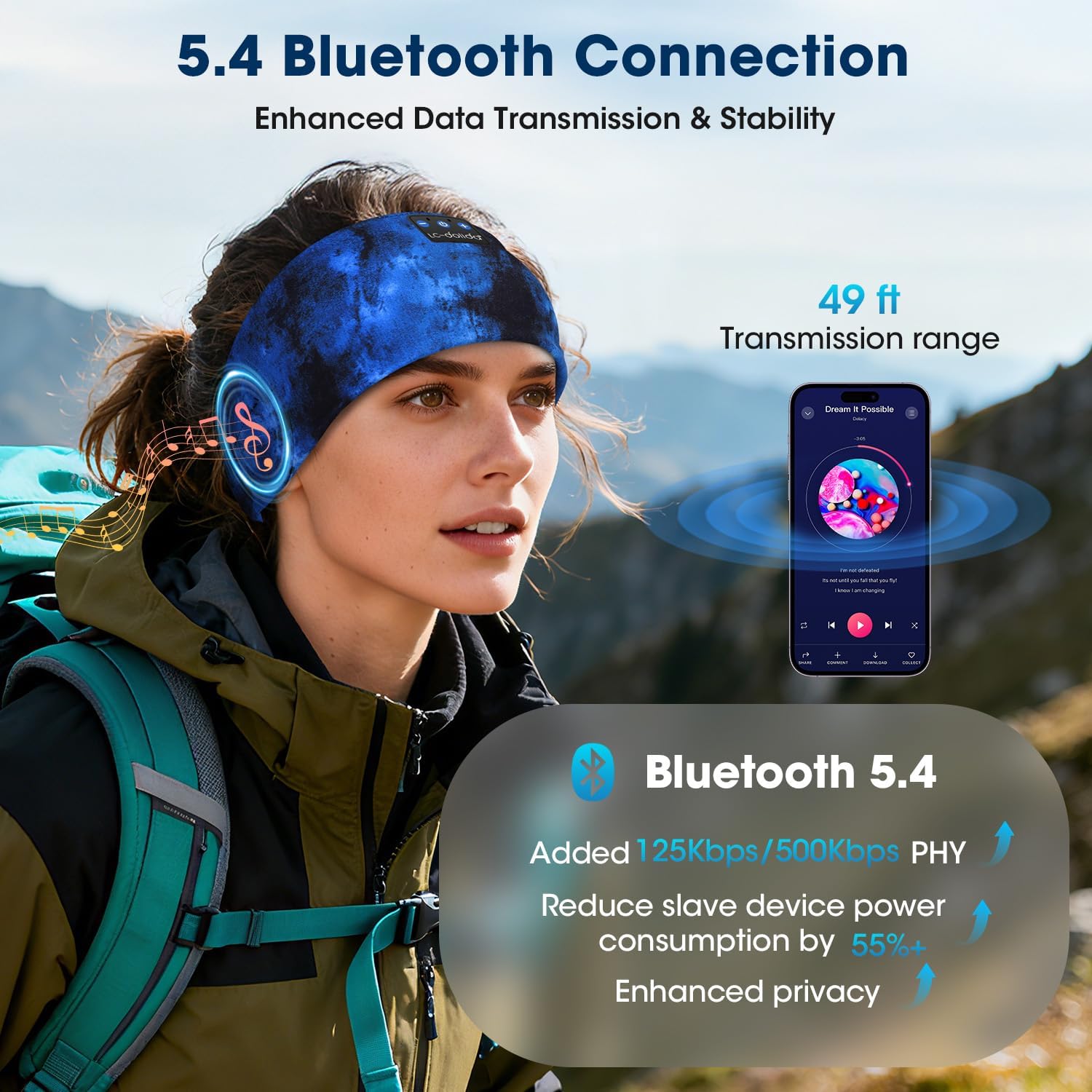
Figure 4.1: Charging and battery life details, showing 2 hours for a full charge and over 15 hours of playtime.
4.2 Bluetooth Pairing
To connect your headphones to a device:
- Ensure the headphones are charged and powered off.
- Press and hold the Power button until the LED indicator flashes blue and red, indicating pairing mode.
- On your device (smartphone, tablet, etc.), enable Bluetooth and search for available devices.
- Select "LC-dolida B0FLX7FYB2" (or similar name) from the list of found devices.
- Once connected, the LED indicator will typically flash blue slowly or turn solid blue.
The headphones utilize Bluetooth 5.4 for enhanced data transmission and stability, offering a transmission range of up to 49 feet (approximately 15 meters).

Figure 4.2: Bluetooth 5.4 connectivity details, highlighting improved data rates and power efficiency.
5. Operating Instructions
5.1 Power On/Off
- Power On: Press and hold the Power button for 3 seconds. The LED indicator will flash blue.
- Power Off: Press and hold the Power button for 3 seconds. The LED indicator will flash red and then turn off.
5.2 Music Playback
- Play/Pause: Press the Multi-function button once.
- Next Track: Press and hold the Volume Up button.
- Previous Track: Press and hold the Volume Down button.
- Volume Up: Short press the Volume Up button.
- Volume Down: Short press the Volume Down button.
5.3 Call Management
The built-in microphone allows for hands-free calling.
- Answer Call: Press the Multi-function button once.
- End Call: Press the Multi-function button once during a call.
- Reject Call: Press and hold the Multi-function button for 2 seconds.
- Activate Voice Assistant: Double-press the Multi-function button.
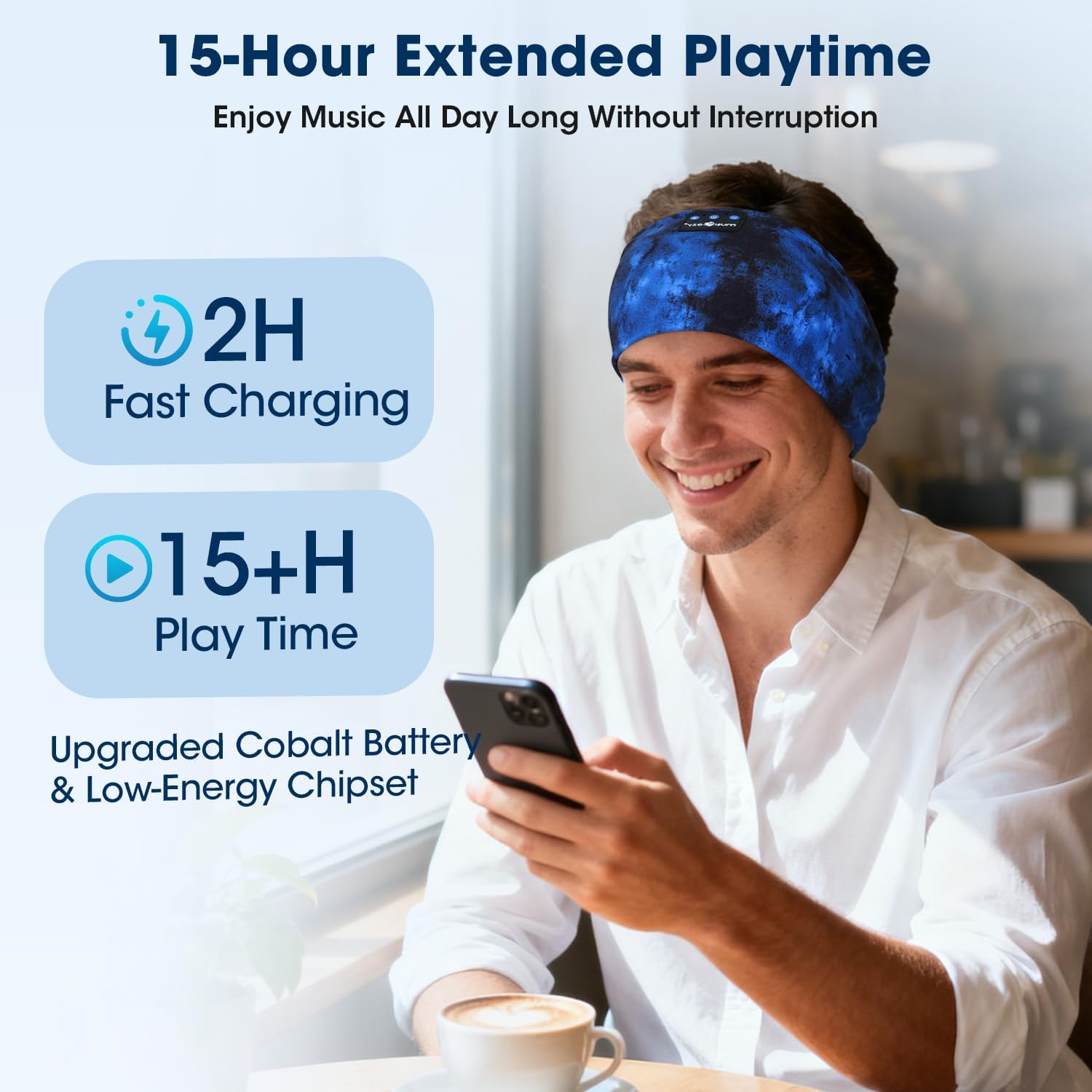
Figure 5.1: Hands-free calling functionality with the built-in microphone.
5.4 Wearing the Headphones
The headband is designed for an ergonomic fit and is adjustable to accommodate various head sizes, typically ranging from 20.5 to 23.6 inches in circumference. Position the headband comfortably over your head, ensuring the speakers are aligned with your ears for optimal sound.

Figure 5.2: Adjustable headband size for a comfortable fit.
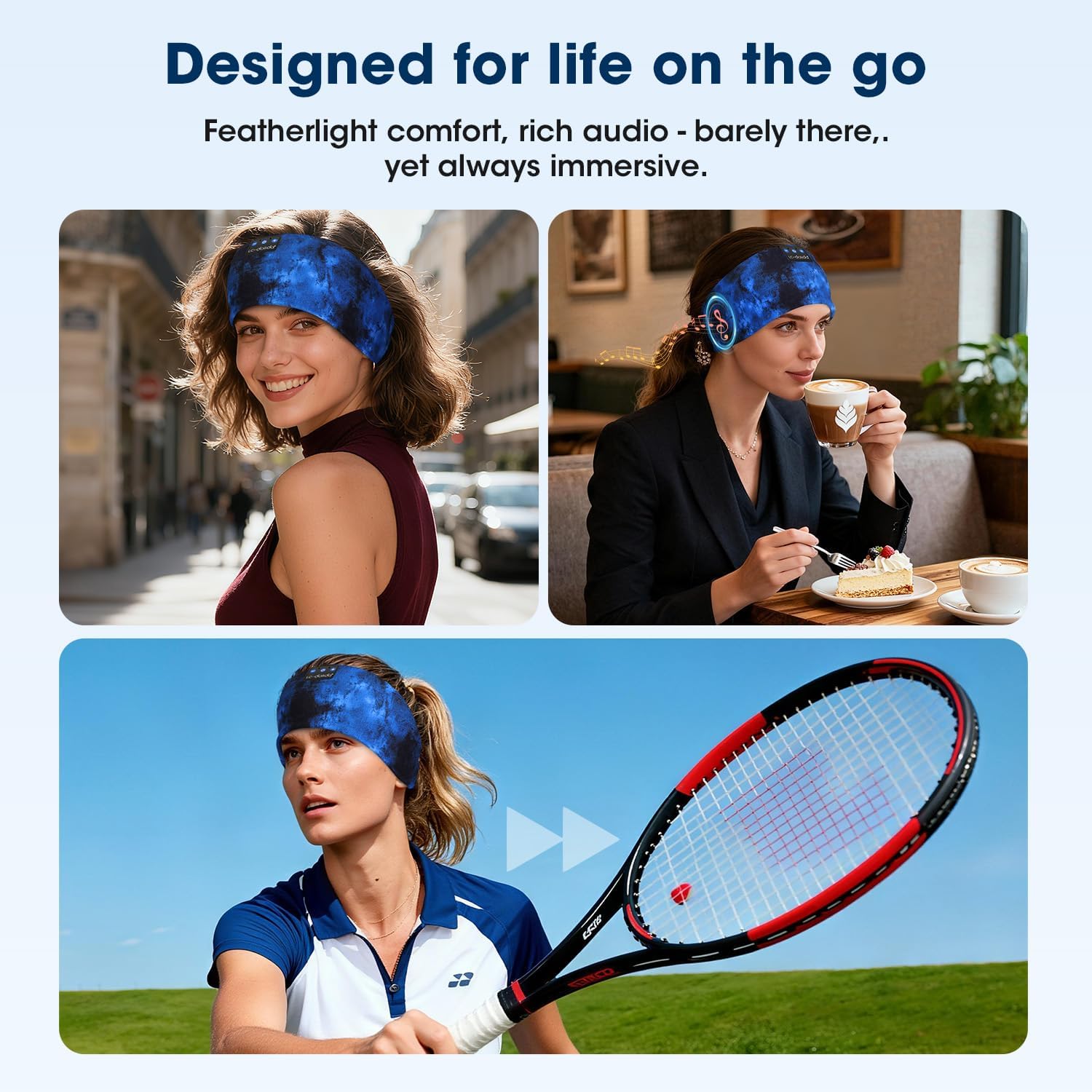
Figure 5.3: Headphones designed for versatile use in different environments.
6. Maintenance
6.1 Cleaning
The headband is made from advanced breathable, moisture-wicking, and quick-dry material. For cleaning, gently wipe the headband with a damp cloth. Ensure the electronic components (speakers, control panel) do not come into contact with excessive moisture. Allow to air dry completely before use.
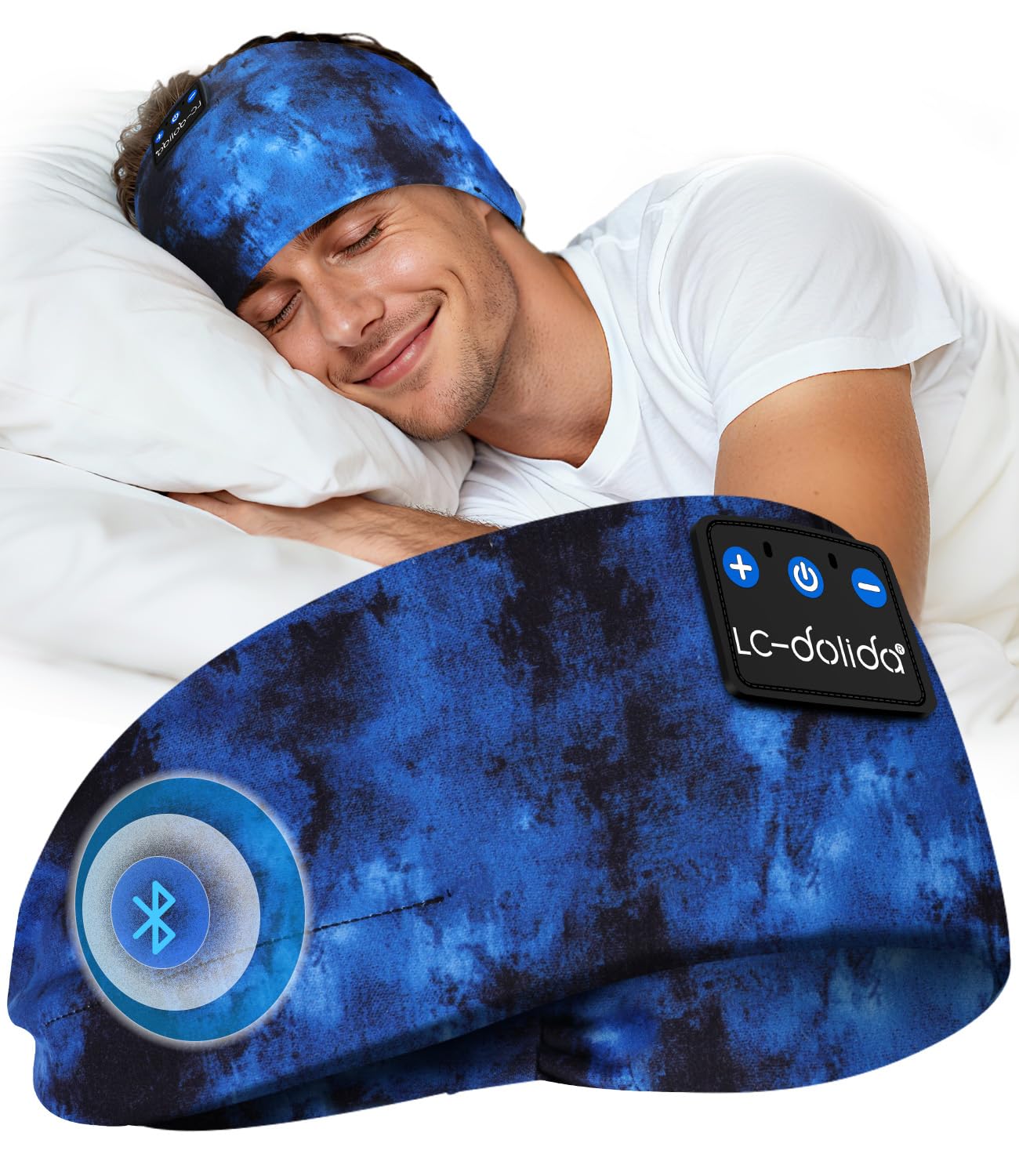
Figure 6.1: Close-up of the breathable fabric used in the headband.
6.2 Storage
Store the headphones in a cool, dry place away from direct sunlight and extreme temperatures. Avoid placing heavy objects on top of the headphones to prevent damage.
7. Troubleshooting
- Headphones not turning on: Ensure the headphones are fully charged. Connect to a power source and try again.
- Cannot pair with device:
- Ensure Bluetooth is enabled on your device.
- Make sure the headphones are in pairing mode (LED flashing blue and red).
- Move the headphones closer to your device.
- Turn off and on both the headphones and your device, then try pairing again.
- No sound:
- Check the volume levels on both the headphones and your connected device.
- Ensure the headphones are properly connected via Bluetooth.
- Try playing audio from a different application or source.
- Poor sound quality or intermittent connection:
- Ensure there are no obstructions between the headphones and your device.
- Move away from other wireless devices that might cause interference.
- Ensure the headphones are within the 49-foot transmission range.
8. Specifications
| Brand | LC-dolida |
| Model Number | B0FLX7FYB2 |
| Connectivity Technology | Wireless (Bluetooth) |
| Wireless Technology | Bluetooth 5.4 |
| Ear Placement | On-Ear (integrated into headband) |
| Water Resistance Level | Water Resistant |
| Control Method | Voice |
| Battery Life | Up to 15 hours |
| Quick Charge | 3 minutes for 1.5 hours playback |
| Dimensions | 20 x 10.1 x 2.7 cm |
| Weight | 90 grams |
9. Safety Information
- Do not expose the headphones to extreme temperatures or humidity.
- Avoid dropping or subjecting the headphones to strong impacts.
- Do not attempt to disassemble or modify the headphones, as this may void the warranty and cause damage.
- Keep out of reach of children.
- Dispose of the product responsibly according to local regulations.
10. Warranty and Support
For warranty information or technical support, please refer to the documentation included with your purchase or contact LC-dolida customer service through their official website or the retailer where the product was purchased.


