1. Introduction
This manual provides instructions for the ZapRun IK3PRO Electric Scooter for Kids, featuring a 10MPH max speed, 150W motor, three adjustable speed modes, LED display, dual braking system, magnetic charging, and pedal lights. Designed for children aged 6-12. Please read this manual carefully before use to ensure safe operation and optimal performance.
2. What's in the Box
Upon opening the package, ensure all items listed below are present and in good condition:
- Electric Scooter (1 unit)
- Charger (1 unit)
- Foot Support (1 unit)
- User Manual (1 unit)
Video: Unboxing and initial assembly of the ZapRun Electric Scooter.
3. Setup Guide
- Unpack Components: Carefully remove all parts from the packaging. The scooter comes partially assembled.
- Handlebar Installation: Insert the handlebar stem into the main body of the scooter. Ensure it clicks securely into place or is fastened according to the included small tools.
- Initial Charge: Before first use, fully charge the scooter. Connect the magnetic charger to the charging port. A full charge typically takes about 6 hours.

Image: Illustration of handlebar installation and initial setup.
4. Operating Instructions
4.1 Power On/Off and Speed Modes
- Power On: Press the power button to turn on the scooter.
- Speed Modes: The scooter features three adjustable speed modes:
- ECO Mode: Approximately 3 mph
- NORMAL Mode: Approximately 6 mph
- SPORT Mode: Approximately 10 mph
- Activation: To engage the motor, give a gentle push off the ground until you reach 1.5 mph, then press the thumb throttle. This prevents accidental starts.
- LED Display: The integrated LED screen constantly displays current speed, battery level, and selected mode.
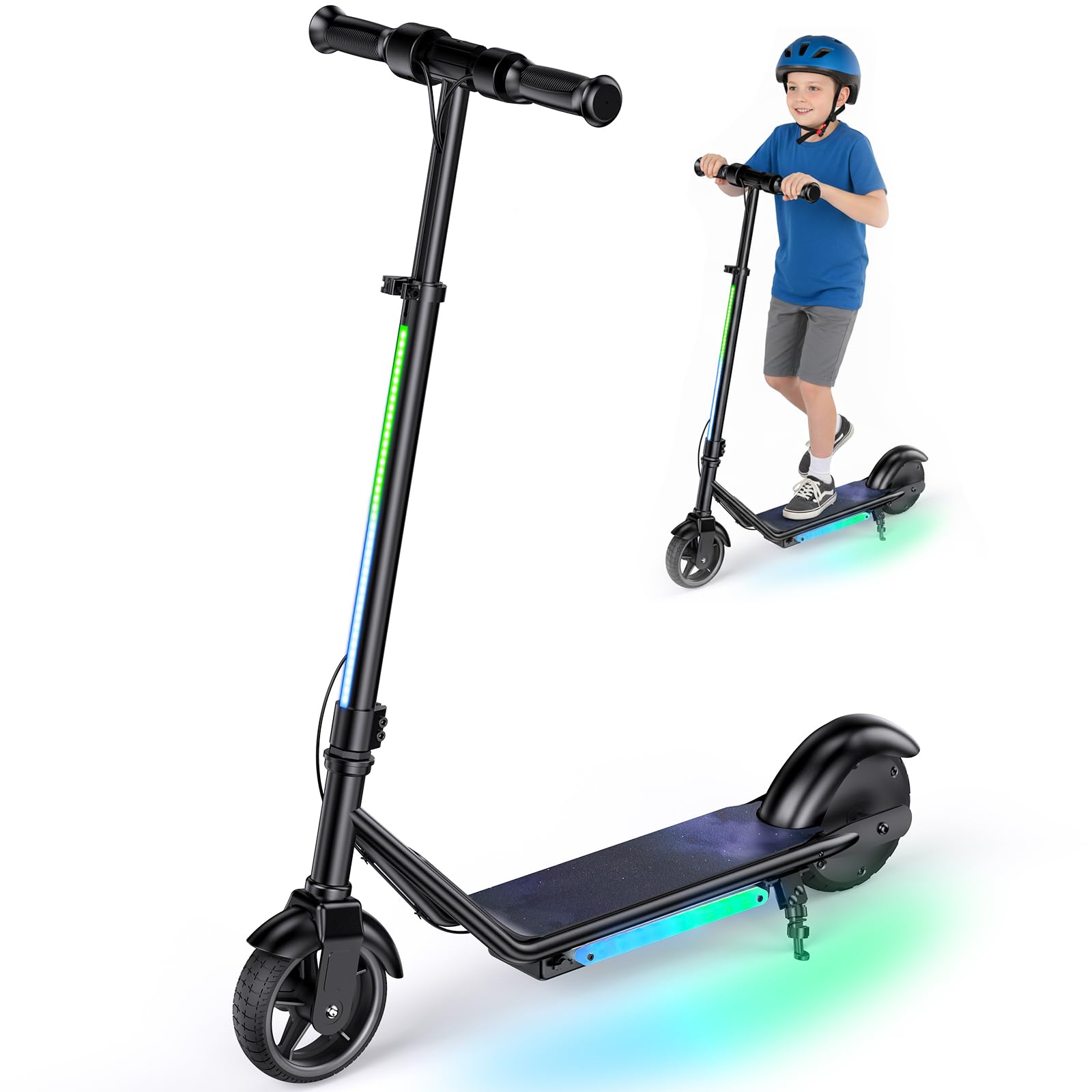
Image: Close-up of the LED display and speed mode selection buttons.
4.2 Braking System
The scooter is equipped with a dual braking system for enhanced safety:
- Electronic Brake: Located on the handlebar, this brake provides smooth deceleration.
- Rear Foot Brake: A physical brake mounted on the rear mudguard. Press down with your foot to activate.
- The motor also features an auto-braking function for gradual stopping.
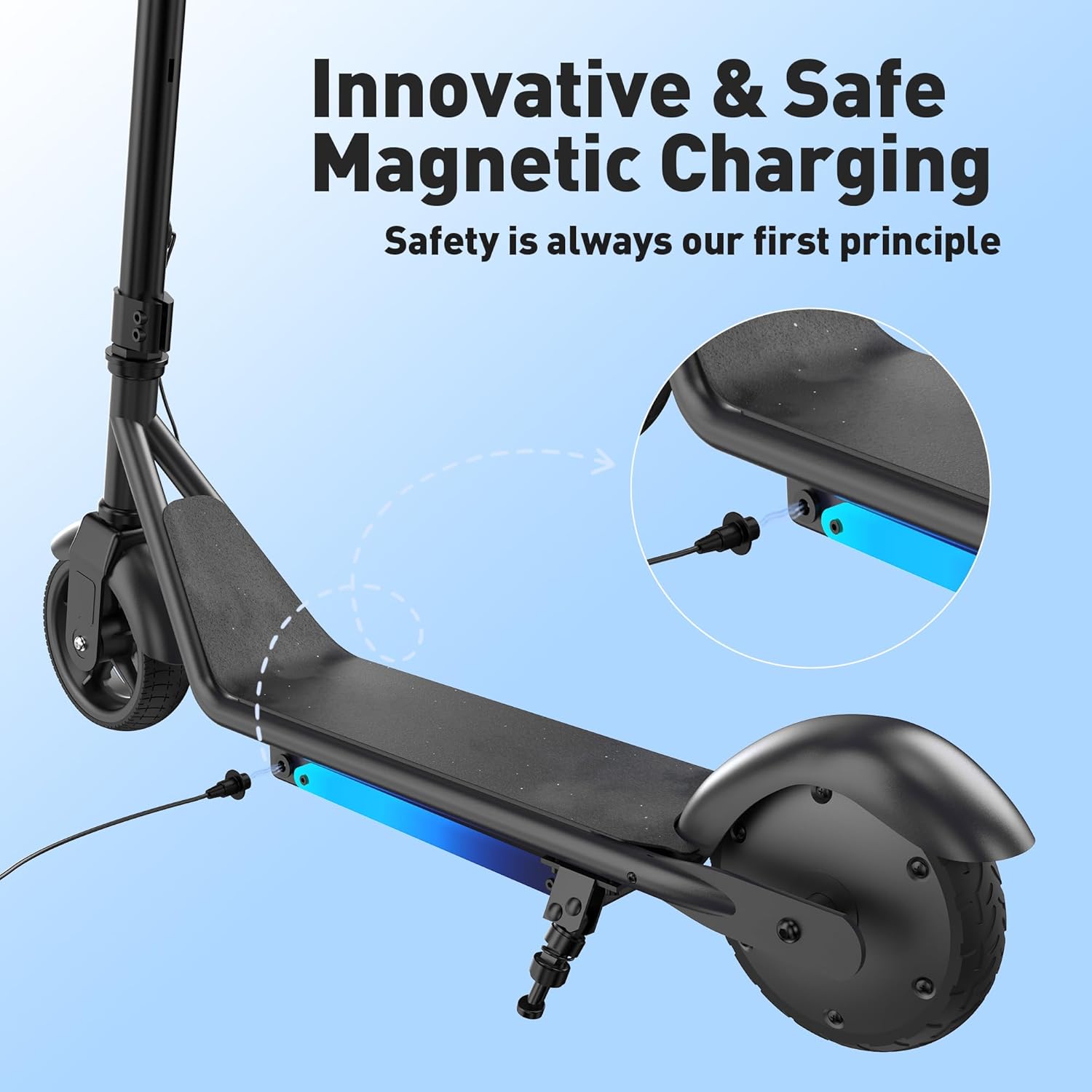
Image: Visual representation of the dual braking system.
4.3 Lighting Features
The scooter includes vibrant lighting for visibility and fun:
- Dynamic lights are located beside the deck.
- Handlebar lights provide additional visibility.
- These lights can be turned on/off and their effects switched using the dedicated light button.
Video: Demonstration of the scooter's pedal lights and riding without power.

Image: The scooter showcasing its color ambient lights on the deck and light-up pole.
5. Maintenance
5.1 Charging
- The scooter uses innovative magnetic charging technology.
- A full charge provides approximately 60-80 minutes of riding time.
- For optimal performance, ensure the scooter is fully charged before each ride.

Image: Detail of the innovative magnetic charging port.
5.2 General Care
- Regularly inspect tires for wear and tear. The scooter features 6-inch solid rubber wheels.
- Keep the scooter clean and dry.
- Store the scooter using its integrated kickstand to prevent damage.

Image: Rear wheel with 150W motor and grip tape on the deck.
6. Troubleshooting
If you encounter any issues with your ZapRun Electric Scooter, please refer to the following common troubleshooting tips:
- Scooter not turning on: Ensure the battery is fully charged. Check the power button for proper function.
- Motor not engaging: Remember to kick-start the scooter to at least 1.5 mph before pressing the throttle.
- Reduced speed or range: Actual performance can vary based on rider weight, terrain, temperature, riding mode, and frequent acceleration. Ensure tires are in good condition.
- For persistent issues, contact customer support as detailed in the Warranty & Support section.
7. Specifications
| Feature | Detail |
|---|---|
| Brand | ZapRun |
| Model Name | IK3PRO |
| Color | Black |
| Age Range (Description) | Kids (6-12 years) |
| Special Features | 3 Heights Adjustable, Dual Braking System, LED Display, Magnetic Charging, Pedal Light |
| Weight Limit | 154 Pounds (70 kg) |
| Product Dimensions | 32.3"L x 14.4"W x 38.8"H |
| Number of Wheels | 2 |
| Wheel Material | Rubber |
| Handlebar Type | Fixed (3 adjustable heights: 32", 35.5", 39") |
| Wheel Size | 6 Inches |
| Wheel Type | Solid |
| Brake Style | E-brake and Footbrake |
| Motor Power | 150W |
| Max Speed | 10 MPH (Sport Mode) |
| Charging Time | Approx. 6 hours |
| Riding Time per Charge | 60-80 minutes (actual range may vary) |
| Material | Aluminum |

Image: Adjustable handlebar heights for growing children.
8. Warranty & Support
The ZapRun Electric Scooter comes with a limited warranty:
- Warranty Description: A 360-day or 180-day warranty on different parts.
- For any inquiries or support, please contact the manufacturer, Shenzhen Xincheng Times Technology Co.,Ltd.