
Introduction
Thank you for choosing the PEFUPEW C6 Bluetooth 5.3 Sport Headphones. This manual provides detailed instructions on how to set up, operate, and maintain your new headphones. Please read this manual carefully before use to ensure optimal performance and longevity of your device.
Package Contents
- PEFUPEW C6 Bluetooth Sport Headphones (Left and Right Earbuds)
- Charging Case
- User Manual
- Charging Cable
Product Overview

Figure 1: The PEFUPEW C6 Sport Headphones, showing both earbuds with earhooks securely placed within their charging case. The case features a digital display indicating battery levels for both the case and individual earbuds.
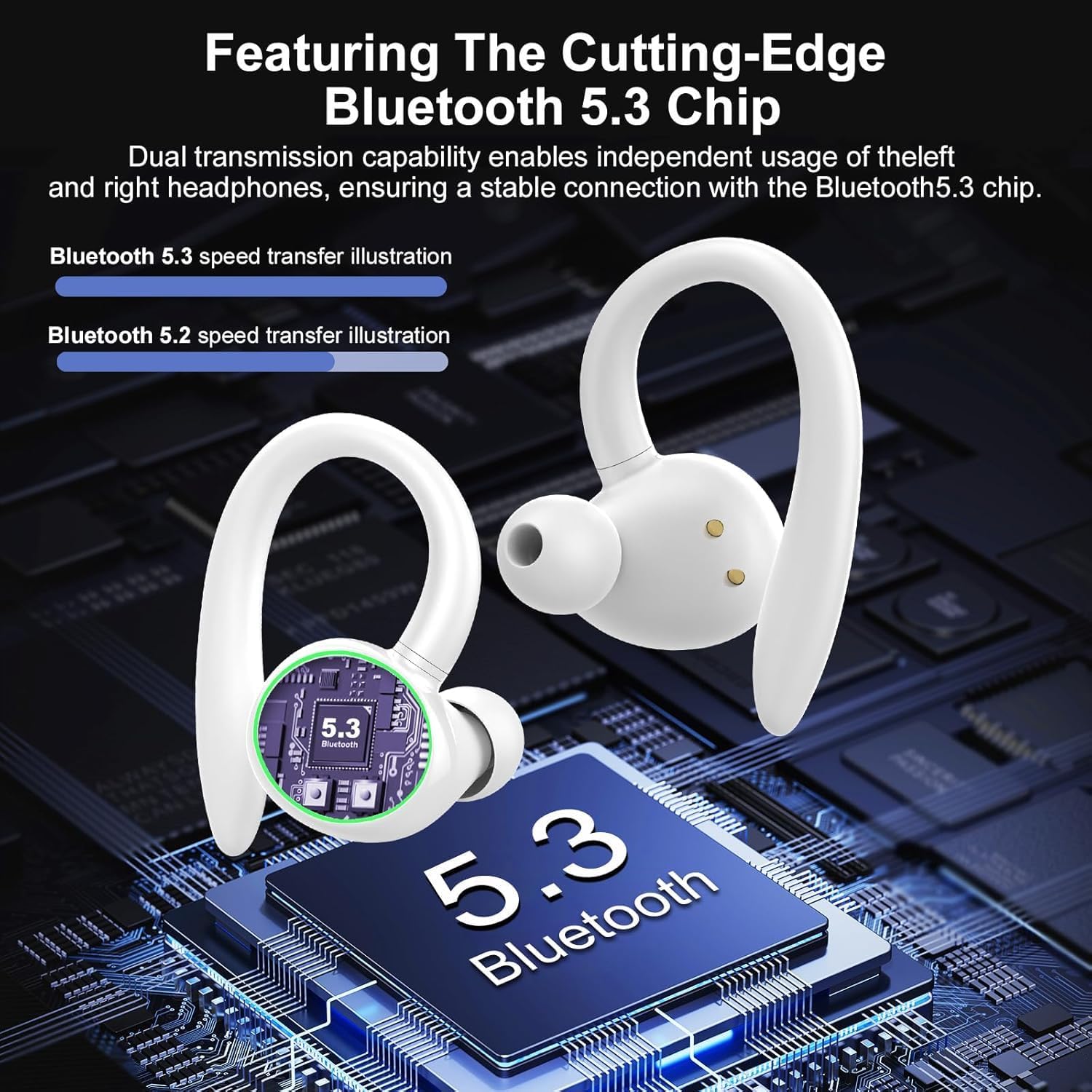
Figure 2: An illustration highlighting the integrated Bluetooth 5.3 chip within the PEFUPEW C6 headphones. This technology ensures a fast and stable wireless connection, enabling independent use of each earbud.

Figure 3: A detailed diagram showcasing the 14.2mm dynamic drivers responsible for the headphones' audio output. The illustration also depicts the sound characteristics, including deep bass and clear highs, and the effect of noise reduction on ambient sound.

Figure 4: Close-up view of the charging case's LED display, which separately indicates the battery percentage of the charging case and the charge status of the left (L) and right (R) earbuds. The case features a semi-transparent top cover.
Setup
1. Charging the Headphones and Case
- Place the earbuds into the charging case. Ensure they are correctly seated to make contact with the charging pins.
- Connect the charging case to a power source using a compatible USB cable.
- The LED display on the charging case (refer to Figure 4) will show the charging status. The numbers indicate the case's battery percentage, and the 'L' and 'R' indicators show the individual earbud charge levels.
- A full charge is indicated when the display shows 100% for the case and full bars for both earbuds.
2. Bluetooth Pairing
- Initial Pairing:
- Open the charging case and remove both earbuds. They will automatically enter pairing mode.
- On your device (smartphone, tablet, etc.), enable Bluetooth.
- Search for available Bluetooth devices and select "C6" from the list.
- Once connected, you will hear a confirmation tone, and the earbuds will be ready for use.
- Automatic Reconnection: After the first successful pairing, the earbuds will automatically connect to the last paired device when removed from the charging case, provided Bluetooth is enabled on the device and it is within range (up to 15m).
Operating Instructions
The PEFUPEW C6 headphones feature smart touch controls for easy management of audio playback and calls.
Touch Control Functions
| Action | Function |
|---|---|
| Single Tap (Left/Right Earbud) | Play/Pause music; Answer/End call |
| Double Tap (Left Earbud) | Previous Track |
| Double Tap (Right Earbud) | Next Track |
| Triple Tap (Left Earbud) | Volume Down |
| Triple Tap (Right Earbud) | Volume Up |
| Long Press (2 seconds) (Left/Right Earbud) | Activate Voice Assistant (Siri, Google Assistant, etc.); Reject call |
Maintenance
- Cleaning: Regularly clean the earbuds and charging case with a soft, dry, lint-free cloth. Do not use harsh chemicals or abrasive materials.
- Water Resistance: The headphones are IP7 waterproof. This means they can withstand immersion in water up to 1 meter for 30 minutes. However, it is not recommended to intentionally submerge them. Ensure the charging port is dry before charging.
- Storage: When not in use, store the headphones in their charging case to protect them from dust and damage. Store in a cool, dry place.
- Battery Care: To preserve battery life, avoid fully discharging the headphones frequently. Charge them regularly, even if not in constant use.
Troubleshooting
| Problem | Possible Solution |
|---|---|
| Headphones not pairing |
|
| Only one earbud working |
|
| Poor sound quality |
|
| Charging case not charging |
|
Specifications
- Model Name: C6
- Brand: PEFUPEW
- Connectivity Technology: Wireless (Bluetooth 5.3)
- Ear Placement: In Ear
- Form Factor: In Ear
- Driver Size: 14.2mm Dynamic Drivers
- Water Resistance: IP7
- Battery: 1 Nonstandard Battery (included)
- Manufacturer: Shenzhen moldull Acoustic Technology Co.,Ltd
Warranty and Support
For warranty information or technical support, please refer to the contact details provided with your purchase or visit the official PEFUPEW website. Keep your proof of purchase for any warranty claims.