
Introduction
Thank you for choosing the Karchilor Military Smart Watch. This durable and feature-rich smartwatch is designed to withstand harsh environments while providing comprehensive health monitoring, communication, and fitness tracking capabilities. With its 1.7-inch HD display, 1000mAh high-capacity battery, and military-standard quality, it is built for reliability and performance. This manual will guide you through the setup, operation, and maintenance of your new smartwatch.
What's in the Box
- Karchilor Military Smart Watch
- Charging Cable
- User Manual
- Watch Band (Silicone)
- Additional Watch Band (Stainless Steel)
- Strap Adjustment Tool (for Stainless Steel Band)
Setup
1. Initial Charging
Before first use, fully charge your smartwatch. Connect the magnetic charging cable to the charging points on the back of the watch. The watch will automatically turn on once charging begins.

Image: The Karchilor Military Smart Watch connected to its magnetic charging cable, illustrating its 1000mAh high-capacity battery and estimated usage times (30 days usage, 100 days standby, 2 hours charging).
2. App Installation and Pairing
- Scan the QR code provided in the user manual or on the watch screen to download the 'FitCloudPro' app from your device's app store (Google Play Store for Android, App Store for iPhone).
- Open the FitCloudPro app and follow the on-screen instructions to create an account or proceed as a guest.
- Navigate to the 'Device' section in the app and select 'Bind Device'. The app will search for your smartwatch.
- Select 'EF13' (or similar model name) from the list of found devices and tap 'Connect'.
- Confirm the binding request on your smartwatch screen. Once paired, you can customize settings and view data through the app.
3. Adjusting the Watch Strap
Your Karchilor Smart Watch comes with two adjustable straps: a silicone strap and a stainless steel strap. You can easily swap them to suit your occasion or preference.
- Silicone Strap: Features a quick-release pin mechanism. Simply pull the small lever on the pin to detach or attach the strap to the watch lugs.
- Stainless Steel Strap: Use the provided strap adjustment tool to remove or add links for a perfect fit. Align the tool's pin with the strap's pinholes and gently push to release.
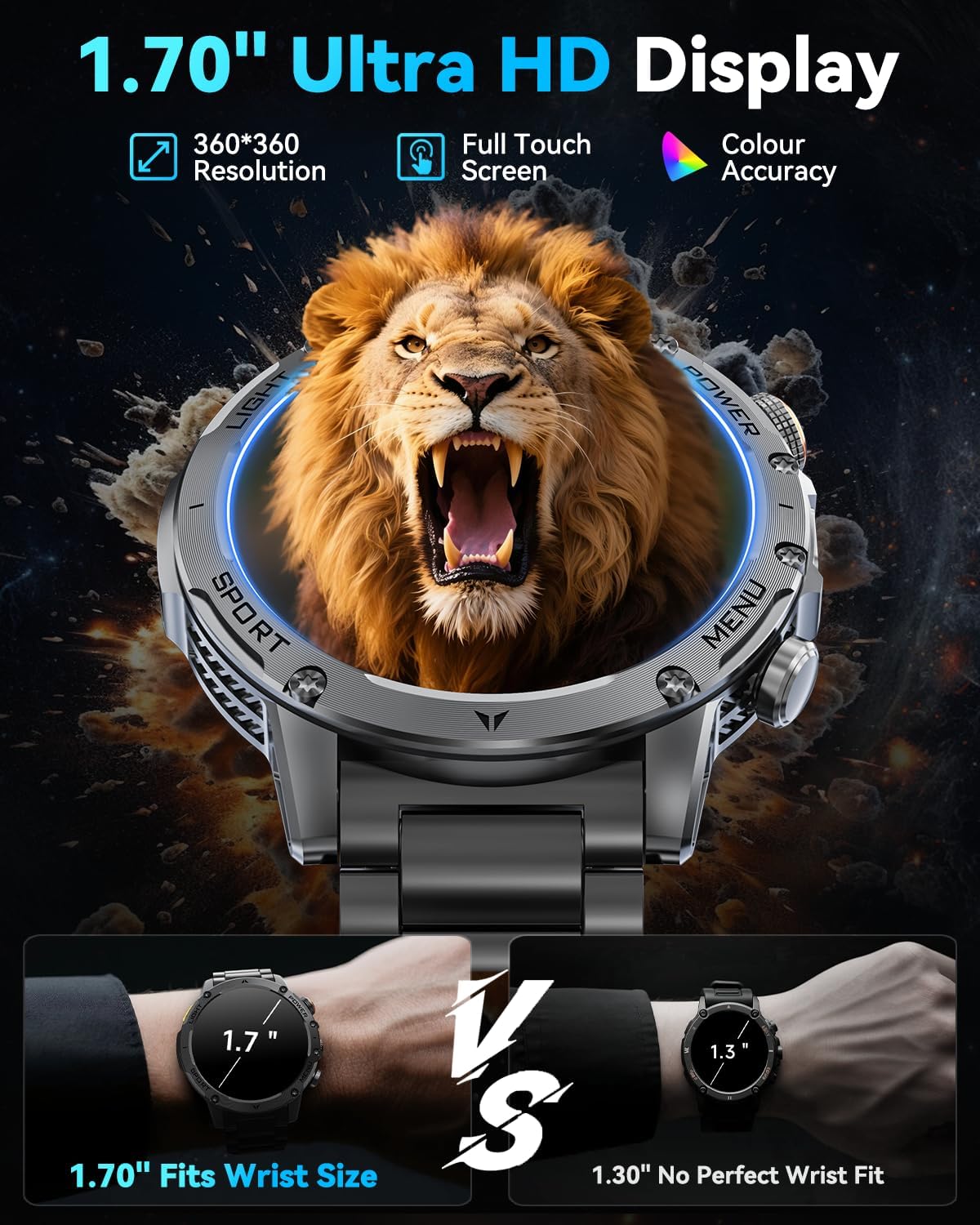
Image: The Karchilor Military Smart Watch showcasing its two included straps: a durable black silicone strap and a sleek black stainless steel strap, offering versatility for different occasions.
Operating Instructions
1. Basic Navigation
The smartwatch features a 1.7-inch HD full-color touch screen. Swipe left, right, up, or down to navigate through menus, notifications, and features. Use the physical buttons on the side for quick access to specific functions or to return to the home screen.
2. Custom Watch Dials
Personalize your smartwatch with over 100 unique online dials available through the FitCloudPro app. You can also customize dials using your own photos of family, pets, or scenery.

Image: The Karchilor Military Smart Watch screen showing different customizable watch faces, alongside a smartphone interface demonstrating how to select or create personalized dials from photos.
3. Bluetooth Calls & Message Notifications
With its built-in high-fidelity speaker and microphone, the smartwatch supports making and receiving calls directly from your wrist. You can also check call logs, add contacts, and receive message alerts from various apps (Facebook, Messenger, Instagram, Gmail, WhatsApp, Twitter, etc.).

Image: The Karchilor Military Smart Watch showing message alerts and an incoming call screen on a paired smartphone, highlighting its Bluetooth call and notification features.
4. Built-in LED Flashlight
The smartwatch includes a convenient LED flashlight with three lighting modes: bright light, flash, and SOS. This feature provides illumination up to 6-10m, enhancing safety during outdoor activities or emergencies.

Image: The Karchilor Military Smart Watch with its integrated LED flashlight turned on, demonstrating its three lighting modes (bright, flash, SOS) for various situations like camping or hiking.
5. 24-Hour Health Monitoring
Equipped with advanced sensors, the smartwatch continuously monitors your heart rate and stress levels in real-time. It also provides comprehensive sleep quality analysis, including deep sleep, light sleep, and REM stages, helping you develop healthier habits. View detailed health reports in the app.

Image: The Karchilor Military Smart Watch displaying real-time heart rate and sleep monitoring data, emphasizing its 24-hour health tracking capabilities.
6. 100+ Sports Modes
The fitness smartwatch offers over 100 sports modes, including running, cycling, fitness, rock climbing, and more. It provides professional tracking of sports heart rate, walking distance, speed, and calories. With IP68 waterproof rating, you can confidently wear it during rainy days, hand washing, and sweating.
Image: The Karchilor Military Smart Watch showcasing its extensive range of over 100 sports modes and real-time fitness data tracking.
7. Multiple Useful Functions
Beyond core features, the smartwatch provides weather forecasts, music and camera controls, alarm clock, stopwatches, timers, calculators, sedentary reminders, and a 'Find Phone' function. It is compatible with iOS 9.0 and Android 5.1 and later smartphones.
Maintenance
The Karchilor Military Smart Watch is manufactured to military standards, featuring a stainless steel metal case that offers strong resistance to scratches, drops, and polishing. It has passed tests for temperature, high altitude, low air pressure, dust, salt spray, and liquid contamination, making it adaptable to various harsh environments. To ensure longevity and optimal performance:
- Regularly clean the watch screen and straps with a soft, dry cloth.
- Avoid exposing the watch to extreme temperatures or harsh chemicals.
- Ensure the charging contacts are clean and dry before charging.
- While IP68 waterproof, avoid prolonged submersion in hot water or exposure to high-pressure water jets.

Image: The Karchilor Military Smart Watch depicted undergoing rigorous military-standard tests for durability, including resistance to drops, extreme temperatures, dust, and water.
Troubleshooting
- Watch not turning on: Ensure the watch is fully charged. Connect it to the charger and wait a few minutes.
- Cannot pair with phone: Make sure Bluetooth is enabled on your phone and the watch. Ensure the FitCloudPro app has necessary permissions. Try restarting both devices.
- Notifications not received: Check app settings to ensure notifications are enabled for specific apps. Verify that the FitCloudPro app has notification access in your phone's settings.
- Inaccurate health data: Ensure the watch is worn snugly on your wrist. Avoid excessive movement during measurements.
- Short battery life: Reduce screen brightness, disable unnecessary notifications, and limit continuous health monitoring if not required.
Specifications
| Brand | Karchilor |
| Model Number | 607601937898 |
| Screen Size | 1.7 Inches |
| Battery Capacity | 1000 mAh (Lithium Polymer) |
| Battery Life | Up to 30 days daily use, 100 days standby |
| Charging Time | Approximately 2 hours |
| Waterproof Rating | IP68 |
| Operating System Compatibility | iOS 9.0+ and Android 5.1+ |
| Connectivity | Bluetooth |
| Special Features | 1.7" HD Screen, Bluetooth Calls, Voice Assistant, LED Flashlight (3 modes), 100+ Sport Modes, Heart Rate/Sleep/Stress Monitoring, Music & Camera Control, Calorie & Step Tracking, Find Phone Functionality |
Warranty & Support
Karchilor is committed to providing excellent service. If you have any questions about the use of your product or encounter any issues, please feel free to contact us. We are dedicated to ensuring your satisfaction and will provide prompt technical support.