Important Safety Information
Please read and understand all safety instructions before using this product. Failure to follow these instructions may result in fire, electric shock, explosion, or other hazards.
- Do not expose the power bank to extreme temperatures (heat or cold), direct sunlight, or high humidity.
- Do not disassemble, open, crush, bend, deform, puncture, or shred the power bank.
- Avoid dropping or subjecting the power bank to heavy impacts.
- Keep the power bank away from water and other liquids.
- Do not use the power bank if it has been damaged in any way.
- Keep out of reach of children.
- Dispose of the power bank responsibly according to local regulations.
Package Contents
Verify that all items are present in your package:
- 1 × HYUCKOT K11 Portable Charger with built-in charging cables and wall plug
- 1 × User Manual
Product Overview
The HYUCKOT K11 Portable Charger is designed for convenience and versatility, featuring integrated charging solutions and a compact form factor.
Components
- Built-in Cables: Includes USB-C, iOS (Lightning), and Micro-USB cables for broad device compatibility. These cables are neatly integrated into the power bank's sides.
- Foldable Wall Plug: An integrated AC plug allows direct recharging of the power bank from any standard wall outlet without needing an external adapter.
- USB-C Input/Output Port: A versatile port for both recharging the power bank and charging compatible devices.
- USB-A Output Port: An additional port for charging devices using your own USB-A cable.
- Intelligent LED Display: Shows the remaining battery percentage of the power bank, allowing you to monitor its charge status.

Figure 1: Overview of the HYUCKOT K11 Portable Charger, highlighting its built-in cables and foldable wall plug, contrasting it with the clutter of separate cables and adapters.
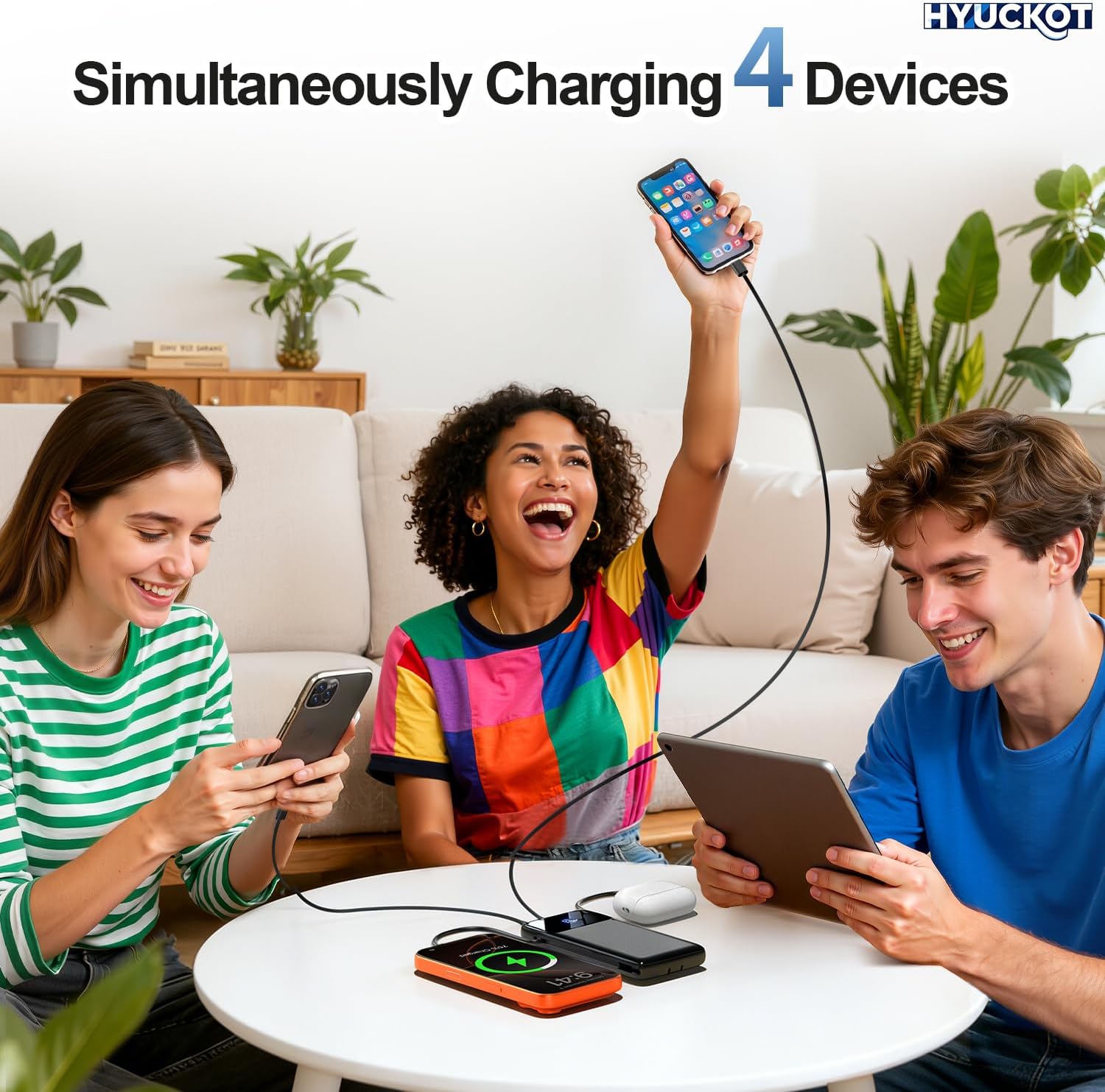
Figure 2: This image highlights the versatility of the HYUCKOT K11 Portable Charger, showcasing its integrated iOS, USB-C, and Micro-USB cables, designed to be compatible with a wide range of devices.
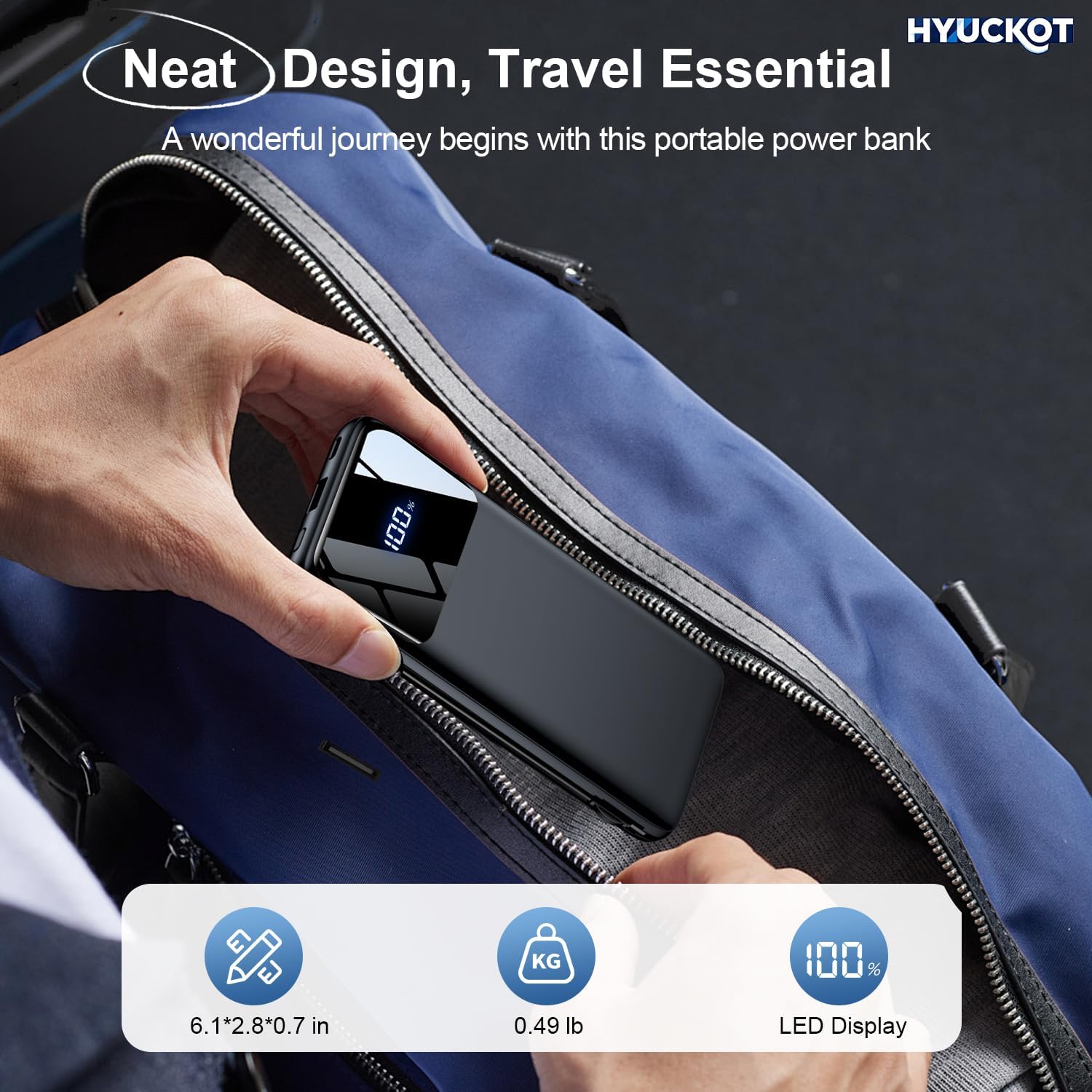
Figure 3: This image showcases the ultra-slim and lightweight design of the HYUCKOT K11 Portable Charger, illustrating how easily it fits into a bag, making it ideal for travel.
Setup
Initial Charging of the Power Bank
Before first use, fully charge your HYUCKOT K11 Portable Charger.
- Using the Foldable Wall Plug: Extend the foldable AC plug from the side of the power bank and plug it directly into a standard wall outlet. The LED display will show the charging progress.
- Using the USB-C Input Port: Alternatively, connect a USB-C cable (not included) to the power bank's USB-C input port and then to a compatible USB wall adapter (not included).
The power bank is fully charged when the LED display shows 100%.

Figure 4: This image demonstrates the two convenient methods for recharging the HYUCKOT K11 Portable Charger: directly through its foldable AC wall plug or via the dedicated USB-C input port.
Operating Instructions
Charging Your Devices
The HYUCKOT K11 Portable Charger can charge up to four devices simultaneously.
- Using Built-in Cables: Extend the appropriate built-in cable (USB-C, iOS, or Micro-USB) and connect it to your device's charging port.
- Using USB-C Output Port: Connect your device to the power bank's USB-C port using a compatible USB-C to USB-C cable (not included).
- Using USB-A Output Port: Connect your device to the power bank's USB-A port using a compatible USB-A cable (not included).
Charging will begin automatically. The LED display will show the power bank's remaining charge.
Checking Battery Level
The intelligent LED display on the power bank shows the current battery percentage. Simply press the power button once to activate the display and view the remaining charge.

Figure 5: The HYUCKOT K11 Portable Charger's capability to charge up to four devices concurrently, including smartphones, smartwatches, and earbuds, using its various output options.

Figure 6: This diagram details the multi-layer safety protections integrated into the HYUCKOT K11 Portable Charger, ensuring safe and reliable charging for your devices by guarding against common electrical issues.
Maintenance
Cleaning and Storage
- Wipe the power bank with a soft, dry cloth. Do not use harsh chemicals or abrasive materials.
- Store the power bank in a cool, dry place away from direct sunlight and extreme temperatures.
- If storing for an extended period, recharge the power bank every 3-6 months to maintain battery health.
Troubleshooting
Common Issues and Solutions
- Device not charging:
- Ensure the power bank has sufficient charge (check LED display).
- Verify that the charging cable is securely connected to both the power bank and your device.
- Try a different charging cable or port on the power bank.
- Ensure your device is compatible with the power bank's output specifications.
- Power bank not recharging:
- Ensure the foldable wall plug is fully extended and securely plugged into a live outlet.
- If using the USB-C input, ensure the cable and wall adapter are functioning correctly.
- Check for any debris in the charging ports.
- Slow charging:
- Ensure your device supports fast charging and that the power bank is providing sufficient output.
- Charging multiple devices simultaneously may reduce the charging speed for individual devices.
- Environmental factors (e.g., extreme temperatures) can affect charging efficiency.
Specifications
Technical Details
| Product Dimensions | 3.5 x 6.6 x 0.7 inches |
| Item Weight | 8.8 ounces |
| Item Model Number | K11 |
| Batteries | 1 Lithium Polymer batteries required (included) |
| Special Features | Built-in Cable, Fast Charging, LED Indicator Lights, Slim Design |
| Connector Type | USB Type C (Input/Output), USB Type A (Output), Built-in iOS, Micro-USB |
| Battery Capacity | 10000 Milliamp Hours |
Warranty and Support
Product Warranty
This product comes with a standard manufacturer's warranty. Please refer to the product packaging or contact customer support for specific warranty terms and conditions.
Customer Support
For any questions, technical assistance, or support needs, please contact our customer service team. We offer round-the-clock 24/7 support to ensure your satisfaction.
Contact information can typically be found on the product packaging or our official website.


