
Introduction
The STABCL ST-368 is a professional-grade 10-socket power conditioner and surge sequencer designed to provide clean, stable power and sequential power management for audio and electronic equipment. It features advanced AC noise filtering, surge protection, and convenient USB and Type-C charging ports. This manual provides essential information for the proper setup, operation, and maintenance of your ST-368 unit.

Image: Front and rear views of the STABCL ST-368 Professional Power Conditioner, showcasing its rack-mount design, front panel controls, and rear power outlets.

Image: A graphic detailing the six-fold protection features of the STABCL ST-368, including short-circuit, overcurrent, creeping pressure limit, voltage, overheat, and DC protection.
Setup
Follow these steps to properly set up your STABCL ST-368 power conditioner.
1. Rack Mounting
The ST-368 features a standard 1U rack-mounted metal structure. Securely mount the unit into a standard 19-inch equipment rack using appropriate rack screws (not included). Ensure adequate ventilation around the unit for optimal heat dissipation.
2. Connecting Devices
The unit is equipped with 10 universal sockets:
- 8 Rear Sockets (CH1-CH8): These are sequentially controlled outlets. Connect your audio equipment, amplifiers, and other electronic devices to these sockets.
- 2 Front "AC OUT" Sockets: These are normally open (always on when the unit is powered) and are suitable for devices that do not require sequential power-on/off.
Ensure all devices are properly seated in the sockets.

Image: A close-up view of the rear panel of the STABCL ST-368, highlighting the high-quality power sockets (CH6, CH7, CH8) designed for reliable signal transmission.
3. Power Input
Connect the integrated power input cable to a standard AC 100V-125V wall outlet. The power cord is approximately 3.8 feet (1.2 meters) long. Ensure the power source meets the unit's requirements (AC: 100V-125V, maximum total output 30A, 3000W).
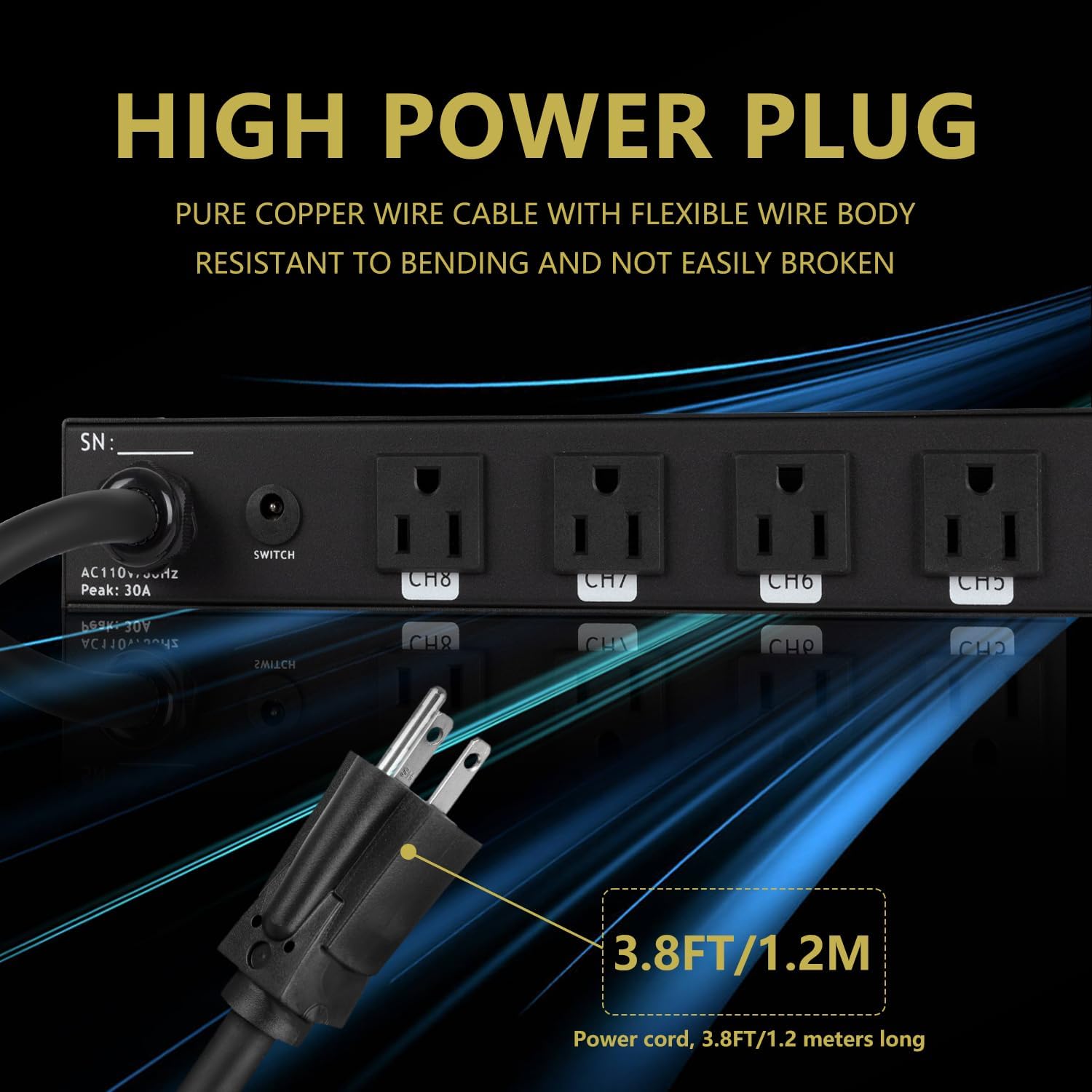
Image: A detailed view of the STABCL ST-368's power input cable and plug, emphasizing its robust construction and 3.8ft/1.2m length.
4. External Switch Connection (Optional)
An external switch connection port is available on the rear panel. This port allows for sequential power-on or power-off control of the unit using an external switch (not included).
Operating Instructions
Familiarize yourself with the front and rear panel functions for optimal use.

Image: A detailed diagram of the STABCL ST-368 front panel, labeling key functions such as direct power output, USB/Type-C ports, channel switches, display screen, and power switch.

Image: A detailed diagram of the STABCL ST-368 rear panel, labeling key functions such as power input cable, external switch connection port, and power output sockets (CH1-CH8).
1. Sequential Power-On/Off
Press the main Power Switch on the front panel to initiate sequential power-on or power-off for the 8 rear channels (CH1-CH8). This intelligent delay feature reduces the impact current on electrical equipment during startup and shutdown, protecting your devices.

Image: A visual representation of the STABCL ST-368's intelligent delay function, showing the sequential activation and deactivation of channels (CH1-CH8) via the main switch.
2. Independent Channel Control
Each of the 8 rear channels (CH1-CH8) has an independent switch and indicator light on the front panel. A green light indicates power is supplied to the corresponding outlet, while a red light indicates power is disconnected. You can individually switch channels ON/OFF as needed, even during sequential operation.
3. USB and Type-C Charging
The front panel includes USB and Type-C charging interfaces (5V/2A DC output). These ports can be used to charge mobile devices such as smartphones and tablets.
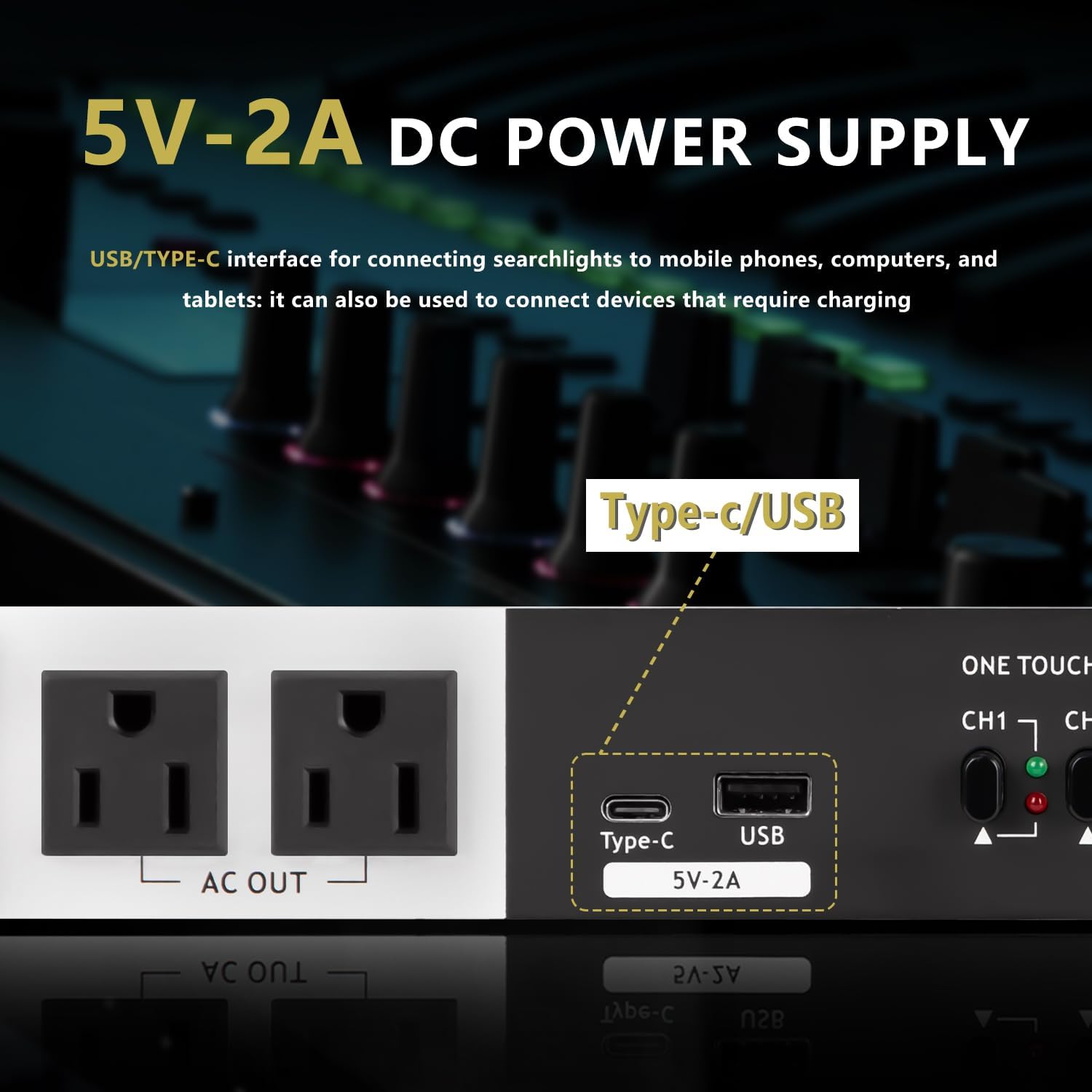
Image: A close-up view of the front panel of the STABCL ST-368, highlighting the integrated USB and Type-C charging ports with 5V-2A DC power supply capability.
4. Real-Time Voltage Monitoring
The high-definition LCD display on the front panel accurately monitors and shows the real-time mains voltage (AC 100-125V), allowing you to keep track of your power supply status.

Image: A close-up of the STABCL ST-368's front panel, showing the real-time digital voltage display indicating an AC voltage of 110V.
5. Function Introduction Video
Video: A demonstration of the STABCL ST-368's key functions, including sequential startup and shutdown, individual channel switching, and the USB charging capability.
Maintenance
Proper maintenance ensures the longevity and optimal performance of your STABCL ST-368.
- Cleaning: Regularly wipe the unit with a soft, dry cloth. Do not use liquid cleaners or abrasive materials.
- Ventilation: Ensure that the ventilation openings are not blocked to prevent overheating.
- Cable Management: Keep power cables organized and free from kinks or excessive strain.
- Avoid Overloading: Do not exceed the maximum total output of 3000W or 10A per channel to prevent damage to the unit and connected equipment.
Troubleshooting
If you encounter issues with your STABCL ST-368, refer to the following common problems and solutions:
- No Power to Unit:
- Check if the power cord is securely plugged into both the unit and the wall outlet.
- Verify that the wall outlet is functional by plugging in another device.
- Ensure the main Power Switch on the front panel is in the ON position.
- Devices Not Receiving Power from Rear Sockets:
- Confirm that the main Power Switch is ON and the sequential power-on process has completed.
- Check the individual channel switches (CH1-CH8) on the front panel; ensure the corresponding LED is green.
- Verify that the connected device's power switch is ON.
- USB/Type-C Charging Not Working:
- Ensure the unit is powered on.
- Try a different charging cable or device to rule out cable/device issues.
- Voltage Display Shows Unusual Readings:
- If the voltage display shows readings outside the normal 100-125V range, disconnect sensitive equipment and consult an electrician.
If problems persist, contact customer support.
Specifications
| Feature | Specification |
|---|---|
| Model Number | ST-368 |
| Input Voltage | AC 100V-125V |
| Maximum Output Per Channel | 10A |
| Maximum Total Output | 30A / 3000W |
| Number of Sockets | 10 (8 sequential rear, 2 always-on front) |
| USB/Type-C Output | 5V/2A DC |
| Protection Features | Short-circuit, Overcurrent, Creeping Pressure Limit, Voltage, Overheat, DC Protection |
| Display | High-definition LCD for real-time voltage |
| Indicators | 8-channel LED status indicators |
| Form Factor | 1U Rack-Mount |
| Item Weight | 8.93 pounds |
| Package Dimensions | 20.8 x 12.9 x 3.7 inches |

Image: A diagram illustrating the physical dimensions of the STABCL ST-368, showing a length of 48cm (18.9in) and a depth of 18.5cm (7.28in).
Warranty and Support
For warranty information, please refer to the documentation included with your purchase or contact the seller directly. For technical support or further assistance, please reach out to STABCL customer service through their official channels or the platform where the product was purchased.


