
SHFOUZY NE20 Earbuds
SHFOUZY NE20 Translation Earbuds User Manual
Model: NE20 Earbuds
1. Introduction
Welcome to the user manual for your new SHFOUZY NE20 Translation Earbuds. These advanced earbuds are designed to provide a seamless audio experience with innovative features such as real-time AI translation, professional-grade noise cancellation, and extended battery life. This manual will guide you through the setup, operation, and maintenance of your device to ensure optimal performance.
2. What's in the Box
Upon unboxing your NE20 Translation Earbuds, please verify that all components are present:
- Cable
- Wireless Charging Case
- User Manual

Image: The NE20 Translation Earbuds, their wireless charging case with a display, and a charging cable. The case also features a lanyard.
3. Product Overview
Familiarize yourself with the key components of your NE20 Translation Earbuds and their charging case.

Image: A detailed view of the NE20 earbuds and the charging case, highlighting their sleek design.
3.1 Earbuds
- Touch Control Area: For playback, call management, and translation functions.
- Microphones: Multiple built-in microphones for voice pickup and noise cancellation.
- Charging Contacts: Located on the stem, for charging within the case.
3.2 Charging Case
- LCD Touch Screen: Displays battery status, translation modes, time, and allows control of various functions.
- Earbud Slots: Securely holds and charges the earbuds.
- USB-C Charging Port: For connecting the charging cable.
4. Setup
4.1 Initial Charging
Before first use, fully charge the NE20 earbuds and their charging case.
- Place both earbuds into the charging case.
- Connect the provided charging cable to the USB-C port on the case and to a power source (e.g., USB wall adapter, computer USB port).
- The LCD screen on the case will indicate charging status. Allow approximately 1.5 hours for a full charge.
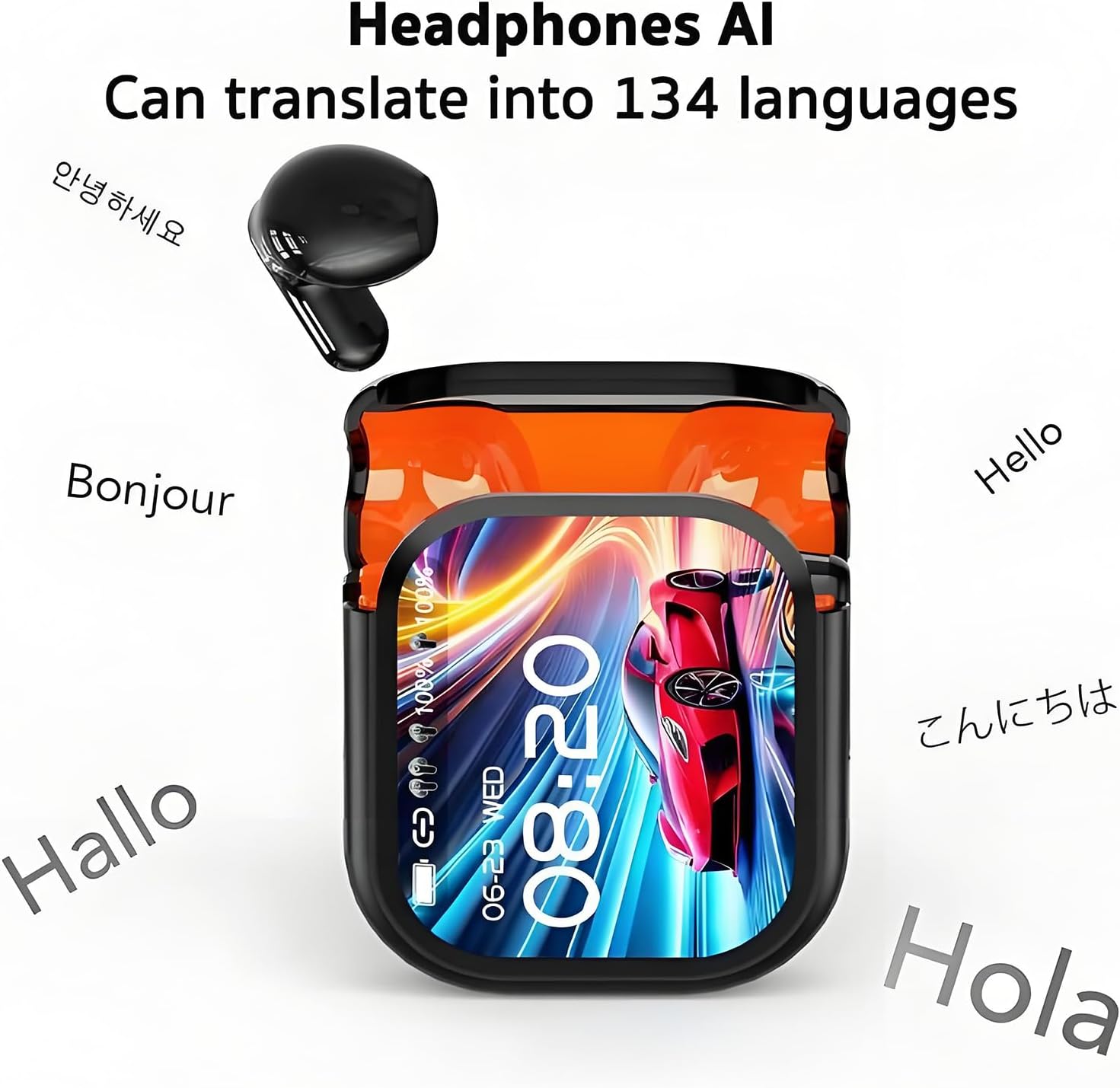
Image: The NE20 charging case displaying its battery level and time, indicating its long battery life.
4.2 Pairing with Your Device
The NE20 earbuds use Bluetooth 5.4 for a stable connection.
- Open the charging case. The earbuds will automatically enter pairing mode.
- On your smartphone or Bluetooth-enabled device, go to Bluetooth settings.
- Select "NE20 Earbuds" from the list of available devices.
- Once connected, a voice prompt will confirm successful pairing.
5. Operating Instructions
5.1 Basic Controls (Touch Control Area)
| Action | Function |
|---|---|
| Single Tap (Left/Right Earbud) | Play/Pause Music, Answer/End Call |
| Double Tap (Right Earbud) | Next Track |
| Double Tap (Left Earbud) | Previous Track |
| Triple Tap (Left/Right Earbud) | Activate Voice Assistant |
| Long Press (2 seconds) | Reject Call, Toggle Noise Cancellation Mode (ANC/Transparency) |
5.2 AI Translation Function
The NE20 earbuds offer real-time face-to-face translation across 140 languages.
- Ensure earbuds are connected to your smartphone.
- Access the translation mode via the LCD touchscreen on the charging case or through the dedicated mobile application (if available).
- Select the source and target languages.
- Speak into the earbud's microphone. The translated speech will be played through the other earbud or the connected smartphone.

Image: The NE20 earbuds and case surrounded by various greetings in different languages, illustrating their translation capability.

Image: Two individuals engaged in a conversation, with one wearing the NE20 earbuds, demonstrating the real-time face-to-face translation feature. A smartphone screen shows the translated text.
5.3 Noise Cancellation
The earbuds feature advanced 48dB active noise cancellation (ANC) and a transparency mode.
- ANC Mode: Reduces ambient noise for an immersive listening experience. Ideal for noisy environments.
- Transparency Mode: Allows you to hear your surroundings while still enjoying audio, useful for awareness.
Toggle between modes by long-pressing the touch control area on either earbud or via the charging case's LCD screen.

Image: A woman wearing the NE20 earbuds while on a train, illustrating the effectiveness of the adaptive AI intelligent noise reduction in a busy environment.
5.4 Gaming Mode (Low Latency)
For an enhanced gaming experience, the NE20 earbuds offer ultra-low latency of 45ms.
- Activate gaming mode via the LCD touchscreen on the charging case or the mobile application.
- This mode minimizes audio delay, providing synchronized sound for gaming.

Image: The NE20 earbuds and their charging case positioned next to a smartphone displaying a video game, highlighting the low-latency gaming feature.
5.5 LCD Touch Screen Functions
The charging case's LCD touchscreen provides access to various features:
- Battery status of earbuds and case.
- Translation mode selection and language settings.
- Noise cancellation mode toggling.
- Alarm settings.
- Access to stress-relief mini-games.
- Sound effect modes (Normal, Popular, Rock, Jazz, Classical, Ballad).

Image: A visual representation of the AI intelligence features, including AI Translation, AI Conversation, Free Talk Mode, Voice Notes, Photo Translation, Stress Relief Mini-Games, Dual-Ear Click Mode, and Headphone + Mobile Phone Mode, all accessible via one-click activation.

Image: A grid displaying six distinct sound effect modes: Normal, Popular, Rock, Jazz, Classical, and Ballad, indicating the audio customization options.
6. Maintenance
6.1 Cleaning
- Regularly clean the earbuds, especially the ear tips and charging contacts, with a soft, dry, lint-free cloth.
- Do not use abrasive cleaners or solvents.
- Clean the charging case with a soft, dry cloth.
6.2 Storage
When not in use, store the earbuds in their charging case to protect them and ensure they remain charged.
6.3 Water Resistance (IPX6)
The NE20 earbuds are IPX6 water-resistant, meaning they can withstand powerful water jets. This makes them suitable for exercise and light rain, but they are not designed for submersion in water.
- Do not intentionally submerge the earbuds.
- Ensure earbuds are dry before placing them back in the charging case to prevent damage to charging contacts.

Image: The NE20 earbuds partially submerged in water with bubbles, illustrating their IPX6 water-resistant rating, suitable for heavy sweat during exercise.
7. Troubleshooting
| Problem | Possible Solution |
|---|---|
| Earbuds not pairing | Ensure earbuds are charged. Turn off and on Bluetooth on your device. Forget "NE20 Earbuds" from your device's Bluetooth list and re-pair. |
| No sound from one earbud | Place both earbuds back in the case, close the lid, wait a few seconds, then take them out again. Check audio balance settings on your device. |
| Charging case not charging | Check the charging cable and power adapter. Ensure the USB-C cable is fully inserted. |
| Translation not working correctly | Ensure a stable internet connection on your paired device. Verify language settings are correct. Speak clearly into the microphone. |
| Poor sound quality | Ensure earbuds are clean and properly seated in your ears. Check the audio source quality. |
8. Specifications
| Feature | Detail |
|---|---|
| Model Name | NE20 Earbuds |
| Brand | SHFOUZY |
| Connectivity Technology | Wireless (Bluetooth 5.4) |
| Ear Placement | In Ear |
| Noise Cancellation | 48dB Active Noise Cancellation |
| Translation Languages | Up to 140 languages (real-time) |
| Battery Life (Earbuds) | 6-8 hours per charge |
| Total Battery Life (with Case) | Up to 48 hours |
| Water Resistance Rating | IPX6 |
| Low Latency | 45ms (Gaming Mode) |
9. Warranty and Support
SHFOUZY products come with a standard manufacturer's warranty. Please refer to the warranty card included in your product packaging for specific terms and conditions.
For technical support, troubleshooting assistance, or warranty claims, please contact SHFOUZY customer service through the contact information provided on the official product website or your purchase platform.
Online Resources: For the latest updates, FAQs, and additional support, please visit the official SHFOUZY website.