
Jabees 7Seven
Jabees 7Seven Bone Conduction Headphones User Manual
Model: 7Seven (12043BLk)
Introduction
Thank you for choosing the Jabees 7Seven Bone Conduction Headphones. These headphones are designed for active lifestyles, featuring IP68 waterproofing for swimming, dual listening modes (Bluetooth and 8GB MP3 player), and an open-ear design for situational awareness. Please read this manual carefully to ensure proper use and maintenance of your device.
What's In The Box

Image: The Jabees 7Seven Bone Conduction Headphones and included accessories laid out on a white surface.
- Jabees 7Seven Wireless Stereo Bone Conduction Headphones x 1
- Magnetic Induction Charging Cable x 1
- Sport Headband x 1
- User Manual x 1
- Packaging Box
Product Overview
IP68 Waterproof Design

Image: A man wearing the Jabees 7Seven headphones, swimming in a pool, demonstrating the IP68 waterproof feature.
The 7Seven headphones are rated IP68, making them suitable for submersion in freshwater up to 1.5 meters for up to 60 minutes. This design is ideal for swimming, water workouts, and poolside listening. Note: Not suitable for saltwater use or diving.
Dual Listening Modes: Bluetooth & 8GB MP3 Player

Image: A man jogging outdoors, wearing the Jabees 7Seven headphones, highlighting the built-in MP3 player functionality.
Easily switch between Bluetooth streaming and the integrated 8GB MP3 player, which can store up to 2,000 songs. Enjoy your music with or without a connected device, perfect for various activities.
Open-Ear Safety & Comfort

Image: A cyclist wearing the Jabees 7Seven headphones and a helmet, emphasizing the open-ear design for environmental awareness.
The open-ear design allows you to remain aware of your surroundings while listening to audio, enhancing safety during outdoor activities like cycling or running.
SportSecure Full Silicone-Wrapped Design

Image: A cutaway diagram of the Jabees 7Seven headphones, showing the soft-touch full silicone-wrapped body.
The headphones feature a soft, full silicone-wrapped body for a stable and comfortable fit, even during extended use and intense physical activity.
Built-in Microphone & Multi-Point Pairing
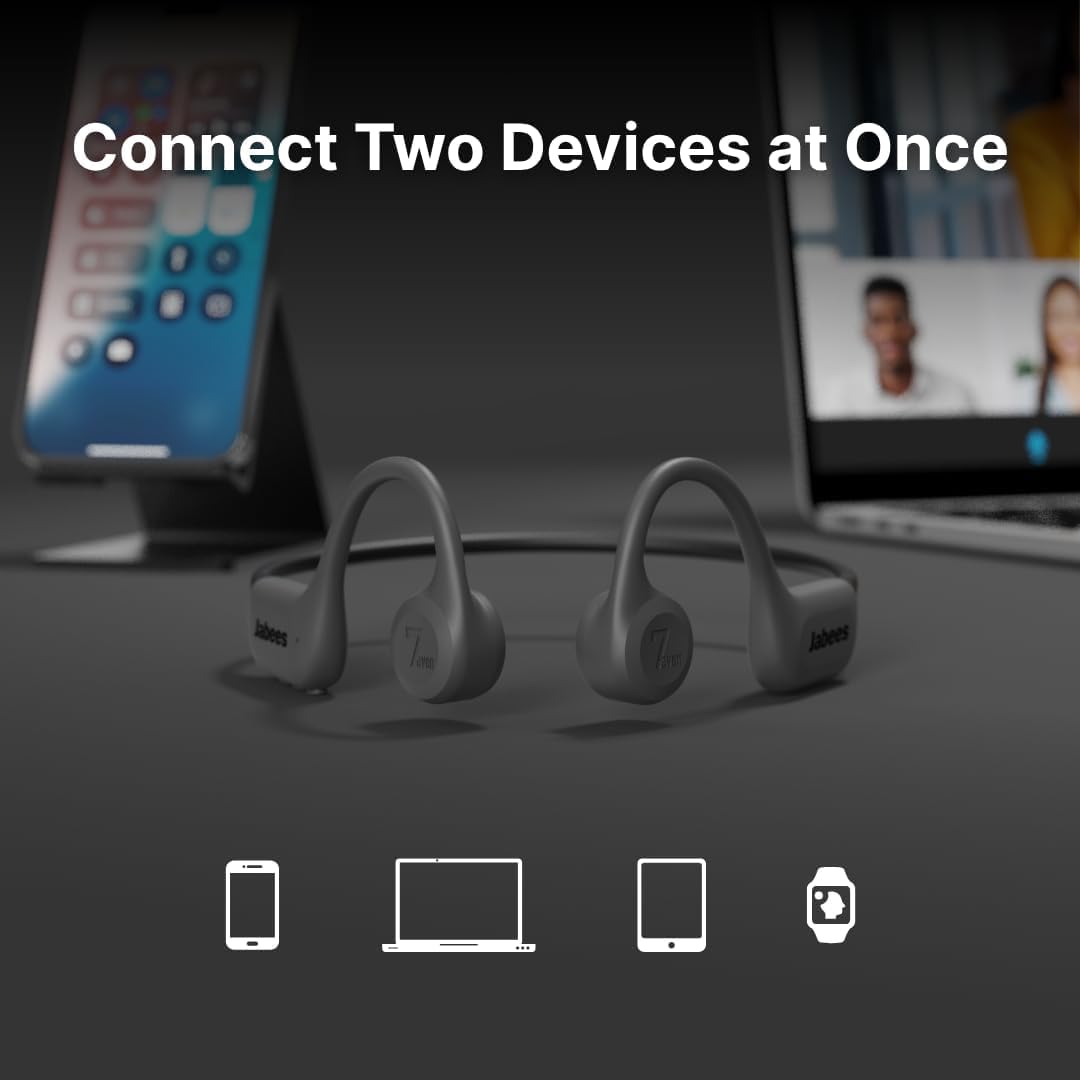
Image: Two Jabees 7Seven headphones shown with a smartphone and a laptop in the background, illustrating multi-point pairing.
Take hands-free calls with the built-in microphone. Multi-point pairing allows simultaneous connection to two Bluetooth devices for seamless switching.
Setup Guide
1. Charging the Headphones
- Connect the magnetic charging cable to the charging port on the headphones.
- Plug the USB-C end of the cable into a compatible USB power adapter (not included) or a computer's USB port.
- The LED indicator will show charging status. A full charge takes approximately 2.5 hours.
- Ensure the charging contacts are dry before charging to prevent damage.
2. Powering On/Off
- Power On: Press and hold the Power button for 3 seconds until the LED indicator flashes blue.
- Power Off: Press and hold the Power button for 5 seconds until the LED indicator flashes red and then turns off.
3. Bluetooth Pairing
- With the headphones powered off, press and hold the Power button for 5-7 seconds until the LED indicator flashes red and blue alternately. This indicates pairing mode.
- On your device (smartphone, tablet, computer), enable Bluetooth and search for available devices.
- Select "Jabees 7Seven" from the list of found devices.
- Once paired, the LED indicator will flash blue slowly.
- For multi-point pairing, connect to the first device, then put the headphones back into pairing mode and connect to the second device. The headphones will remember both connections.
Operating Instructions
Button Controls
The Jabees 7Seven headphones feature intuitive button controls for easy management of audio and calls.
| Button/Action | Function |
|---|---|
| Power Button (Multi-function) |
|
| Volume Up (+) |
|
| Volume Down (-) |
|
| Mode Button |
|
Using the MP3 Player
- Connect the headphones to your computer using the magnetic charging cable.
- The headphones will appear as a removable disk drive.
- Drag and drop your audio files (MP3, WAV, FLAC, APE) into the headphones' storage folder.
- Safely eject the device from your computer.
- Switch to MP3 mode using the Mode button to play your stored music.
The 8GB internal storage can hold approximately 2,000 songs (based on 4MB per song).
Wearing the Headphones
Place the headphones with the transducers resting on your cheekbones, just in front of your ears. The band should wrap around the back of your head. Adjust the sport headband for a secure fit, especially during intense activities or swimming.
Maintenance and Care
- Cleaning: After use, especially after swimming or heavy sweating, rinse the headphones with fresh water and wipe them dry with a soft cloth. Do not use harsh chemicals or abrasive cleaners.
- Storage: Store the headphones in a cool, dry place away from direct sunlight and extreme temperatures.
- Charging: Ensure the charging port and cable are dry before connecting to prevent corrosion.
- Water Exposure: While IP68 rated, avoid prolonged submersion beyond specified limits and do not use in saltwater or for diving.
- Battery Care: To prolong battery life, avoid fully discharging the headphones frequently. Charge regularly.
Troubleshooting
| Problem | Solution |
|---|---|
| Headphones won't power on. | Charge the headphones for at least 30 minutes. Ensure the charging cable is properly connected. |
| Cannot pair via Bluetooth. |
|
| No sound or low volume. |
|
| MP3 player not recognized by computer. |
|
| Sound quality is poor during swimming. |
|
Specifications
- Model Name: 7Seven
- Model Number: 12043BLk
- Brand: Jabees
- Ear Placement: Open Ear
- Form Factor: Bone Conduction
- Water Resistance Level: IP68 Waterproof (up to 1.5m for 60 minutes in freshwater)
- Connectivity Technology: Wireless (Bluetooth)
- Bluetooth Version: 6.0
- Bluetooth Range: Up to 10 meters (33 feet)
- Built-in Storage: 8GB (for MP3 Player)
- Battery Life: Approximately 6.5 hours (playback)
- Battery Charge Time: Approximately 2.5 hours
- Impedance: 8 ohm
- Sensitivity: 90 dB
- Item Weight: 26 g
- Material: Nickel-Titanium Alloy, Plastic, Silicone
- Control Type: Push Button
- Built-in Microphone: Yes
- Multi-Point Pairing: Yes
Warranty and Support
Warranty Information
The Jabees 7Seven Bone Conduction Headphones come with a 12-month warranty from the date of purchase. This warranty covers manufacturing defects. Please retain your proof of purchase for warranty claims. The warranty does not cover damage caused by misuse, accidents, unauthorized modifications, or use in saltwater.
Customer Support
For any questions, technical assistance, or warranty claims, please contact Jabees customer support. We offer 24-hour customer support to assist you.
Visit the official Jabees store for more information: Jabees Store on Amazon
Ask a question about this manual
Ask about setup, troubleshooting, compatibility, parts, safety, or missing instructions. Manuals+ will review the question and use this page’s manual context to help answer it.