
Introduction
Thank you for choosing the ONBRILL Kitchen Island Table, Model ON MKS-108. This manual provides essential information for the safe assembly, operation, and maintenance of your new kitchen island. Please read these instructions carefully before use and retain them for future reference.
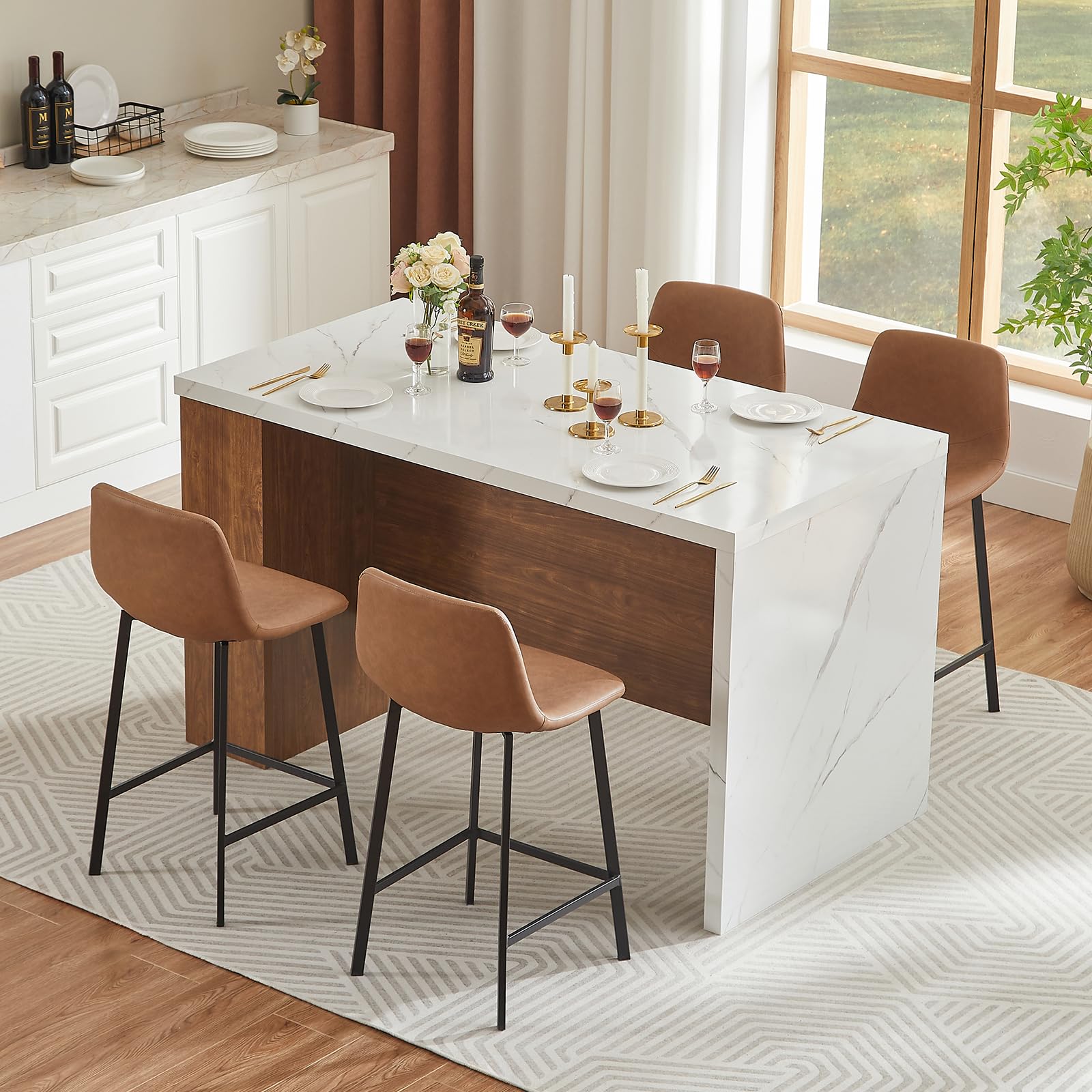
Image: The ONBRILL Kitchen Island Table, Model ON MKS-108, in a kitchen setting, showcasing its walnut and white design.
Safety Information
Please observe the following safety precautions:
- This is a heavy item. Two people are required for safe movement and assembly.
- Keep power outlets away from water sources to prevent electrical hazards.
- Do not overload the integrated power outlets. Ensure total wattage of connected devices does not exceed the specified limits.
- Always follow the manufacturer's assembly instructions precisely to ensure stability and prevent injury.
- Regularly check all connections and fasteners to ensure they remain tight.
Specifications
| Feature | Detail |
|---|---|
| Brand | ONBRILL |
| Model Name | ON MKS-108 |
| Product Dimensions | 31.5"D x 61"W x 35.4"H |
| Color | Walnut and White |
| Table Design | Dining Table / Kitchen Island |
| Seating Capacity | 4 |
| Material | Engineered Wood |
| Tabletop Thickness | 1.8 Inches |
| Included Components | LED Lights, Power Outlet (2 AC, 2 USB) |
| Item Weight | 136 Pounds |
| Power Outlet Specs | 2 AC outlets (120V/12A), 2 USB ports (5V/2A), 2-meter power cord |

Image: Product dimensions of the kitchen island table, showing height, width, and depth measurements.
Setup and Assembly
The ONBRILL Kitchen Island Table is designed for straightforward assembly. All necessary parts and tools are included in a single package. We recommend two people for assembly due to the item's weight.
Before You Begin:
- Clear a spacious area for assembly.
- Unpack all components and verify against the parts list provided in the separate assembly instructions.
- Ensure all hardware (screws, dowels, etc.) is present. A screwdriver is recommended, though basic tools are included.
Assembly Steps:
- Begin by assembling the main frame components according to the detailed diagrams in your assembly guide.
- Attach the tabletop securely to the assembled frame. Ensure all connections are tight for stability.
- Install the side storage shelves. These shelves are adjustable; select your desired height before securing them.
- Mount the LED light strip to the designated area, typically along the underside of the tabletop or the side panel. Connect it to the power source as instructed.
- Integrate the power outlet unit into its designated slot. Ensure the power cord is accessible and can reach a wall outlet.
Refer to the separate assembly instruction booklet for detailed, step-by-step illustrations and specific hardware usage.

Image: The kitchen island table arranged for dining, demonstrating its functional design.
Operating Instructions
Using the LED Light Strip
The integrated RGB LED light strip offers adjustable lighting to enhance your dining or workspace ambiance. It features multiple color modes and can sync with music.
- Power On/Off: Use the provided remote control to turn the LED lights on or off.
- Color Selection: Select from various static colors or dynamic color-changing modes using the remote.
- Brightness Adjustment: Adjust the brightness level to suit your preference.
- Music Sync: Activate the music sync feature via the remote to have the lights respond to audio.
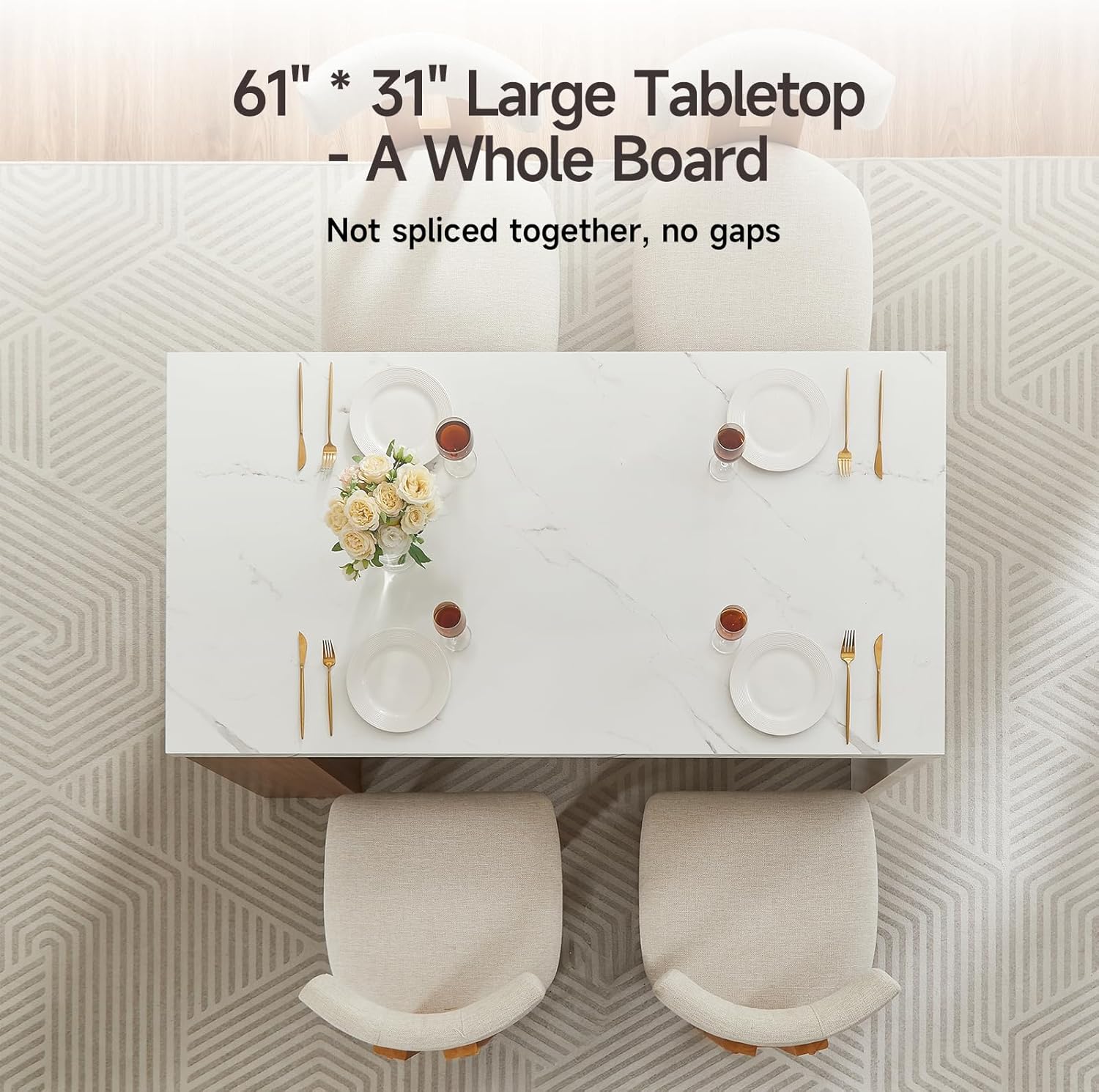
Image: The kitchen island table with its LED lights glowing blue, demonstrating the ambiance feature.
Using the Built-in Power Outlets
The kitchen island is equipped with 2 AC outlets and 2 USB ports for convenient power access.
- AC Outlets: Provide 120V/12A power for appliances such as coffee makers, toasters, or laptops.
- USB Ports: Provide 5V/2A power for charging mobile devices, tablets, and other USB-powered gadgets.
- Power Cord: The 2-meter power cord allows for flexible placement near a wall outlet.
Important: Always ensure the power cord is fully plugged into a functional wall outlet. Avoid exceeding the maximum load capacity of the outlets to prevent electrical issues.

Image: A close-up view of the integrated power outlet, showing two AC sockets and two USB ports, with a tablet charging.
Adjustable Storage Shelves
The side storage unit features three adjustable shelves, allowing you to customize the storage space for various items like cutlery, condiments, or small appliances.
- To adjust a shelf, carefully remove any items, then lift the shelf and reposition the support pins to the desired height.
- Ensure the shelf is securely seated on all four support pins before placing items on it.
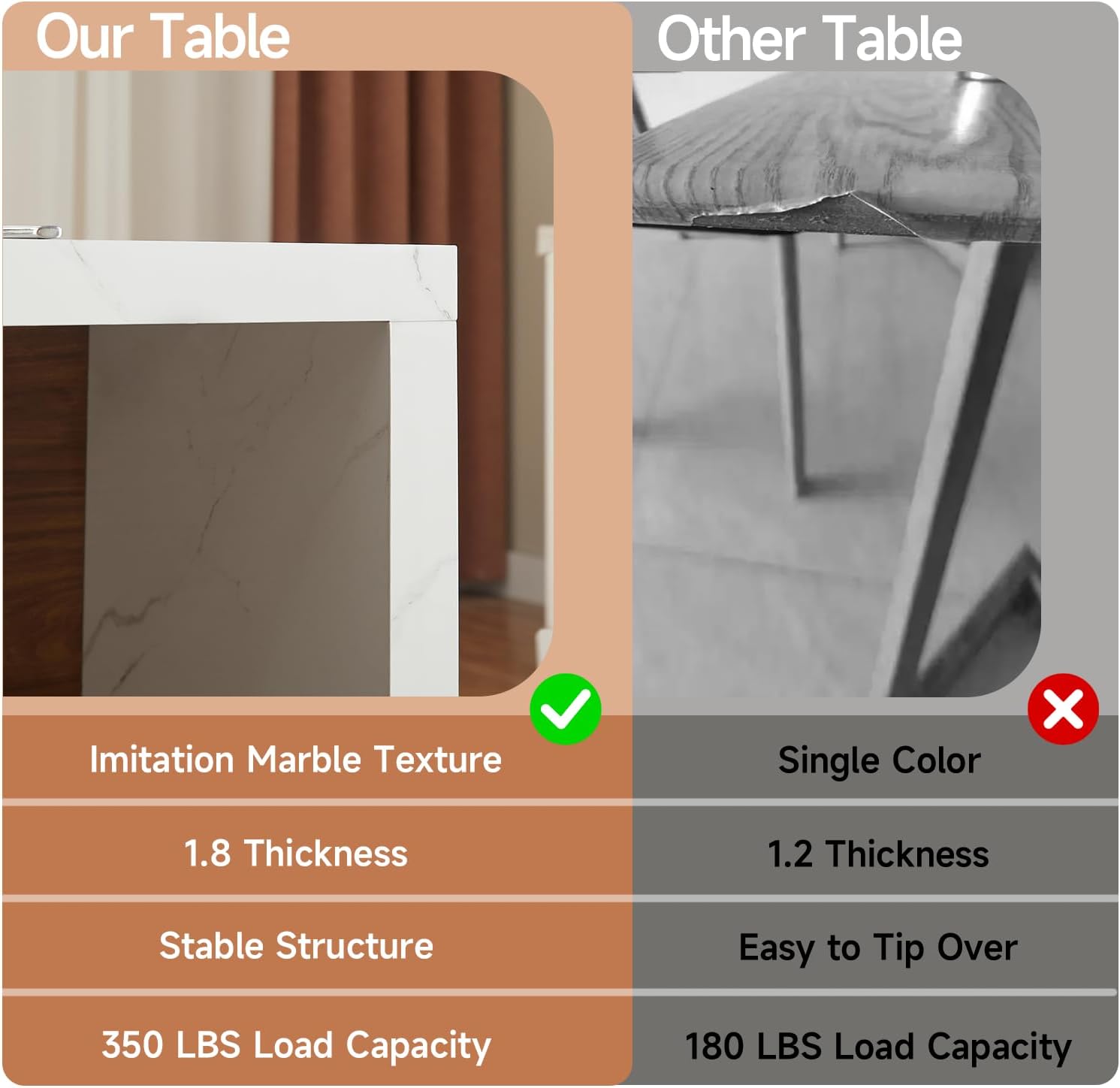
Image: The side of the kitchen island table displaying three adjustable shelves filled with various kitchen items.
Care and Maintenance
Proper care will ensure the longevity and appearance of your ONBRILL Kitchen Island Table.
- Tabletop (Imitation Marble): Wipe clean with a soft, damp cloth. Avoid abrasive cleaners or harsh chemicals that could damage the finish. Promptly wipe up spills to prevent staining.
- Wood Surfaces: Clean with a soft, dry cloth. For stubborn marks, use a slightly damp cloth with a mild wood cleaner, then dry immediately. Avoid excessive moisture.
- LED Lights: Keep the LED strip free from dust. Do not attempt to disassemble or repair the LED strip or power unit yourself.
- General: Periodically check all screws and fasteners and tighten them if necessary to maintain structural integrity.
Troubleshooting
If you encounter any issues with your kitchen island, refer to the following common solutions:
- LED Lights Not Working:
- Check if the power cord for the LED strip is securely plugged in.
- Ensure the remote control has working batteries and is pointed directly at the receiver.
- Verify that the main power switch (if any) for the LED system is on.
- Power Outlets Not Functioning:
- Confirm the main power cord of the island is fully plugged into a live wall outlet.
- Check your home's circuit breaker to ensure the outlet is receiving power.
- Avoid overloading the outlets with too many high-power devices simultaneously.
- Table Instability:
- Ensure all assembly screws and bolts are tightened securely.
- Verify the table is placed on a flat, even surface.
If problems persist after attempting these solutions, please contact ONBRILL customer support.
Product Video Demonstration
Watch this official video for a visual overview of the ONBRILL Kitchen Island Table's features and functionality.
Video: An official demonstration of the ONBRILL Kitchen Island Table, highlighting its design, storage, power outlets, and LED lighting features.
Warranty and Support
For warranty information, product support, or to inquire about replacement parts, please contact ONBRILL customer service directly. Details can typically be found on the product packaging or the official ONBRILL website.
You can visit the ONBRILL store for more products and information: ONBRILL Store


