1. Product Overview
The NGXDFL GPS Tracker GF11 is a compact, multi-purpose global positioning device designed for tracking vehicles, children, pets, and other assets. It offers real-time location, historical tracking, and remote control capabilities via a mobile application. This device operates without the need for a subscription fee or a physical SIM card, providing a cost-effective tracking solution. Its magnetic and waterproof design ensures versatile and secure placement.
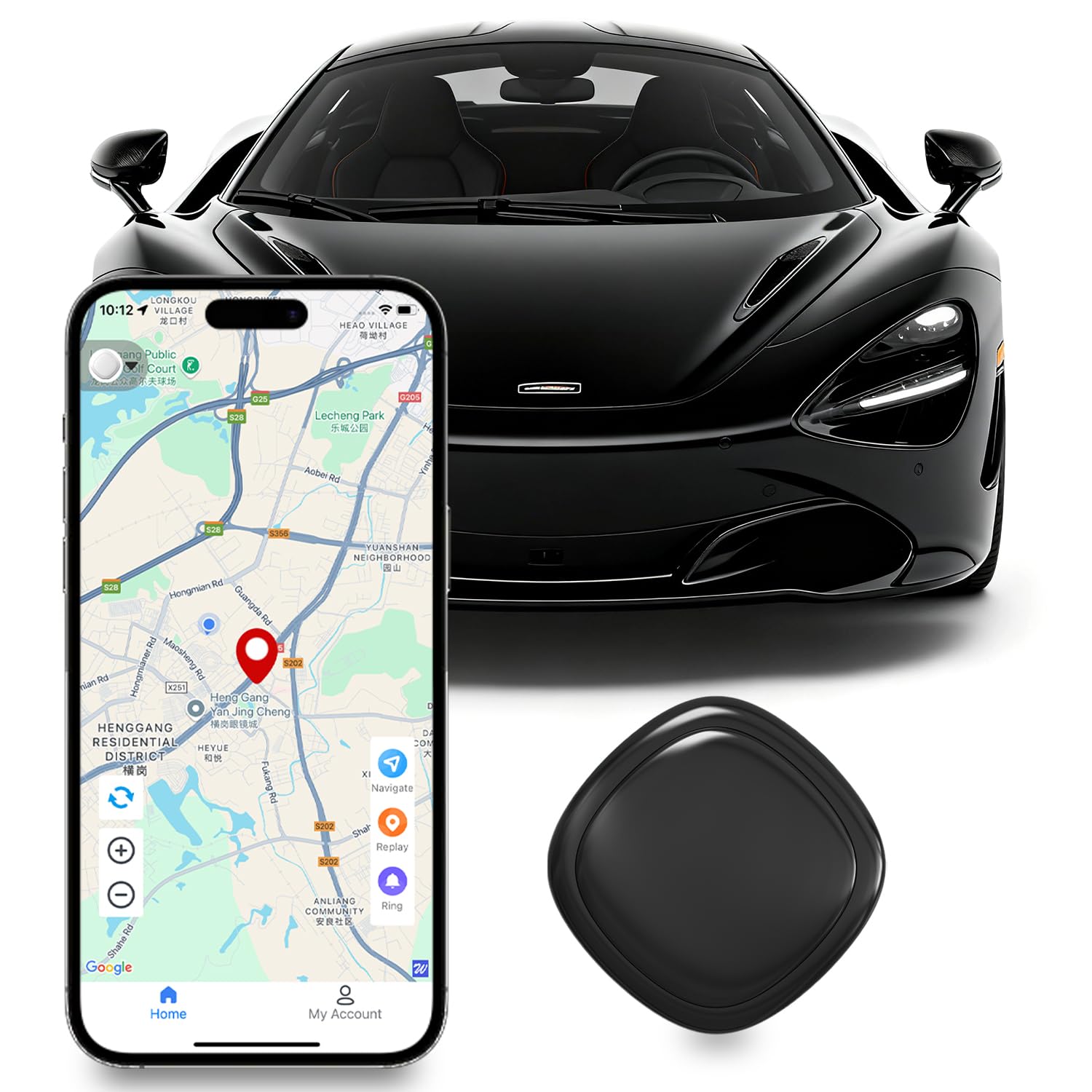
Image: The NGXDFL GPS Tracker GF11, a small black device, shown with its packaging.

Image: Illustrations showing various applications of the tracker, including logistics, vehicle fleet management, loss prevention for the elderly, child loss prevention, and pet loss prevention.
2. Package Contents
Ensure all items are present in the package:
- GPS Tracker (GF11)
- Charging Cable
- User Manual
3. Setup Guide
3.1 Initial Charging
Before first use, fully charge the GPS tracker. Connect the provided charging cable to the device and a suitable USB power source. The device has a built-in lithium battery.
3.2 App Download and Installation
The NGXDFL GPS Tracker operates via a dedicated mobile application, compatible with both Android and iOS devices. Scan the QR code provided in the packaging or search for the "CityTag" app in your device's app store (e.g., Apple App Store, Google Play Store).

Image: A smartphone displaying the real-time tracking interface of the CityTag app, showing a child on a scooter as the tracked object.
3.3 Device Pairing
Follow the in-app instructions to pair your GF11 tracker with your smartphone. This typically involves turning on the tracker and allowing the app to discover it via Bluetooth or a similar short-range connection. No SIM card is required for operation.
3.4 Placement and Mounting
The GF11 tracker features a strong magnetic base for easy attachment to metal surfaces. Its compact size allows for discreet placement in vehicles, backpacks, or on pet collars. Ensure the device is securely attached to prevent accidental detachment.

Image: The GF11 tracker magnetically attached to a metal surface inside a car, demonstrating its strong magnetic attraction.

Image: The GF11 tracker held between fingers next to a car wheel, illustrating its lightweight and compact dimensions (1.26x1.26 inches).
4. Operating Instructions
4.1 Real-time Tracking
Once paired, open the CityTag app to view the real-time location of your GF11 tracker. The app displays the current position on a map interface, providing immediate updates on the tracked item's whereabouts.

Image: A global map showing various tracking points and a detailed map view on a smartphone, illustrating the real-time global positioning feature.
4.2 Historical Trajectory
The app allows you to review the historical movement data of the tracker. Select a date range to view the past routes and locations, providing a comprehensive overview of the tracked item's journey.
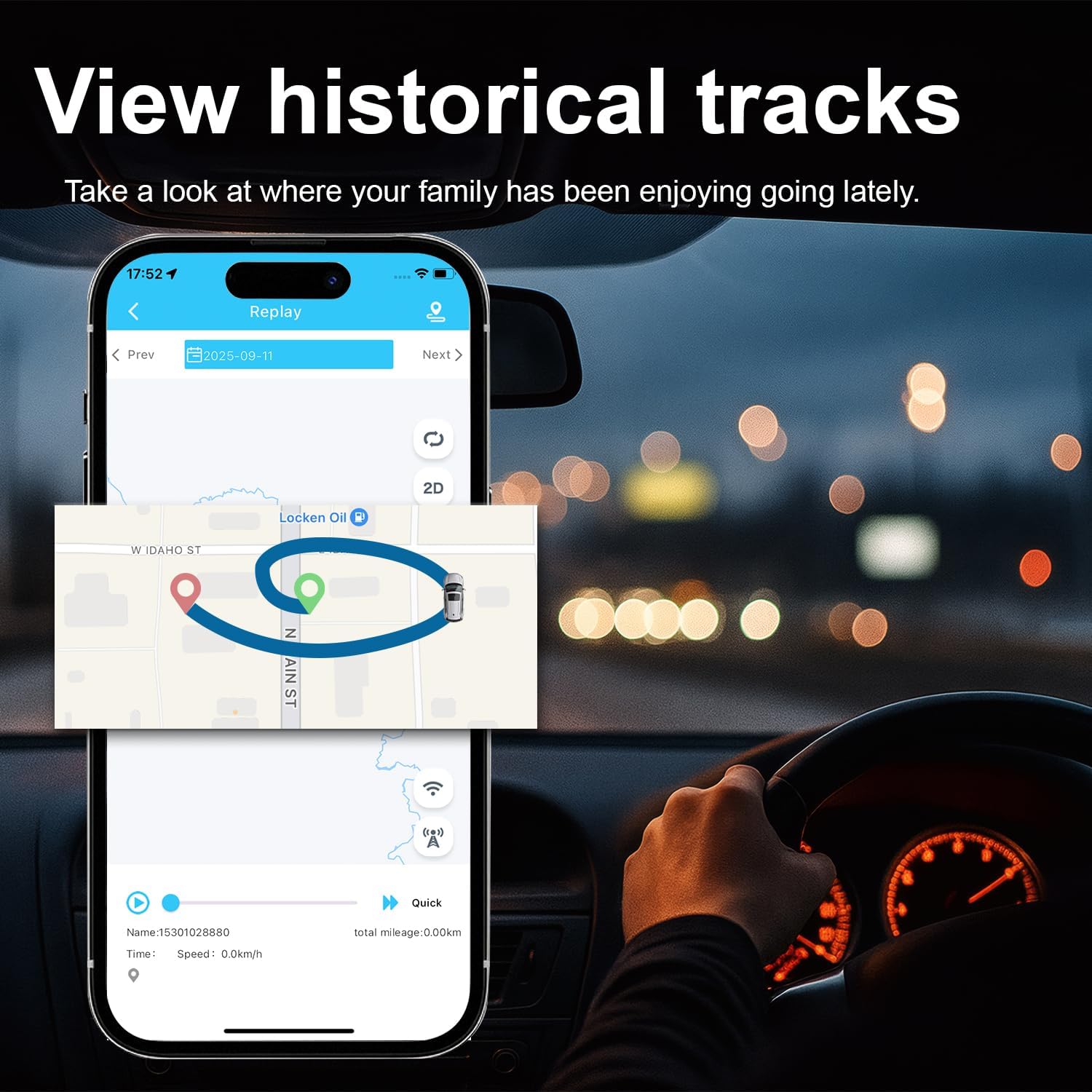
Image: A smartphone screen inside a car showing the "Replay" function of the tracking app, displaying a historical route on a map.
4.3 Multi-functional App Features
The CityTag app includes additional features such as:
- Sound Search: Locate the tracker by triggering an audible alert.
- Multi-device Management: Manage multiple GF11 trackers from a single app interface.
- Global Navigation: Integrate with navigation services to guide you to the tracker's location.

Image: A person using a smartphone with icons representing various app functions: Historical trajectory, Real-time localization, Global Navigation, Sound Search, and Multi-device management.
5. Maintenance
5.1 Battery Management
The GF11 tracker is equipped with a high-performance battery designed for long standby times, up to 180 days under normal usage. Recharge the device using the provided charging cable when the battery level is low, as indicated by the app.

Image: A car interior with a large battery icon next to the GF11 tracker, emphasizing its ultra-long battery life.
5.2 Water Resistance
The device features an IP67 waterproof rating, making it resistant to dust and immersion in water up to 1 meter for 30 minutes. This allows for use in various weather conditions, including rain. However, avoid prolonged submersion or high-pressure water exposure.

Image: A child holding an umbrella in the rain, with an IP67 waterproof icon and the GF11 tracker, illustrating its water resistance.
6. Troubleshooting
- Device not turning on: Ensure the device is fully charged. Connect it to a power source and allow it to charge for at least 30 minutes before attempting to power it on again.
- No location data: Check if the device is in an area with sufficient GPS signal. Ensure the device is powered on and properly paired with the app. Verify that your smartphone has an active internet connection.
- Inaccurate location: GPS accuracy can be affected by environmental factors such as dense urban areas, heavy tree cover, or indoor use. Move the device to an open area for better signal reception.
- App connectivity issues: Ensure your smartphone's Bluetooth is enabled and the app has necessary location permissions. Try restarting both the tracker and the app.
7. Specifications
| Model Number | GF11 |
| Brand | NGXDFL |
| Package Dimensions | 4.13 x 2.6 x 0.67 inches |
| Item Weight | 0.634 ounces |
| Batteries | 1 Lithium Ion battery (included) |
| Connectivity Technology | GPS |
| Special Feature | GPS Tracker for Vehicles, Pets, Kids |
| Color | Black |
| Water Resistance | IP67 |
| Battery Life | Up to 180 days standby |
8. Official Product Video
Video: An introduction to the NGXDFL GF11 or similar NGXDFL GPS trackers, demonstrating its features and usage. This video provides a visual guide to the product's capabilities and setup process.
9. Warranty and Support
For warranty information and technical support, please refer to the contact details provided on the product packaging or the official NGXDFL website. Keep your purchase receipt for warranty claims.