
AUTO-VOX W5
AUTO-VOX W5 Wireless Backup Camera User Manual
Model: W5 (4.5 inch-Single Camera)
Brand: AUTO-VOX
Introduction
This manual provides detailed instructions for the installation, operation, and maintenance of your AUTO-VOX W5 Wireless Backup Camera system. The system features a 4.5-inch 1080P HD monitor and an IP69K waterproof camera, designed to enhance your reversing safety and convenience. Please read this manual thoroughly before installation and use to ensure proper functionality and longevity of the product.
What's in the Box
Verify that all components are present before beginning installation:
- 4.5 inch monitor
- Car Charge (USB cable for monitor power)
- Video Cable (for camera connection)
- Backup camera
- Monitor mount
- License Plate Bracket
- Straps & Clamps
- User Manual

Image: All components included in the AUTO-VOX W5 Wireless Backup Camera package.
Video: W5 Wireless Backup Camera Unboxing. This video demonstrates the contents of the AUTO-VOX W5 package.
Installation Guide
The AUTO-VOX W5 system is designed for easy installation, typically completed within 30 minutes. Follow these steps for a successful setup.
Step 1: Mounting and Wiring the Camera
- Mount the backup camera on your vehicle's license plate. Secure it using the provided screws.
- Connect the camera's red wire to the 12V reverse light for power. The black wire should be connected to a ground point. This wiring is essential for the camera to function.

Image: Visual guide for camera mounting and wiring to the reverse light.
Video: Simple Camera Installation Steps. This video demonstrates the process of installing the camera on the license plate and connecting its power.
Video: Wiring Tutorial for Camera and Reversing Light. This video provides a detailed guide on how to correctly wire the camera to your vehicle's reversing light circuit.
Step 2: Mounting and Powering the Monitor
- Attach the monitor to the monitor mount.
- Place the monitor and mount on your dashboard in a position that does not obstruct your view while driving.
- Connect the monitor to your car's USB port using the included USB cable for power.

Image: Instructions for monitor placement and USB power connection.
Operating Instructions
Once installed, the system automatically pairs and is ready for use. The monitor will display the camera feed when the vehicle is in reverse.
Key Features:
- 1080P HD Display: The 4.5-inch monitor provides clear, detailed 1080P images, assisting in accurate distance judgment during parking.
- Wireless Signal Transmission: Experience low-latency, anti-interference transmission for smooth and stable images, even in challenging environments.
- Clear Color Night Vision: The camera delivers full-color images at night, improving visibility of curbs, wet roads, and shadows in dimly lit areas.
- IP69K Waterproof: The camera is designed to resist dust, dirt, and high-pressure water, ensuring reliable performance in various weather conditions.
- Versatile Settings: Adjust brightness and contrast, choose from 6 guide lines, and flip or mirror the image to suit your preferences and vehicle setup. The camera can also tilt 30° without obstructing the license plate.
Adjusting Settings:
The monitor features controls to customize your viewing experience:
- Brightness/Contrast: Use the monitor controls to fine-tune image brightness and contrast for optimal visibility in different lighting conditions.
- Guide Lines: Select from 6 different guide line options to assist with parking. These can be adjusted for left, right, height, and width.
- Image Flip/Mirror: Adjust the image orientation as needed, particularly useful if the camera is mounted in a non-standard position.
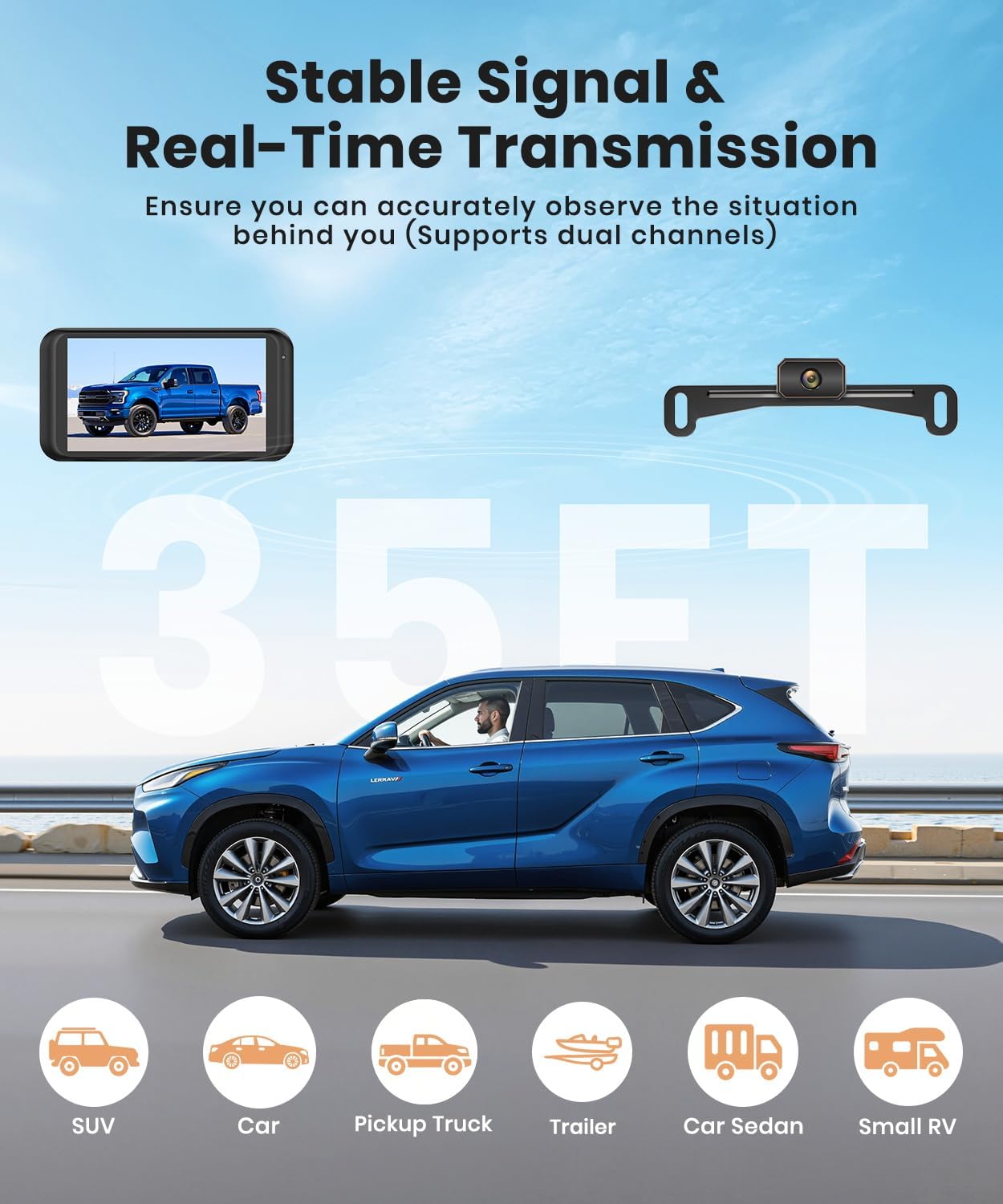
Image: Stable signal and real-time transmission for clear reversing.
Video: Strong Signal, No Dropouts. This video highlights the stable wireless signal transmission of the W5 camera system.

Image: Safe nighttime reversing with clear color night vision.
Video: See Every Detail in HD 1080P. This video showcases the high-definition 1080P image quality provided by the W5 system.

Image: Overview of adjustable settings for guide lines, brightness, and contrast.
Maintenance
To ensure optimal performance and longevity of your AUTO-VOX W5 Wireless Backup Camera, follow these maintenance guidelines:
- Camera Cleaning: Periodically clean the camera lens with a soft, damp cloth to remove dirt, dust, or water spots. Avoid abrasive cleaners that could scratch the lens.
- Monitor Care: Wipe the monitor screen with a soft, dry cloth. Do not use harsh chemicals or sprays directly on the screen.
- Cable Inspection: Regularly check all cables for any signs of wear, damage, or loose connections. Ensure they are securely routed and not pinched.
- Waterproof Integrity: While the camera is IP69K waterproof, avoid directing high-pressure water jets directly at the camera for extended periods during car washes to prevent potential damage over time.

Image: The camera's IP69K rating ensures durability against water and dust.
Video: Rain or Shine, Always Clear. This video demonstrates the IP69K waterproof capability and clear image quality in adverse weather.
Troubleshooting
If you encounter issues with your AUTO-VOX W5 Wireless Backup Camera, refer to the following common troubleshooting tips:
- No Image on Monitor:
- Ensure the monitor is properly connected to a working USB port and receiving power.
- Verify the camera's power wires (red to 12V reverse light, black to ground) are securely connected and receiving power when in reverse.
- Check for any loose connections between the camera and the video cable, and the video cable to the wireless transmitter.
- Confirm the system has automatically paired. If not, refer to the pairing instructions in the full user manual (if applicable).
- Flickering or Unstable Image:
- Ensure there are no major obstructions between the camera and the monitor that could interfere with the wireless signal.
- Check for strong electromagnetic interference from other devices in the vehicle.
- Verify all connections are tight.
- Poor Night Vision:
- Clean the camera lens to remove any dirt or film that might be obscuring the view.
- Ensure the vehicle's reverse lights are functioning correctly, as they provide illumination for night vision.
For further assistance, please contact AUTO-VOX professional after-sales support.
Specifications
| Feature | Detail |
|---|---|
| Brand | AUTO-VOX |
| Model | W5 |
| Screen Size | 4.5 Inches |
| Resolution | 1080P HD |
| Waterproof Rating | IP69K |
| Connectivity | Wireless |
| Power Input | 12 Volts (USB for monitor, 12V reverse light for camera) |
| Optical Sensor Technology | CMOS |
| Lens Type | Wide Angle |
| Real Angle of View | 45 Degrees |
| Installation Type | Surface Mount |
| Color | BLACK |
| Item Weight | 1.1 pounds |
| Product Dimensions | 6"L x 2"W x 3"H (Product) |
Warranty and Support
AUTO-VOX is committed to providing high-quality products and excellent customer service.
- Professional After-Sales Support: If you have any questions or require assistance with your AUTO-VOX W5 Wireless Backup Camera, our dedicated support team is available 24/7 to help resolve your issues efficiently.
- Protection Plans: Extended protection plans may be available for purchase to cover your device beyond the standard warranty. Please check with your retailer for details.
For direct support, please refer to the contact information provided in your product packaging or visit the official AUTO-VOX website.


