
1. Setup
1.1 What's in the Box
- Corsair Vanguard PRO 96 Keyboard
- USB Cable
- Keycap Puller
- Wrist Rest
1.2 Connecting the Keyboard
Connect the keyboard to your computer using the provided USB-C cable. The keyboard is compatible with Gaming Consoles, Laptops, and PCs.

Image: The Corsair Vanguard PRO 96 keyboard with its detachable wrist rest and vibrant RGB lighting.
1.3 Software Installation and Initial Configuration
The Corsair Vanguard PRO 96 can be customized via the lightweight web-based utility, CORSAIR Web Hub. For advanced features and integration with other Corsair devices, iCUE software support will be available. Ensure your operating system is up to date for optimal performance.
Video: An unboxing of the Corsair Vanguard PRO 96 keyboard, showing the contents and initial setup.
2. Operating the Keyboard
2.1 Key Features
- Optimally-compact 96% form factor: A full keyboard with arrow keys, a tenkey pad, brilliant LCD screen, 6 programmable G-keys, and a rotary dial in a super-compact frame that’s roughly the size of a TKL keyboard.
- CORSAIR MGX Hyperdrive Hall Effect switches: Speedy, wobble-free CORSAIR MGX Hyperdrive Hall Effect keyswitches feature pre-lubed stems, dual-actuation support, stunning RGB lighting, and are rated for 150 million keypresses.
- Vibrant LCD screen: The keyboard features a brilliant 1.9", 320 x 170 IPS color screen for custom animations, images, and rotary dial integration.
- Maximize every millisecond: Ultra-responsive 8,000Hz hyper-polling eliminates input lag for instantaneous in-game actions.
- CORSAIR Rapid Trigger Technology: MGX Hyperdrive switches can dynamically reset actuation points, enabling rapid taps without full keyswitch reset.
- FlashTap SOCD Handling: Optimizes SOCD handling for cleaner, more reliable movement techniques.
- Elgato Stream Deck Integration: Native integration allows direct mapping of functions via the Stream Deck App.
- 6 Low-Profile G-Keys: Quick access to macros and key combos. Activate Game Mode to disable the Windows key and switch to static lighting.
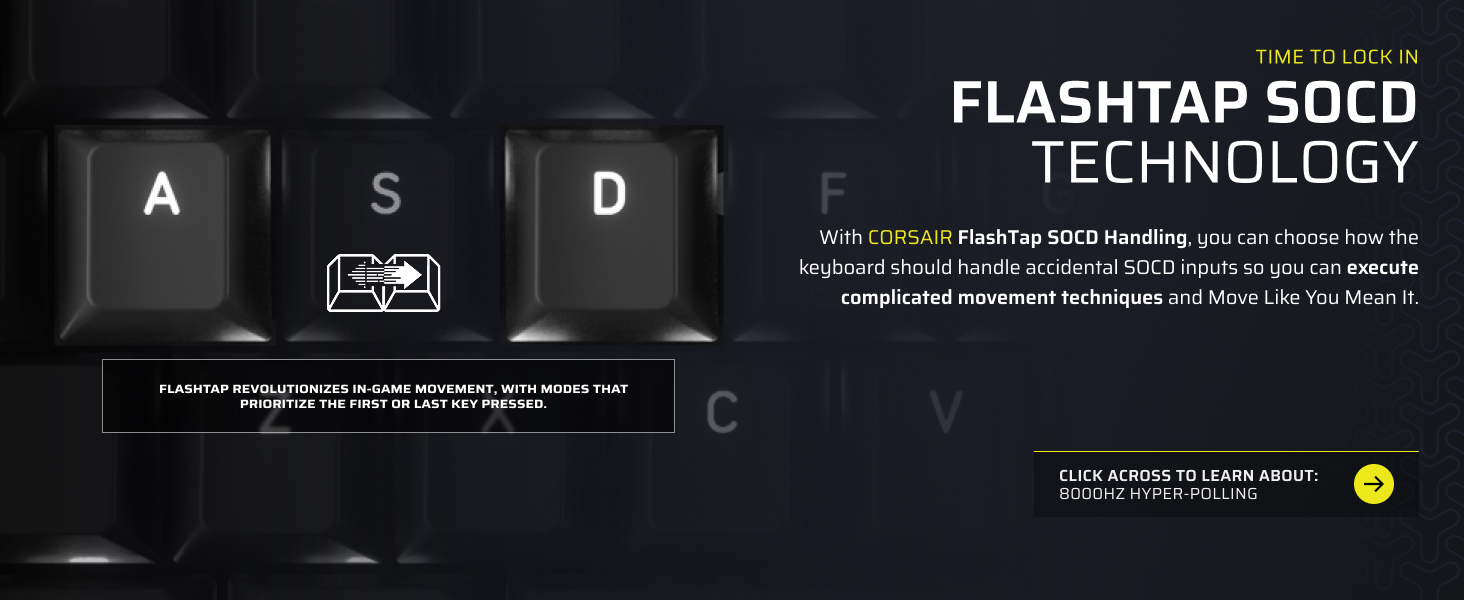
Image: The Corsair Vanguard PRO 96 keyboard showcasing its compact 96% layout, including the integrated numpad, G-keys, LCD screen, and rotary dial.

Image: A detailed diagram illustrating the internal components of the CORSAIR MGX Hyperdrive Hall Effect switches, highlighting their pre-lubricated stems and dual-rail structure.

Image: The vibrant 1.9-inch IPS color LCD screen on the Corsair Vanguard PRO 96, showing options for Game Mode, FlashTap, and Win Lock Off.
Video: An official trailer for the CORSAIR VANGUARD keyboard, showcasing its features and design.
2.2 Customization with CORSAIR Web Hub
The CORSAIR Web Hub is a web-based interface that allows you to customize your keyboard without additional software installation. You can set up RGB lighting effects, enable and adjust FlashTap, and record macros.

Image: A screenshot of the CORSAIR Web Hub interface, demonstrating the various customization options available for lighting effects, key assignments, and macros.
Video: A short video highlighting the high-end performance and customization options of the Corsair Vanguard PRO 96 keyboard.
3. Maintenance
3.1 Cleaning the Keyboard
To clean your keyboard, disconnect it from your computer. Use a soft, lint-free cloth to wipe down the keycaps and chassis. For deeper cleaning, you may use a keycap puller to remove keycaps and clean underneath. Avoid using harsh chemicals or abrasive materials.
3.2 Keycap and Switch Replacement
The keyboard features hot-swappable switches, allowing for easy replacement of compatible magnetic switches. Use the provided keycap puller to carefully remove keycaps. When replacing switches, ensure proper alignment to avoid damage.

Image: A cutaway diagram of the Corsair Vanguard PRO 96 keyboard, illustrating its quad-layer sound dampening system for improved acoustics.
3.3 Firmware Updates
Regularly check for firmware updates via the CORSAIR Web Hub or the upcoming iCUE software. Firmware updates can improve performance, add new features, and resolve potential issues. Follow the on-screen instructions carefully during the update process.
4. Troubleshooting
4.1 Common Issues
- Keyboard not detected: Ensure the USB cable is securely connected to both the keyboard and your computer. Try a different USB port. If using CORSAIR Web Hub, ensure you are using a compatible browser like Chrome or Edge.
- Lighting issues: Check your lighting profiles in CORSAIR Web Hub. Ensure the keyboard's onboard memory is configured correctly if iCUE is not running.
- Firmware update problems: If a firmware update fails, try reconnecting the keyboard and restarting the update process. Do not disconnect the keyboard during an update.
4.2 Contact Support
If you encounter issues not covered in this manual, please visit the official Corsair support website for further assistance or to contact customer service.
5. Specifications
| Feature | Detail |
|---|---|
| Model Name | VANGUARD PRO 96 |
| Model Number | CH-91E911G-NA |
| Brand | Corsair |
| Keyboard Layout | QWERTY (US) |
| Number of Keys | 96 |
| Switch Type | Linear (MGX Hyperdrive Hall Effect) |
| Connectivity Technology | USB-C (Wired) |
| Polling Rate | 8000Hz |
| Keyboard Backlighting | RGB |
| Additional Features | Backlit, Hot-Swappable, Programmable Keys, Wrist Rest, LCD Screen, Rotary Dial, Virtual Stream Deck, SOCD Flashtap |
| Compatible Devices | Gaming Console, Laptop, PC |
| Item Dimensions (L x W x H) | 15.28"L x 5.55"W x 1.69"H |
| Item Weight | 2.41 Pounds |
| Material | Plastic |
| UPC | 840440403197 |
6. Warranty
This Corsair Vanguard PRO 96 keyboard comes with a 2 Year Manufacturer Warranty. For detailed terms and conditions, please refer to the official Corsair warranty documentation or website.
7. Support
For additional support, FAQs, and driver downloads, please visit the official Corsair website.


