
1. Product Overview
The Lichaser RGB Black Smart Recessed Lighting system is designed to enhance acoustic panels, slat wall panels, wooden acoustic panels, cabinet lighting, headboard, and shelf lighting. This kit includes six black aluminum LED strips, upgraded cables, splitters, a controller, and cable management accessories. The LED strips feature a self-adhesive backing for easy installation into acoustic wall panel grooves. The uniform black design integrates seamlessly with acoustic panels, providing a clean and aesthetically pleasing lighting solution.
2. Package Contents
- 6 x Black Embedded LEDs for Acoustic Panels (4 x 28 inches, 2 x 16 inches)
- 1 x RGB WiFi Controller
- 1 x Light Strip Shunt (Black)
- 1 x 12V Adapter (Black)
- 1 x 2.4G RF Remote Control
- Cable Organizer (Black)

Image: All components of the Lichaser RGB Black Smart Recessed Lighting kit, including LED strips, controller, adapter, and remote control.
3. Product Features
- RGB Color Upgrade: Enhanced color options with RGB capabilities.
- Smart Control: Compatible with the 'Surplife' app and a 2.4G RF remote control.
- Acoustic Panel Integration: Black design for seamless blending with acoustic wall panels.
- WiFi Controller: Features memory function to recall last settings and is compatible with Alexa and Google Assistant (2.4 GHz WiFi only).
- Cable Management: Includes cable organizers to maintain a tidy installation.
- Music Sync & Dynamic Modes: Lights change with sound in music/microphone mode, offering over 40 built-in modes and customizable options.
- Group Control: Manage multiple LED strips simultaneously or individually via app or remote.
- Timer Function: Automatically turns lights on/off at set times.
4. Installation Guide
Follow these steps for proper installation of your Lichaser RGB Smart Recessed Lighting:
- Prepare the Surface: Ensure the surface of your acoustic panel or slat wall is clean, dry, and free from dust or debris.
- Plan Layout: Determine the desired placement for each LED strip. The kit includes various lengths (28 inches and 16 inches) to accommodate different designs.
- Attach LED Strips: Peel off the protective backing from the self-adhesive side of each LED strip. Carefully press the strip into the grooves of your acoustic panels or onto the desired surface. Apply firm, even pressure for secure adhesion.
- Connect to Shunt: Connect the cables from each LED strip to the light strip shunt. The shunt has multiple ports to connect all six strips.
- Connect Controller: Connect the light strip shunt to the RGB WiFi controller.
- Power Connection: Connect the 12V adapter to the RGB WiFi controller, then plug the adapter into a power outlet.
- Cable Management: Use the provided cable organizers to neatly route and secure all cables, ensuring a clean and professional appearance.

Image: A detailed wiring diagram illustrating how to connect the LED strips, shunt, controller, and power adapter.
5. Operating Instructions
5.1 App Control ('Surplife' App)
The 'Surplife' app provides comprehensive control over your lighting system. Download the app from your device's app store.
- Pairing: Ensure your mobile device is connected to a 2.4 GHz WiFi network. Open the 'Surplife' app and follow the on-screen instructions to add your device. It is recommended to initiate pairing immediately after plugging in the controller.
- Color & Brightness: Adjust colors from a wide spectrum and control brightness levels.
- Dynamic Modes: Select from over 40 built-in lighting modes or create custom modes.
- Music & Microphone Mode: Synchronize lights with music played on your device or through your device's microphone.
- IFTTT Automation: Set up automated scenarios (e.g., lights turn on when you arrive home).
- Timer Function: Schedule lights to turn on or off at specific times.

Image: Screenshots of the 'Surplife' app interface, demonstrating music synchronization, timer settings, and IFTTT automation options.

Image: The 'Surplife' app displaying color selection options and the music mode interface.

Image: The 'Surplife' app interface for creating smart scenes and IFTTT automations.
5.2 Remote Control (2.4G RF)
The included 2.4G RF remote control allows for convenient operation, even through walls.
- Power On/Off: Turn the lights on or off.
- Color Selection: Choose from various preset colors (R, G, B, W, etc.).
- Brightness Adjustment: Dim or brighten the lights.
- Mode Selection: Cycle through different lighting effects and speeds.
- Music Modes: Activate music-reactive lighting modes.

Image: The 2.4 GHz RF remote control with buttons for color, brightness, modes, and music functions.
5.3 Voice Control
The lighting system is compatible with Amazon Alexa and Google Assistant for hands-free control.
- Link Account: In the Alexa or Google Home app, link your 'Surplife' account.
- Voice Commands: Use commands such as "Alexa, turn on the lights," "Hey Google, set the lights to blue," or "Alexa, set the brightness to 60%."
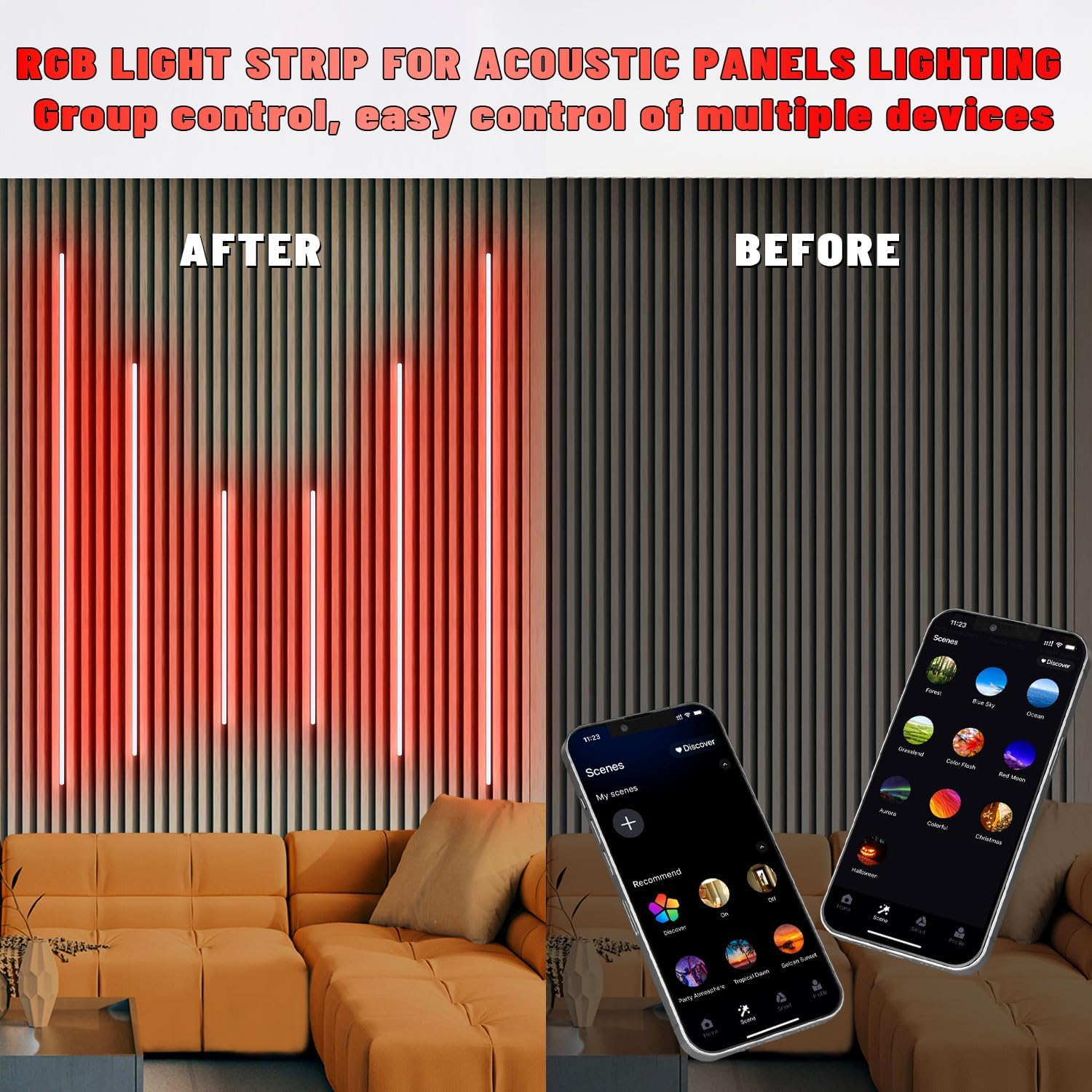
Image: A visual representation of voice control integration with Amazon Alexa and Google Assistant devices.
5.4 Music Sync & Color Change
Experience dynamic lighting that reacts to sound, enhancing your environment.
- App Control: Within the 'Surplife' app, activate music or microphone mode. The lights will change colors and patterns in response to audio input.
- Customization: Customize sensitivity and color palettes for music synchronization.
- Color Game Function: A new color game function is available in the app for interactive fun.

Image: The LED lights demonstrating their music synchronization capabilities, changing colors in rhythm.
Video: A demonstration of RGB recessed lights showcasing sound-absorbing panel scene effects, highlighting dynamic color changes.
Video: A demonstration of RGB recessed lighting for acoustic panels in multiple scenarios, illustrating various lighting effects and applications.
Video: A real-world effect demonstration of the product, showing the lights in action and their various color options.
5.5 Group Control, Memory Function & Timer
Manage your lighting efficiently with these advanced features:
- Group Control: Control multiple LED strips as a single group or individually via the app or remote.
- Memory Function: The controller remembers your last lighting setting (color, brightness, mode) even after power off, ensuring your preferred ambiance is restored.
- Timer Function: Set schedules for the lights to automatically turn on or off, providing convenience and energy saving.
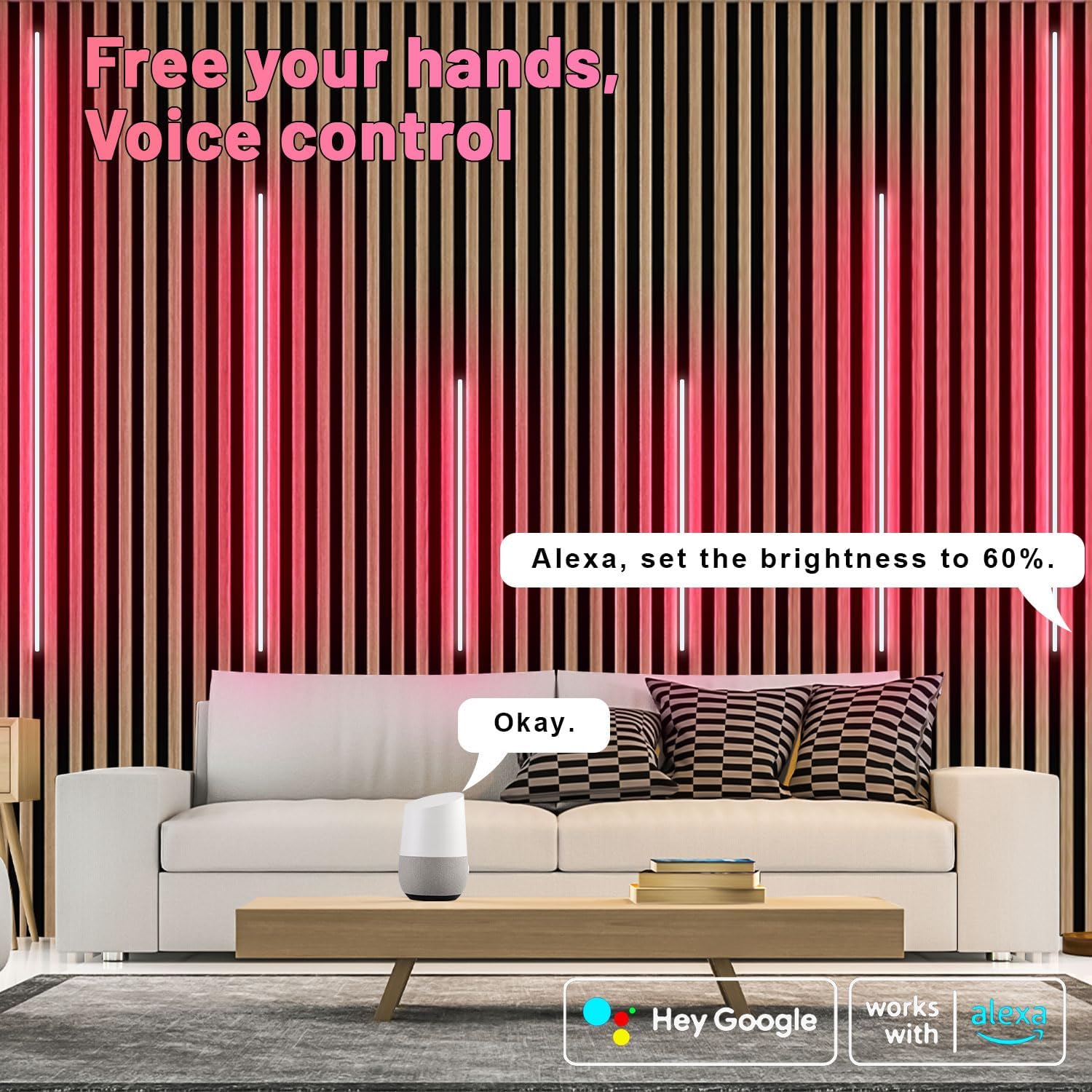
Image: The 'Surplife' app interface showing options for group control of multiple lighting devices.

Image: The app interface highlighting improved timing features and a selection of over 40 built-in lighting modes.
6. Specifications
| Brand | Lichaser |
| Model Name | LED Recessed Lighting for Acoustic Panel (Spider T) |
| Light Color | RGB (Red, Green, Blue) |
| Voltage | 12 Volts |
| Unit Count | 6.0 Count |
| Number of Items | 6 |
| Material | Aluminum |
| Indoor/Outdoor Usage | Indoor |
| Power Source | Corded Electric |
| Light Source Type | LED |
| Control Method | App, Remote |
| Smart Home Compatibility | Alexa, Google Assistant |
| Item Weight | 2.05 pounds |
| Product Dimensions | 26 x 2 x 2 inches |
7. Troubleshooting
- Lights not turning on:
Ensure all connections are secure, the power adapter is plugged in, and the power outlet is functional. Check if the controller is properly connected. - App connectivity issues (Google Sync buggy):
Verify your mobile device is connected to a 2.4 GHz WiFi network (5 GHz is not supported). Restart the app and the lighting controller. Check for app updates. If issues persist, try re-pairing the device in the 'Surplife' app. - Weak adhesive, lights falling:
Ensure the installation surface is thoroughly cleaned and dry before applying the strips. For porous or uneven surfaces, or if the adhesive weakens over time, consider using additional mounting clips or a stronger adhesive suitable for your wall material. - Remote control not working:
Check the battery in the remote control and replace if necessary (1 C battery required). Ensure there are no obstructions between the remote and the controller. - Lights are too narrow for slat wall opening:
If the LED strips are narrower than your slat wall grooves, they may not fit snugly. Consider using thin shims or spacers on one side to secure them, or explore alternative mounting methods that do not rely solely on the width of the strip. - Cable lengths are too short:
Plan your layout carefully to minimize cable length requirements. If necessary, consider purchasing compatible extension cables (check with the manufacturer for recommended accessories) or repositioning the controller closer to the strips.
8. Safety Information
- Do not expose the product to water or high humidity.
- Do not attempt to disassemble or modify the product. This will void the warranty and may cause damage or injury.
- Use only the provided power adapter. Using an incompatible adapter may damage the product.
- Keep out of reach of children.
- Ensure proper ventilation around the controller and power adapter during operation.
9. Warranty and Support
For warranty information or technical support, please refer to the contact details provided with your purchase or visit the official Lichaser website. Keep your proof of purchase for any warranty claims.


