
Daxceirf RG477M
RG477M Retro Handheld Game Console User Manual
Model: RG477M | Brand: Daxceirf
1. Introduction
Welcome to the user manual for your new RG477M Retro Handheld Game Console. This device combines classic gaming with modern technology, featuring an aluminum alloy CNC body, a vibrant 4.7-inch LTPS in-Cell screen, and a powerful Dimensity 8300 processor running Android 14. This manual provides essential information for setting up, operating, maintaining, and troubleshooting your console to ensure an optimal gaming experience.
1.1 What's in the Box

Image: The RG477M console shown with its packaging, USB cable, screen protector, and user manual.
- 1 x RG477M Game Console
- 1 x USB Type-C Cable
- 1 x Screen Protector
- 1 x Silicone Protective Case
- 1 x User Manual

Image: A visual representation of the RG477M console and its standard accessories.
2. Product Features
The RG477M is engineered for high-performance portable gaming and multimedia. Key features include:
2.1 Design and Display

Image: The RG477M's premium aluminum alloy construction in two color variants.
- Material: Crafted from premium aluminum alloy using CNC technology for durability and a luxurious feel.
- Screen: 4.7-inch LTPS In-Cell display with OCA full lamination.
- Resolution: 1280x960 pixels.
- Refresh Rate: Supports a maximum refresh rate of 120Hz for smooth visuals.
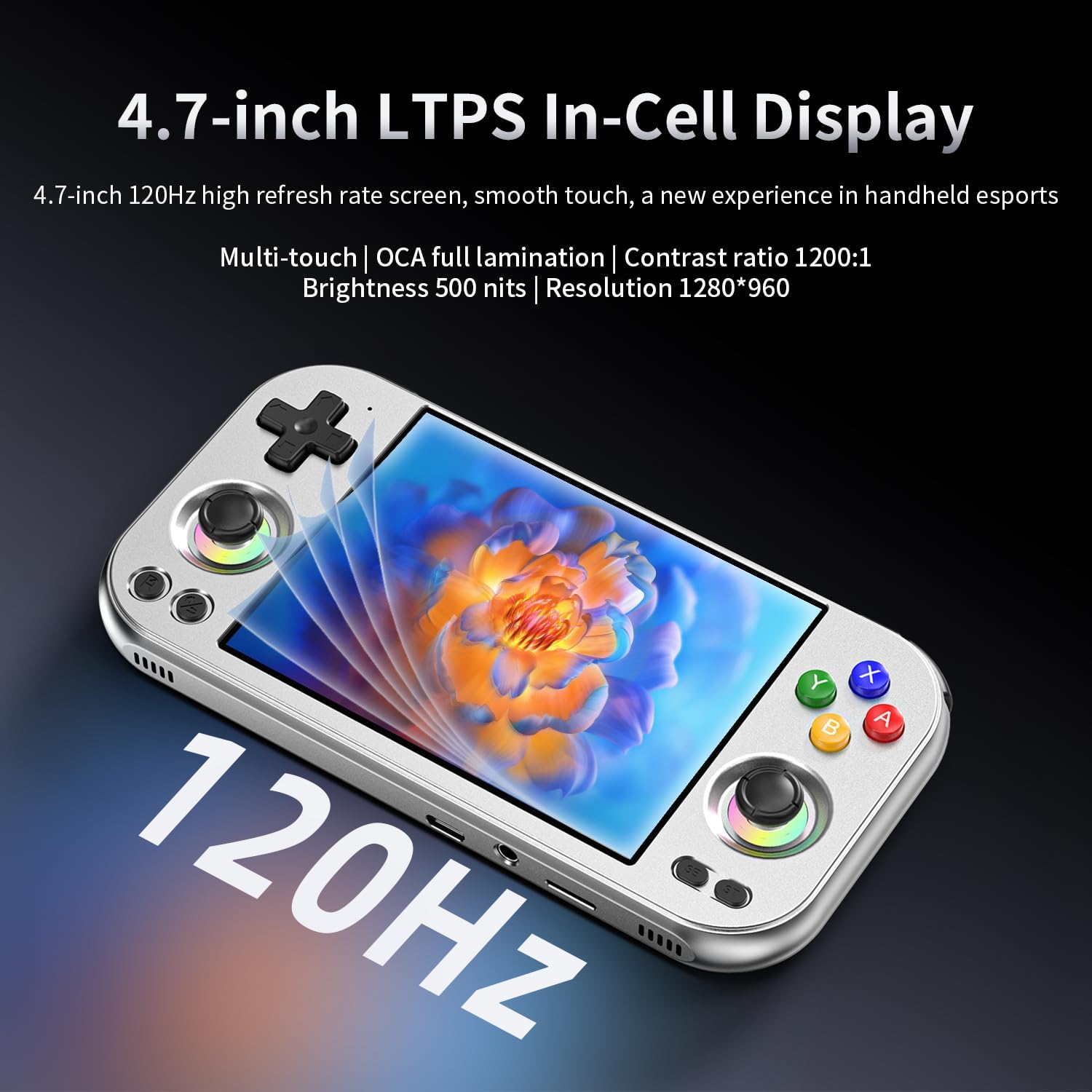
Image: Detailed view of the console's high-refresh-rate LTPS In-Cell display.
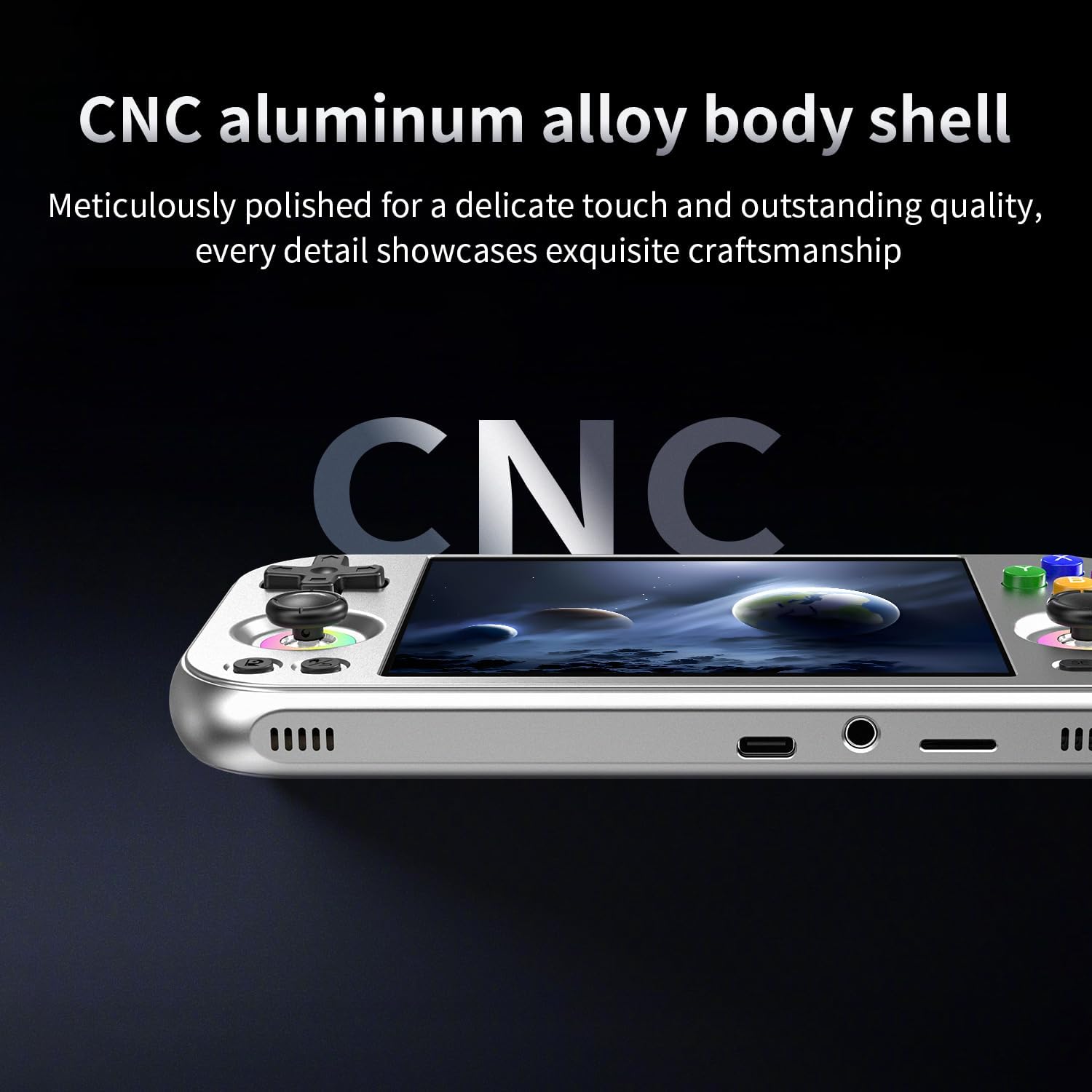
Image: The precision-crafted CNC aluminum alloy body of the RG477M.
2.2 Performance and Connectivity
- Processor: Dimensity 8300, high-efficiency 4nm process technology 5G SOC chip, Octa-core CPU (1*A715@3.35GHz + 3*A715@3.20GHz + 4*A510@2.2GHz).
- Operating System: Android 14.
- Wireless: Built-in WiFi 6E and Bluetooth 5.3 technology.
- Battery: Large capacity 5300mAh battery, providing up to 7 hours of gaming. Supports fast charging via USB Type-C.
- Audio: High-fidelity dual stereo speakers.
- Storage: Supports TF card expansion up to 2TB.
2.3 Advanced Features

Image: An overview of the RG477M's advanced hardware and software features.
- Cooling: High-speed fan and heat pipe active cooling system.
- Joysticks: Large-angle 3D Hall joysticks for precise control.
- Vibration: Built-in vibration motor for immersive feedback.
- Gyroscope: Six-axis gyroscope for accurate orientation.
- RGB Lighting: 16 million colors RGB joystick light ring with various modes (light, breath, rainbow, marquee, chasing).
- Display Output: USB Type-C supports 1080p display port output.
- AI Functions: One-click game guide retrieval, real-time translation, intelligent dialogue, text-to-image generation, image processing.
- Updates: Supports FOTA wireless upgrades.
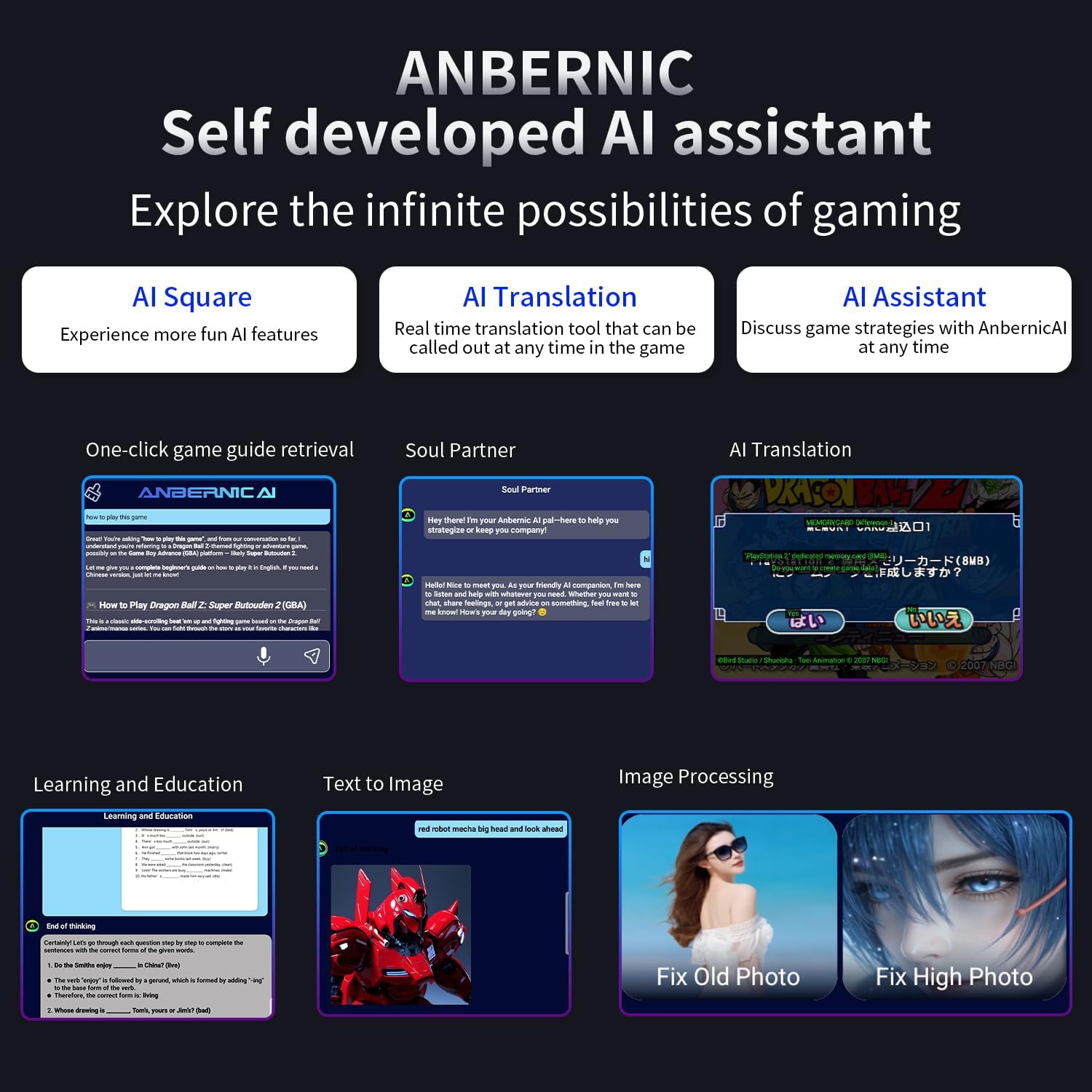
Image: The various AI capabilities integrated into the RG477M console.
3. Device Layout

Image: Detailed diagram of the RG477M's controls and ports.
Familiarize yourself with the console's layout:
- Left Shoulder Buttons (L1, L2): Top left.
- Right Shoulder Buttons (R1, R2): Top right.
- Left Joystick: Bottom left.
- Right Joystick: Bottom right.
- D-Pad: Top left, cross-shaped directional pad.
- Game Keys (A, B, X, Y): Top right, colored buttons.
- Function Key: Bottom left, below left joystick.
- Return Key: Bottom left, below function key.
- Select Button: Bottom right, below right joystick.
- Start Button: Bottom right, below Select button.
- USB Type-C Port: Bottom edge, for charging and display output.
- TF Card Slot: Bottom edge, for expandable storage.
- Microphone: Top edge.
- Power Button: Top edge.
- Volume Buttons (+/-): Top edge.
4. Getting Started (Setup)
4.1 Initial Charging
Before first use, fully charge your RG477M console. Connect the included USB Type-C cable to the console's USB-C port and the other end to a compatible USB power adapter (not included). The charging indicator light will show the charging status. A full charge typically takes a few hours.
4.2 Powering On/Off
- To Power On: Press and hold the Power button located on the top edge of the console until the screen illuminates.
- To Power Off: Press and hold the Power button until a power-off menu appears on the screen. Select "Power Off" to shut down the device safely. A short press will put the device to sleep.
4.3 Initial Configuration
Upon first boot, you may be guided through an initial setup process for the Android 14 system. This typically includes:
- Selecting your preferred language.
- Connecting to a Wi-Fi network (essential for downloading games and updates).
- Setting date and time.
Important Note: The RG477M package does not include a game card and comes with NO preloaded games. Users need to download relevant games independently.
5. Operating Instructions
5.1 Navigating the Android System
The RG477M runs on Android 14, providing a familiar interface. Use the joysticks or D-Pad to navigate menus and select options. The A, B, X, Y buttons typically serve as action buttons, while the Function and Return keys offer additional controls within applications.
5.2 Game Management
As the console does not come with preloaded games, you will need to acquire and install games yourself. This typically involves:
- Downloading game files from legitimate sources.
- Transferring game files to the console's internal storage or an inserted TF card.
- Using a compatible emulator or game launcher application to play the games.
5.3 Connectivity (Wi-Fi & Bluetooth)
- Wi-Fi: Access the Android settings menu to connect to available Wi-Fi 6E networks. This enables online multiplayer, streaming, and downloading content.
- Bluetooth: Pair Bluetooth 5.3 compatible accessories such as headphones or external controllers through the Android settings.
5.4 External Display & Multimedia
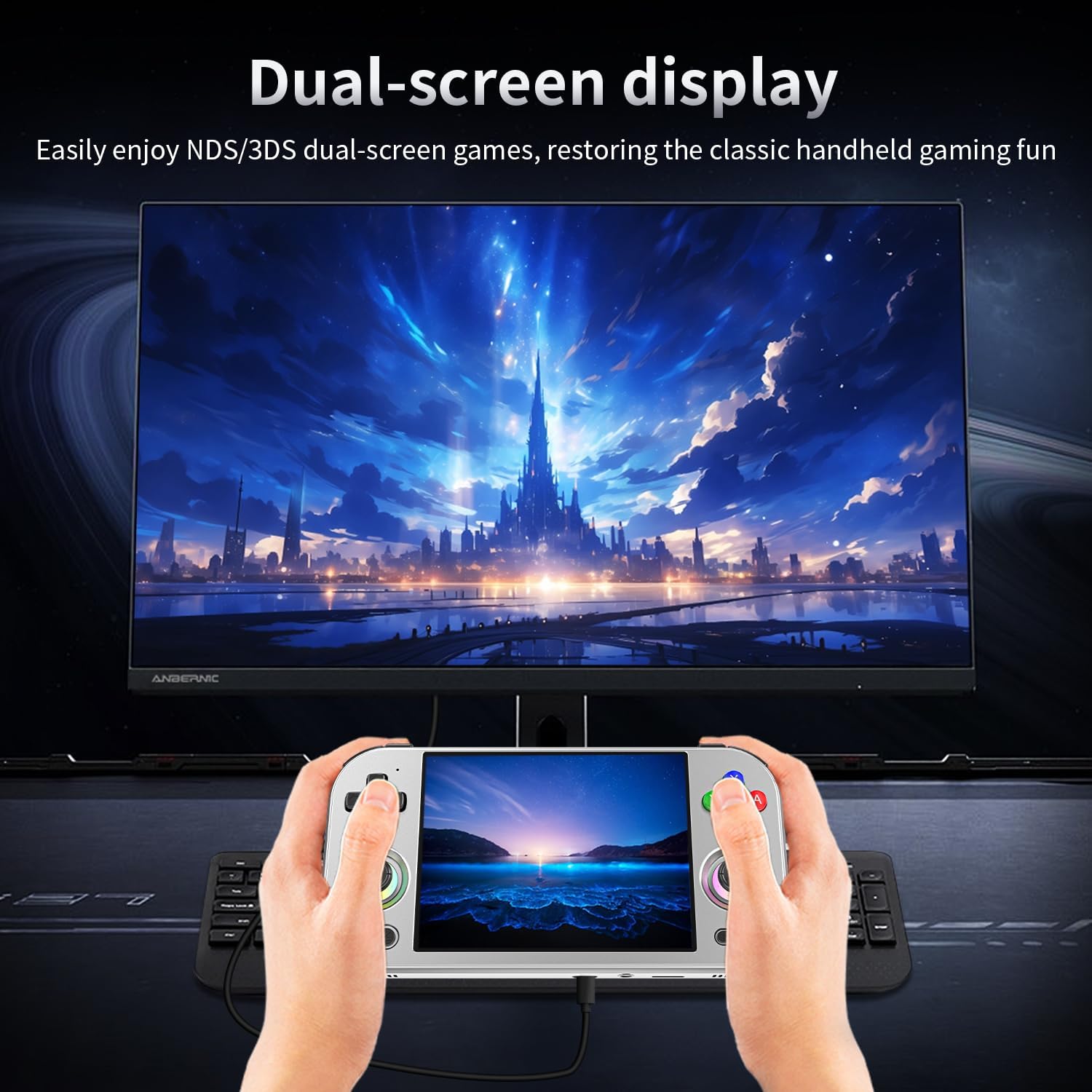
Image: The RG477M connected to an external display for a larger gaming experience.
- Display Port Output: Connect the console to an external monitor or TV using the USB Type-C port for 1080p display output. This allows for a larger screen gaming experience or wireless screen projection.
- Multimedia: Beyond gaming, the RG477M can function as a multi-function entertainment device. You can listen to music, watch videos, browse the web, and use social applications.
5.5 AI Functions
Leverage the integrated AI features for enhanced usability:
- Game Guide Retrieval: Use one-click functionality to access game guides.
- Real-time Translation: Translate text or speech in real-time, useful during gameplay or general use.
- Intelligent Dialogue: Engage in smart conversations with the AI assistant.
- Text-to-Image Generation: Create images from text prompts.
- Image Processing: Enhance or modify images directly on the device.
6. Maintenance
6.1 Cleaning the Device
To maintain the console's appearance and functionality:
- Use a soft, dry, lint-free cloth to wipe the screen and body.
- For stubborn smudges, slightly dampen the cloth with water. Avoid harsh chemicals or abrasive materials.
- Keep ports free of dust and debris.
6.2 Battery Care
- Avoid fully discharging the battery frequently.
- Charge the device regularly, even if not in use for extended periods, to maintain battery health.
- Use only the provided USB Type-C cable or a certified equivalent for charging.
6.3 Software Updates
The RG477M supports FOTA (Firmware Over-The-Air) wireless upgrades. Regularly check for and install system updates to ensure optimal performance, security, and access to new features. You can typically find update options within the Android system settings.
7. Troubleshooting
If you encounter issues with your RG477M, refer to the following common problems and solutions:
- Device will not power on: Ensure the battery is charged. Connect the console to a power source and try again. If unresponsive, perform a hard reset by holding the power button for 10-15 seconds.
- Screen is unresponsive or frozen: Try restarting the device. If the issue persists, ensure no physical damage to the screen.
- Wi-Fi connection issues: Check if Wi-Fi is enabled in settings. Ensure you are within range of a strong Wi-Fi signal. Restart your router if necessary.
- Games are lagging or crashing: Ensure the game files are not corrupted. Close background applications to free up RAM. Check for system updates.
- No sound: Check the volume settings on the device. Ensure headphones are properly connected if in use.
- TF card not recognized: Ensure the TF card is inserted correctly. Try reinserting it or testing with another compatible TF card.
For persistent issues not covered here, please refer to the support section or contact customer service.
8. Specifications
Detailed technical specifications for the RG477M Retro Handheld Game Console:
| Feature | Specification |
|---|---|
| Model | RG477M |
| Processor | Dimensity 8300 (Octa-core CPU: 1*A715@3.35GHz + 3*A715@3.20GHz + 4*A510@2.2GHz) |
| Operating System | Android 14 |
| Screen Size | 4.7 Inches |
| Display Type | LTPS In-Cell LCD, OCA full lamination |
| Resolution | 1280x960 |
| Max Refresh Rate | 120Hz |
| Material | Aluminum Alloy CNC Process |
| Memory Storage Capacity | 256 GB (internal, expandable via TF card) |
| TF Card Support | Up to 2TB |
| Battery Capacity | 5300mAh Lithium-Ion |
| Battery Life | Up to 7 hours (gaming) |
| Charging | USB Type-C, 5V/9V=27W fast charging |
| Wi-Fi | Wi-Fi 6E |
| Bluetooth | Bluetooth 5.3 |
| Audio | High fidelity dual stereo speakers |
| Controller Type | Joystick (Large-angle 3D Hall joystick) |
| Product Dimensions | 5 x 4 x 1 inches |
| Item Weight | 14.1 ounces (0.4 Kilograms) |
9. Warranty and Support
9.1 Protection Plans
Optional protection plans are available for your RG477M console:
- 2-Year Protection Plan
- 3-Year Protection Plan
- Complete Protect: One plan covers all eligible past and future purchases (monthly billing).
For details on coverage and pricing, please refer to the product listing or contact your retailer.
9.2 Customer Support
For further assistance, technical support, or warranty claims, please contact Daxceirf customer service through the official brand store or your point of purchase.
Visit the official Daxceirf Store: Daxceirf Store on Amazon
Ask a question about this manual
Ask about setup, troubleshooting, compatibility, parts, safety, or missing instructions. Manuals+ will review the question and use this page’s manual context to help answer it.