
1. Introduction
This manual provides essential instructions for the safe and effective use of your new 54.6V battery charger. Please read this manual thoroughly before operation and retain it for future reference. This charger is designed to provide reliable power to compatible electric scooters and e-bikes.
2. Important Safety Information
To prevent injury or damage to your device, please observe the following safety precautions:
- Input Voltage Range: The charger operates with an AC input voltage range of 100V - 240V.
- Output Specifications: This charger provides an output of 48V – 54.6V DC at 2 Amps.
- Connector Type: This charger features a standard DC barrel connector (round plug tip). It is NOT compatible with 3-Pin XLR connectors.
- Voltage Compatibility: Do NOT use this charger with 36V or 42V battery systems. Confirm your device's voltage requirements before use.
- Built-in Protections: The charger includes Over Voltage Protection (OVP), Over Current Protection (OCP), and Short Circuit Protection (SCP).
- Ensure the charger is used in a well-ventilated area to prevent overheating.
- Do not expose the charger to water, rain, or excessive moisture.
- Do not attempt to disassemble, modify, or repair the charger. Refer servicing to qualified personnel.
- Keep the charger out of reach of children and pets.
- Unplug the charger from the power outlet when not in use.

3. Product Overview
This 54.6V battery charger is designed for efficient and safe charging of compatible electric scooters and e-bikes. It features robust construction and multiple safety protections to ensure reliable performance.
Key Features:
- Universal Input: AC 100-240V, 50/60Hz
- Stable Output: DC 54.6V, 2A
- Standard DC Barrel Plug Connector
- Integrated OVP, OCP, SCP protections
- Clear Charging Indicator Light

4. Compatibility
This charger is compatible with the following electric scooters and e-bikes that require a 54.6V output and utilize a DC barrel connector for charging:
- EUYBIKE K6
- EUYBIKE K6 Mini
- EUYBIKE K6 Pro (K6F) Foldable E-Bike
- NAVEE N65 Electric Scooter (48V Battery System)
- SmooSat MAX Electric Scooter (46.8V / 48V Lithium-ion Battery Packs, 500W Motor)


5. Setup
Follow these steps to set up your charger:
- Carefully unpack the charger and inspect it for any signs of damage. If damaged, do not use and contact customer support.
- Ensure the power outlet you intend to use is easily accessible and provides the correct voltage (AC 100-240V).
- Before connecting, verify that your device's charging port matches the charger's DC barrel connector and that its voltage requirements are within the 48V-54.6V range.
6. Operating Instructions
Charging Your Device:
- Connect the DC barrel connector of the charger securely into the charging port of your electric scooter or e-bike.
- Plug the AC power cord into a standard wall outlet (AC 100-240V).
- The charging indicator light on the charger will illuminate, typically green, to indicate that charging is in progress.
- Once your device's battery is fully charged, the indicator light may change color or turn off. Refer to your device's specific user manual for detailed charging status indicators.
- To disconnect, first unplug the charger from the wall outlet, then carefully remove the DC barrel connector from your device.
Note: Charging times may vary depending on the battery capacity and current charge level of your device.
7. Maintenance
Proper care will extend the life of your charger:
- Keep the charger clean and free from dust, dirt, and debris. Use a dry, soft cloth for cleaning.
- Store the charger in a cool, dry place away from direct sunlight and extreme temperatures when not in use.
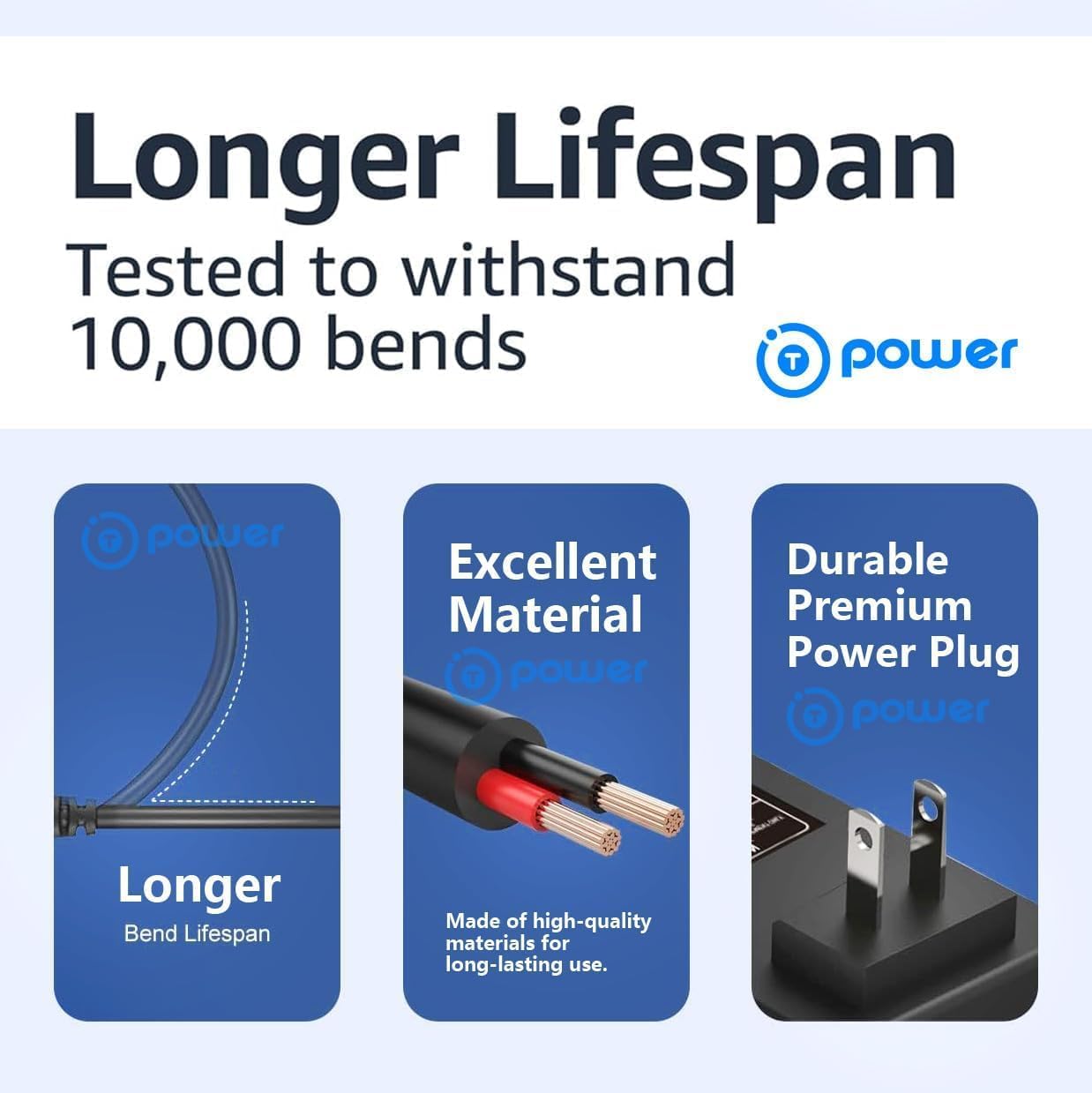
- Avoid wrapping the cable too tightly around the charger or bending it sharply, as this can damage the internal wires.
- Regularly inspect the cables and connectors for any signs of wear or damage.
8. Troubleshooting
If you encounter issues with your charger, refer to the following common problems and solutions:
Charger Not Working:
- No Power Indicator Light:
- Check if the AC power cord is securely plugged into both the wall outlet and the charger unit.
- Try plugging the charger into a different wall outlet to rule out an issue with the power source.
- Ensure the wall outlet is receiving power (e.g., by testing with another appliance).
- Device Not Charging:
- Verify that the DC barrel connector is fully and securely inserted into your device's charging port.
- Confirm that your device's voltage requirements precisely match the charger's output (48V-54.6V).
- Ensure the charger's connector type (DC barrel) is compatible with your device's charging port (not a 3-Pin XLR).
- The device's battery may already be fully charged, or there might be an issue with the device's battery itself.
If issues persist after attempting these troubleshooting steps, please contact customer support for further assistance.
9. Specifications
| Feature | Specification |
|---|---|
| Input Voltage Range | AC 100-240V, 50/60Hz |
| Output Voltage | DC 54.6V |
| Output Current | 2.5 Amps |
| Connector Type | DC Barrel Connector |
| Product Dimensions | 4.5 x 2 x 1.25 inches |
| Item Weight | 8 ounces |
| Special Feature | Charging Indicator |
| Built-in Protections | OVP, OCP, SCP |
| Compatible Devices | EUYBIKE K6/K6 Mini/K6 Pro, NAVEE N65, SmooSat MAX |
10. Warranty and Support
This product is manufactured to high-quality standards. For any support inquiries or warranty information, please refer to the seller's contact details or the original product packaging. Keep your purchase receipt for warranty claims.


