
1. Introduction
The N-Gear PartyBar Five is a versatile and powerful LED lighting system designed for various applications including DJ sets, theatrical performances, event technicians, clubs, and mobile events. It combines multiple pre-configured lighting effects with flexible control options, ensuring a dynamic light show for any occasion.
This manual provides essential information for the safe and efficient operation of your PartyBar Five. Please read it thoroughly before use and retain it for future reference.
2. Safety Information
To prevent electric shock, fire, or injury, always observe the following safety precautions:
- Read all instructions carefully before operating the device.
- Keep this manual for future reference.
- Ensure the power supply voltage matches the device's requirements (100-240V AC, 50/60Hz).
- Do not expose the device to rain or moisture.
- Do not open the housing; there are no user-serviceable parts inside. Refer all servicing to qualified personnel.
- Avoid direct eye exposure to the light source, especially the laser.
- Ensure proper ventilation around the unit to prevent overheating.
- Always disconnect the power cable before cleaning or servicing.
- Mount the device securely to prevent accidental falls.
3. Package Contents
Verify that all items listed below are included in your package:
- 1x N-Gear PartyBar Five LED Lighting System
- 1x IR Remote Control
- 1x Power Cable
- 1x Mounting Bracket (pre-attached or separate)
- 1x Tripod (if included in your specific model variant)
- 1x User Manual
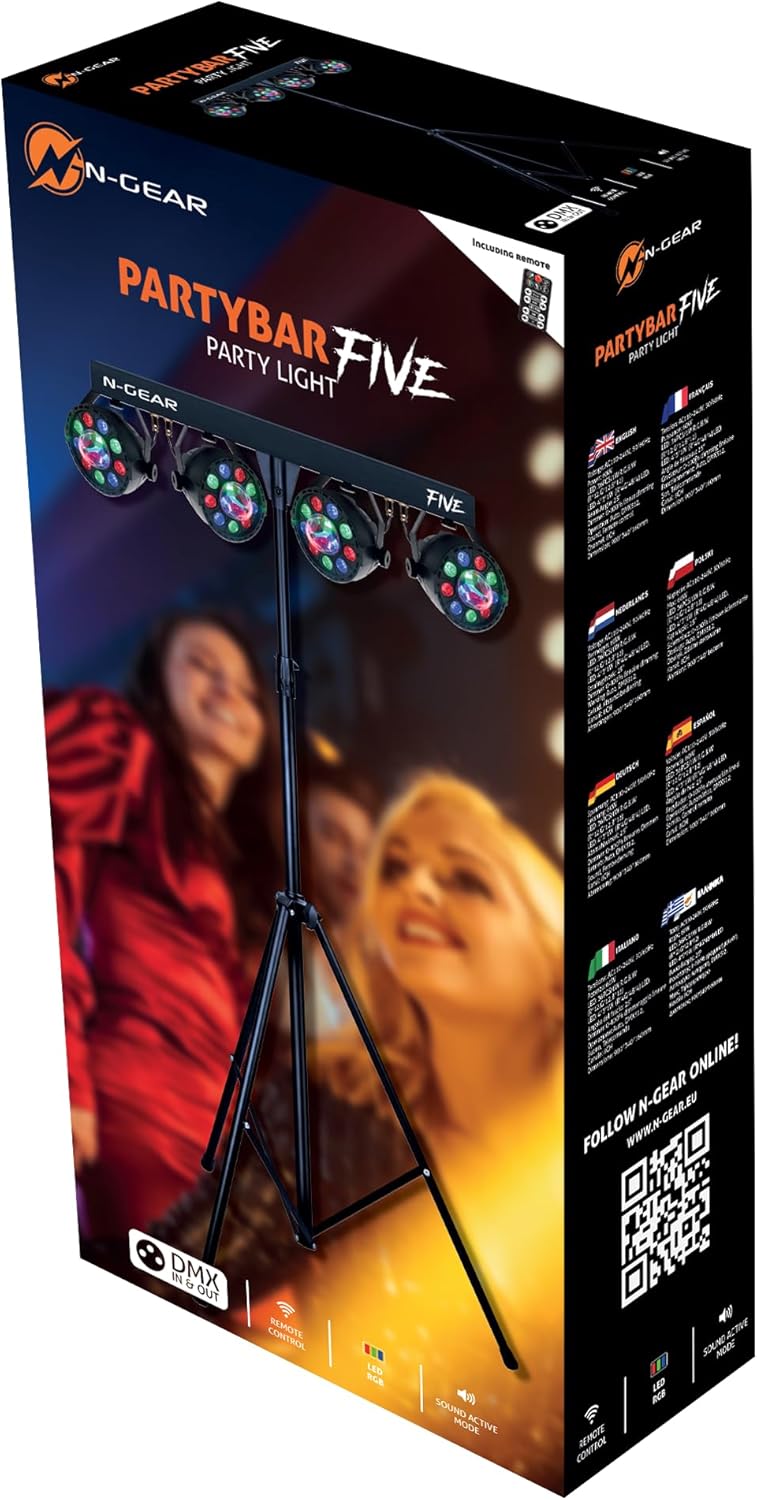
Image: The N-Gear PartyBar Five LED lighting system packaging box, showing the product and included accessories.

Image: The N-Gear PartyBar Five lighting bar, tripod stand, and remote control laid out, illustrating the main components.
4. Product Overview
The PartyBar Five integrates multiple lighting effects into a single compact unit:
- 4x RGBW LEDs (4W each): For wash lighting and color mixing.
- 2x RGB Derby Effects (3W each): For dynamic, multi-beam patterns.
- 4x White Strobe LEDs (1W each): For flashing effects.
- 1x RGB Laser: For sharp, intricate laser patterns.
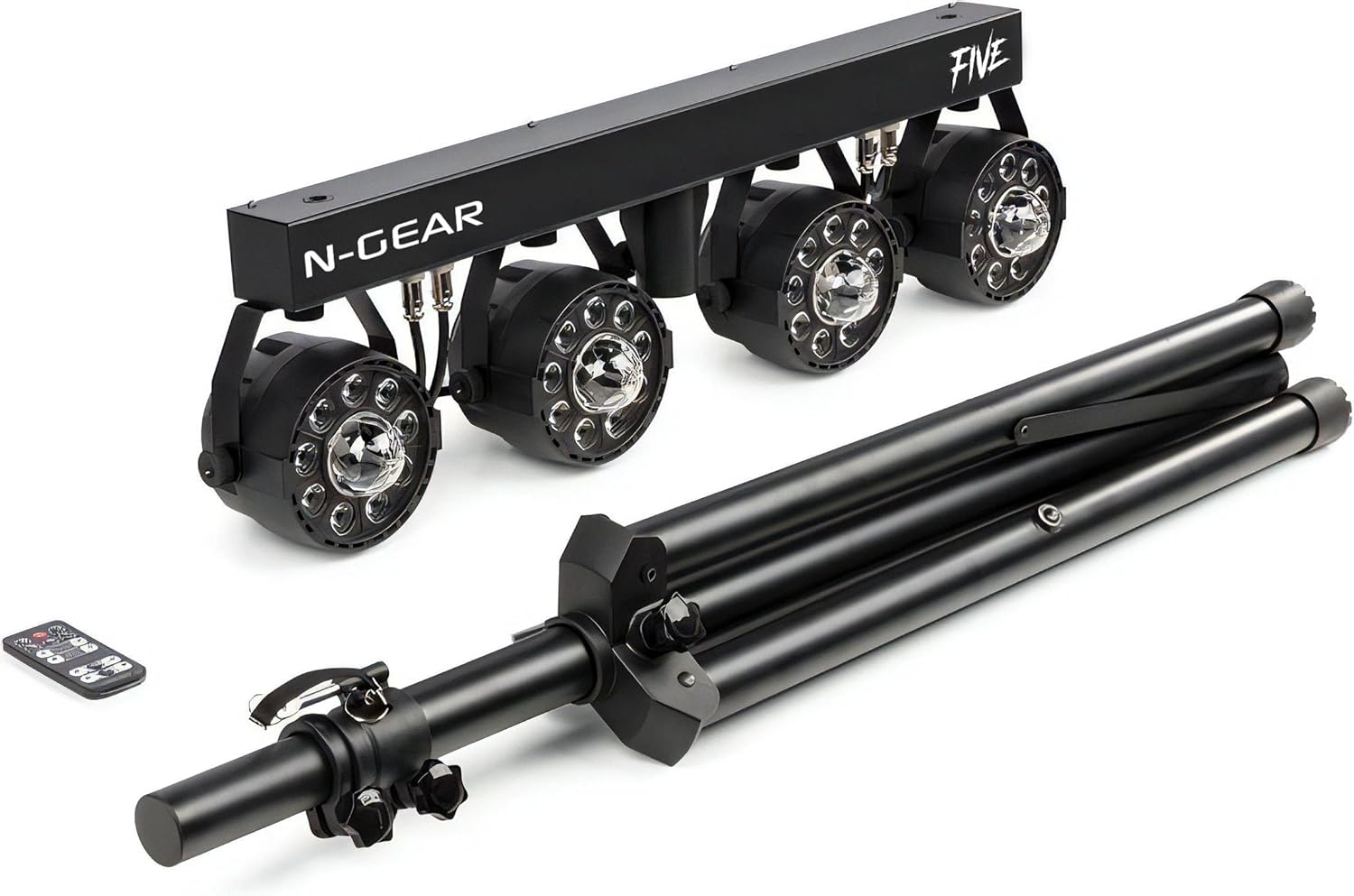
Image: Front view of the N-Gear PartyBar Five, showing the four LED par lights and the central bar housing the other effects.

Image: Side view of the N-Gear PartyBar Five, highlighting the compact design and mounting points for the par lights.
5. Setup
5.1 Assembling the Tripod Stand
- Unfold the tripod legs and spread them to a stable position.
- Secure the legs using the locking knob on the central column.
- Extend the telescopic pole to the desired height and tighten the locking mechanism.
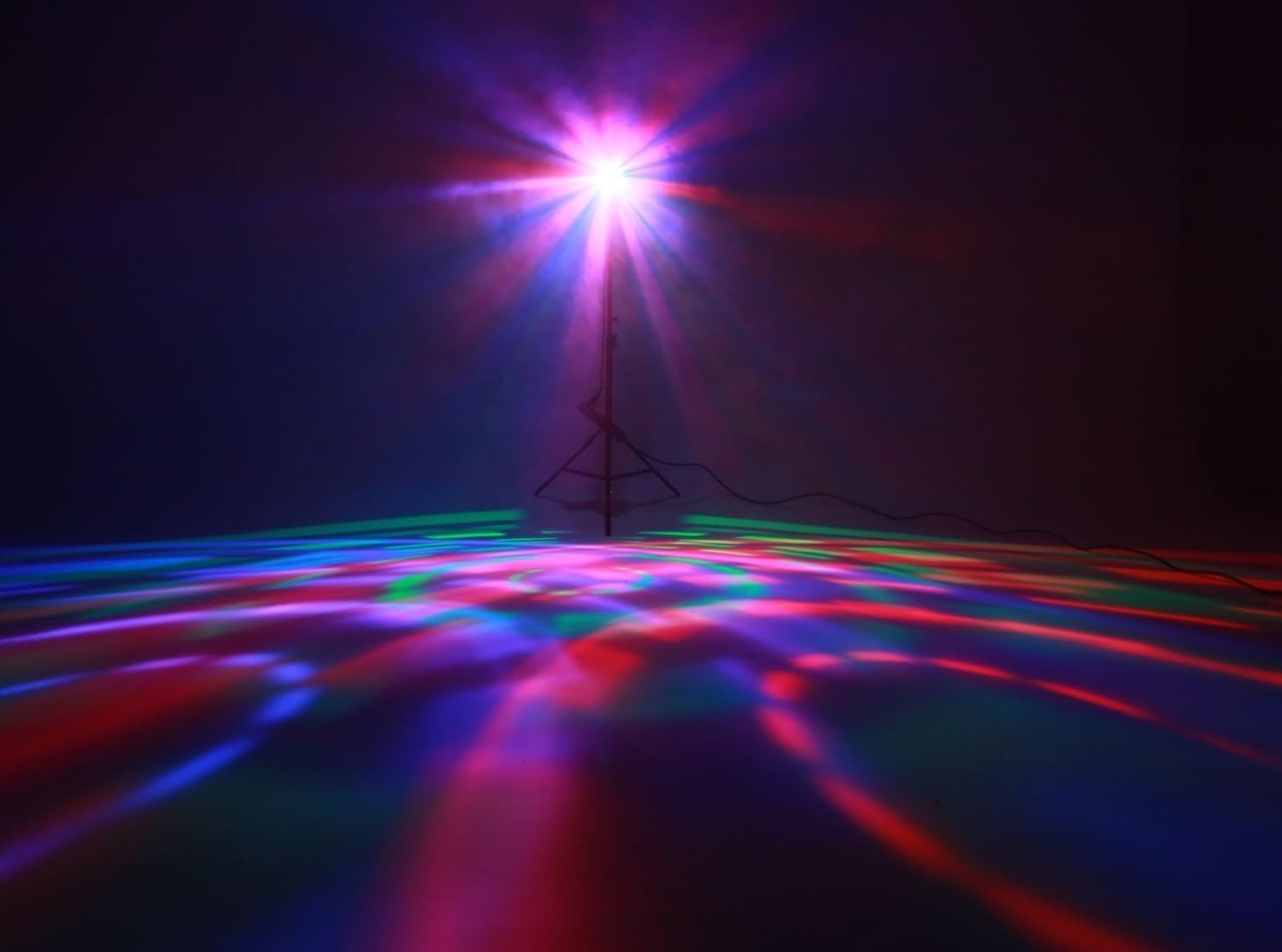
Image: The tripod stand in a disassembled state, showing the base and the telescopic pole.
5.2 Mounting the PartyBar Five
- Carefully place the PartyBar Five unit onto the top of the assembled tripod stand.
- Align the mounting holes on the bar with the attachment point on the tripod.
- Secure the bar to the tripod using the provided screws or locking pins. Ensure it is stable and level.
- Alternatively, the unit can be mounted on a truss or placed on a flat surface using its integrated mounting points.
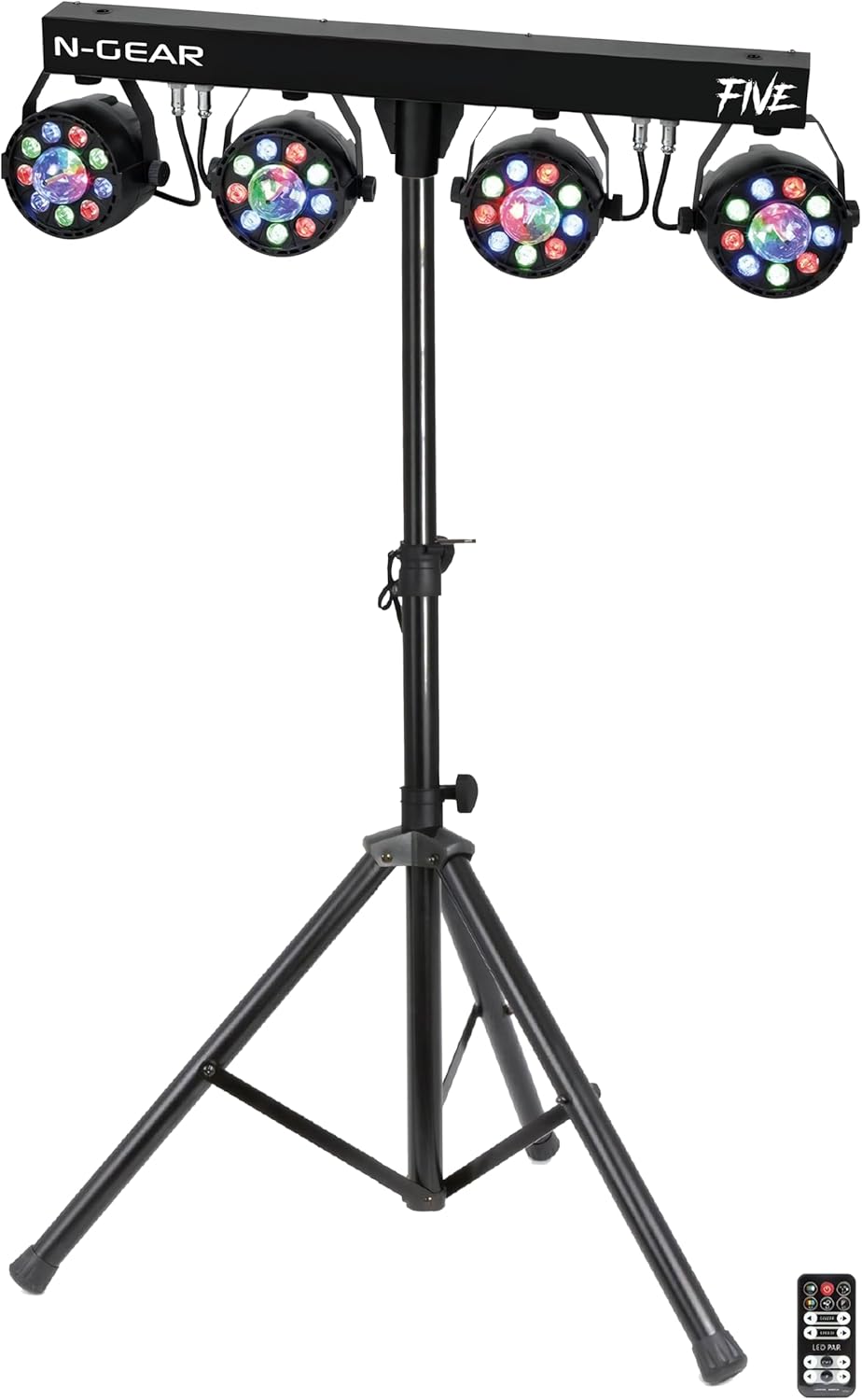
Image: The N-Gear PartyBar Five LED lighting system fully assembled and mounted on its tripod stand, ready for operation.
Image: A front view of the N-Gear PartyBar Five, showcasing the four par lights and the central bar, mounted on a tripod.
5.3 Power Connection
Connect the provided power cable to the power input on the PartyBar Five and then plug it into a suitable electrical outlet (100-240V AC, 50/60Hz).
6. Operating Modes
The PartyBar Five offers several operating modes to suit different event requirements:
6.1 Automatic Mode (Auto)
In Auto mode, the unit cycles through its pre-programmed lighting effects automatically. This mode is ideal for quick setup and continuous light shows without external control.
6.2 Sound-Activated Mode (Music)
The Sound-Activated mode uses a built-in microphone to synchronize light effects with the beat of the music. The sensitivity can often be adjusted via the control panel or remote.
6.3 IR Remote Control Mode
Use the included infrared remote control to select modes, change colors, adjust brightness, and trigger specific effects. Point the remote directly at the IR receiver on the unit.

Image: The N-Gear PartyBar Five lighting system shown with its infrared remote control, illustrating the ease of wireless operation.
6.4 DMX Mode
For professional control, connect the PartyBar Five to a DMX controller. The unit supports 2, 7, 15, or 37 DMX channels, allowing precise control over individual effects, colors, speed, and intensity.
- Channel 1: Effect Macro selection (A1-A5 pre-programmed effects).
- Channels 2-8: Control parameters such as speed, master dimmer, RGB brightness, and color balance.
Refer to the detailed DMX chart in the full user manual for specific channel assignments and values.
6.5 Master/Slave Mode
Link multiple PartyBar Five units together using DMX cables. Set one unit as the "Master" and the others as "Slave" units. The slave units will then mirror the master unit's operation, creating a synchronized light show across multiple devices.
6.6 Available Effects
The system offers various effect types:
- Chase
- Fade
- Strobe
- All On
- Automatic Jumps
- Laser patterns
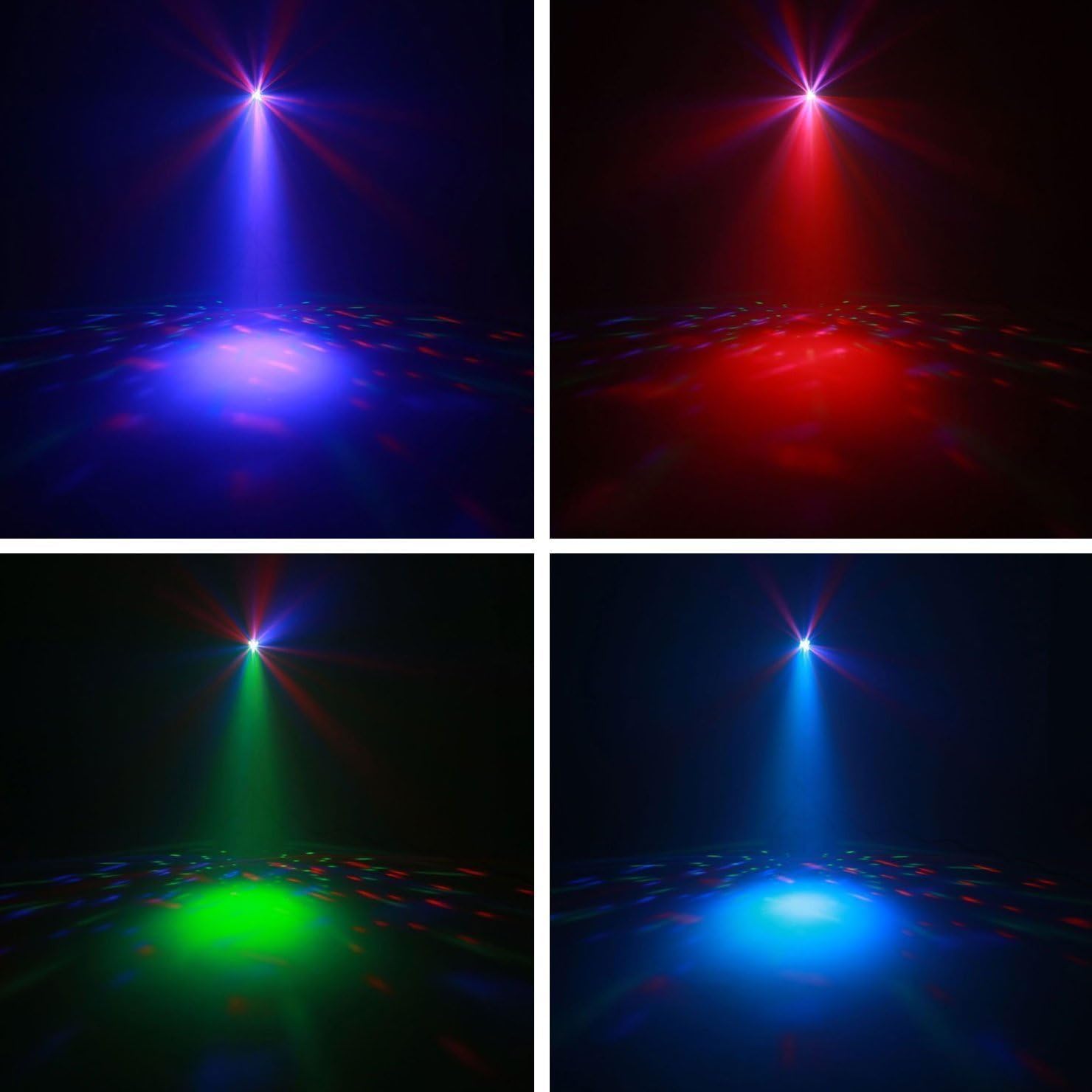
Image: A vibrant laser light effect projected from the PartyBar Five, creating dynamic green and red beams across a dark space.

Image: Colorful light patterns projected onto a floor from the PartyBar Five, demonstrating its ability to create wide-area effects.
7. Maintenance
7.1 Cleaning
Regular cleaning helps maintain optimal light output and extends the lifespan of your device.
- Always disconnect the power before cleaning.
- Use a soft, lint-free cloth to wipe the exterior of the unit.
- For lenses and optical components, use a specialized lens cleaning solution and cloth to avoid scratches.
- Do not use abrasive cleaners or solvents.
7.2 Storage
When not in use, store the PartyBar Five in a dry, dust-free environment, preferably in its original packaging or a padded case to protect it from damage.
8. Troubleshooting
If you encounter issues with your PartyBar Five, refer to the following common problems and solutions:
| Problem | Possible Cause | Solution |
|---|---|---|
| No power | Power cable disconnected, faulty outlet, unit off | Check power cable connection, try a different outlet, ensure power switch is ON. |
| Lights not responding to music | Sound-activated mode not selected, microphone sensitivity too low, no sound input | Select Sound mode, increase microphone sensitivity, ensure music is playing loudly enough near the unit. |
| Remote control not working | Batteries dead, remote not pointed at IR receiver, obstruction | Replace remote batteries, ensure clear line of sight to IR receiver, point directly. |
| DMX control issues | Incorrect DMX address, faulty DMX cable, incorrect channel mode | Verify DMX address and channel mode settings, check DMX cable connections, consult DMX chart. |
| Unit overheating | Blocked ventilation, prolonged use in high ambient temperature | Ensure ventilation openings are clear, operate in a cooler environment, allow unit to cool down. |
If the problem persists after trying these solutions, please contact customer support.
9. Specifications
| Feature | Detail |
|---|---|
| Model Number | PBFIVE |
| Brand | N-Gear |
| Light Source | 4x RGBW LEDs (4W), 2x RGB Derby Effects (3W), 4x White Strobe LEDs (1W), 1x RGB Laser |
| Power Consumption | 65 W |
| Voltage | 100-240V AC, 50/60Hz |
| Control Modes | Auto, Sound-Activated (Music), IR Remote, DMX (2, 7, 15, or 37 channels), Master/Slave |
| Material | Plastic, Aluminum, Metal |
| Dimensions (Unit) | 745 x 210 x 190 mm |
| Dimensions (Packaged) | 90 x 34 x 16 cm |
| Weight (Unit) | 4.7 kg |
| Weight (Packaged) | 6.85 kg |
| Certifications | CE, RoHS |
10. Warranty and Support
10.1 Warranty Information
N-Gear products are designed and manufactured to the highest quality standards. For specific warranty terms and conditions, please refer to the warranty card included with your product or visit the official N-Gear website. Keep your proof of purchase for warranty claims.
10.2 Customer Support
If you have any questions, require technical assistance, or need to report a problem with your PartyBar Five, please contact N-Gear customer support. Contact details can typically be found on the official N-Gear website or on the product packaging.
For online resources and further information, you may visit: www.n-gear.eu