
Introduction
Thank you for choosing the PAKASEPT Corner Display Curio Cabinet. This manual provides detailed instructions for the safe assembly, operation, and maintenance of your new display cabinet. Please read all instructions carefully before beginning assembly and retain this manual for future reference.
Safety Information
Please observe the following safety precautions:
- Handle all components, especially glass panels, with extreme care during assembly to prevent injury or damage.
- Do not exceed the maximum weight capacity of 25 pounds per shelf. Overloading shelves can lead to structural failure and potential injury.
- Ensure the cabinet is assembled on a flat, stable surface and is securely placed in its final position to prevent tipping.
- Keep small children and pets away from the assembly area and the cabinet during use to prevent accidents.
- Always use the provided anti-tip hardware to secure the cabinet to a wall, especially in households with children.
Package Contents
Your PAKASEPT Corner Display Curio Cabinet is shipped in two separate boxes. It is essential to wait for both packages to arrive before beginning assembly. Each part is individually packed and marked for easy identification.
Please verify that all components listed in the assembly instructions are present and undamaged before proceeding.

Figure 1: The cabinet ships in two separate packages. Please ensure both are received before assembly.
Assembly Instructions
This corner cabinet features clear installation steps and all necessary tools are included. Follow the provided step-by-step guide carefully for proper assembly.
- Unpack and Identify Parts: Carefully remove all components from both packages. Lay them out on a clean, soft surface to prevent scratches. Refer to the parts list in your separate assembly guide to identify each piece.
- Assemble the Frame: Begin by connecting the main frame components according to the diagrams in your assembly guide. Ensure all connections are secure.
- Install Shelves: Insert the adjustable shelves into the designated slots. The shelves can be positioned to your desired height. Each shelf can accommodate up to 25 pounds.
- Attach Glass Doors: Carefully attach the tempered glass doors. The pop-up design and stabilizing hinges ensure smooth operation.
- Install LED Lighting: Integrate the LED light strips as instructed. Ensure all wiring is properly connected.
- Final Placement and Securing: Once assembled, move the cabinet to its desired corner location. Use the provided anti-tip hardware to secure it to the wall for stability.
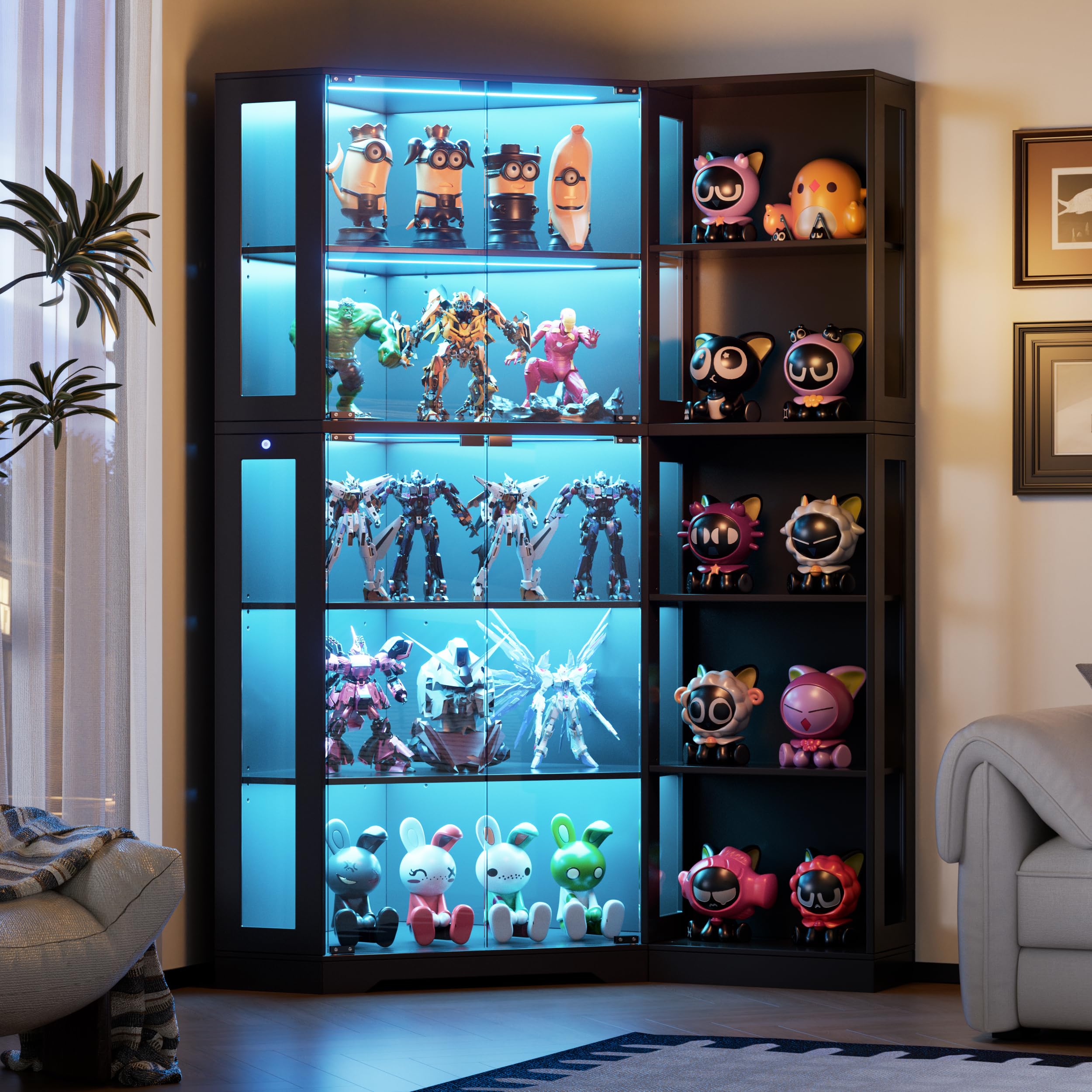
Figure 2: Overview of cabinet dimensions and shelf weight capacity.
Operating Instructions (LED Lights)
Your PAKASEPT Corner Display Curio Cabinet is equipped with integrated LED lights to enhance the display of your collectibles. The lighting system offers three distinct color modes and adjustable brightness.
- Power On/Off: Locate the light strip button on the cabinet frame. Press the button once to turn the lights on or off.
- Change Color Mode: With the lights on, short-press the button to cycle through the three available colors: blue, white, and yellow.
- Adjust Brightness: To adjust the brightness, long-press the button. The brightness will gradually increase or decrease. Release the button when the desired brightness level is reached.

Figure 3: The LED lights offer white, cool blue, and warm yellow color options.

Figure 4: Detail of the light strip buttons and other cabinet features.
Maintenance
Proper care will ensure the longevity and appearance of your display cabinet.
- Cleaning the Frame: The cabinet's smooth, paint-free MDF surface is easy to clean. Use a soft, damp cloth to wipe away dust and smudges. Avoid abrasive cleaners or harsh chemicals that could damage the finish.
- Cleaning Glass Panels: The tempered glass doors help keep dust out and protect your collections. Clean glass surfaces with a glass cleaner and a lint-free cloth. Spray cleaner onto the cloth, not directly onto the glass, to prevent liquid from seeping into seams.
- Dusting: Regularly dust the interior and exterior of the cabinet to maintain its pristine condition.
- Inspecting Hardware: Periodically check all screws and fittings to ensure they remain tight. Tighten if necessary.
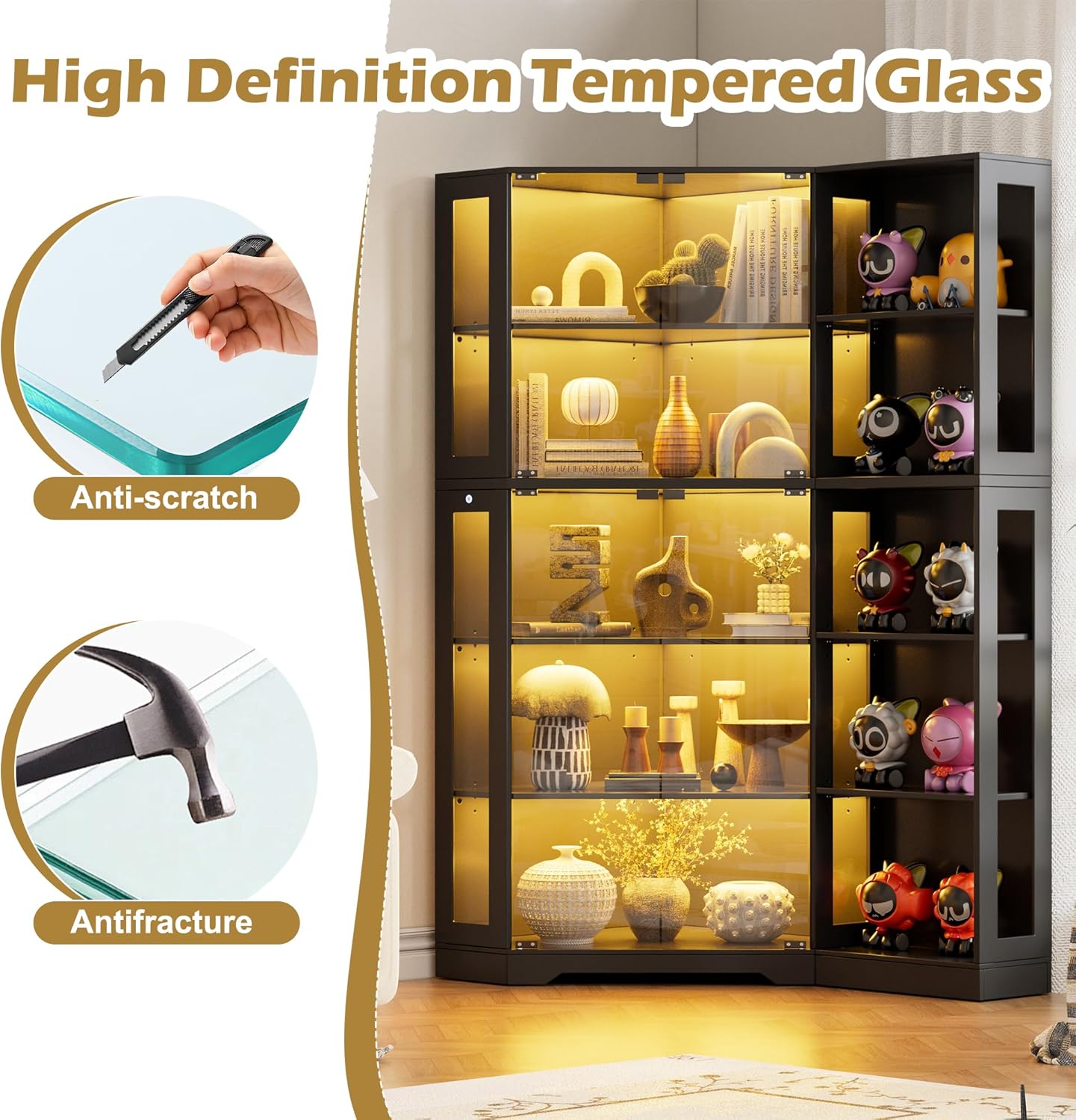
Figure 5: The cabinet features high-definition tempered glass for durability.
Troubleshooting
- Missing Parts: If you find any parts missing upon unpacking, please contact customer service immediately. Do not attempt to assemble the cabinet with incomplete parts.
- Assembly Difficulties: If you encounter difficulties during assembly, carefully re-read the assembly instructions and review the diagrams. Ensure all parts are oriented correctly. If issues persist, contact customer service for assistance.
- LED Lights Not Working: Check all electrical connections to the LED strips. Ensure the power source is active. If the lights still do not function, contact customer service.
- Doors Not Closing Properly: Check the alignment of the hinges and the magnetic door catches. Adjust if necessary. Ensure the cabinet is on a level surface.
If you have any questions or require further assistance, please feel free to contact PAKASEPT customer service.
Specifications
| Brand | PAKASEPT |
| Model Name | corner display cabinet |
| Product Dimensions | 23.6"D x 39.4"W x 70.8"H |
| Item Weight | 136 Pounds |
| Material | Engineered Wood, Tempered Glass |
| Special Feature | LED Lights (Blue, White, Yellow with adjustable brightness) |
| Number of Shelves | 5 (4 triangular corner shelves, 1 main shelf) |
| Weight Limit per Shelf | 25 Pounds |
| Assembly Required | Yes |
| Installation Type | Freestanding, Floor Mount |
Warranty and Customer Support
For any questions regarding your PAKASEPT Corner Display Curio Cabinet, including assembly, missing parts, or operational issues, please contact PAKASEPT customer service. Refer to your purchase documentation for specific warranty details and contact information.


