
1. Introduction
The Google Pixel Watch 4 is a sophisticated smartwatch designed to integrate seamlessly with your Android ecosystem. It features a durable Actua 360 domed display, extended battery life, and advanced health and fitness tracking capabilities, alongside the integrated Gemini AI assistant.

Figure 1: Google Pixel Watch 4 (41mm) with Iris Active Band.
2. What's in the Box
Verify that all components are present in your package:
- Google Pixel Watch 4 (41mm) Wifi Silver / Iris
- Watch Band (Iris Active Band, includes large and small sizes)
- USB-C Fast Charging Cable
- Quick Start Guide
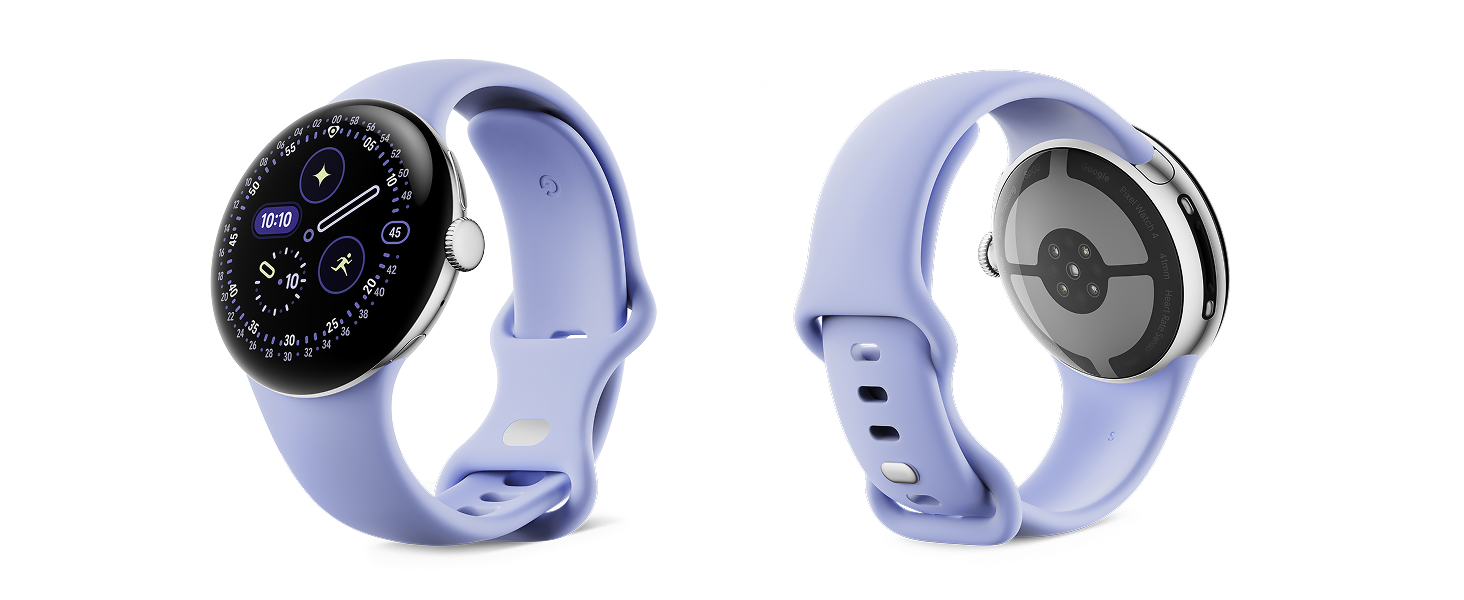
Figure 2: Included items in the Google Pixel Watch 4 packaging.
3. Setup
3.1 Attaching the Watch Band
- Select the appropriate band size (small or large) for your wrist.
- Align the band with the watch case. The band should slide in smoothly until it clicks into place.
- Gently pull on the band to ensure it is securely attached.
3.2 Initial Charging
Before first use, fully charge your Pixel Watch 4. Connect the USB-C Fast Charging Cable to the charging dock and then to a compatible USB power adapter (sold separately). Place the watch on the charging dock. The watch display will indicate charging status.
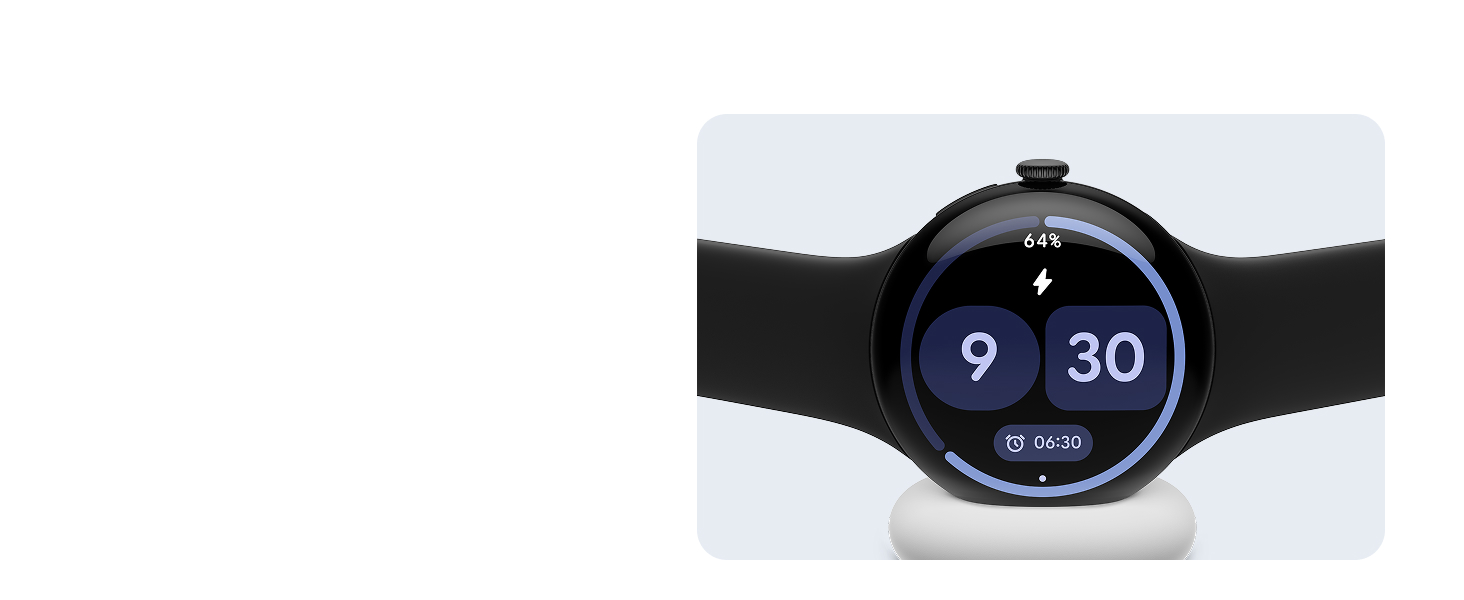
Figure 3: Pixel Watch 4 on its charging dock.
3.3 Pairing with Your Android Smartphone
The Pixel Watch 4 is compatible with Android phones running Android 11.0 or newer. Download and open the Google Pixel Watch app on your smartphone to begin the pairing process. Follow the on-screen instructions in the app to connect your watch.
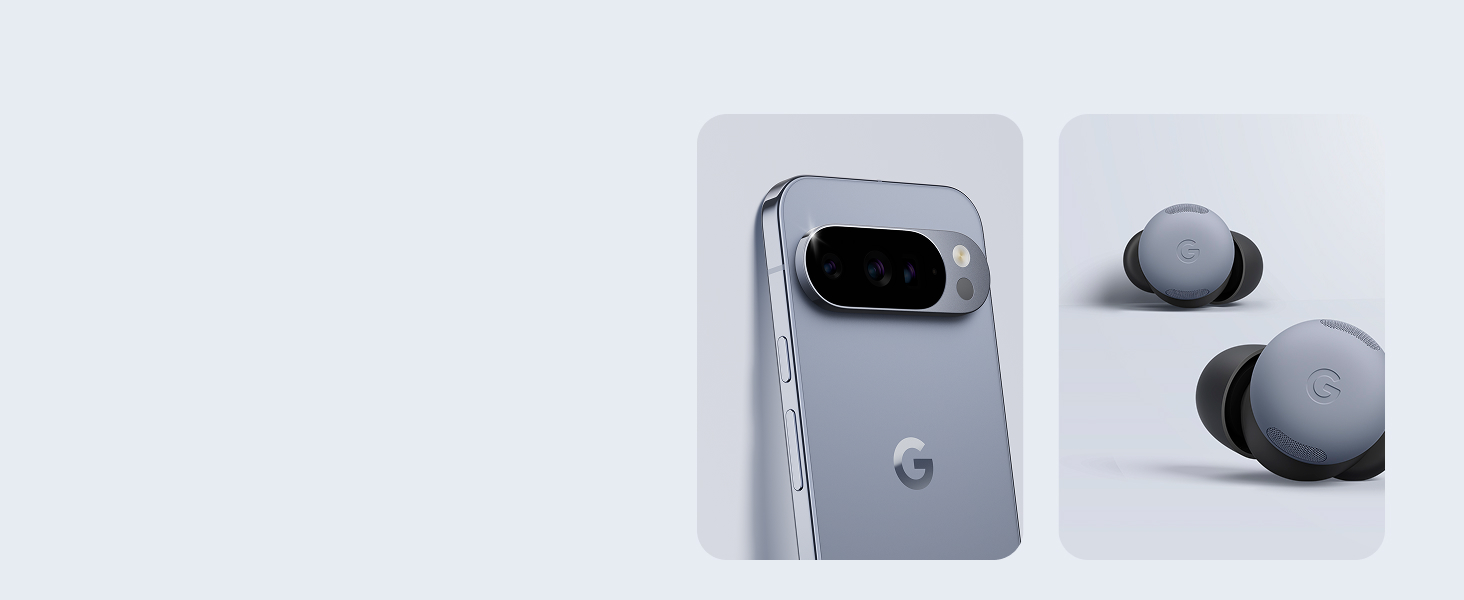
Figure 4: Pixel Watch 4 works with Android devices.
4. Operating the Watch
4.1 Navigating the Interface
The Pixel Watch 4 features a responsive touchscreen and a haptic crown for navigation. Swipe across the screen to access different tiles and notifications. Rotate the crown to scroll through lists or adjust settings. Press the crown to return to the watch face or access the app launcher.
4.2 Using Gemini AI Assistant
The Gemini AI assistant is built into your Pixel Watch 4. To activate, simply say "Hey Google" or press and hold the crown. You can ask questions, set reminders, control smart home devices, and get quick responses directly from your wrist.
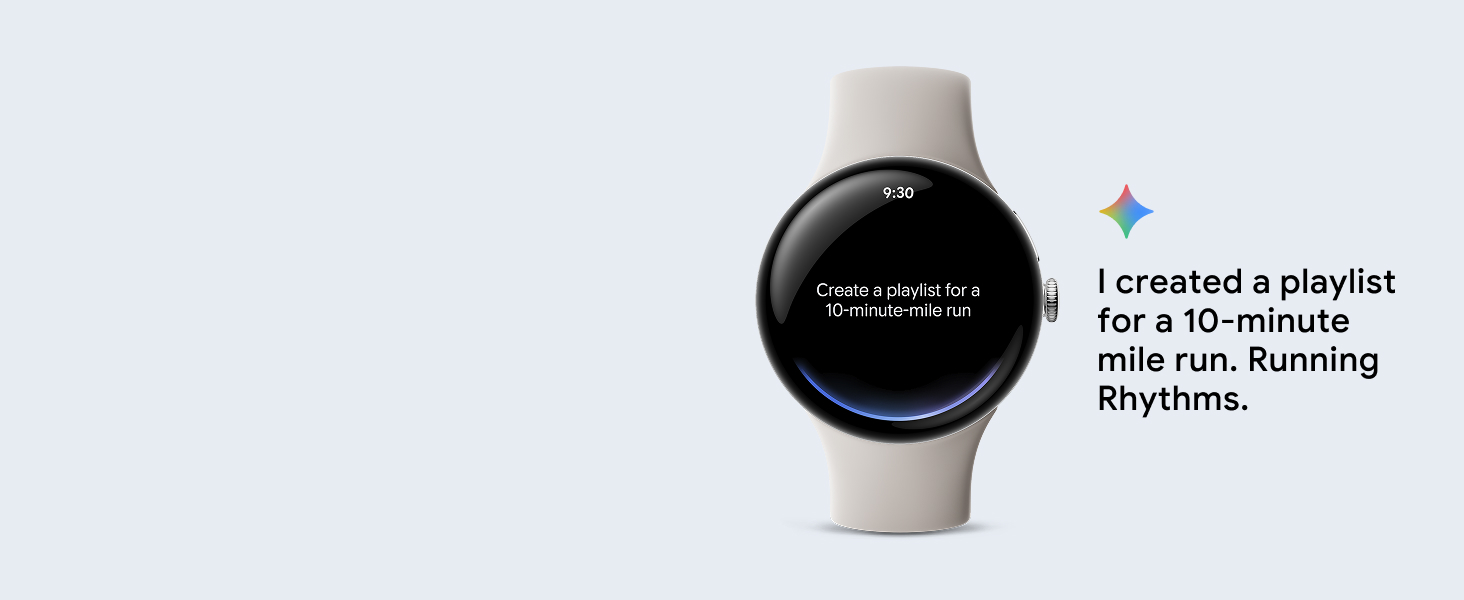
Figure 5: Interacting with Gemini on Pixel Watch 4.
4.3 Notifications and Communication
Receive notifications from your paired smartphone directly on your watch. You can view messages, answer calls, and use AI-powered quick replies for convenient communication.
5. Health and Fitness Tracking
The Pixel Watch 4 offers comprehensive health and fitness tracking through Fitbit integration.
- Heart Rate Tracking: Continuously monitors your heart rate.
- Sleep Insights: Tracks sleep stages (light, deep, REM) and provides insights into your sleep patterns.
- Activity Tracking: Features over 40 exercise modes, real-time stats, and dual-frequency GPS for accurate route tracking during runs and hikes.
- Readiness Score: Helps determine if your body is ready for a workout or needs recovery.

Figure 6: Activity tracking modes on Pixel Watch 4.
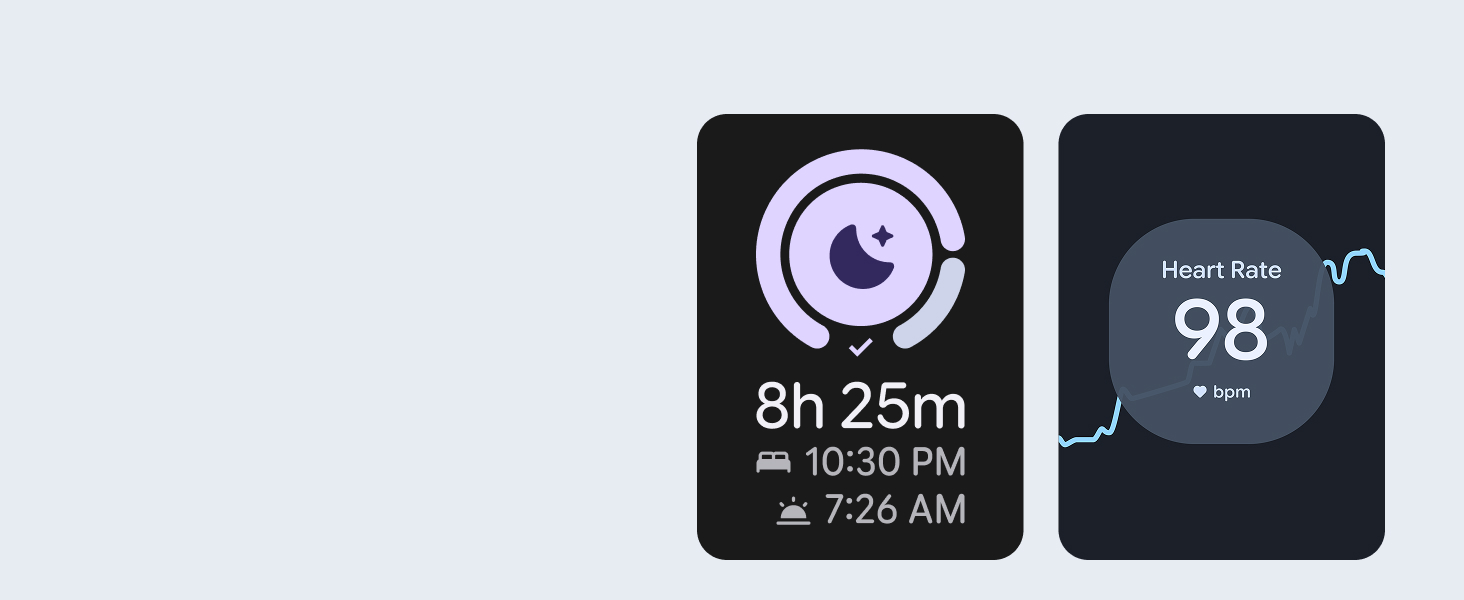
Figure 7: Health insights and workout optimization.
6. Safety Features
The Pixel Watch 4 includes several safety features for peace of mind:
- Emergency SOS: Connects you to emergency services and shares your location.
- Fall Detection: Automatically detects hard falls and can call for help.
- Loss of Pulse Detection: Can detect a loss of pulse event and prompt a call to emergency services.
- Safety Timer: Set a timer for activities like runs or walking alone at night; if the timer expires without being reset, it can alert trusted contacts.

Figure 8: Satellite SOS feature for remote locations.
7. Battery and Charging
The Pixel Watch 4 offers up to 30 hours of battery life (41mm model) or up to 48 hours in Battery Saver mode. The included side charging dock provides fast charging, delivering 15 hours of battery life in approximately 15 minutes.
To charge, place the watch on the magnetic charging dock. Ensure the watch is properly aligned for optimal charging speed.
8. Maintenance
8.1 Cleaning Your Watch
Regularly clean your Pixel Watch 4 and its band to prevent skin irritation and maintain performance. Use a soft, lint-free cloth. For stubborn dirt, slightly dampen the cloth with water. Avoid harsh chemicals or abrasive materials.
8.2 Water Resistance
The Pixel Watch 4 is water resistant up to 50 meters. It is suitable for shallow-water activities like swimming. Avoid high-velocity water sports or diving, as these can exceed the water resistance capabilities.
9. Troubleshooting
If you encounter issues with your Pixel Watch 4, try the following steps:
- Watch Not Turning On: Ensure the watch is fully charged. Place it on the charging dock for at least 30 minutes.
- Pairing Issues: Ensure your smartphone's Bluetooth is enabled and the Google Pixel Watch app is open. Restart both your watch and phone.
- Inaccurate Tracking: Ensure the watch is worn snugly on your wrist, but not too tight. Clean the sensors on the back of the watch.
- App Not Responding: Try restarting the specific app on your watch. If the issue persists, restart the watch.
- Battery Draining Quickly: Review your watch settings. Features like Always On Display, frequent GPS use, and continuous heart rate monitoring can impact battery life. Adjust settings as needed.
For further assistance, refer to the official Google Pixel Watch support website or contact customer service.
10. Specifications
| Feature | Detail |
|---|---|
| Model Name | Google Pixel Watch 4 (41mm) Wifi Silver / Iris |
| Model Number | GA10840-US |
| Operating System | Wear OS 6.0 |
| Memory Storage Capacity | 32 GB |
| Screen Size | 41 millimeters |
| Display Type | Digital, Actua 360 domed display |
| Battery Life | Up to 30 hours (41mm), up to 48 hours in Battery Saver mode |
| Charging | Fast Charging (15 hours in 15 minutes) |
| Connectivity | Wi-Fi, Bluetooth |
| GPS | Built-in Dual-Frequency GPS |
| Water Resistance | 50 meters |
| Sensors | Optical Heart Rate Sensor, Accelerometer, Gyroscope, Altimeter, Compass |
| Case Material | Aluminum |
| Band Material | Silicone |
| Compatible Devices | Android Smartphone (Android 11.0 and Above) |
11. Warranty and Support
11.1 Warranty Information
The Google Pixel Watch 4 comes with a 1 Year Manufacturer Limited Warranty. This warranty covers defects in materials and workmanship under normal use. For full terms and conditions, please refer to the warranty documentation included with your product or visit the official Google support website.
11.2 Customer Support
For technical support, troubleshooting, or warranty claims, please visit the official Google Pixel Watch support page. You can find FAQs, user guides, and contact information for customer service there.
Online Support: support.google.com/pixelwatch


