1. Introduction
Thank you for choosing the NHOPEEW 9-inch Android Stereo. This manual provides essential information for the proper installation, operation, and maintenance of your new car stereo system. Please read this manual thoroughly before installation and use to ensure optimal performance and to prevent damage.
2. Applicable Vehicle Models
This Android stereo is designed for specific Mercedes Benz models. Please verify your vehicle's model, year, and center console shape before installation.
- Mercedes Benz E Class: W211 (2002-2009), E200, E211, E220, E240, E270, E280, E300, E320, E350, E430, E500, E55AMG, E550, E63AMG
- Mercedes Benz G Class: W463 (2001-2008)
- Mercedes Benz CLK Class: W209 (2005-2006)
- Mercedes Benz CLS Class: W219 (2001-2011)
The unit is designed for plug-and-play installation. However, if your vehicle has an original factory car amplifier, please contact NHOPEEW support before purchasing or installing, as additional components may be required.

Image: Comparison of the car's dashboard before and after the NHOPEEW Android stereo installation, showing the integrated 9-inch display.
3. Important Pre-Installation Check
Before proceeding with installation, it is crucial to check your vehicle's radio line interface. If your car's radio line interface matches the one shown in the diagram below, you will need to purchase a separate car optical fiber box for proper functionality. Failure to do so may result in compatibility issues.

Image: Illustration of a car optical fiber box and the specific radio line interface requiring its use.
4. Setup and Installation
The NHOPEEW Android Stereo is designed for plug-and-play installation. While professional installation is recommended, you can follow these general steps:
- Preparation: Ensure the vehicle's ignition is off and the battery is disconnected to prevent electrical damage.
- Remove Old Unit: Carefully remove the existing car stereo unit from the dashboard. Refer to your vehicle's specific service manual for detailed instructions on panel removal.
- Connect Wiring: Connect the provided power cord, Canbus, radio antenna, and any other necessary cables to the new Android stereo. Ensure all connections are secure. If an optical fiber box is required (as per Section 3), connect it now.
- Test Functionality: Before fully reassembling the dashboard, temporarily reconnect the battery and power on the unit to test basic functions such as power, audio, and touch screen response.
- Secure Unit: Once tested, carefully slide the new stereo into the dashboard opening and secure it with the appropriate mounting brackets.
- Reassemble Dashboard: Reattach all removed dashboard panels and trim pieces.
- Initial Power On: Reconnect the battery. The unit will boot up, and you can proceed with initial setup and configuration.
5. Operating Instructions
5.1. Incell Touch Screen and Android Operating System
Your stereo features an advanced 1280 x 720P in-cell touchscreen for enhanced sensitivity and clarity. The unit runs on the latest Android 15 operating system, offering faster performance, improved stability, and access to a wide variety of applications from the Google Play Store. Navigate the interface by tapping, swiping, and pinching gestures.
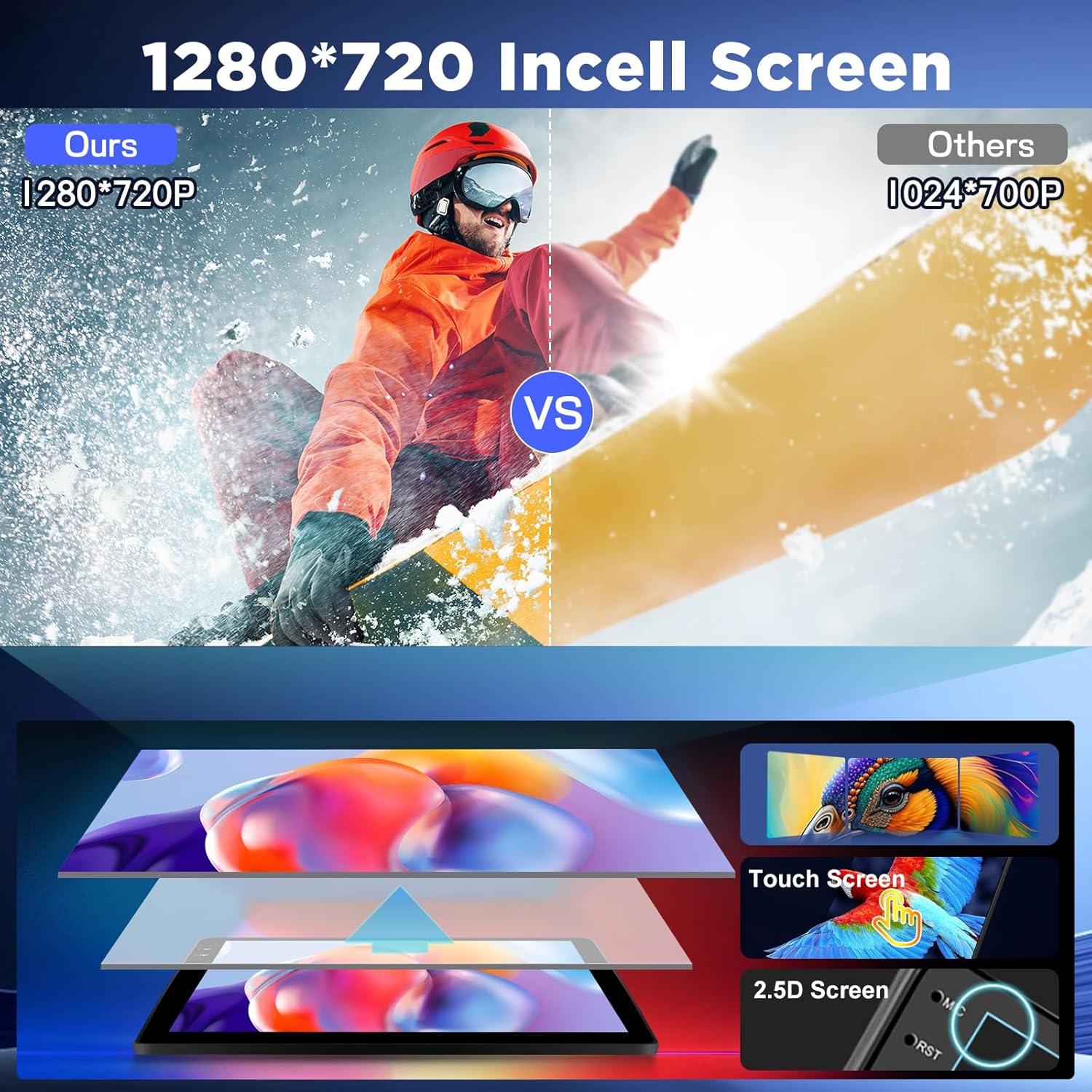
Image: Visual comparison demonstrating the superior clarity and touch response of the 1280x720P Incell screen.
5.2. Connectivity: 5G/WiFi, GPS, and Bluetooth 5.0
The unit provides comprehensive connectivity options:
- 5G/WiFi: Built-in Wi-Fi allows for fast and stable internet access. Connect to a mobile hotspot or a local Wi-Fi network to download apps, stream content, and receive real-time updates.
- GPS: The integrated GPS module offers precise navigation. Supports both online and offline maps. Download your preferred navigation apps from the Google Play Store.
- Bluetooth 5.0: Enjoy stable, high-speed wireless connectivity for hands-free calling, audio streaming, and phonebook synchronization. Pair your smartphone via the Bluetooth settings menu.
The unit also features an equalizer to adjust audio settings to your personal preferences.

Image: Display showing 5G/WiFi connectivity and GPS navigation features.

Image: User interface for Bluetooth 5.0 features including hands-free calling and music playback, and FM/RDS radio.
5.3. Wireless CarPlay and Android Auto / Mirror Link
Seamlessly integrate your smartphone with the stereo:
- Wireless CarPlay & Android Auto: Connect your iPhone or Android smartphone wirelessly to access navigation, music, messages, and more directly on the stereo display. This feature supports wireless connection only.
- Mirror Link: Mirror your smartphone screen directly to the car stereo, allowing you to view your phone's content on the larger display.

Image: Visual representation of Wireless CarPlay and Android Auto functionality with various applications.
5.4. Split Screen and Custom Home App
Maximize efficiency and personalize your experience:
- Split Screen: Run two applications simultaneously, such as navigation and music streaming, without switching between apps.
- Custom Home Page: Personalize your user experience by selecting, organizing, and resizing your favorite apps on the home page for quick and easy access.
5.5. Reverse Camera Input and Steering Wheel Control
Enhance driving safety and convenience:
- Reverse Camera Input: Supports connection to a reverse camera (included in some packages) for improved visibility when backing up. The display automatically switches to the camera feed when the vehicle is in reverse.
- Steering Wheel Control: Integrate with your vehicle's existing steering wheel controls to manage audio, calls, and other functions without taking your hands off the wheel.

Image: Display showing reverse camera input and the interface for configuring steering wheel controls.
6. Maintenance
To ensure the longevity and optimal performance of your NHOPEEW Android Stereo, follow these maintenance guidelines:
- Cleaning the Screen: Use a soft, lint-free cloth specifically designed for electronic screens. Gently wipe the screen to remove dust and fingerprints. Avoid abrasive cleaners or harsh chemicals.
- Software Updates: Periodically check for and install software updates to ensure you have the latest features and security patches. These can usually be found in the system settings under 'About device' or 'System updates'.
- Avoid Extreme Temperatures: Do not expose the unit to extreme heat or cold for extended periods, as this can affect its electronic components.
- Cable Connections: Periodically check all cable connections to ensure they are secure and free from damage.
7. Troubleshooting
If you encounter issues with your stereo, refer to the following common troubleshooting steps:
| Problem | Possible Cause | Solution |
|---|---|---|
| Unit does not power on | Loose power connection, blown fuse, incorrect wiring. | Check all power cables and connections. Inspect vehicle's fuse box for blown fuses. Verify wiring against installation diagram. |
| No sound | Volume too low, mute activated, speaker wiring issues, amplifier compatibility. | Increase volume. Check if mute is active. Verify speaker connections. If your car has a factory amplifier, ensure the optical fiber box (if needed) is correctly installed. |
| Touch screen unresponsive | Software glitch, screen calibration issue. | Restart the unit. If issue persists, perform a factory reset (note: this will erase all data). |
| GPS not working | Poor satellite signal, GPS antenna not connected, software issue. | Ensure the GPS antenna is properly connected and has a clear view of the sky. Check GPS settings in the unit. |
| Bluetooth connection issues | Device not discoverable, incorrect pairing, interference. | Ensure Bluetooth is enabled on both devices. Delete previous pairings and re-pair. Move closer to the unit. |
If these steps do not resolve the issue, please contact NHOPEEW customer support for further assistance.
8. Specifications
Key technical specifications for the NHOPEEW Android Stereo:
- Model Name: A7224A4294H6MI2
- Brand: NHOPEEW
- Display Size: 9 Inches
- Display Resolution: 1280 x 720P (Incell Touch Screen)
- Operating System: Android 15
- Memory: 4GB RAM + 128GB ROM
- Processor: 4-Core CPU
- Connectivity: 5G/WiFi, Bluetooth 5.0, USB
- Navigation: Built-in GPS module (supports online and offline maps)
- Smartphone Integration: Wireless CarPlay, Wireless Android Auto, Mirror Link
- Audio Features: Equalizer, FM/RDS Radio
- Input/Output: Reverse Camera Input, Steering Wheel Control compatibility
- Included Components: Canbus, Power Cord, W211 Stereo Unit, Backup Camera, Radio Antenna
- Parcel Dimensions: 26.7 x 19 x 6 cm
- Weight: 1.53 kg
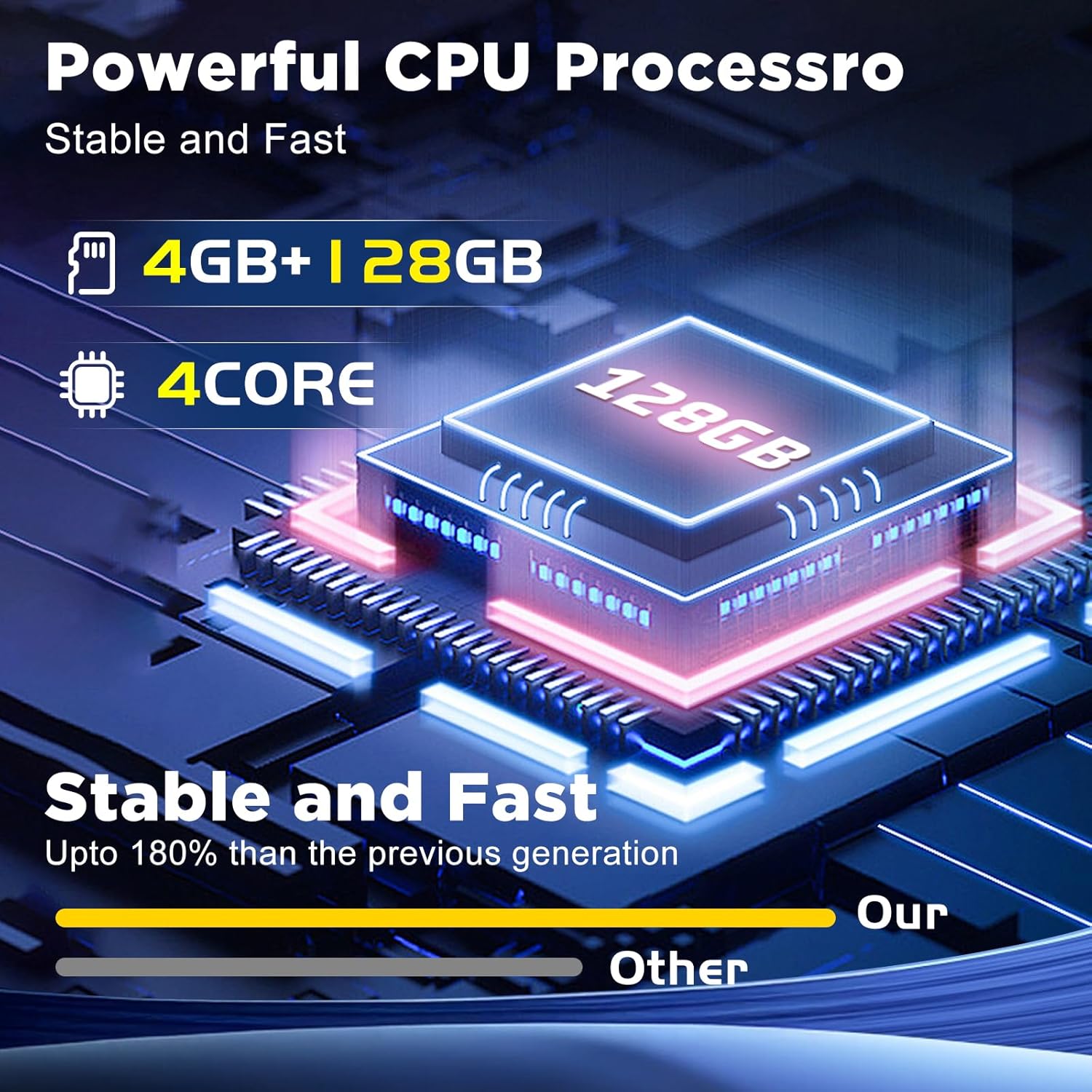
Image: Internal components highlighting the 4GB RAM, 128GB ROM, and 4-core CPU for stable and fast operation.
9. Warranty and Support
For warranty information, technical support, or any inquiries not covered in this manual, please contact NHOPEEW customer service. Refer to your purchase documentation for specific warranty terms and contact details.