
Kimeag S81
Kimeag S81 Smart Watch User Manual
Model: S81
1. Introduction
This manual provides detailed instructions for the Kimeag S81 Smart Watch. Please read this manual carefully before using the device to ensure proper operation and to maximize its features. Keep this manual for future reference.

Image 1.1: Kimeag S81 Smart Watch (Grey)
2. Package Contents
Upon opening the package, verify that all items are present:
- Kimeag S81 Smart Watch
- Charging Cable
- User Manual (this document)
3. Initial Setup
3.1 Charging the Device
Before first use, fully charge your Kimeag S81 Smart Watch. Connect the charging cable to the watch's charging port and a USB power source. The watch display will indicate charging status.
3.2 App Download and Pairing
To utilize all features of your smart watch, download and install the "FitCloudPro" application on your smartphone.
- Turn on Bluetooth: Ensure Bluetooth is enabled on your smartphone.
- Download App: Scan the QR code below or search for "FitCloudPro" in the Google Play Store (for Android) or Apple App Store (for iOS).
QR Code Link for FitCloudPro App - Open App: Launch the "FitCloudPro" app on your phone.
- Connect Device: In the app, navigate to the device connection section, select "Add Device" or "Connect device", and locate "S81" in the list of available devices.
- Confirm Pairing: Follow the on-screen prompts on both your phone and watch to confirm the pairing request.
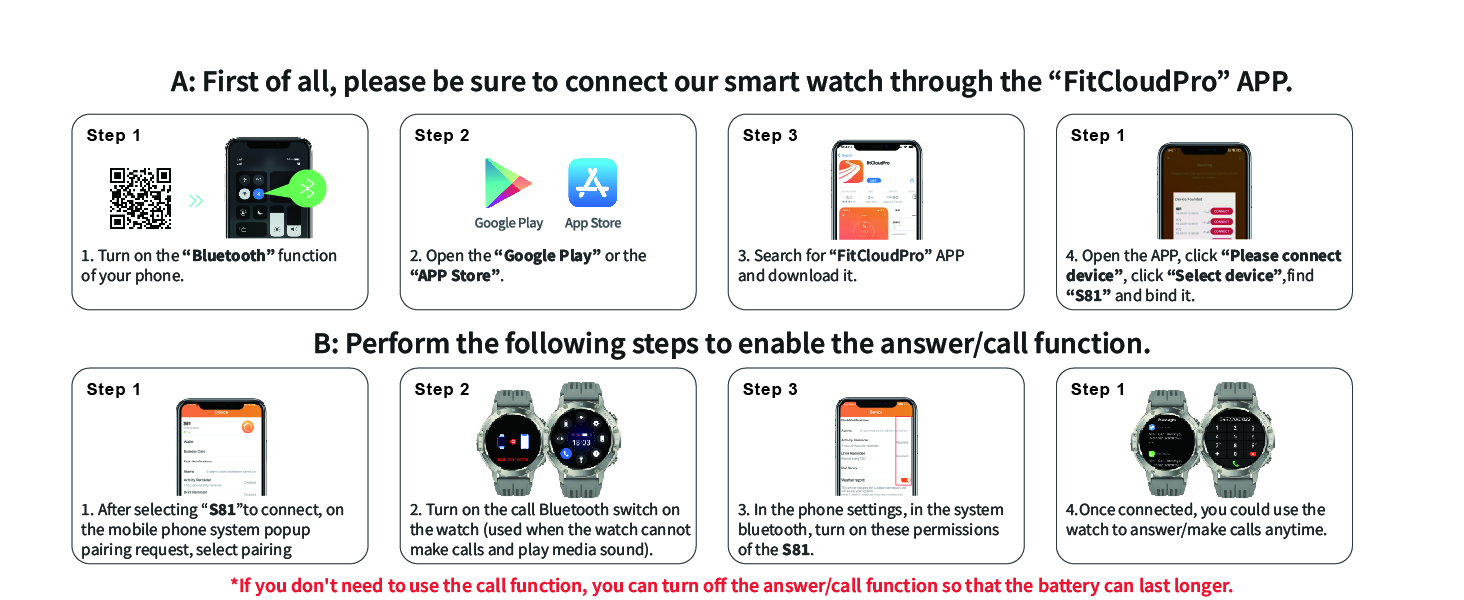
Image 3.1: Smart Watch Connection Steps
3.3 Enabling Call Function
To use the Bluetooth call feature, an additional pairing step is required:
- After connecting the "S81" in the app, go to your phone's Bluetooth settings.
- Locate and connect to the "S81" device listed under available Bluetooth devices. This second connection enables the call and media audio functions.
- Ensure the watch's call Bluetooth switch is enabled.
Note: If the call function is not needed, disabling this second Bluetooth connection can help conserve battery life.
4. Operating the Smart Watch
4.1 Basic Navigation
- Touch Screen: Swipe left/right, up/down, and tap to navigate menus and select functions.
- Side Buttons: Use the physical buttons on the side for power on/off, screen wake, and quick access to certain features (e.g., flashlight).
- Raise to Wake: The screen will automatically light up when you raise your wrist.
4.2 Bluetooth Calls and Voice Assistant
Once the call function is enabled (Section 3.3), you can make and receive calls directly from your watch.
- Making Calls: Access the dial pad or contact list on the watch to initiate a call.
- Receiving Calls: Answer or reject incoming calls directly from the watch display.
- Voice Assistant: Activate the voice assistant feature to perform tasks using voice commands (e.g., "Call Jack," "How's the weather today?").
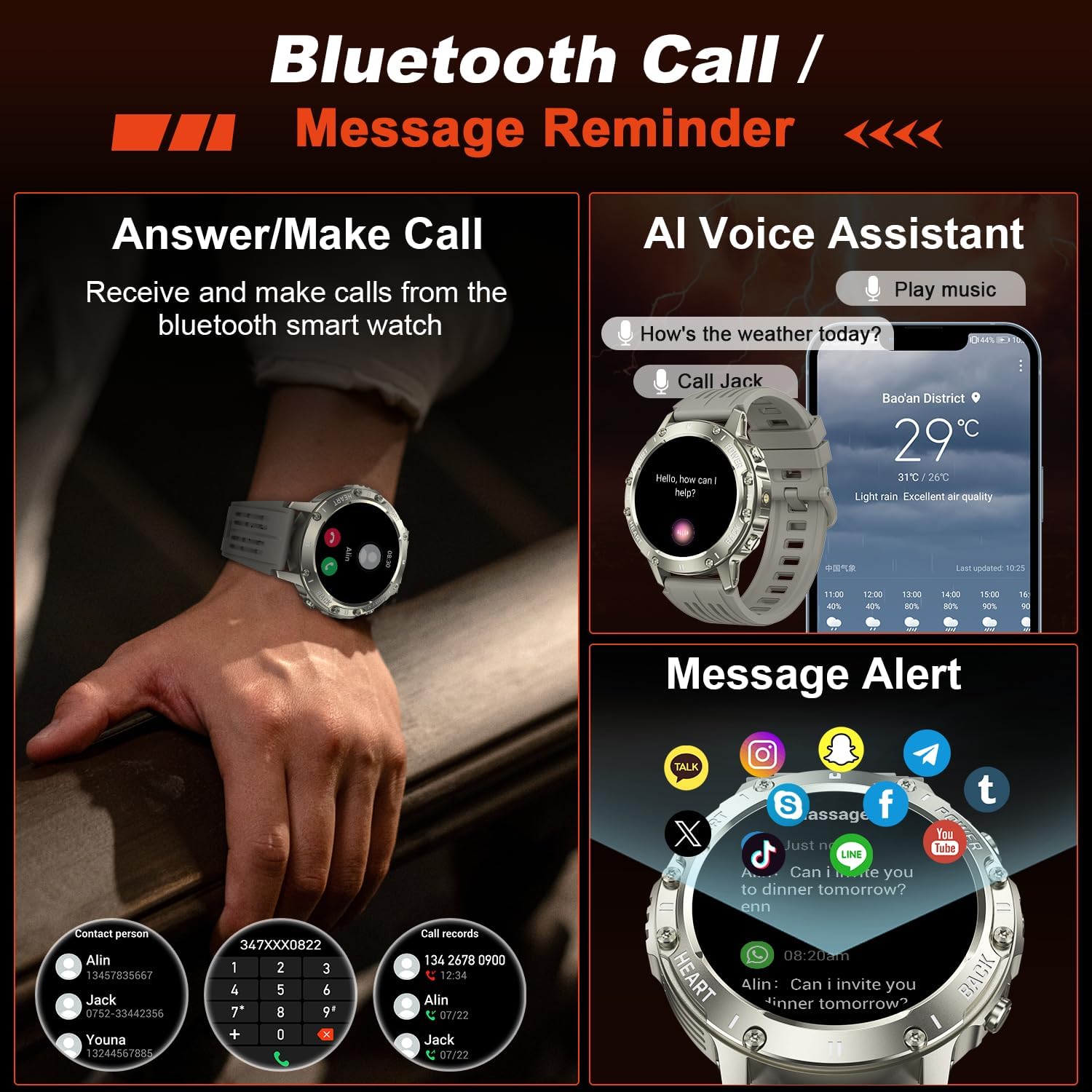
Image 4.1: Bluetooth Call, Voice Assistant, and Message Reminder Features
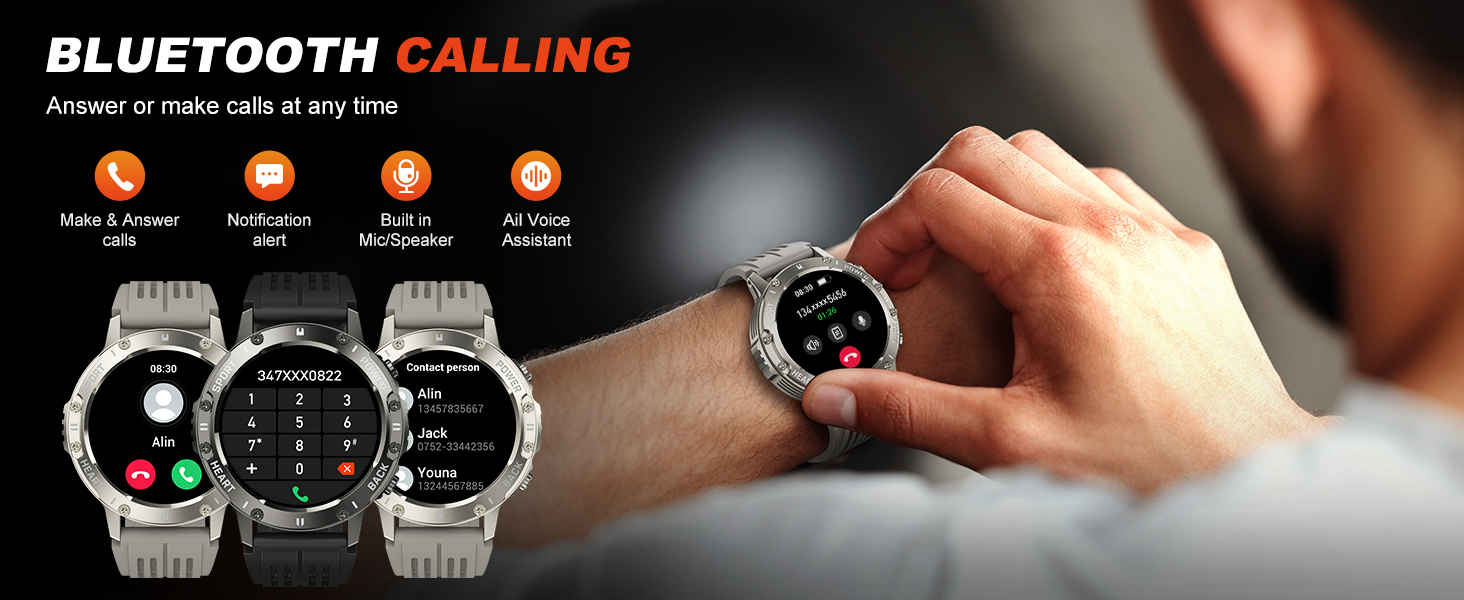
Image 4.2: Bluetooth Calling Functionality
4.3 Smart Notifications
Receive alerts for incoming messages from various applications (e.g., Facebook, Messenger, Instagram, Gmail, WhatsApp, Twitter) directly on your watch. Configure notification settings within the FitCloudPro app.
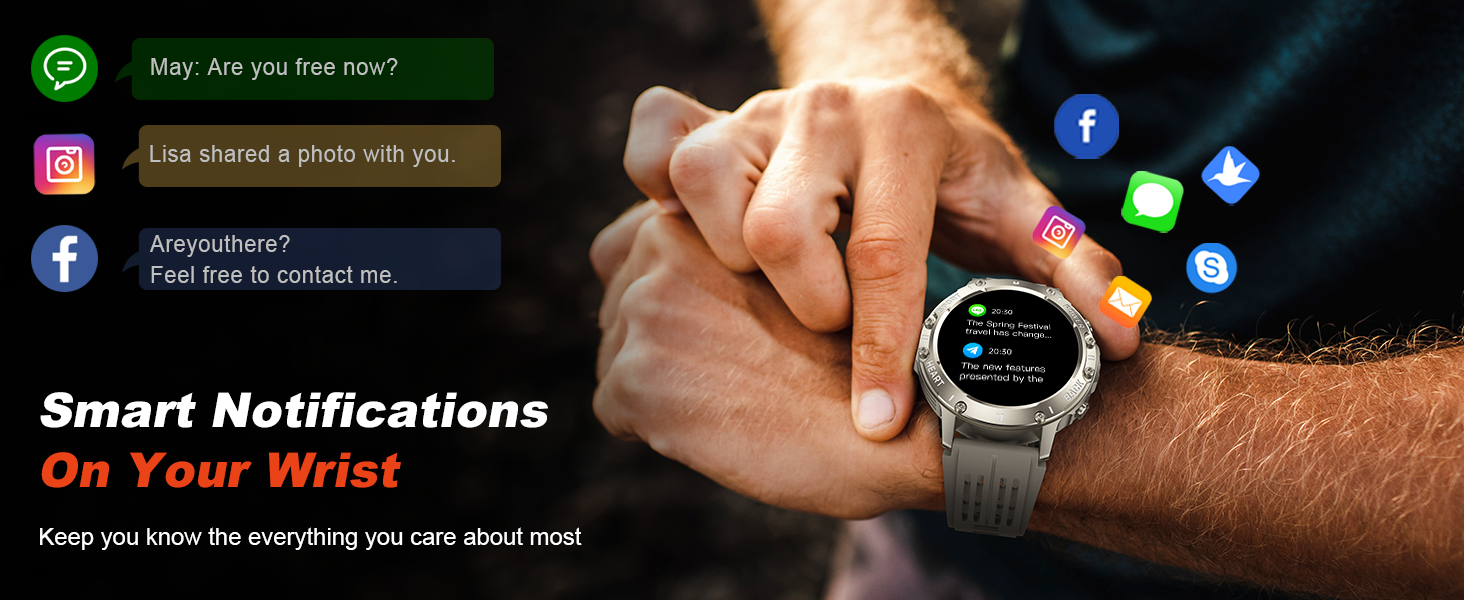
Image 4.3: Smart Notifications on Your Wrist
4.4 Health Monitoring
The Kimeag S81 Smart Watch includes advanced sensors for health tracking.
- Heart Rate Monitor: Automatically measures dynamic and static heart rate. View real-time data and historical trends in the app.
- Blood Oxygen (SpO2) Monitor: Monitors blood oxygen levels throughout the day.
- Sleep Monitor: Tracks sleep quality, providing data on light sleep, deep sleep, and awake time.
- Blood Pressure: Provides estimated blood pressure readings.
- Breath Training: Guided breathing exercises for relaxation.
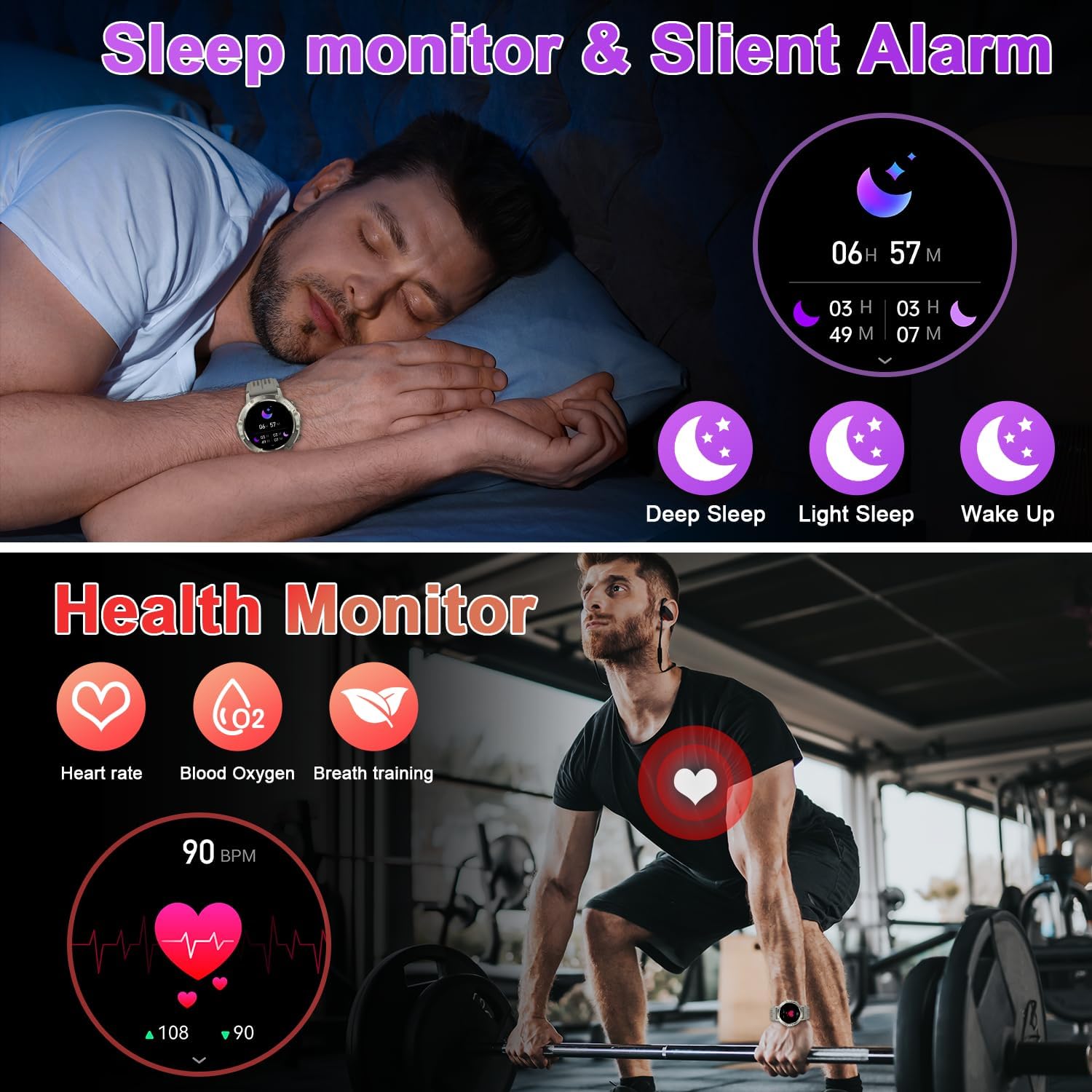
Image 4.4: Sleep Monitor and Health Monitoring Features
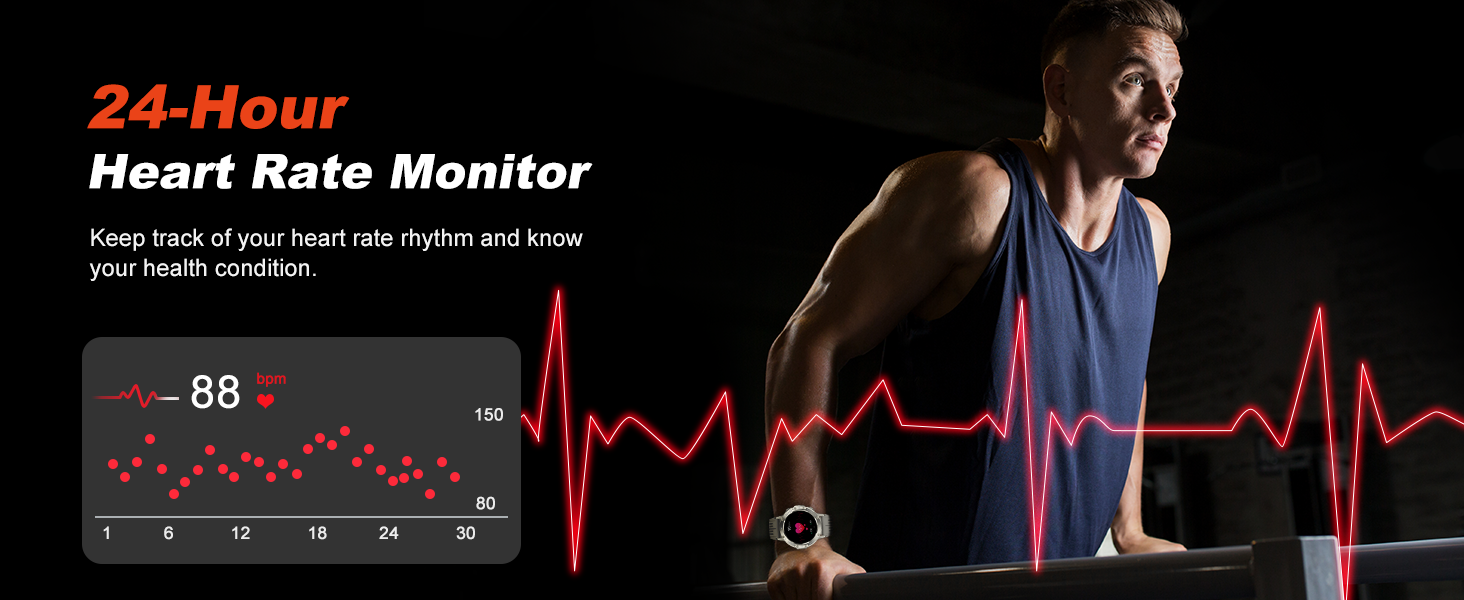
Image 4.5: 24-Hour Heart Rate Monitor
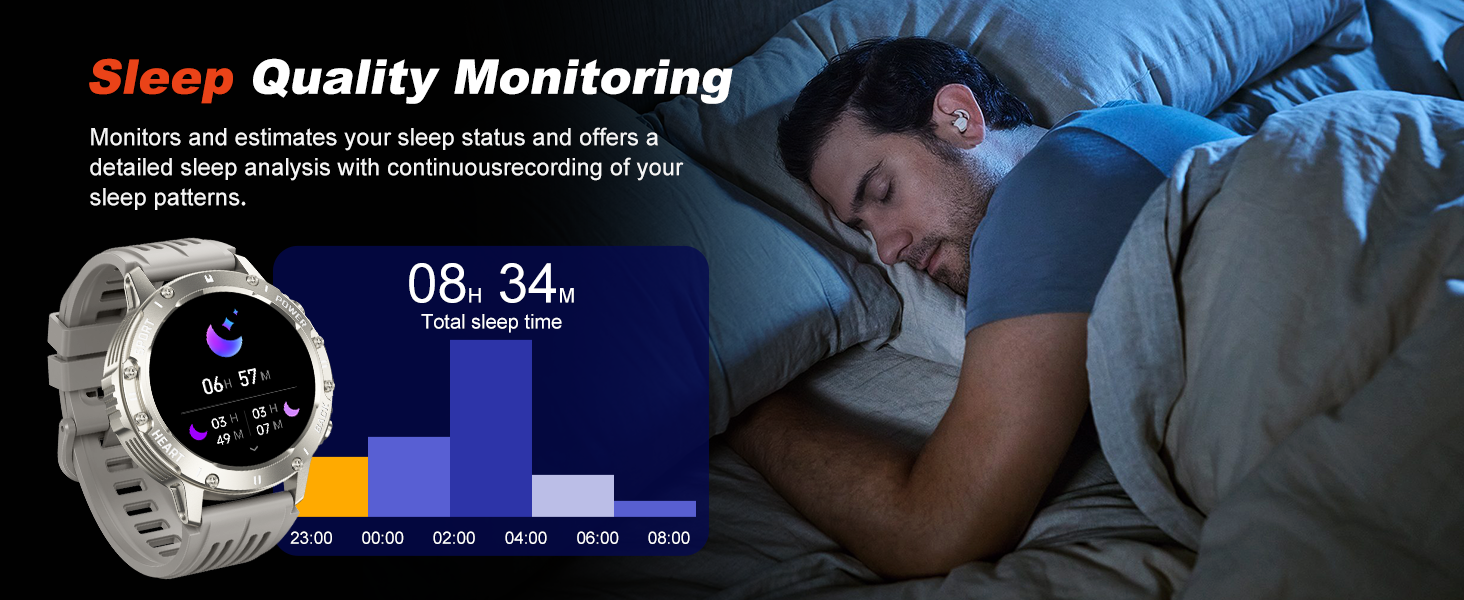
Image 4.6: Sleep Quality Monitoring

Image 4.7: Blood Oxygen Monitoring
4.5 Fitness Tracking (120+ Sport Modes)
The watch supports over 120 sports modes, providing professional monitoring for various activities.
- Activity Tracking: Records steps, distance, calories burned, and active time.
- Sport Modes: Select a specific sport mode (e.g., running, cycling, fitness, rock climbing) to track relevant metrics like heart rate, speed, and duration.

Image 4.8: 120+ Sports Modes
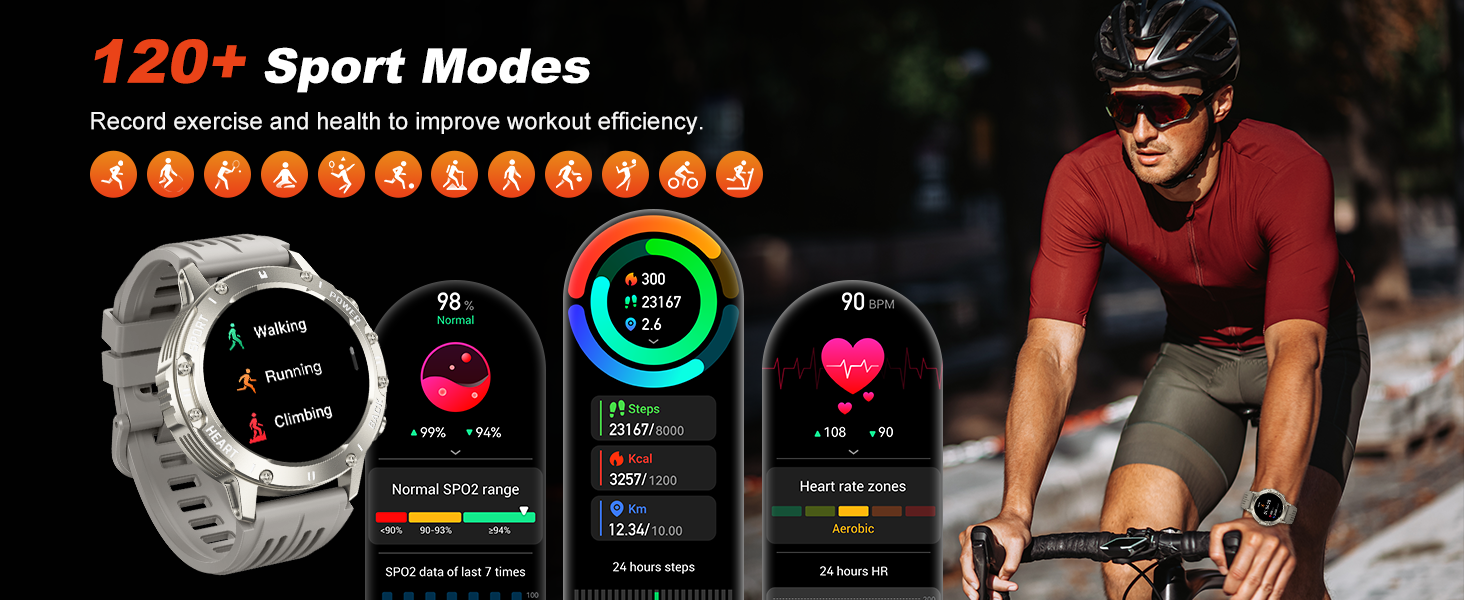
Image 4.9: Detailed Sport Modes and Metrics
4.6 Additional Features
- LED Flashlight: Activate the built-in LED flashlight using the side button for convenience in low-light conditions.
- Music Control: Control music playback (play, pause, skip tracks, adjust volume) on your smartphone directly from the watch.
- Camera Control: Use the watch as a remote shutter for your phone's camera.
- Weather Forecast: View current weather conditions and forecasts.
- Stopwatch & Timer: Utilize these tools for various activities.
- Alarm Clock: Set alarms for reminders.
- Find Phone: Locate your paired smartphone by triggering an alert sound.
- Sedentary Reminder: Receive alerts to move after periods of inactivity.
- Menstrual Cycle Tracking: For female users, track and predict menstrual cycles.
- Drink Reminder: Set reminders to drink water.
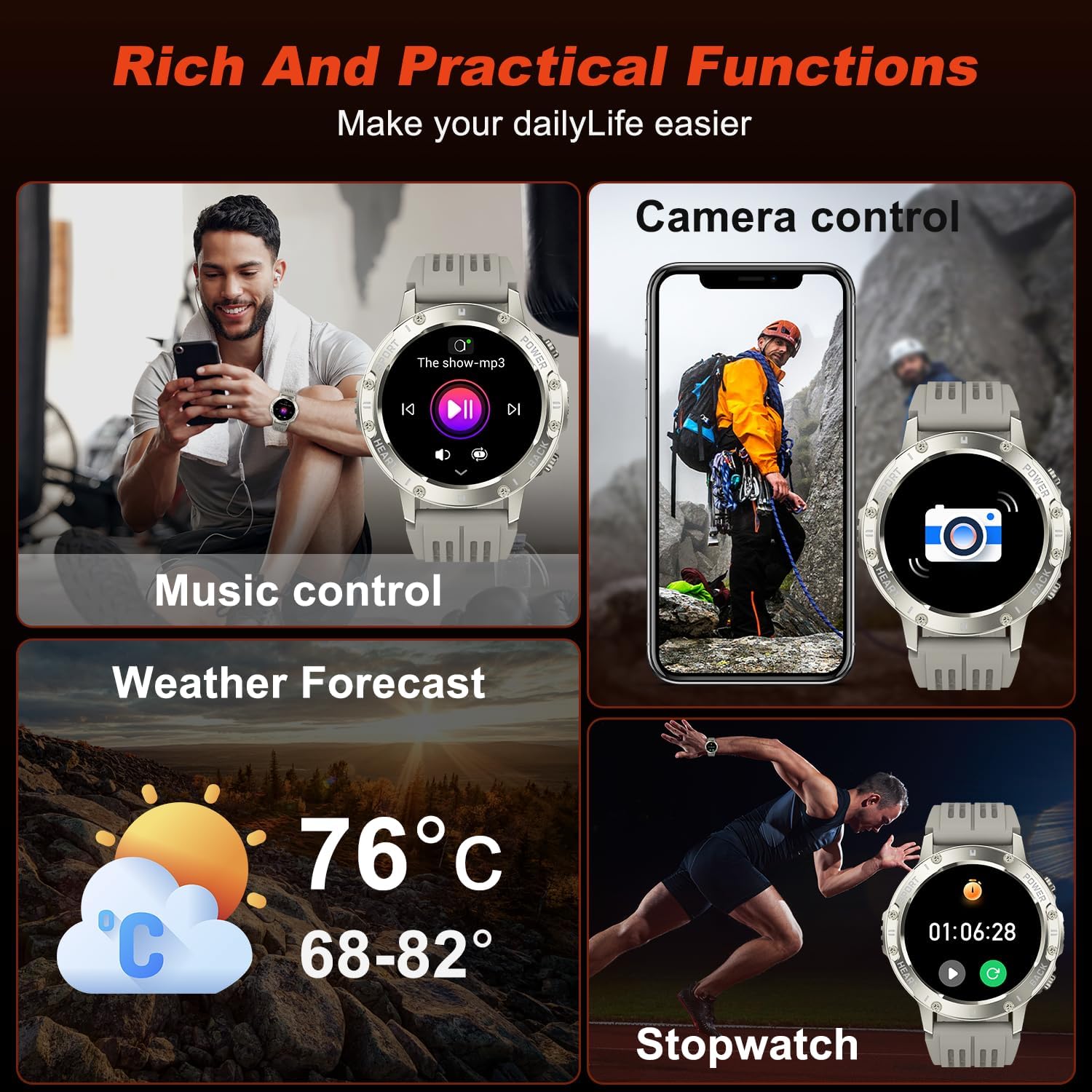
Image 4.10: Rich and Practical Functions

Image 4.11: HD Display and Powerful Flashlight
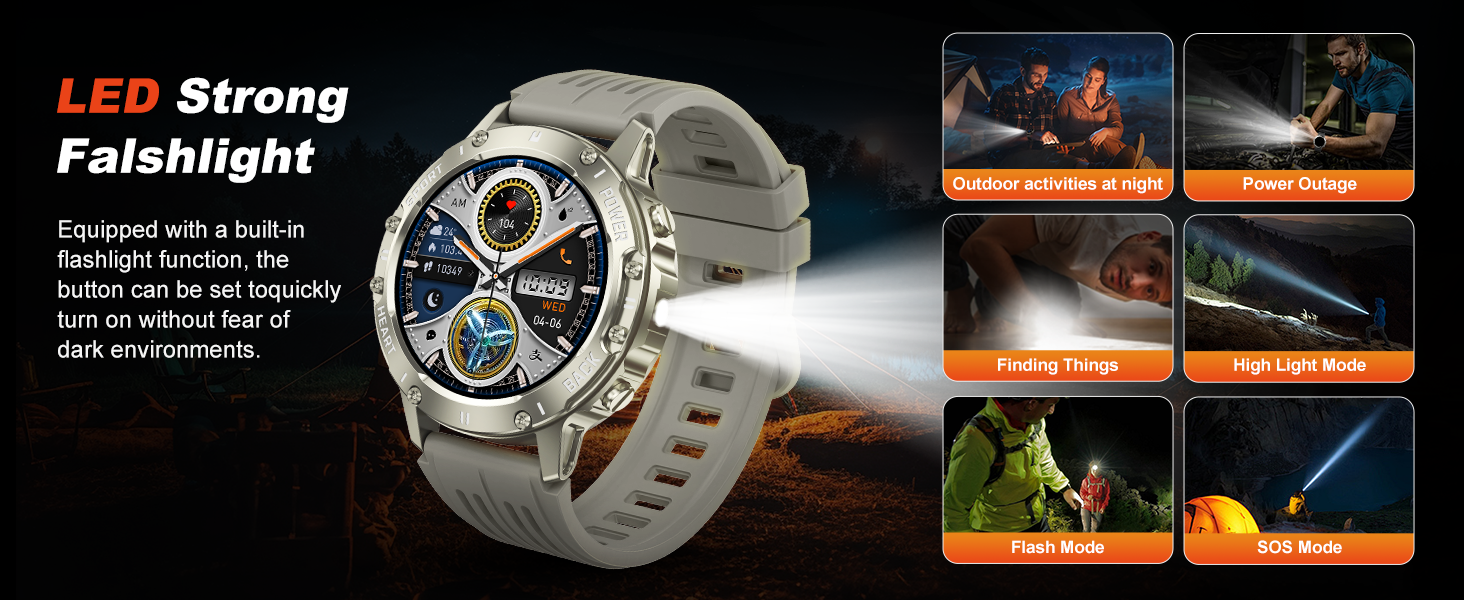
Image 4.12: LED Strong Flashlight Modes
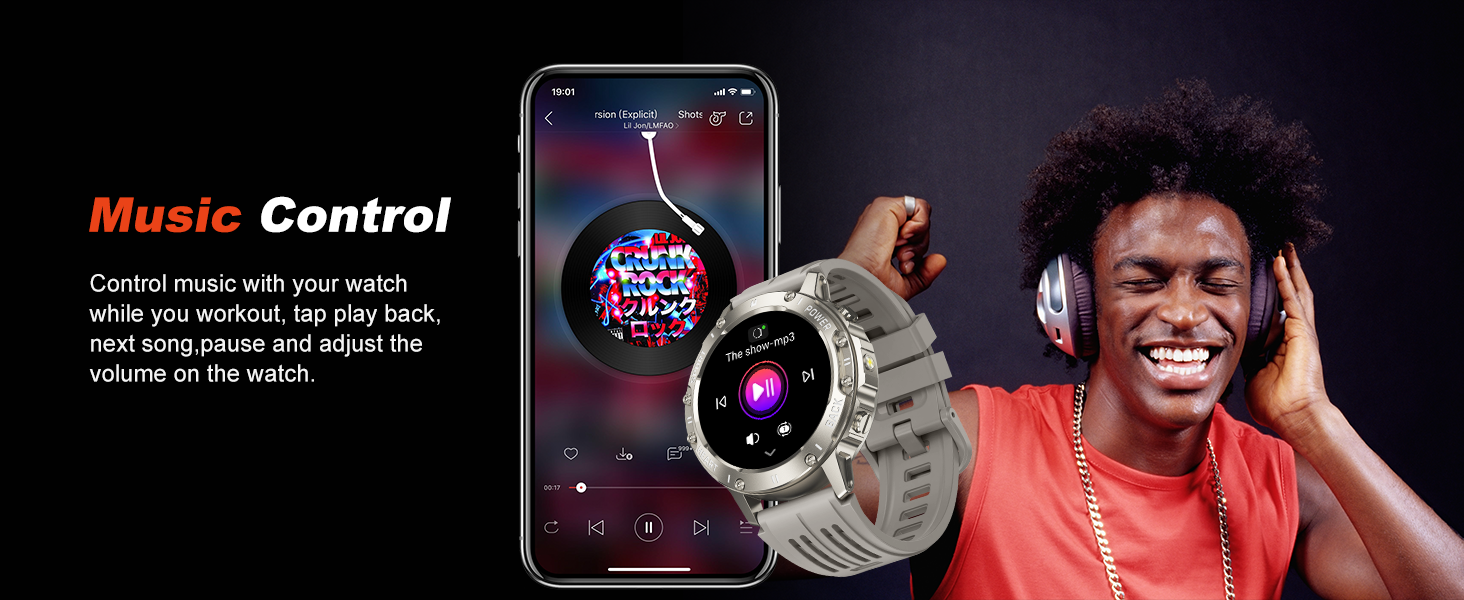
Image 4.13: Music Control
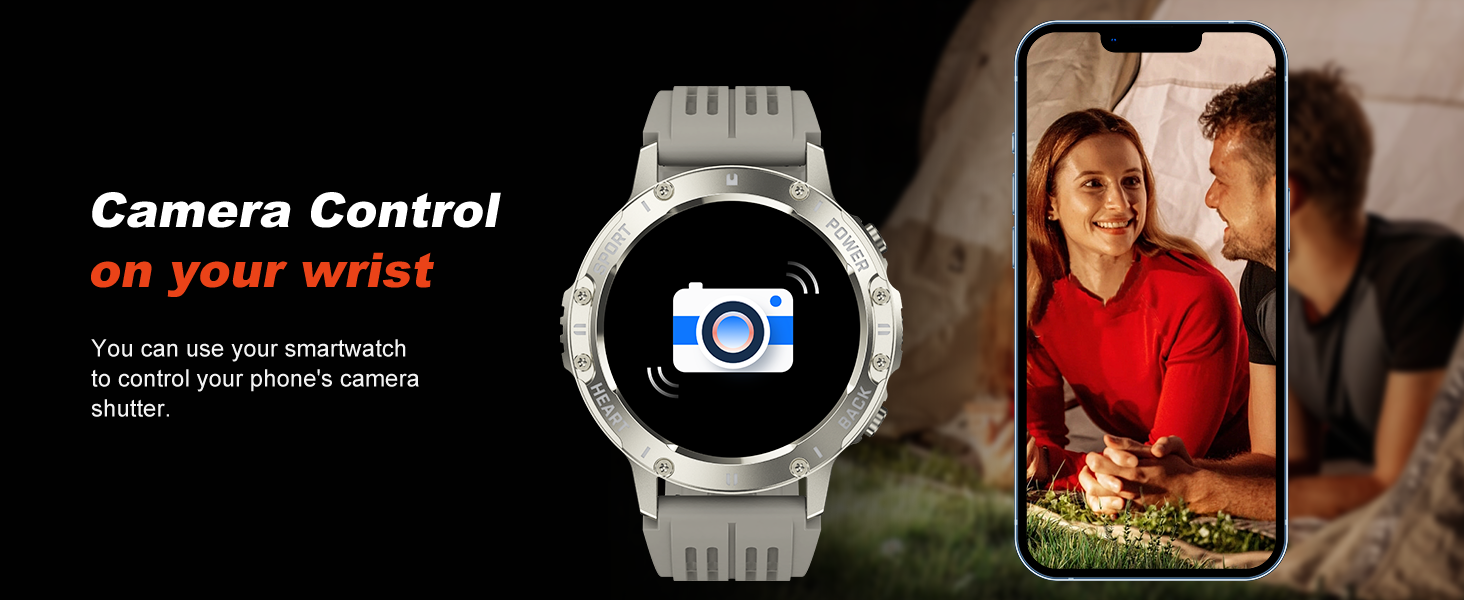
Image 4.14: Camera Control
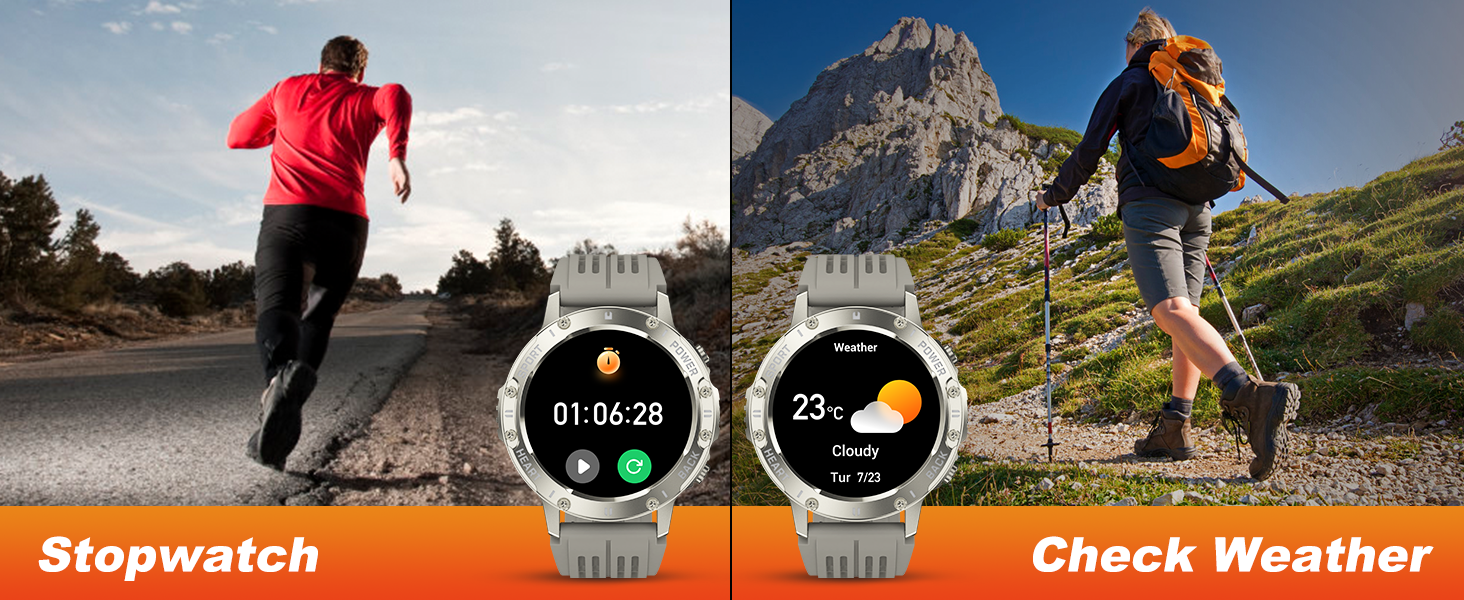
Image 4.15: Stopwatch and Weather Check
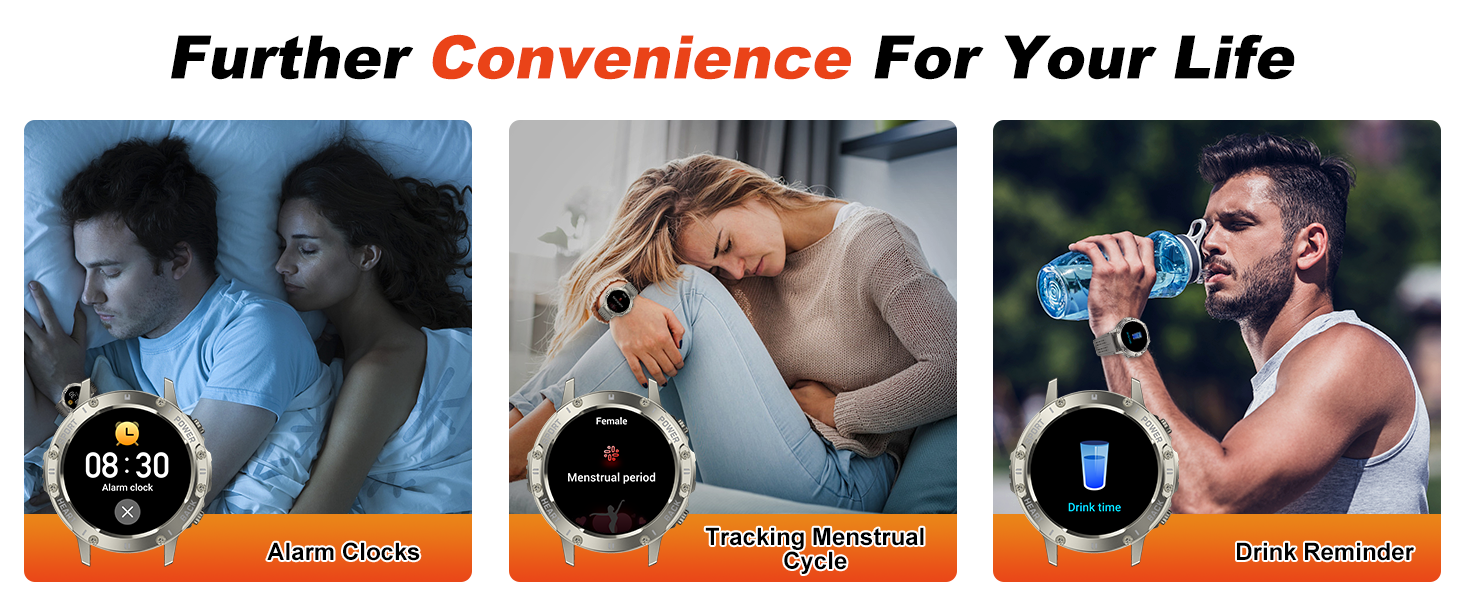
Image 4.16: Further Convenience Features
4.7 Watch Face Customization
Choose from over 100 online watch faces or customize your watch face with your own photos through the FitCloudPro app.
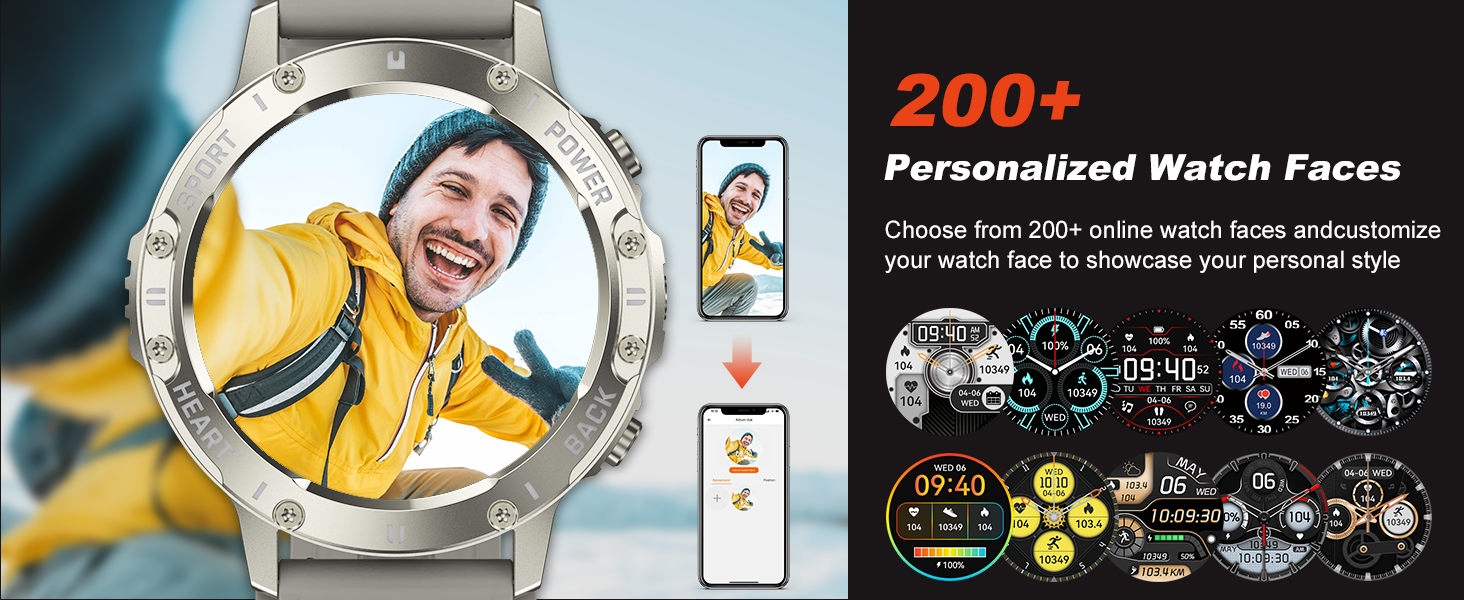
Image 4.17: Personalized Watch Faces
5. Maintenance
5.1 Waterproofing (IP68)
The Kimeag S81 Smart Watch is IP68 waterproof, meaning it is resistant to dust and can withstand immersion in water up to 1.5 meters for 30 minutes. It is suitable for daily activities like hand washing, rain, and sweat.
- Do NOT use in: Hot showers, saunas, or swimming pools, as steam and hot water can compromise the seal.
- Avoid prolonged immersion in water.

Image 5.1: IP68 Waterproof Rating

Image 5.2: IP68 Waterproof for Daily Needs
5.2 Cleaning
Wipe the watch and strap regularly with a soft, dry cloth. If necessary, use a slightly damp cloth and then dry thoroughly. Avoid harsh chemicals or abrasive materials.
5.3 Durability
The Kimeag S81 is designed with military standards in mind, featuring strong resistance to scratches, drops, and polishing. It has undergone tests for temperature, high altitude, and low air pressure.
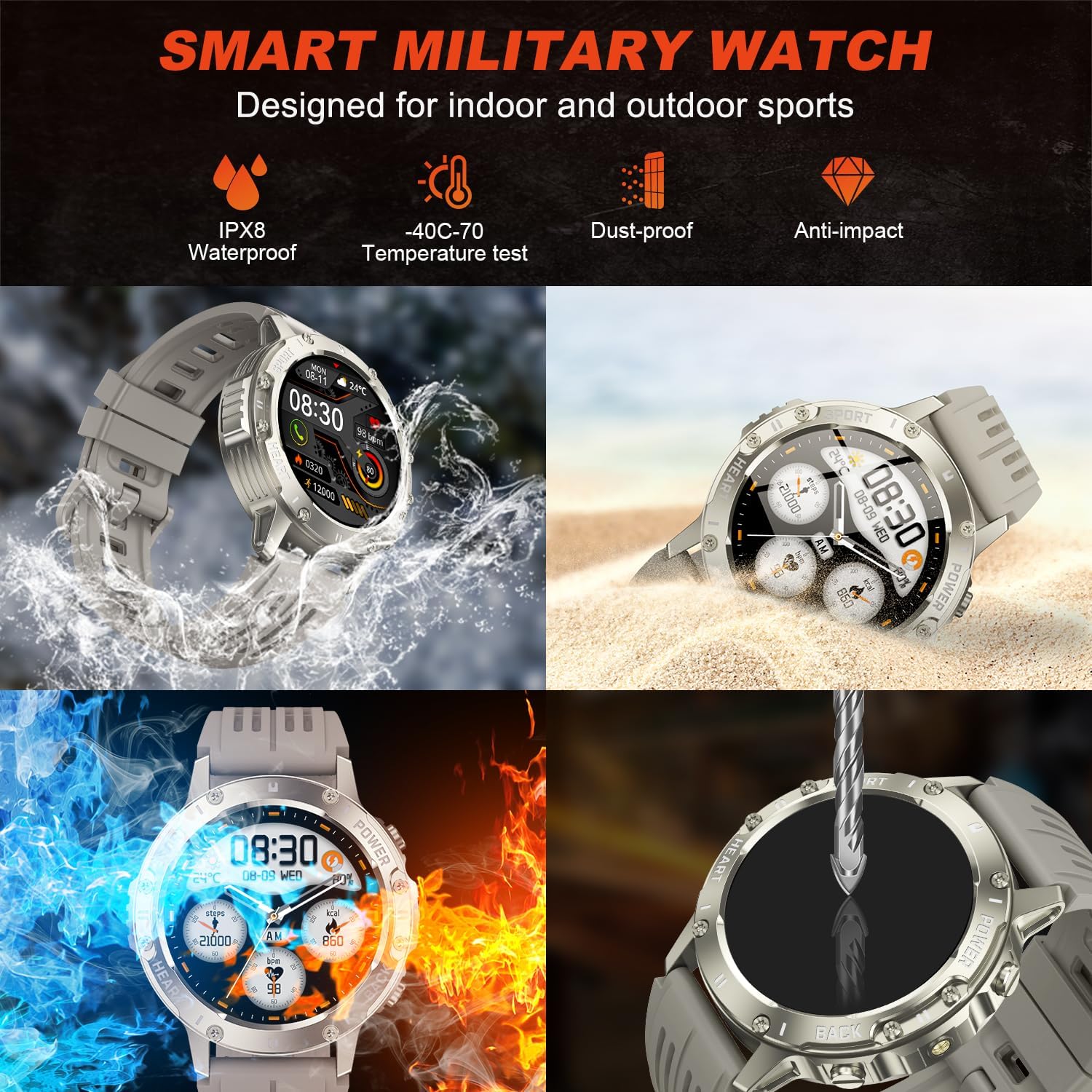
Image 5.3: Smart Military Watch Design
6. Troubleshooting
- Watch not turning on: Ensure the watch is fully charged.
- Cannot pair with phone:
- Ensure Bluetooth is enabled on your phone and the watch.
- Make sure the "FitCloudPro" app is installed and running.
- Restart both the watch and your phone.
- Ensure the watch is within Bluetooth range of your phone.
- Call function not working: Verify that the second Bluetooth connection for calls (e.g., "S81_CALL") is established in your phone's Bluetooth settings.
- Inaccurate health data: Ensure the watch is worn snugly on your wrist, not too tight or too loose. Avoid excessive movement during measurements.
- Short battery life: Disable unnecessary features like continuous heart rate monitoring or the call function if not in use. Reduce screen brightness.
7. Specifications
| Feature | Detail |
|---|---|
| Model Number | S81 |
| Display Size | 1.39 Inches TFT HD Color Screen |
| Resolution | 360x360 pixels |
| Connectivity | Bluetooth |
| Operating System Compatibility | Android and iOS |
| Waterproof Rating | IP68 |
| Battery Type | Lithium Ion (included) |
| Item Weight | 100 Grams (3.53 ounces) |
| GPS | No GPS |
| Special Features | Heart Rate Monitor, Blood Oxygen Monitor, Sleep Monitor, Fitness Tracker, Bluetooth Calls, Voice Assistant, 120+ Sport Modes, LED Flashlight, Music Control, Camera Control, Weather Forecast, Stopwatch, Alarm Clock, Find Phone, Sedentary Reminder, Menstrual Cycle Tracking, Drink Reminder, Customizable Watch Faces. |
8. Warranty and Support
For warranty information, technical support, or service inquiries, please refer to the documentation provided at the time of purchase or contact your retailer. Specific warranty terms may vary by region and retailer.