1. Introduction
The Noorasleep Snooze Pods Pro are Bluetooth sleepbuds designed to provide a comfortable and effective solution for noise reduction during sleep. Featuring a soft and snug fit, these sleep headphones aim to help users achieve better rest.
Package Contents
Please verify that all items are present in your package:
- 1 x Noorasleep Snooze Pods Pro (Pair of Sleepbuds)
- 1 x Smart Charging Case
- 2 x Different Size Silicone Tips (pre-installed on earbuds, plus one extra pair)
- 1 x User Manual
- 1 x USB-C Charging Cable (assumed, common for such devices)

Image: The Noorasleep Snooze Pods Pro, showing the sleepbuds, their charging case, and additional ear tips. A person is shown sleeping comfortably with the earbuds in.
2. Setup
2.1 Charging the Device
Before first use, fully charge your Snooze Pods Pro and their charging case. The earbuds offer up to 8 hours of battery life per charge, with the smart case providing additional charges.
- Connect the USB-C charging cable to the charging port on the case and the other end to a USB power adapter (not included).
- The indicator light on the charging case will show charging status. Once fully charged, the light will change or turn off.
- Place the Snooze Pods Pro into the charging case. Ensure they are correctly seated; the earbuds will begin charging automatically.
2.2 Pairing with Your Device
The Snooze Pods Pro use Bluetooth 5.3 for a stable connection.
- Open the charging case. The earbuds will automatically enter pairing mode (or press and hold a button on the earbuds if available, though not specified).
- On your smartphone or audio device, go to Bluetooth settings and enable Bluetooth.
- Select "Noorasleep Snooze Pods Pro" from the list of available devices.
- Once connected, you will hear an audible confirmation, and the indicator light on the earbuds may change.
2.3 Choosing the Right Fit
A proper fit is crucial for comfort and effective noise reduction. The Snooze Pods Pro come with two different sizes of soft, skin-friendly silicone tips.
- Experiment with both sizes to find the one that provides a snug, comfortable seal in your ear canal without causing pressure.
- The soft earhook design is intended to prevent discomfort, even when sleeping on your side.
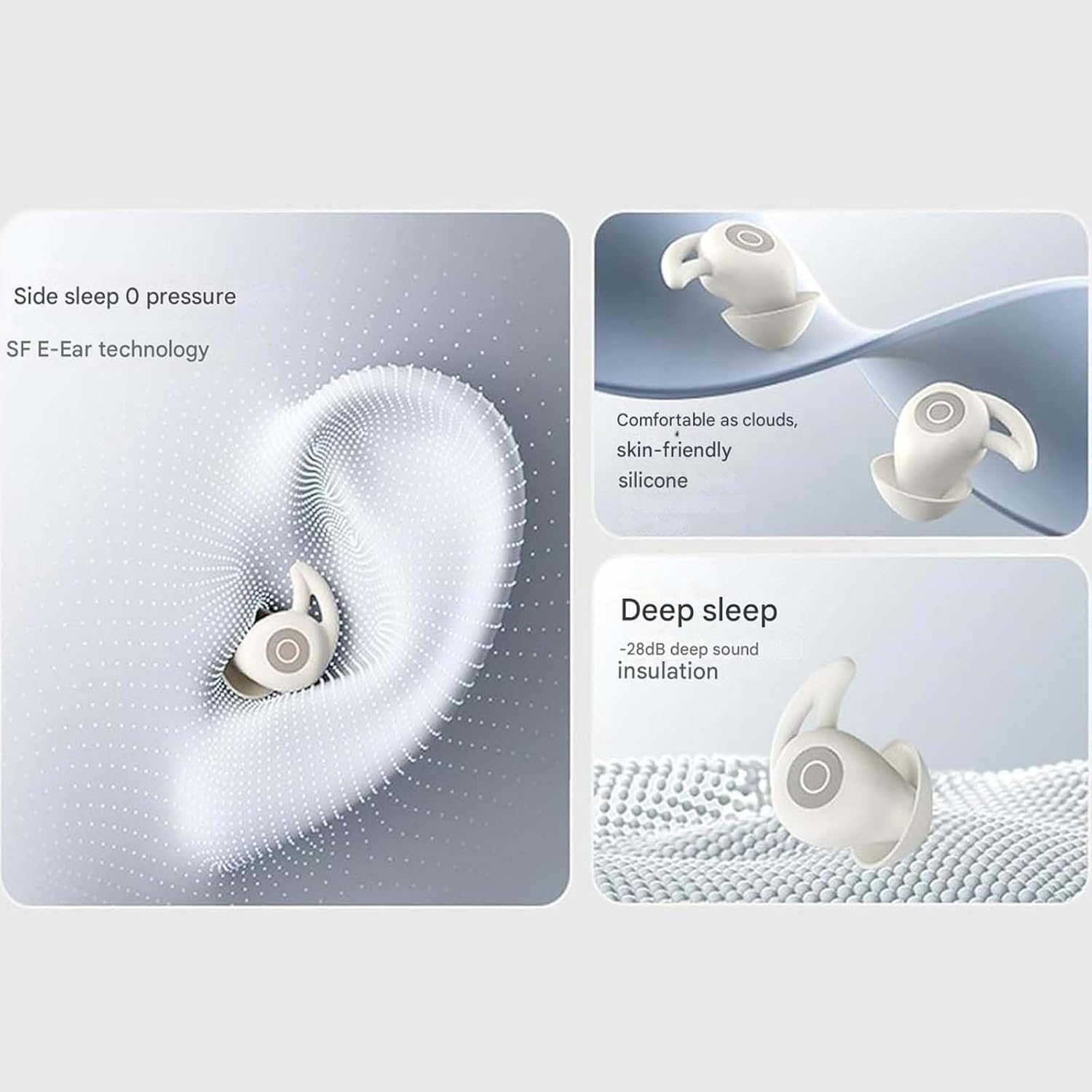
Image: A detailed view illustrating the comfortable and secure fit of the Snooze Pods Pro within the ear, highlighting the soft silicone tips and side-sleep compatibility.
3. Operating Instructions
3.1 Power On/Off
- Power On: Open the charging case, and the earbuds will automatically power on and connect to the last paired device.
- Power Off: Place the earbuds back into the charging case and close the lid. They will automatically disconnect and power off.
3.2 Audio Playback and Calls
The Snooze Pods Pro are designed primarily for sleep-aiding sounds and passive noise reduction. While specific touch controls are not detailed, standard Bluetooth earbud functions typically include:
- Play/Pause: Single tap on either earbud.
- Answer/End Call: Single tap on either earbud.
- Reject Call: Press and hold on either earbud.
- Next Track: Double tap on the right earbud.
- Previous Track: Double tap on the left earbud.
- Volume Control: Typically controlled via the connected device.
3.3 Noise Reduction Functionality
The Snooze Pods Pro utilize passive noise-canceling features combined with soothing sounds to help block out disruptive environmental noise and promote sleep.
- The physical design of the earbuds, particularly the snug silicone tips, creates a seal that passively blocks external sounds.
- Pair with a sleep sound app or play calming audio from your device to enhance the noise-masking effect.
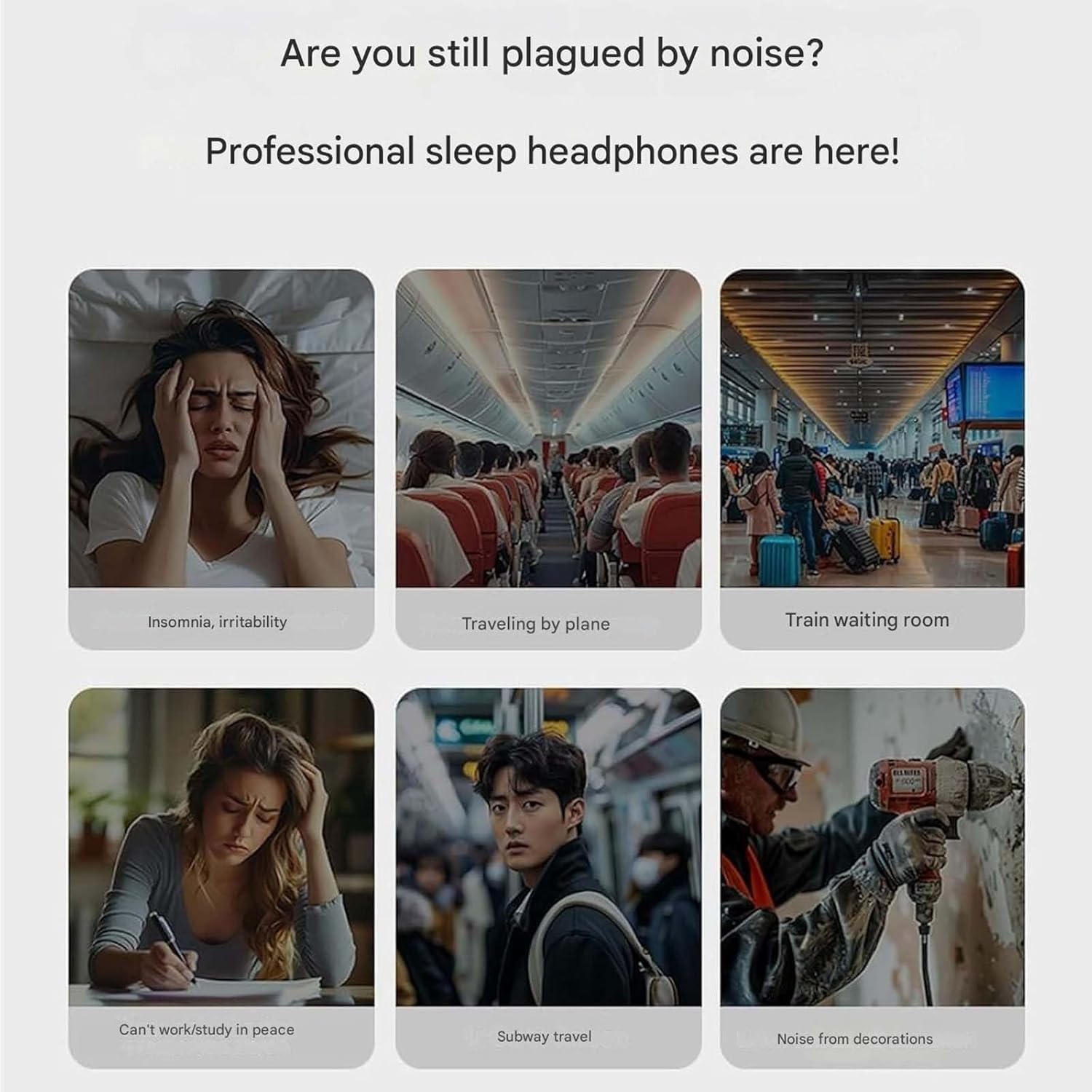
Image: An illustration depicting common noisy environments and situations (e.g., airplane, train, construction, insomnia) where the Snooze Pods Pro's noise reduction capabilities can provide relief and aid sleep.
4. Maintenance
4.1 Cleaning Your Snooze Pods Pro
Regular cleaning ensures optimal performance and hygiene.
- Gently wipe the earbuds and charging case with a soft, dry, lint-free cloth.
- For the silicone ear tips, remove them from the earbuds and wash them with mild soap and water. Rinse thoroughly and allow them to air dry completely before reattaching.
- Do not use abrasive cleaners, alcohol, or harsh chemicals.
- Avoid getting moisture into the charging ports or speaker grilles.
4.2 Storage
When not in use, store your Snooze Pods Pro in their charging case to protect them and keep them charged.
- Store in a cool, dry place, away from direct sunlight and extreme temperatures.
- Avoid dropping or subjecting the device to strong impacts.
5. Troubleshooting
If you encounter issues with your Snooze Pods Pro, refer to the following common problems and solutions:
- No Power/Not Charging:
- Ensure the charging cable is securely connected to both the case and the power source.
- Check if the power adapter is working.
- Make sure the earbuds are correctly seated in the charging case.
- Clean the charging contacts on both the earbuds and the case with a dry cotton swab.
- Cannot Pair with Device:
- Ensure Bluetooth is enabled on your device and the earbuds are in pairing mode.
- Move the earbuds closer to your device.
- Forget "Noorasleep Snooze Pods Pro" from your device's Bluetooth list and try pairing again.
- Restart both your device and the earbuds (by placing them in the case and closing/opening the lid).
- No Sound/Low Volume:
- Increase the volume on your connected device.
- Ensure the earbuds are properly connected to your device.
- Check for debris blocking the speaker grilles and gently clean if necessary.
- Ensure the ear tips provide a good seal in your ear.
- Intermittent Connection:
- Keep the connected device within the effective Bluetooth range (typically 10 meters/33 feet) and avoid obstacles.
- Minimize interference from other wireless devices.
6. Specifications
| Model Name | 1 |
| Brand | Generic |
| Connectivity Technology | Wireless (Bluetooth 5.3) |
| Ear Placement | On Ear (referring to the fit, not traditional on-ear headphones) |
| Form Factor | On Ear (referring to the fit, not traditional on-ear headphones) |
| Color | Black |
| Item Weight | 3.52 ounces |
| Package Dimensions | 4.72 x 3.94 x 1.57 inches |
| Manufacturer | Generic |
| Battery Life (Earbuds) | Up to 8 hours |
| Charging Case Battery | Provides extra charges |

Image: A table displaying technical specifications for a similar product model, including input interface (TYPE-C), Bluetooth version (5.3), headphone battery capacity (30mAh), compartment battery capacity (300mAh), call time (4.5 hours), and music time (4 hours). Note: The model name in this image is "MiniOne" while the product is "1". The specifications in the table above are derived from the product data, not solely from this image.
7. Warranty and Support
For warranty information and customer support, please refer to the documentation provided with your purchase or contact the manufacturer directly. As per the product information, the manufacturer is Generic.
Please retain your proof of purchase for any warranty claims.