
1. Introduction
Thank you for choosing the HISION SAT30 Cordless Robotic Pool Cleaner. This manual provides essential information for the safe and efficient operation, maintenance, and troubleshooting of your device. Please read it thoroughly before first use and keep it for future reference.
The HISION SAT30 is designed to provide a spotless and hygienic swimming environment by effortlessly removing leaves, dirt, and pet hair from your pool. It features a powerful 180W motor, a 150-minute battery life for pools up to 2000 sq. ft, and smart sonar-based navigation for efficient cleaning.
2. Product Overview
Key Features
- Powerful 180W Motor: Equipped with an advanced suction mechanism for deep cleaning performance.
- Extended Battery Life: Up to 150 minutes of runtime, suitable for pools up to 2000 sq. ft.
- Auto-Parking: Automatically navigates to the pool's edge when the battery is low for easy retrieval.
- Versatile Cleaning: Capable of floor, wall-climbing, and waterline cleaning.
- Smart Sonar-Based Navigation: Optimizes cleaning routes for maximum efficiency and full pool coverage.
- Cordless Design: Offers hassle-free operation without tangled cords.
- 3.5L Large Filter Basket: Easy to load and clean.
Components in the Box
The HISION SAT30 Robotic Pool Cleaner comes fully assembled for immediate use. The package includes:
- 1 x Cordless Pool Cleaner
- 1 x Hook (for retrieval)
- 1 x Charger
- 1 x User Manual
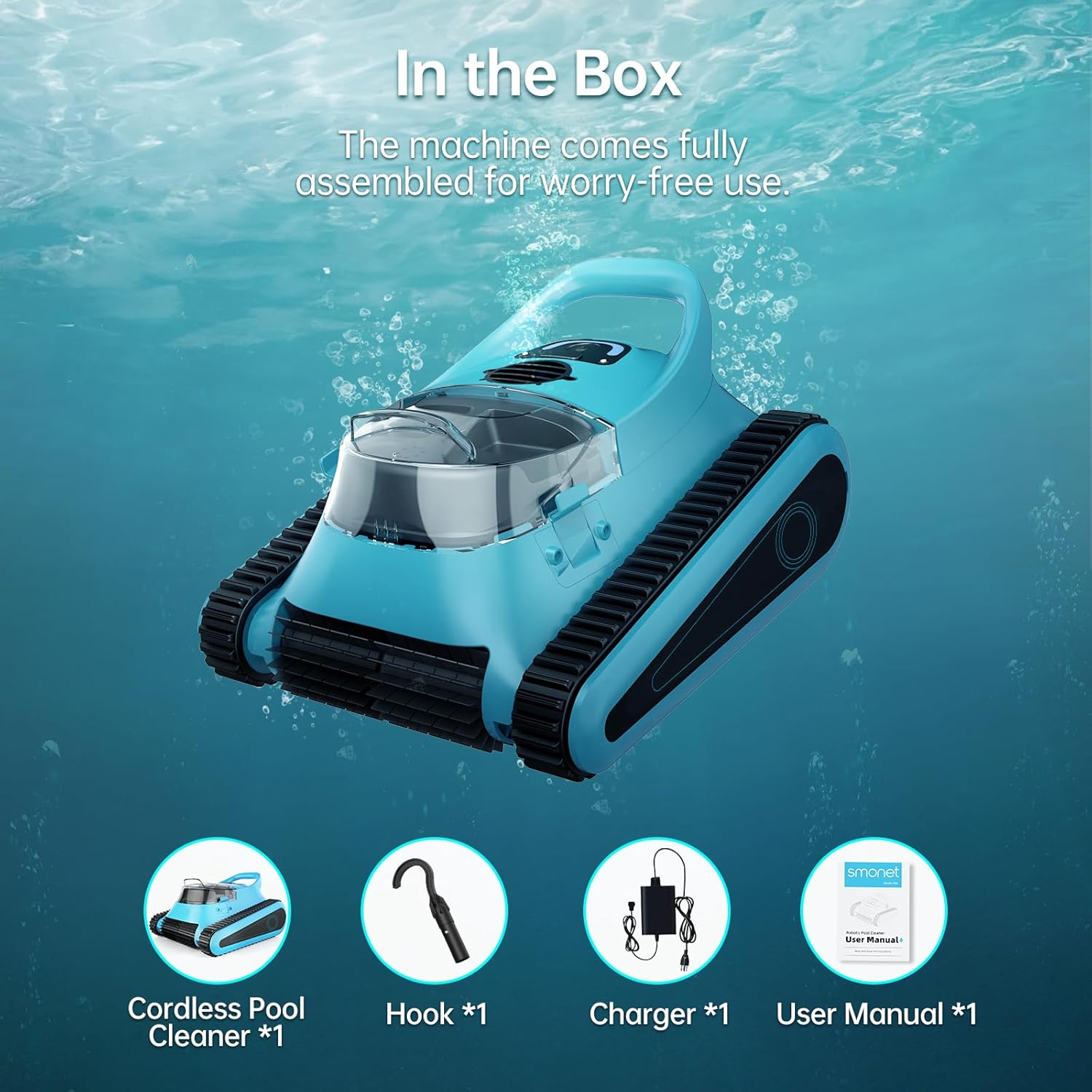
Image: Contents of the HISION SAT30 package, including the cleaner, hook, charger, and user manual.
3. Setup
Initial Charging
Before first use, fully charge the robotic pool cleaner. The device features rapid charging, reaching full capacity in approximately 2.5 hours.
- Connect the charger to a power outlet.
- Plug the charging cable into the charging port on the robotic pool cleaner.
- Allow the unit to charge until the indicator light shows a full charge.
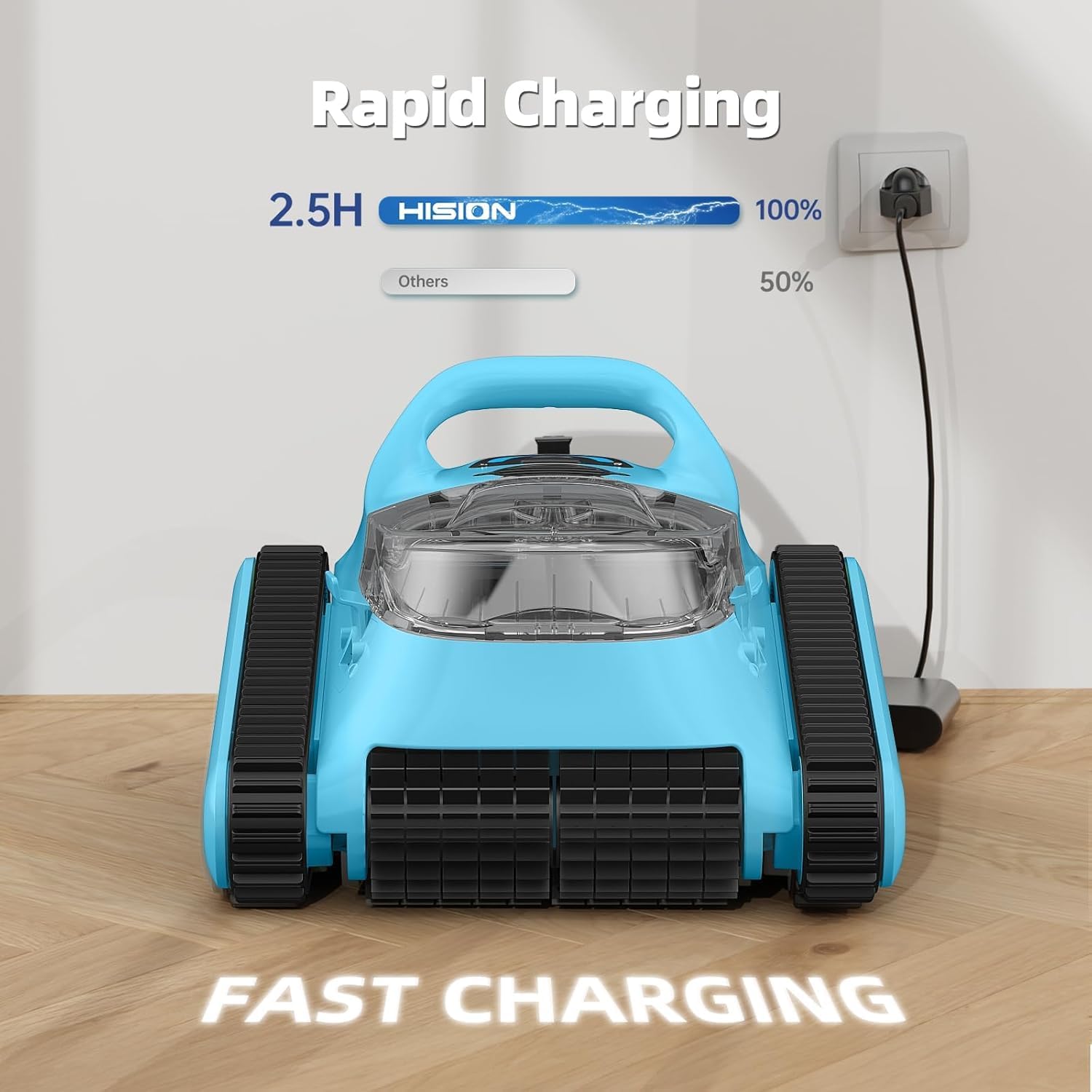
Image: The HISION SAT30 cleaner undergoing rapid charging.
Placement in Pool
Once charged, the cleaner is ready for deployment. Simply place it into the pool. The cordless design eliminates the need for complex setup or hose connections.

Image: The cordless design of the HISION SAT30 allows for easy placement in the pool.
4. Operating Instructions
Starting the Cleaner
The HISION SAT30 features a simple one-press start mechanism. After placing the cleaner in the water, press the power button to initiate a cleaning cycle.
Video: This video demonstrates the one-press start function and the powerful 180W suction of the HISION Cordless Robotic Pool Cleaner as it cleans the pool floor and walls.
Cleaning Modes
The cleaner offers multiple cleaning modes to suit your pool's needs:
- Floor-Only: Cleans the pool floor.
- Wall-Only: Cleans pool walls and the waterline.
- All Cover: Provides comprehensive cleaning of all pool areas (floor, walls, and waterline).
The smart sonar-based navigation system intelligently maps and optimizes cleaning routes to ensure thorough coverage.

Image: The HISION SAT30 provides full cleaning coverage for both the pool floor and walls.

Image: The HISION SAT30 performing waterline scrubbing and wall cleaning.
Auto-Parking Feature
When the battery level is low, the cleaner will automatically navigate to the nearest pool edge for easy retrieval. Audio and LED alerts will notify you of its status.
5. Maintenance
Cleaning the Filter Basket
Regular cleaning of the 3.5L large filter basket is crucial for maintaining optimal suction power and cleaning efficiency.
- Retrieve the cleaner from the pool.
- Open the top cover of the cleaner to access the filter basket.
- Remove the filter basket.
- Empty any collected debris and rinse the basket thoroughly with clean water.
- Ensure the filter basket is dry before reinserting it into the cleaner.
- Close the top cover securely.

Image: The 3.5L large filter basket is designed for easy removal and cleaning.
6. Troubleshooting
If you encounter issues with your HISION SAT30, refer to the following common solutions:
| Problem | Possible Cause | Solution |
|---|---|---|
| Cleaner does not start | Low battery or power button not pressed correctly. | Ensure the unit is fully charged. Press the power button firmly. |
| Reduced suction power | Clogged filter basket. | Clean the filter basket thoroughly as described in the Maintenance section. |
| Cleaner not covering entire pool | Obstructions in the pool or incorrect cleaning mode selected. | Remove any large debris from the pool. Ensure the 'All Cover' cleaning mode is selected for full coverage. |
| Cleaner gets stuck | Obstruction or uneven pool surface. | Remove any potential obstructions. The rugged caterpillar treads are designed for various surfaces, but extreme unevenness may cause issues. |
| Cleaner stops mid-cycle | Low battery. | The cleaner will auto-park when the battery is low. Retrieve and recharge the unit. |
7. Specifications
| Feature | Detail |
|---|---|
| Model Name | SAT30 |
| Brand | HISION |
| Power Source | Battery Powered |
| Motor Power | 180W |
| Battery Runtime | Up to 150 minutes |
| Charging Time | Approximately 2.5 hours |
| Recommended Pool Size | Up to 2,000 sq. ft |
| Cleaning Capabilities | Floor, Wall-Climbing, Waterline |
| Control Method | App (Smart Navigation) |
| Filter Basket Capacity | 3.5L |
| Product Dimensions | 15.1"L x 10.1"W x 16.8"H |
| Material | Plastic |
| Color | Blue |
8. Warranty and Support
Warranty Information
The HISION SAT30 Cordless Robotic Pool Cleaner comes with a 3-Year Complete Unit Replacement warranty. This warranty covers manufacturing defects and ensures your unit is replaced if issues arise within the warranty period.
Customer Support
For any questions, technical assistance, or warranty claims, please contact HISION Direct customer support. Refer to the contact information provided on the product packaging or the official HISION website for the most up-to-date support channels.