
Introduction
The NEEWER 400mm Telephoto Phone Camera Lens is designed to enhance your smartphone photography by bringing distant subjects into clear focus. This versatile lens also features a 70cm minimal focus distance, allowing it to function as a macro lens for detailed close-up shots. It is compatible with various smartphones, including iPhone, Samsung, and Android devices, through a secure 17mm threaded lens clip or compatible phone cases and backplates.

Image: The NEEWER 400mm Telephoto Phone Camera Lens, shown attached to a smartphone, alongside its carrying case and lens caps.
What's in the Box
Verify that all components are present upon unboxing:
- 1 x Telephoto Lens
- 1 x Lens Clip
- 2 x Lens Cap
- 1 x Cleaning Cloth
- 1 x Storage Case
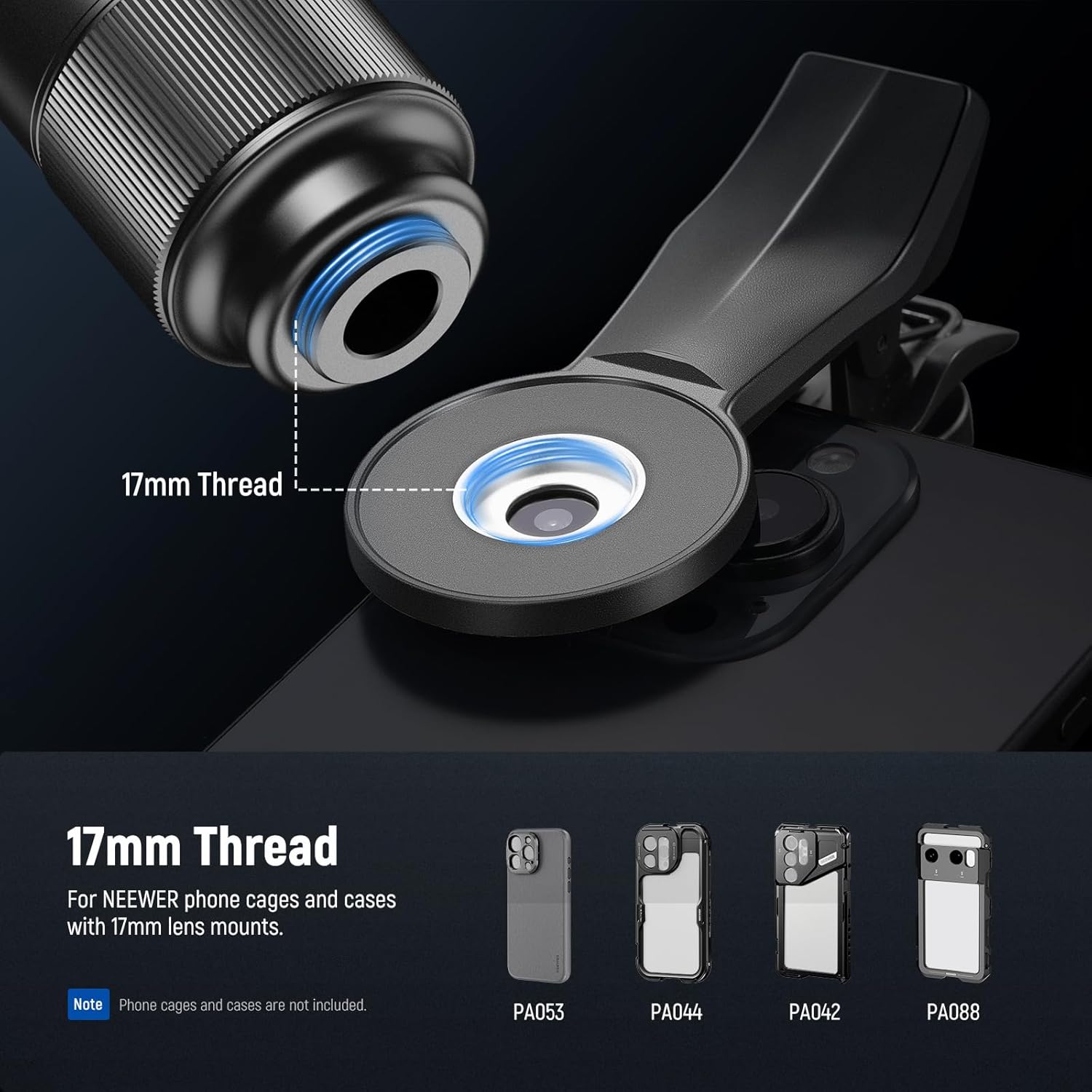
Image: All items included in the product package, laid out for inspection.
Setup Instructions
Attaching the Lens
Follow these steps to securely attach the telephoto lens to your smartphone:
- Align the main camera lens of your smartphone with the center of the phone clip. Tighten the knob on the clip to secure it to your phone.
- Align the 17mm threaded base of the telephoto lens with the 17mm thread on the phone clip.
- Gently turn the lens clockwise to screw it onto the clip until it is firmly attached.
- Ensure the lens is centered over your phone's main camera for optimal image capture.

Image: Step-by-step instructions demonstrating the attachment of the lens to a smartphone.
Compatibility
The 17mm threaded lens clip is designed for broad compatibility with various smartphones. For enhanced stability and precise alignment, the telephoto lens can also be directly mounted onto NEEWER phone cages, phone cases, and backplates that feature a 17mm thread.

Image: Illustration of the 17mm thread connection point and examples of compatible NEEWER phone accessories.
Operating Instructions
Focusing
To achieve clear images, rotate the focusing ring on the lens until your subject appears sharp. This lens supports manual focus for precise control over your shots.
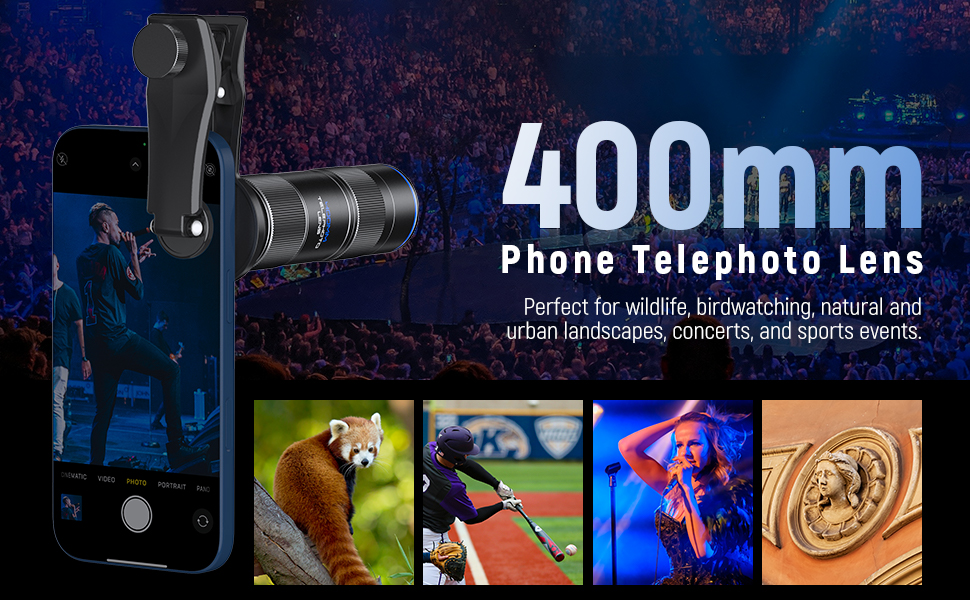
Image: A user adjusting the focus ring on the lens, demonstrating how to achieve clear images.
Minimal Focus Distance
The lens offers a minimal focus distance of 70cm (approximately 27.5 inches). This feature allows for detailed close-up photography, effectively doubling the lens's utility as a macro lens for capturing fine details of nearby subjects.
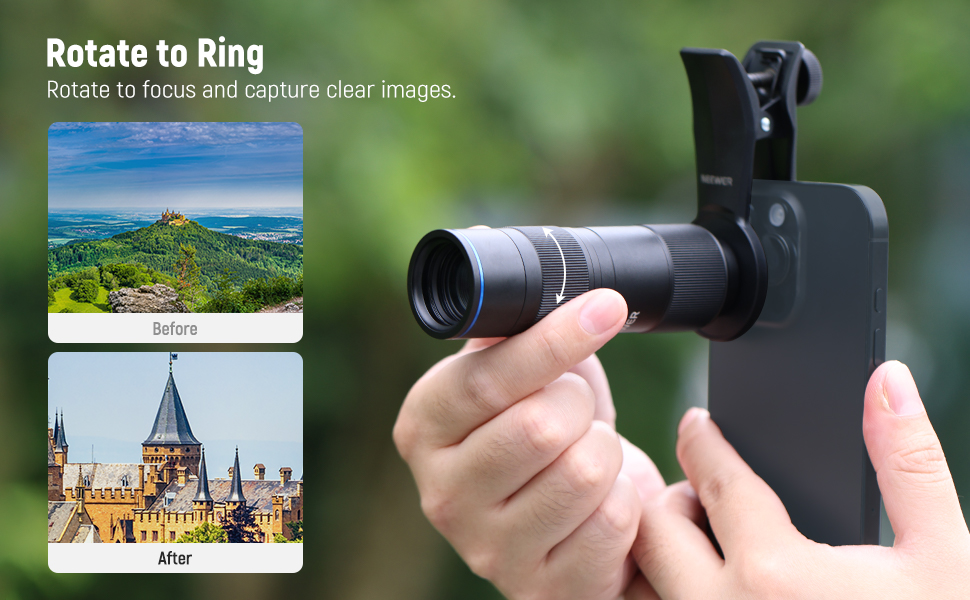
Image: A visual representation of the lens's ability to focus on subjects as close as 70cm, ideal for macro photography.
Eliminating Vignetting
If dark corners (vignetting) appear in your images, zoom in 1-2x or more within your phone's camera settings until the vignetting disappears from the frame. This adjustment ensures the lens's field of view fills the entire sensor area.
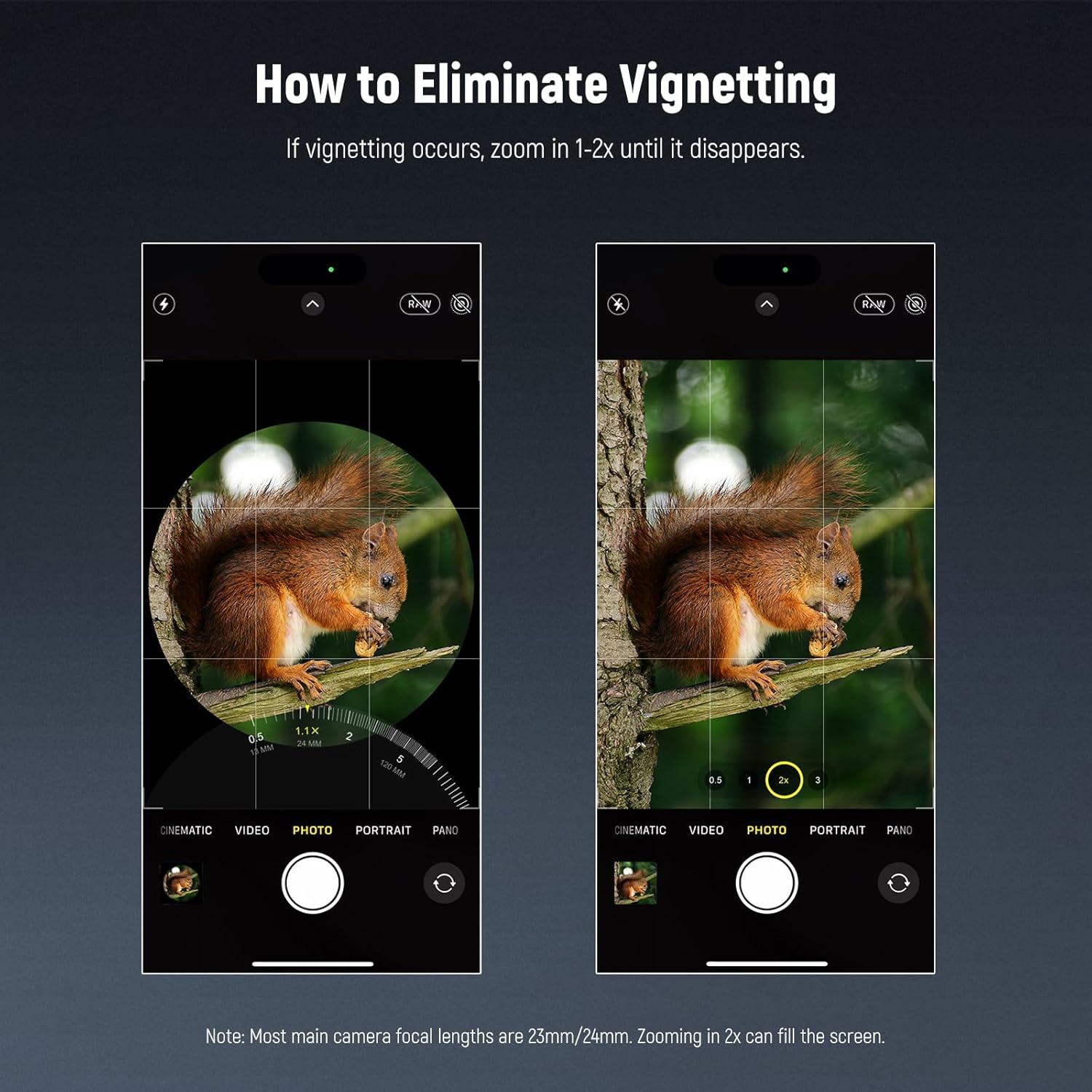
Image: A comparison of a smartphone photo with vignetting and the same photo after applying a 2x digital zoom to remove the effect.
Optimal Zoom Settings
For optimal image quality, it is recommended to shoot at 2x zoom in your phone's camera settings. Disable any macro mode if it interferes with the telephoto function and avoid using other digital zoom levels that may degrade image quality.

Image: Screenshots of iOS and Android camera apps illustrating the recommended 2x zoom setting and how to manage macro control.
Using as a Telescope
The telephoto lens can also be used as a standalone telescope. Attach an optional eyepiece (not included) to the lens to observe distant views without a smartphone.

Image: A person looking through the telephoto lens, demonstrating its use as a monocular telescope.
Maintenance
To ensure the longevity and optimal performance of your lens, follow these maintenance guidelines:
- Cleaning: Use the provided cleaning cloth to gently wipe the lens surfaces. For stubborn smudges, use a lens cleaning solution specifically designed for optical glass. Avoid using abrasive materials or harsh chemicals.
- Storage: Always use the lens caps when the lens is not in use to protect the optical elements from dust and scratches. Store the lens in its protective storage case in a dry, cool environment.
- Handling: Handle the lens with care to prevent drops or impacts, which can damage the internal optical components.
Troubleshooting
Vignetting (Dark Corners)
If you observe dark corners in your photos, this is typically due to the lens's field of view not fully covering your phone's camera sensor. To resolve this, zoom in 1-2x or more using your phone's native camera application until the dark edges are no longer visible.
Unclear or Blurry Images
If your images appear blurry or out of focus:
- Ensure the lens is securely attached and perfectly aligned with your phone's main camera.
- Manually adjust the focusing ring on the lens until the subject is sharp.
- Clean the lens surfaces and your phone's camera lens with the provided cleaning cloth to remove any dust or smudges.
- For best results, especially with telephoto photography, use a tripod to minimize camera shake and ensure stability.
Specifications
| Feature | Detail |
|---|---|
| Model Number | LS-78 (10106838) |
| Focal Length | 400mm |
| Lens Type | Telephoto, Macro |
| Compatible Mountings | Smartphones (via 17mm threaded clip/case) |
| Optical Construction | 15 elements in 12 groups (Premium HD optical glass) |
| Minimal Focus Distance | 70cm |
| Item Weight | 4 ounces |
| Color | Black |
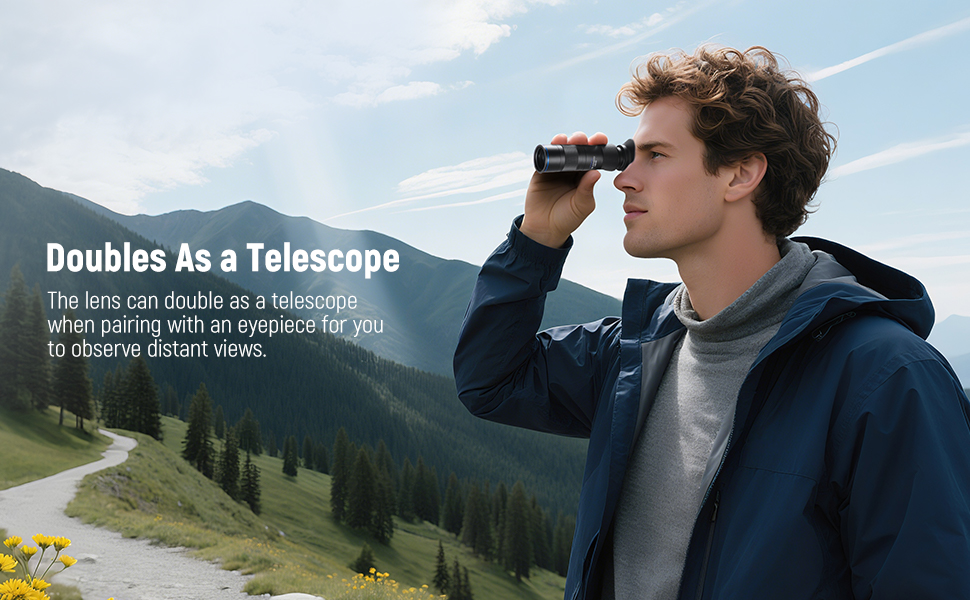
Image: An exploded view diagram showcasing the premium HD optical glass elements within the lens.
Warranty and Support
For warranty information, technical support, or any inquiries regarding your NEEWER 400mm Telephoto Phone Camera Lens, please refer to the official NEEWER website or contact their customer service directly. Keep your purchase receipt as proof of purchase for warranty claims.