
1. Introduction
Thank you for choosing the JNDRO Wall-Mounted Space Heater. This manual provides essential information for the safe and efficient operation of your new appliance. Please read all instructions carefully before use and retain this manual for future reference.
This electric space heater is designed for indoor use, offering rapid heating and versatile control options to maintain a comfortable environment in areas such as bedrooms, home offices, or other small to medium-sized rooms. Its wall-mounted design helps save floor space, and multiple safety features ensure reliable operation.
2. Important Safety Instructions
When using electrical appliances, basic precautions should always be followed to reduce the risk of fire, electric shock, and injury to persons, including the following:
- Read all instructions before using this heater.
- This heater is hot when in use. To avoid burns, do not let bare skin touch hot surfaces. Use handles when moving this heater. Keep combustible materials, such as furniture, pillows, bedding, papers, clothes, and curtains at least 3 feet (0.9 m) from the front of the heater and away from the sides and rear.
- Extreme caution is necessary when any heater is used by or near children or invalids and whenever the heater is left operating and unattended.
- Always unplug heater when not in use.
- Do not operate any heater with a damaged cord or plug or after the heater malfunctions, has been dropped or damaged in any manner. Return heater to authorized service facility for examination, electrical or mechanical adjustment, or repair.
- Do not use outdoors.
- This heater is not intended for use in bathrooms, laundry areas, and similar indoor locations. Never locate heater where it may fall into a bathtub or other water container.
- Do not run cord under carpeting. Do not cover cord with throw rugs, runners, or similar coverings. Arrange cord away from traffic area and where it will not be tripped over.
- To disconnect heater, turn controls to OFF, then remove plug from outlet.
- Do not insert or allow foreign objects to enter any ventilation or exhaust opening as this may cause an electric shock or fire, or damage the heater.
- To prevent a possible fire, do not block air intakes or exhaust in any manner. Do not use on soft surfaces, like a bed, where openings may become blocked.
- A heater has hot and arcing or sparking parts inside. Do not use it in areas where gasoline, paint, or flammable vapors or liquids are used or stored.
- Use this heater only as described in this manual. Any other use not recommended by the manufacturer may cause fire, electric shock, or injury to persons.
- Always plug heaters directly into a wall outlet/receptacle. Never use with an extension cord or relocatable power tap (outlet/power strip).
- This heater includes an Overheat Protection feature. If the heater overheats, it will automatically shut off.
3. Product Features
- ECO Energy-Saving Thermostat Mode: Automatically adjusts heating power based on ambient temperature (41℉ to 95℉) for energy efficiency.
- Remote Control & LED Display: Adjust temperature, timer, fan speed, and oscillation from a distance. Clear LED screen displays current settings.
- Three Oscillation Angles: Supports 60°, 90°, and 120° oscillation for wide and even heat distribution.
- Child Lock & Multiple Safety Protections: Prevents accidental operation and includes overheat protection.
- 24-Hour Timer: For convenient and energy-saving operation.
4. Package Contents
- JNDRO Wall-Mounted Space Heater (Model PTC-SL001)
- Remote Control (requires 2 AAA batteries, not included)
- Mounting Hardware (screws, anchors)
- Installation Template with Built-in Level
- User Manual
5. Specifications
| Specification | Value |
|---|---|
| Brand | JNDRO |
| Model Number | PTC-SL001 |
| Product Dimensions | 16.54"D x 10.24"W x 4.65"H |
| Item Weight | 7.04 pounds |
| Color | White |
| Form Factor | Wall Mount |
| Indoor/Outdoor Usage | Indoor |
| Fuel Type | Electric |
| Voltage | 120 Volts |
| Number of Speeds | 3 |
| Min Temperature Setting | 41 Degrees Fahrenheit |
| Max Temperature Setting | 95 Degrees Fahrenheit |
6. Setup and Installation
The JNDRO Wall-Mounted Space Heater is designed for easy installation. Follow these steps to securely mount your heater:
- Choose Location: Select a suitable indoor wall location, ensuring it is at least 3 feet (0.9 m) away from combustible materials (furniture, curtains, etc.) and not directly above or below a power outlet.
- Use Template: Place the provided installation template on the wall at your desired height. Use the built-in level on the template to ensure it is perfectly straight.
- Mark Holes: Mark the positions for the mounting screws through the designated holes on the template.
- Drill Holes: Drill pilot holes at the marked positions. If drilling into drywall, insert the provided wall anchors.
- Install Top Screws: Screw the top two mounting screws into the wall, leaving about 1/5 inch (5mm) of the screw head exposed to allow the heater to hang.
- Hang Heater: Carefully align the keyhole slots on the back of the heater with the exposed screw heads and hang the heater.
- Secure Bottom Brackets: Once the heater is hanging, unfold the bottom brackets on the heater. Insert and tighten the remaining screws through these brackets into the wall to fully secure the heater.
- Plug In: Ensure the power cord is properly routed and plug the heater directly into a 120V wall outlet. Do not use extension cords.
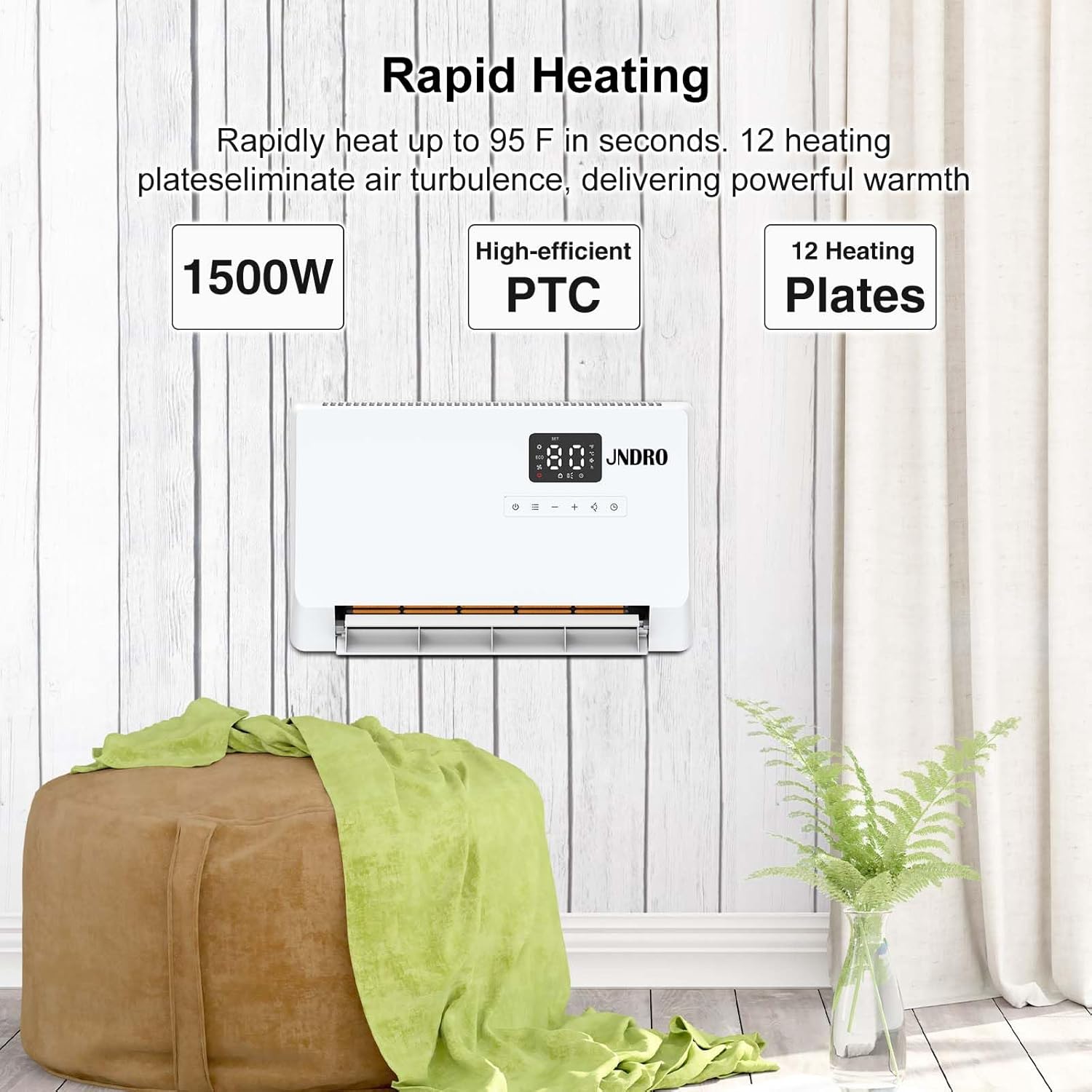
Image: JNDRO Wall-Mounted Space Heater with remote control, showing warm air output.

Image: Detailed view of the JNDRO heater's dimensions and control panel layout with button functions.
Video: Overview of the JNDRO Wall-Mounted Space Heater, demonstrating its features and design.
7. Operating Instructions
Control Panel and Remote Control
The heater can be operated using the touch control panel on the unit or the included remote control. The LED display shows current settings.
- Power (On/Off): Press to turn the heater on or off. Long press to restore factory settings.
- Mode (Power Heat/ECO/Fan Only): Cycle between heating modes (Power Heat, ECO, Fan Only). Long press to calibrate the temperature. In ECO mode, the heater automatically adjusts heating power based on the set and ambient temperature.
- Heat Level/Temperature: Use the '+' and '-' buttons to adjust the heating level in Power Heat mode, or to adjust the set temperature in ECO mode.
- Fan Angle: Touch the fan icon to switch between 120°, 90°, and 60° oscillation angles.
- Timer: Touch the timer icon to enter timer settings (1-24 hours). Long press to switch between Fahrenheit and Celsius.
- Child Lock: Hold the child lock button on the remote for 3 seconds to activate/deactivate.
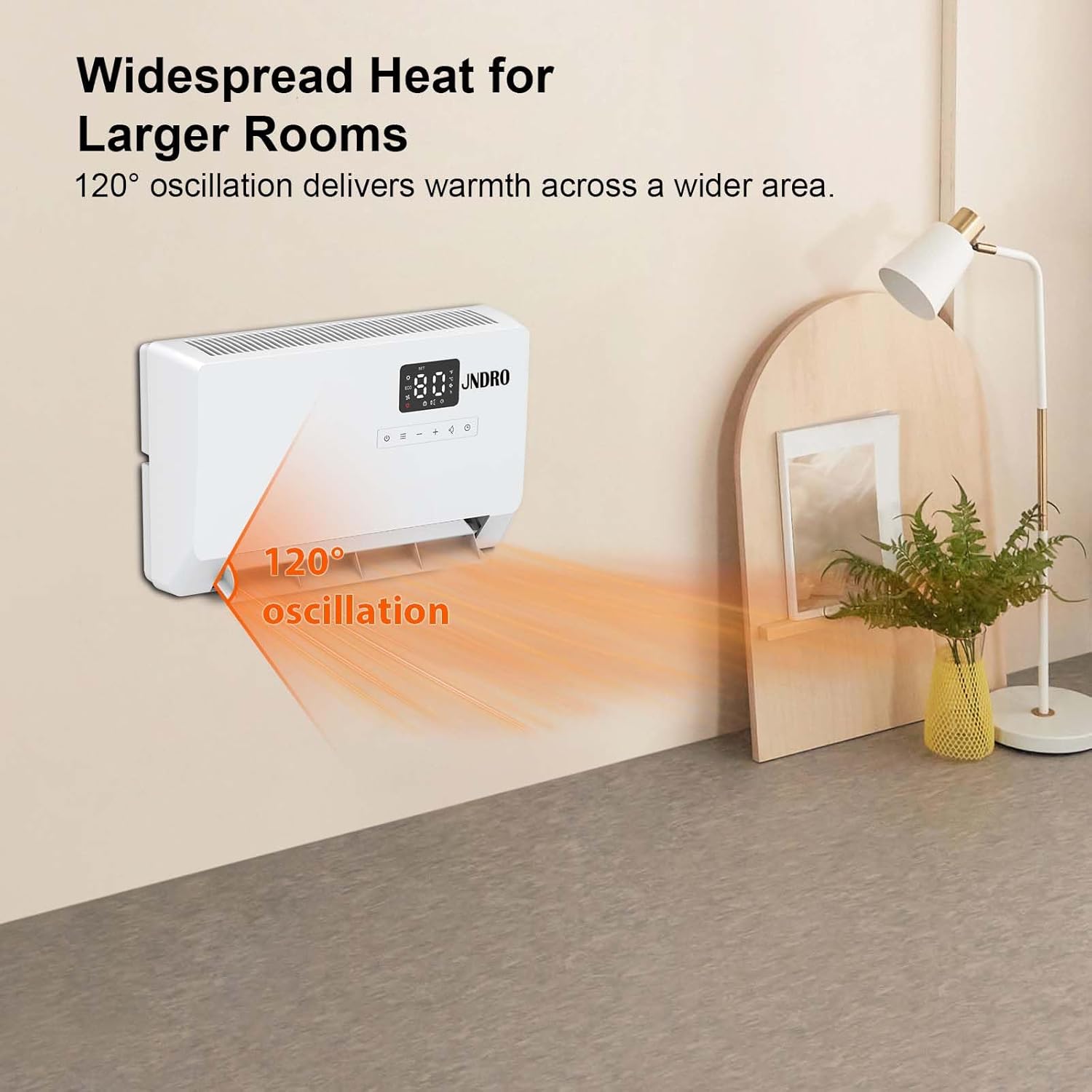
Image: User operating the JNDRO heater with the remote control for convenience.
8. Maintenance
Regular maintenance ensures the longevity and optimal performance of your heater.
- Cleaning: Always unplug the heater before cleaning. Use a soft, damp cloth to wipe the exterior surfaces. Do not use abrasive cleaners or solvents.
- Filter Cleaning: Regularly check and clean the air filter located on the side of the unit to maintain air quality and heating efficiency. Refer to the manual for specific filter removal and cleaning instructions.
- Storage: When not in use, store the heater in a cool, dry place.
9. Troubleshooting
If your heater is not operating correctly, please check the following common issues before contacting customer support:
- Heater not turning on: Ensure the power cord is securely plugged into a working 120V outlet. Check if the power button is pressed.
- No heat output: Verify that the heater is in Power Heat or ECO mode, not just Fan Only mode. Check the set temperature is higher than the ambient temperature.
- Heater overheats and shuts off: This is a safety feature. Unplug the heater, allow it to cool down for 30 minutes, and check for any obstructions to the air intake or exhaust.
- Remote control not working: Ensure the remote control has fresh AAA batteries and that there are no obstructions between the remote and the heater.
10. Warranty and Support
This JNDRO product comes with a 30-day return and 12-month replacement policy. For any questions, concerns, or support needs, please contact our customer service. Our friendly and reliable customer service team will respond within 24 hours.


